by
Krystal Yee
hyperPad Starter lets kids turn their ideas into playable games on iPad—no coding or subscriptions required, just creativity and a touch screen.
hyperPad Starter is the easiest way to make your own iPad game for free—no coding, no subscriptions, just pure drag-and-drop creativity.
Game development on iPad has come a long way, and if you’re searching for a free iPad game dev tool to kickstart your journey, look no further than hyperPad Starter.
In this guide, we’ll compare the top iPad-compatible game development tools, highlight their pros and limitations.
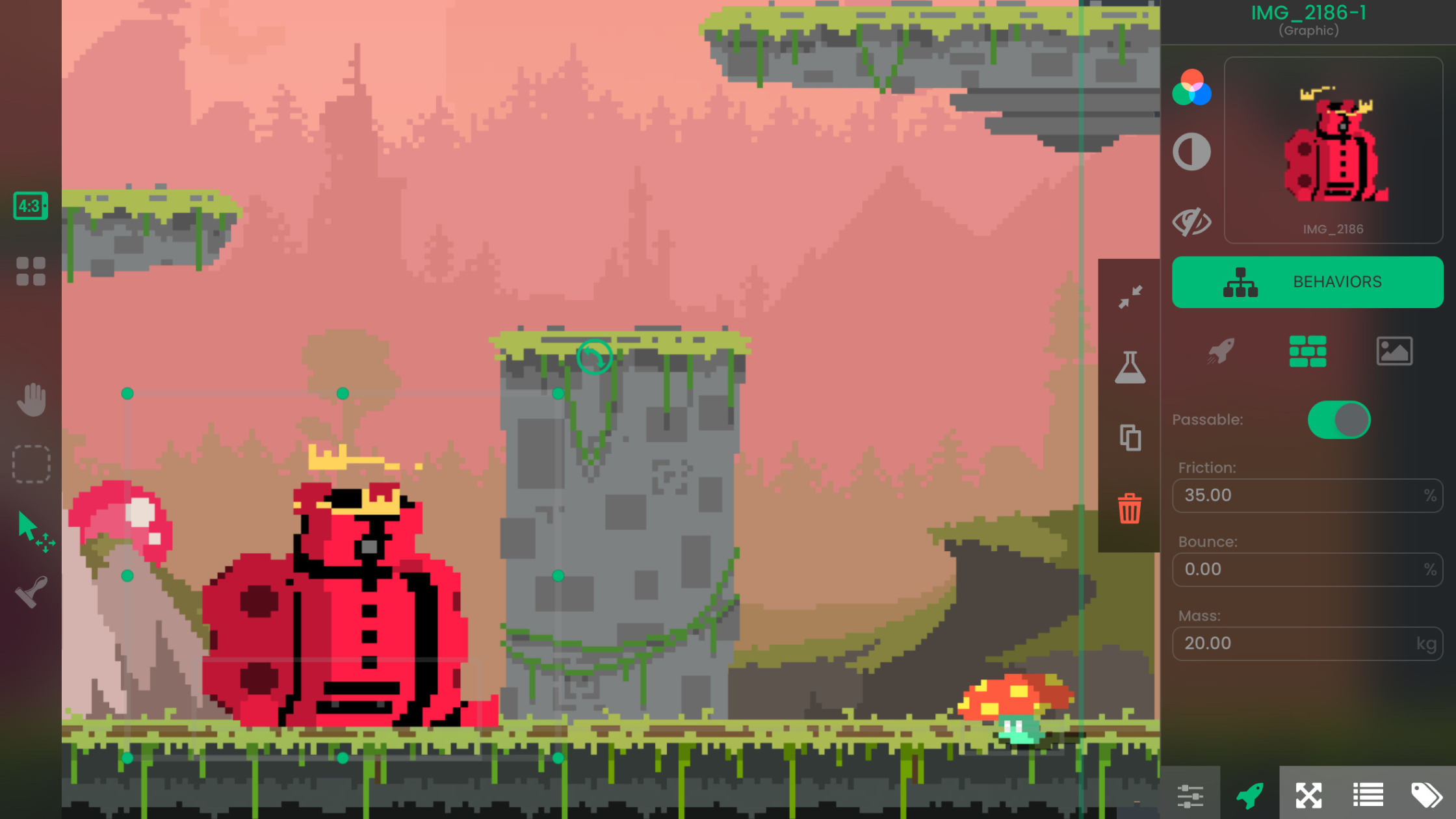
With PixelLab AI and hyperPad, you can design pixel art and build iOS games entirely on iPad—no coding or extra tools needed.
hyperPad teaches programming logic and game design through visual creation—no coding, just pure creativity.
“Tiny world” isn’t a strict genre—it’s a creative theme. Here are some inspirational case studies of popular games following that theme!
Create your own game on iPad for free—with hyperPad Starter!
If you're wondering how to promote your iOS game, this guide will show you how to leverage Apple Search Ads to increase downloads and reach high-intent users directly in the App Store.
Learn how to create a 2048-style puzzle game using hyperPad on your iPad. This no-code tutorial walks you through game setup, logic, and publishing to the App Store.
We’re launching our first-ever Bi-Monthly Game Challenge, and you’re invited to take part in an epic weekend of game-making!
You can now win beautiful 3D awards to highlight your unique user achievements and project excellence on hyperPad.
Make your own New York Times Games like Wordle, Spelling Bee, or Connections on iPad with no code!
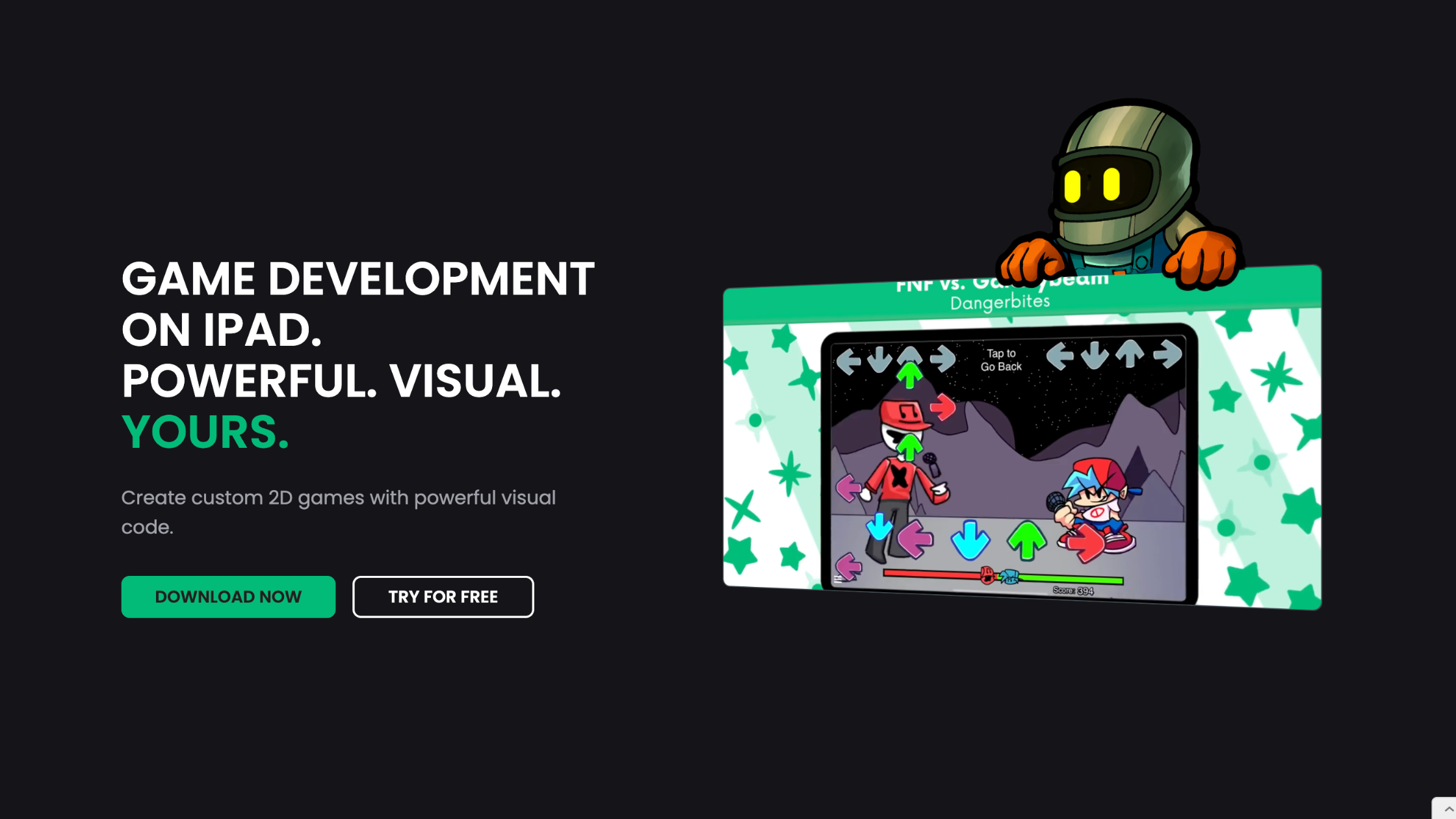
Anyone from hobbyists to indie developers can create stunning 2D games without writing a single line of code.
Jump into game development on iPad, great for classrooms and students of all ages!
Be the first to hear about new blogs, updates and fun events!