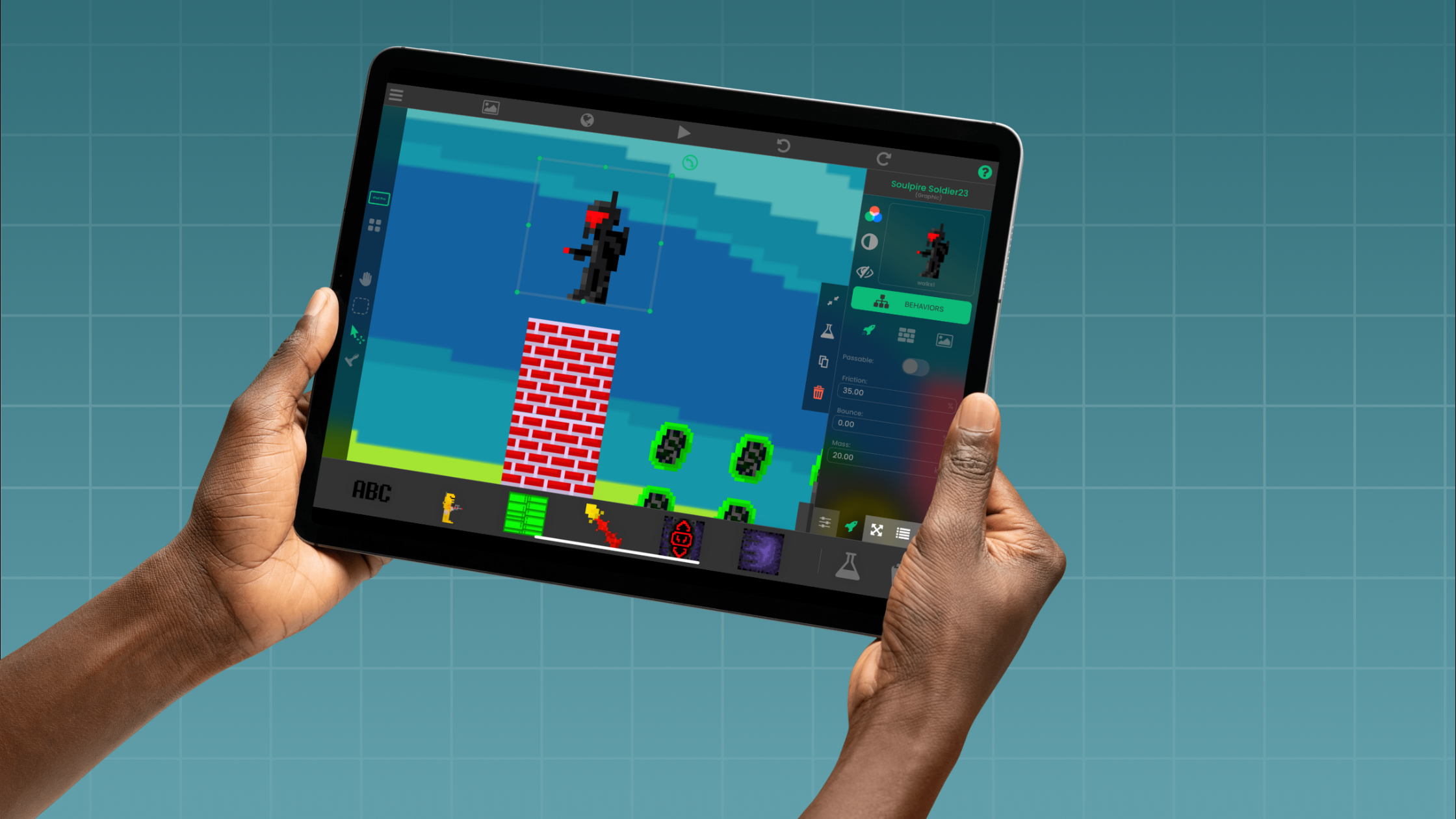
hyperPad: An Educational & Creative App for Kids, Teens, and Families


Looking for an educational, creative app for your child’s iPad? One that sparks imagination, builds real-world skills, and turns screen time into creative time?
Meet hyperPad, the app that lets anyone create their own games, apps, and interactive stories on iPad. No coding required.
Maybe your child loves art, storytelling, puzzles, or science. hyperPad turns those ideas into interactive creations they can play, share, and even export to the App Store.
For the Whole Family
hyperPad is a creative playground as much as an educational app. Kids can make their own games, teens can build apps, and parents can join in. It’s a fun way for families to learn and create together.
From age 6 to 96, anyone can use hyperPad to make something of their own. We’ve seen families turn weekend projects into publishable games, students use it for school assignments, and teachers bring it into STEAM lessons around the world.
Why Families Love hyperPad
hyperPad is both educational and fun. It mixes creativity, logic, and play.
Here’s what makes it special:
-
Visual, drag-and-drop coding: Learn programming logic with Behaviors, without the frustration of syntax.
-
Your own ideas: Build your own characters, levels, and stories.
-
Real learning outcomes: Kids learn design thinking, storytelling, logic, and problem-solving.
-
Instant feedback: Test your creation right on the iPad with one tap.
-
Community sharing: Publish your projects to the hyperPad Hub and explore what other creators have made.
hyperPad turns the iPad into a hands-on learning tool for digital literacy and creativity.
hyperPad by Age Group
Ages 6–9: Creative Exploration For curious minds just starting to explore technology. Kids can drag, drop, and play with interactive Objects to see how things work. They learn by experimenting and imagining.
Ages 9–12: Game Builders This is where ideas turn into full games. Kids can design characters, add sound effects, and connect Behaviors to bring their stories to life. Along the way, they learn the basics of programming.
Ages 12–15: Young Developers Teens can create more advanced apps and games, design custom menus, and learn the game design principles professionals use, all on their iPad.
Ages 15+: Indie Creators & Students For school projects, portfolios, or fun, hyperPad lets students and adults make real iOS apps and games. No coding required. When a project is ready, the paid hyperPad app can export it to the App Store.
For Parents & Educators
Teachers and families use hyperPad for its educational value and creative potential. It supports STEAM learning, helps develop computational thinking, and builds confidence with technology.
Many schools use hyperPad to teach game design, storytelling, and interactive media, all on an iPad. For homeschool families, it’s a screen-time activity where kids make something instead of only watching.
Create and Learn Together
With hyperPad, kids get to make apps of their own. It balances education and entertainment, and it gives kids and families the tools to bring their ideas to life.
Turn your iPad into a creative studio and start building your own games, apps, and stories today!
Try hyperPad Starter, free on the App Store with one project.
hyperPad | The family-friendly app that turns players into creators.