Fredbear’s Family Diner on iPad, Fan Version

A Fan-Made Horror Game Built on iPad Is Gaining Attention on iOS
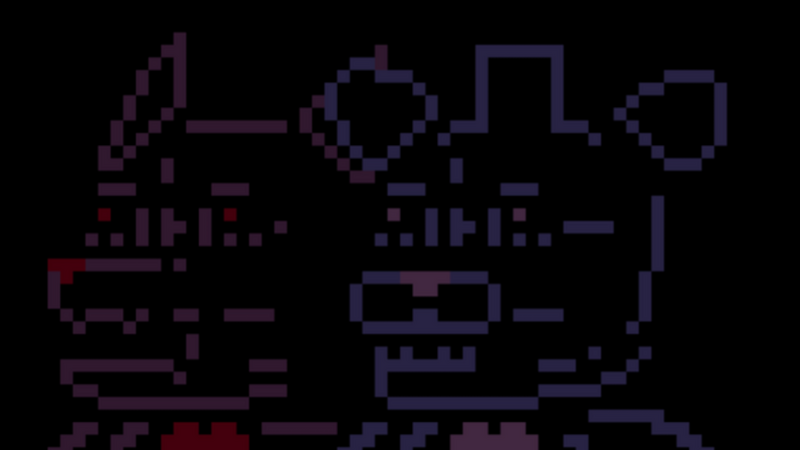
Fan-made games keep thriving on iOS, and one project catching attention now is a take on the horror game Fredbear’s Family Diner. A fan of the game, Sparkling Wall Games 2023, made their own version in hyperPad. They built it entirely on iPad, with no code.
You can play it right away in the hyperPad Hub app. It's a good example of how creators use mobile tools to turn fan ideas into playable games and share them with players around the world.
If you're browsing for something new to play on iOS, this one is worth a look.
What Is Fredbear’s Family Diner?
Fredbear’s Family Diner is a fan-created game inspired by classic animatronic horror. It's built around atmosphere, tension, and exploration. It's short, and you can jump in right away.
The game is free to play in the hyperPad Hub app, so it's easy to find and try on iOS.
It's a good pick if you're into:
-
fan-made horror games
-
indie iOS games
-
free games playable online
-
community-created content on mobile
Built Entirely on iPad With No Coding
The interesting part is how this game was made.
The creator built this Fredbear’s Family Diner mod entirely on iPad with hyperPad. They didn't use traditional programming, desktop software, or an outside engine.
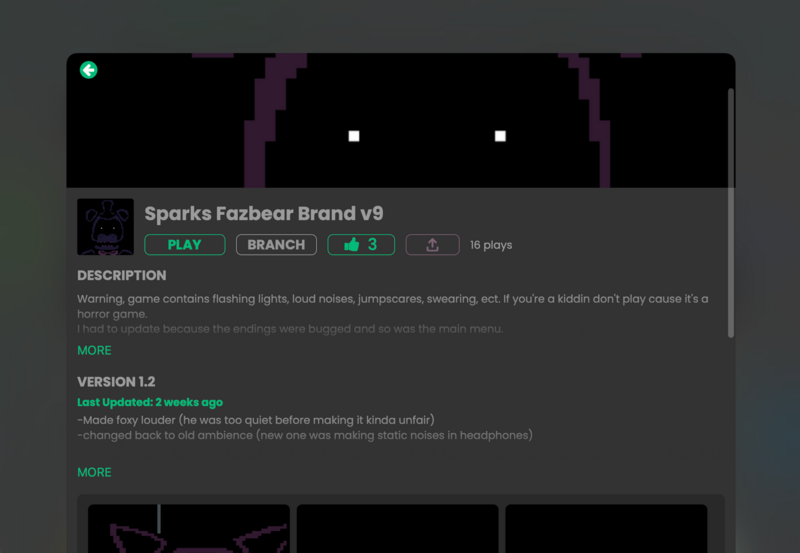
Play it here.
In hyperPad, you build gameplay and interactions by connecting Behaviors instead of writing code. That makes it approachable for beginners, students, artists, and hobbyists who want to make games on iOS.
It also answers questions you might have, like:
-
can you make a game on iPad
-
how to create an iOS game without coding
-
beginner game engines for iOS
-
mobile game development tools
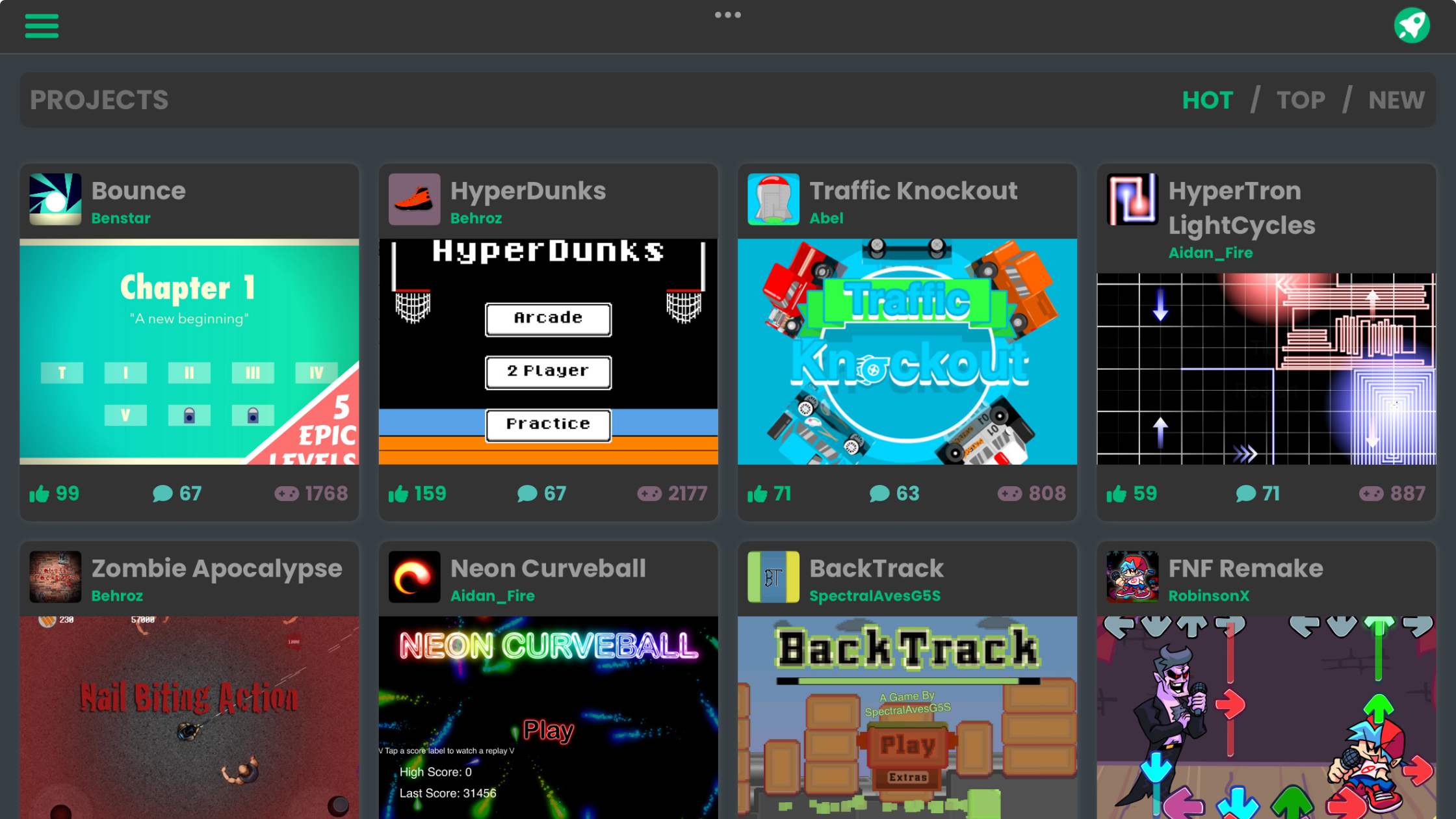
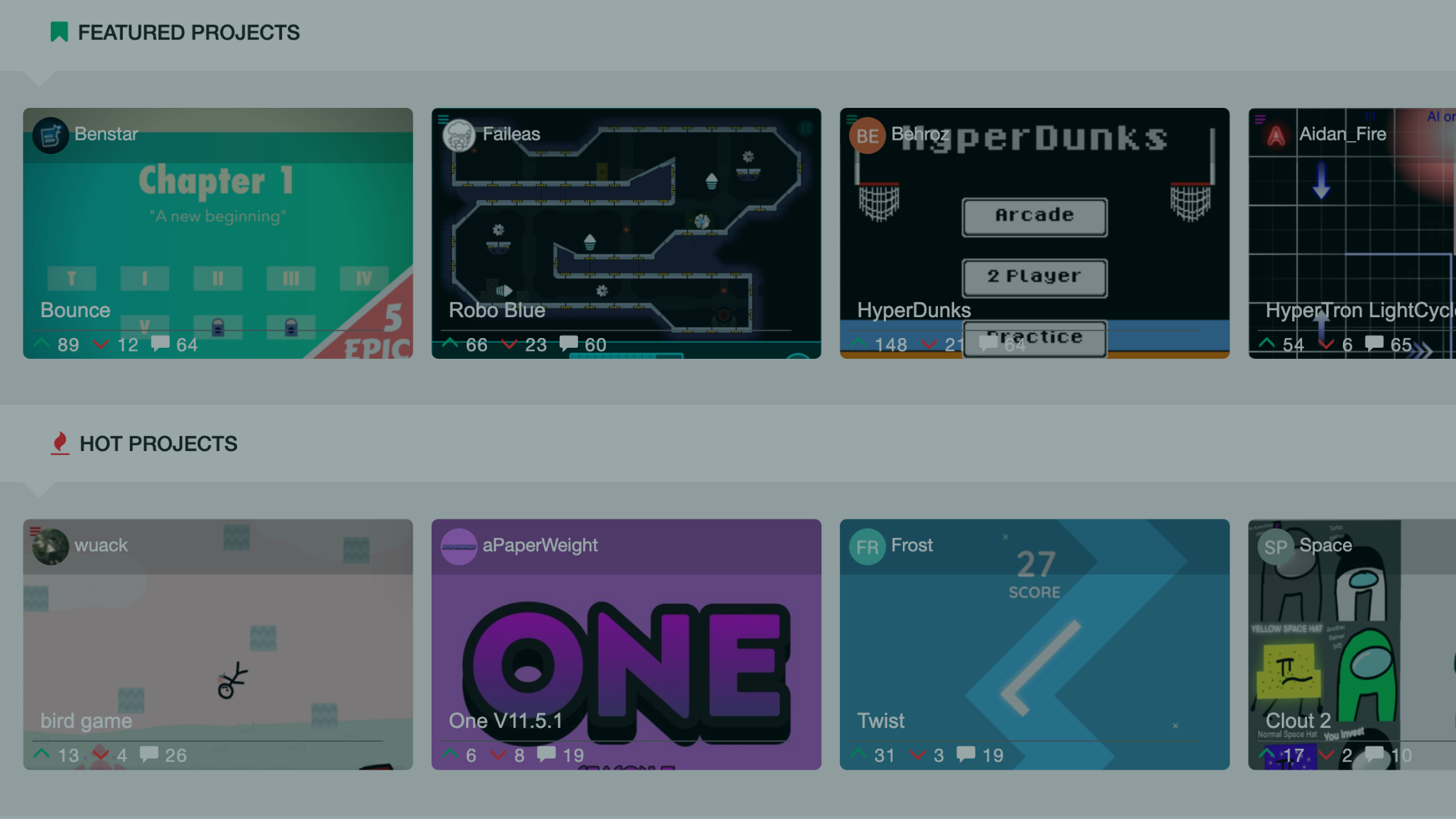
Discover Fan Games and Mods on the hyperPad Hub
The hyperPad Hub is where creators publish their games, mods, and experiments. Players use it to find new games, and creators use it to learn from each other.
Games on the Hub are:
-
playable instantly
-
created by the community
-
open to Branching when the creator makes them Open Source, so you can make your own version
-
shared globally
Fredbear’s Family Diner is one of a growing collection of fan projects and mods on the Hub. Many players find these games first, then open hyperPad to learn how they were made.
The Hub is a good fit if you like:
-
creative apps
-
user-generated games
-
no-code tools
-
iPad creativity
From Playing to Creating Your Own Game
Maybe you came for a game and found an idea. Projects like Fredbear’s Family Diner show that you don't need a studio or years of programming to make a game.
With hyperPad, you can:
-
build games directly on iPad
-
experiment with fan ideas or original concepts
-
Publish your game to the Hub
-
share playable projects with others
Many creators start by playing a Hub game that sparks an idea. Then they open hyperPad and start building.
Why This Matters for iOS Creativity
Fredbear’s Family Diner is part of a bigger change in how games are made and shared on mobile. On iOS, you can make games as well as play them.
It keeps getting easier to build and share fan projects, mods, and experimental games, and easier for players to find them. hyperPad is part of that change: it gives you a full game engine on your iPad.
Play, Explore, and Build on iOS
If you like finding unique fan-made games on iOS, Fredbear’s Family Diner is worth checking out. If it inspires you, hyperPad gives you the tools to make something of your own.
Use this example as context for the next decision in your Project. Check current event or product details, then test the idea in a small playable build before changing the larger workflow.