Game Making Software


Game Making Software: Tools for Every Creator
Game making software, also known as game development software or game engines, gives you the tools to bring game ideas to life. These platforms provide essential features such as graphics rendering, physics simulation, audio, and scripting. They cover everything from indie game dev projects to large-scale productions. There are options for every level, whether you're a professional or just starting out.
Some game engines require coding expertise. Others, like hyperPad, offer a no-code approach, so you can make games without programming skills. Whether you're a hobbyist or a professional developer, there's a game development platform for your needs.
Popular Game Making Software
Here are a few well-known game dev tools for different types of developers:
- GameMaker Studio: Ideal for 2D game dev, GameMaker Studio offers a user-friendly interface, drag-and-drop functionality, and its own scripting language (GML).
- Construct: A no-code game-making platform, Construct lets you create games with a visual event system, which makes it great for beginners.
- CryEngine: Known for its high-quality graphics and realistic physics, CryEngine is often used for AAA-quality games.
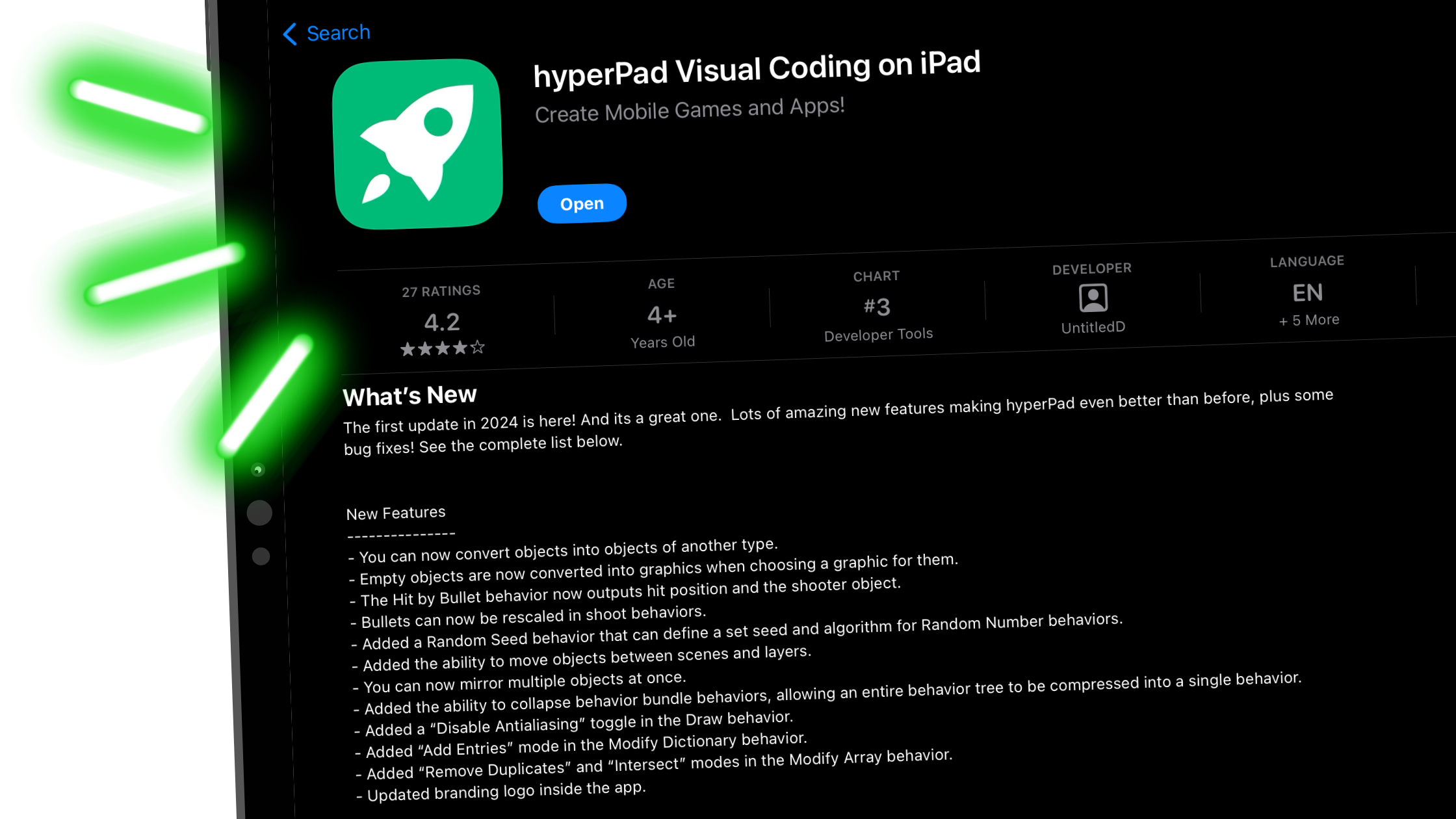
- hyperPad: A game maker built for iPad, hyperPad makes game development accessible with no-code, drag-and-drop Behaviors. It's a great fit for both iPad game dev and indie game dev.
- Buildbox: Another no-code platform, Buildbox focuses on rapid game creation, so you can build games without programming knowledge.
Each tool has its own strengths and suits different needs, from game making hobbyists to full-scale studios. The right choice depends on your project, budget, and experience level.
About hyperPad
hyperPad stands out among game making software as a no-code platform built for iPad and for creators of every skill level. It's a good fit if you want to get into iPad game dev, whether you're a beginner, an educator, or an indie developer.
Here's what makes hyperPad unique:
- No-Code Framework: With our no-code approach, you can make games without any coding experience. That makes it a natural first step on your game dev journey.
- iPad Focus: hyperPad is built specifically for iPad game dev and designed around what the iPad does well.
- Intuitive Interface: You drag, drop, and connect Behaviors, so you can focus on creativity instead of technical details.
Compatibility and Customization
hyperPad lets you import custom graphics, sound effects, and animations, so you control your game's look and feel. Whether you're a beginner experimenting with simple projects or an experienced indie developer working on complex games, hyperPad's flexible system works for every skill level.
Who Should Use hyperPad?
- Beginners: hyperPad is a great starting point if you're new to game making. With our no-code platform, you can start creating games right away without learning complex programming languages.
- Educators: Many teachers use hyperPad to introduce students to game design, coding logic, and problem-solving in an engaging way. It's an excellent tool for teaching students to think like a developer.
- Indie Game Devs: If you're an indie developer who wants to bring ideas to life quickly, hyperPad has the features you need to create iOS games without the steep learning curve of traditional game engines.
Make as Many Games as You Want with hyperPad
With hyperPad, you can make as many games as you want for a one-time USD $14.99. Whether you're turning your Procreate designs into interactive comics, building immersive games, or making apps, hyperPad has the tools to bring your vision to life.
Export your games directly to the App Store, join our active creator community on the hyperPad Hub, and start your journey in iPad game dev today!