

Create Collision
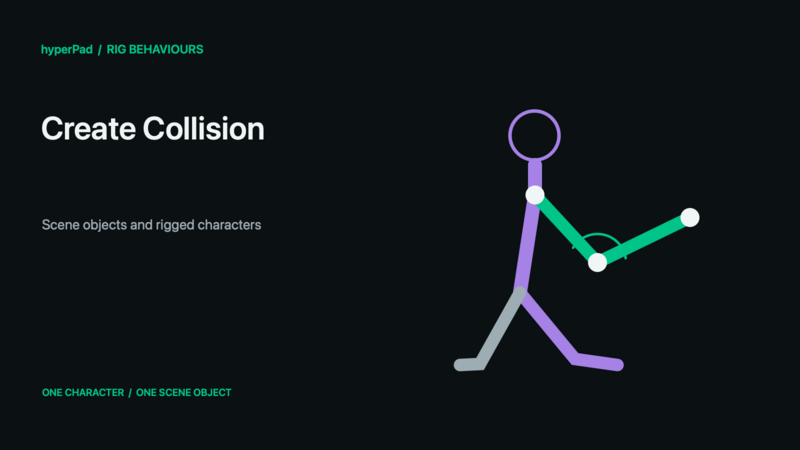
Description
The Create Collision behavior will create a new collision body for the selected object. This collision body can take the shape of a circle, rectangle, or a polygon.
Rigged Objects
This section describes the live-rig update and requires a build with Rigged Objects. A public release date has not been assigned. Existing sprite/object workflows remain supported.
A Rigged Object is one scene object. Its bones and Body Parts are internal animation controls, not independently selectable objects. Get Object and Get Objects By Tag return the character's object ID; they do not return a limb ID. Collision Event, Create Collision, and Ignore Collisions operate on the object's configured collision shape and object-to-object physics rules, not on separately generated bone hitboxes.
A visual change such as Crouch does not automatically resize the collider. Inspect and configure scene collision separately. To read a limb position, use Get Bone Transform. To carry a separate scenery/kinematic visual, use Attach Object to Bone. To swap a limb's own graphic, use Set Rig Attachment.
See Rigged Objects and Rig Behaviours for the object/rig distinction and supported controls.
Properties
Triggers Immediately
| Object A |
By default this is the current object selected. You can change this to any other object in your scene. |
| Circle |
Set the x and y position of the center relative to the object as well as the radius for the circular collision body. |
| Rectangle |
Set the x and y position of the center relative to the object as well as the width and height for the rectangular collision body. |
| Polygon |
Create a polygon by defining points using an array of coordinates. [[x,y],[x,y],...] The x and y values must be numeric for a valid polygon collision body to be created. |
Outputs
This behavior has no outputs.
Examples
If an object's changes shape in game from a circle to a square you can use the create collision behaviour to ensure the collision body shape matches the graphic shape.