Why Creators Choose hyperPad for iPad Game Development


Creators choose hyperPad for iPad game development because it covers the whole job in one app. You build with visual Behaviors instead of typed code, test on the device in your hands, and Publish to the hyperPad Hub or Export to the App Store. When you sell a game, you keep 100% of your revenue.
Here's what hyperPad offers today, and where each piece fits in making a game.
What hyperPad offers game creators
- Behaviors, with no traditional code. Connect actions and events into a flowchart of your game's logic.
- A real engine underneath. Physics, particles, shaders, sockets, HTTP and authentication are built in.
- Functions for logic you reuse across Objects and Scenes.
- Your own art and sound. Import Graphics from any iPad art app, make sound effects in the app, and bring in music from apps like GarageBand.
- iPad and Apple silicon Macs. hyperPad runs on iPad and on Macs with M1 or later.
- A free way to start. hyperPad Starter includes one Project to build and test on your iPad.
- The Hub, where you Publish games for players and Branch Open Source Projects to learn from them.
- App Store Export in hyperPad, with 100% of your revenue yours.
Want to see every tool in the order you'd use it? The hyperPad feature tour walks through Scenes, Objects, Behaviors, physics and more. This post sticks to why creators pick hyperPad.
Build game logic with Behaviors
Behaviors are how you tell your game what to do. Each one is an event or an action, and you connect them into a flowchart. "When the player touches a coin, add 1 to Score and play a sound" becomes three connected Behaviors you can read at a glance.
Because the logic is visual, you spend your time on the game instead of on syntax. You can still go deep. Attributes hold values like health and score, Scenes split your game into levels and menus, and Functions let you build a piece of logic once and reuse it wherever you need it.
Get physics and effects without extra setup
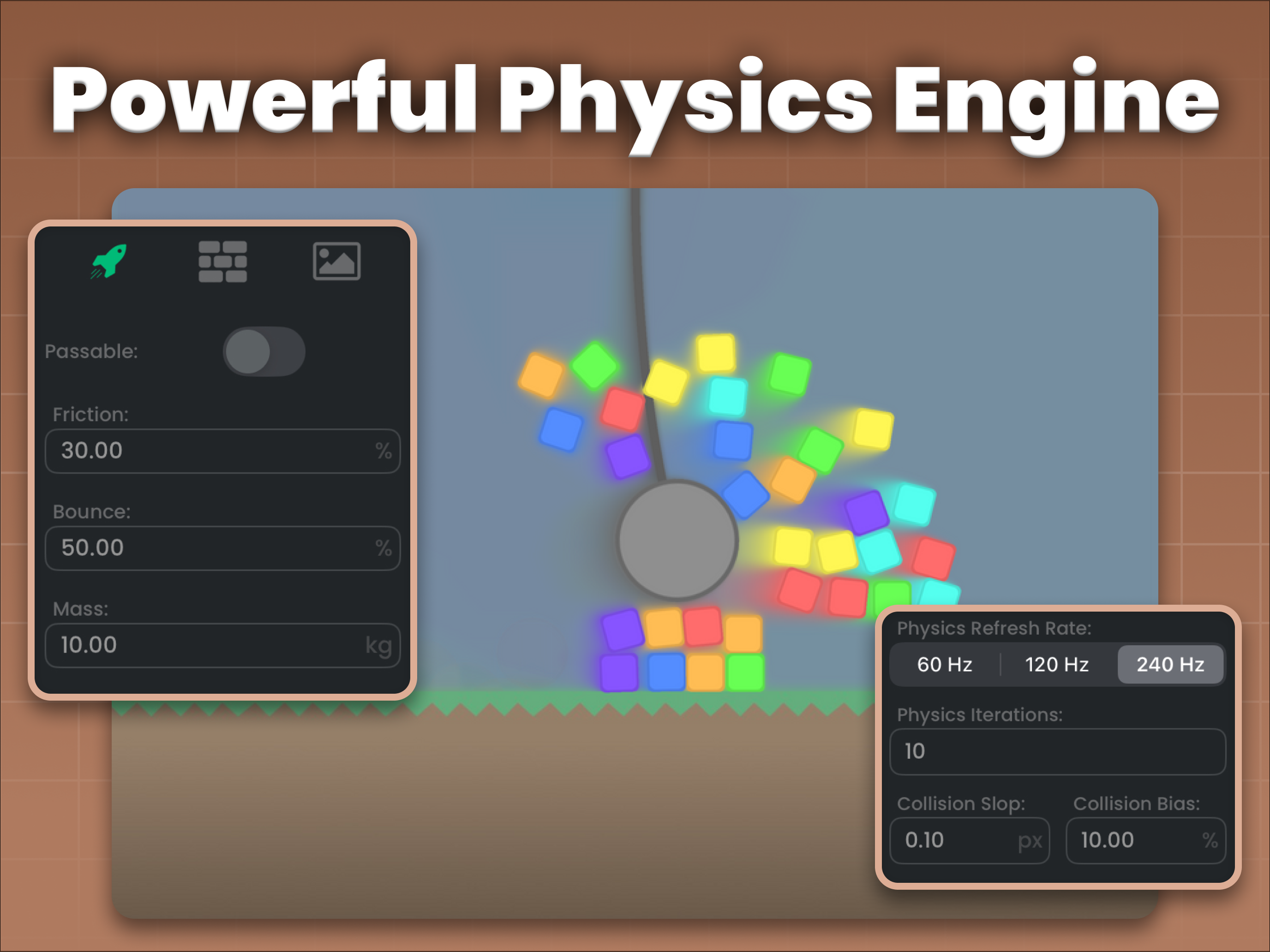
Gravity, bouncing and collisions work as soon as you turn physics on for an Object. A platformer jump can be a single Behavior like Jump With Button. Particles handle sparks, smoke and trails, and shaders change how a Scene looks.
For creators who want more, sockets and HTTP let a game talk to a server. That's how creators build online features such as multiplayer or leaderboards.
Bring in your own art and sound
Today's art workflow is simple. Draw characters and backgrounds in an iPad art app like Procreate, then import them as Graphics through the Asset Library. For sound, the Sound Effects Editor generates jump, hit and pickup sounds with sliders. You can also import audio you made in GarageBand for a soundtrack.
New drawing and level tools, Art Studio and Smart Shape, are coming soon, with details to be shared later.
Build on iPad or on a Mac
hyperPad started on iPad, and the iPad is still the center of it. You build by touch and play-test on the same kind of device your players use. hyperPad also runs on Apple silicon Macs (M1 or later). That helps if you like a bigger screen and a keyboard for long sessions.
Start free with hyperPad Starter
hyperPad Starter is free and includes one Project. That's enough to learn Behaviors and build and test a complete small game on your iPad. When you want more Projects, want to Publish to the Hub or want to sell your game on the App Store, you move to hyperPad, a one-time purchase. To compare the two side by side, read hyperPad Starter or hyperPad?
Share on the Hub and learn from other creators
The hyperPad Hub is where you Publish games for players and see what other creators are making. Publishing is for creators 13 and up, and creators aged 13 to 17 need a parent's permission. Players open shared Hub links in the hyperPad Hub app on iPhone, iPad and Apple silicon Macs.
Open Source projects can be Branched. You open someone's game, see how their Behaviors work and build on it. Sharing games and Branching on the Hub covers that side of hyperPad in detail.
Export to the App Store and keep your revenue
With hyperPad, you can Export your game and release it on the App Store as your own app. You sign and submit it with Xcode on a Mac and an Apple Developer account. You keep 100% of your revenue, and hyperPad takes 0%.
Who hyperPad fits
- First-time creators and kids who want a playable game without learning a programming language first.
- Artists who draw in apps like Procreate and want to turn their characters into a game.
- Indie developers who want physics, particles, saving, socket-based multiplayer and App Store Export on iPad.
- Teachers running game design from grade 4 through post-secondary. Eligible educational institutions get 50% off hyperPad when purchasing 20 or more licenses through Apple School Manager.
hyperPad is built for 2D games. If your idea is a platformer, runner, puzzle or story game, it fits well.
FAQ
Is hyperPad free?
hyperPad Starter is free and includes one Project. hyperPad is the paid app, with no Project limit, Publishing to the Hub and App Store Export.
Can I draw my art inside hyperPad?
Today, you draw in an iPad art app and import your Graphics through the Asset Library. Art Studio, for drawing inside hyperPad, is coming soon, with details to be shared later.
Does hyperPad work on Mac?
Yes. hyperPad runs on iPad and on Apple silicon Macs with an M1 chip or later.
Can I sell a game I make with hyperPad?
Yes. Export it to the App Store with hyperPad and you keep 100% of your revenue.
Your next step
Pick one small game idea, like collecting five coins before a timer runs out. Build it this week in a single Scene: a player Object, physics on, and a Score Attribute that goes up on each touch. When it works, Publish it to the Hub and ask a friend to play it.