How to design an app game on iPad

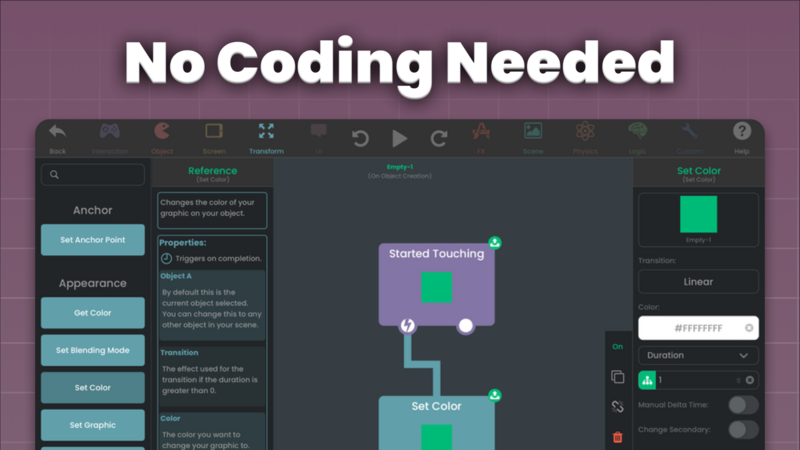
Bringing an app game to life on an iPad is easier than ever. With hyperPad, Procreate, and other iPad apps, you can make an engaging game with great-looking visuals, all without writing code. This guide walks you through a creative approach to game design, from first idea to publishing.
1. Defining Your Game’s Story and Experience
A compelling game begins with an idea. Beyond the mechanics, think about the experience you want to create.
- What emotion do you want players to feel? (Excitement, nostalgia, challenge, etc.)
- What’s the core story or theme?
- What will keep players engaged?
Use apps like Concepts for brainstorming and sketching out themes. Milanote can help you build mood boards and visual references to refine your vision.
2. Designing the Look and Feel with Procreate and More
Game art is a big part of immersion. As you make assets, aim for a consistent art style that sets the game’s mood.
Building Your Visual Identity
- Use Procreate to create an art style guide. Define your colors, shading, and textures.
- Experiment with brush packs to find the right look for characters and environments.
- Keep UI elements readable. Icons and buttons should stand out but still fit the look of the game.
Best iPad Apps for Game Art
- Vectornator (Free): Good for sharp UI elements.
- Affinity Designer (Paid): For polished, high-resolution assets.
- Pixaki (Paid): Made for pixel-art styles.
3. Building Your Game in hyperPad
With a strong concept and visuals, it’s time to make the game interactive in hyperPad.
Bringing Your Game to Life
- Start with a prototype. Build a rough version to test mechanics before you finalize assets.
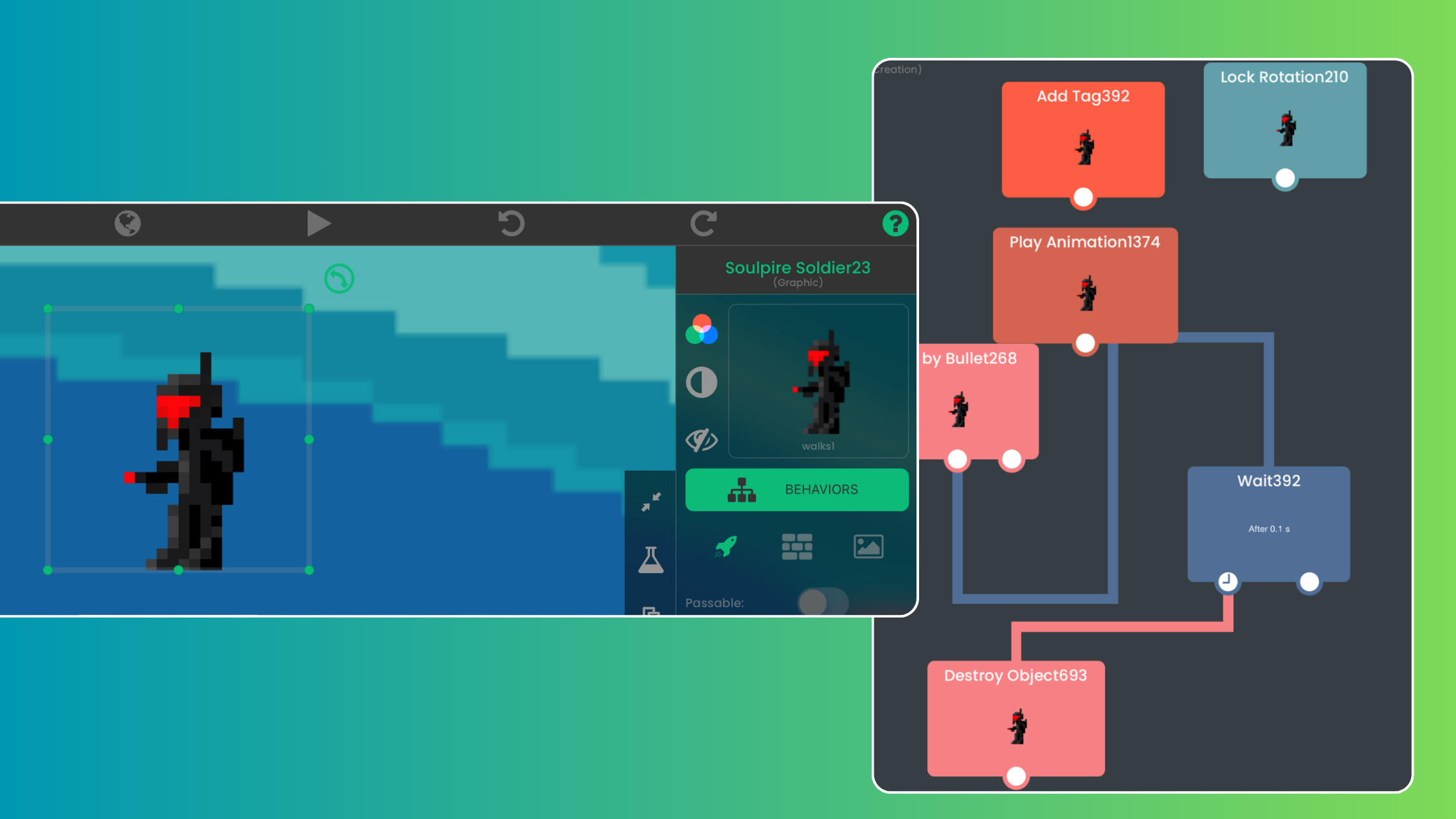
- Connect Behaviors to add physics, movement, and interactions without coding.
- Test different control schemes (tap, drag, or tilt) to see what feels most natural.
hyperPad lets you make quick changes, so don’t be afraid to experiment with mechanics and adjust based on feedback.
4. Creating Motion and Feedback
Animation and effects make interactions feel satisfying.
Enhancing Player Experience with Animation
- Use Procreate Dreams (Paid) for frame-by-frame character animations.
- Use LottieFiles (Free & Paid) for smooth UI animations.
- Add simple motion effects in hyperPad, such as scaling or fading an Object, to guide the player’s attention.
Subtle effects, like a button growing slightly when tapped, make gameplay feel responsive and polished.
5. Crafting the Audio Experience
Sound adds depth to your game world and makes it more immersive.
Tools for Sound and Music
- GarageBand (Free): Great for background music and sound effects.
- Audacity (Free): Useful for editing and refining audio clips.
- Medly (Paid): Good for creating professional-level soundtracks.
Use audio cues to reinforce actions, like a satisfying click for menu buttons or a unique sound for collecting rewards.
6. Playtesting and Refinement
Testing matters as much as designing. It makes sure everything works and that the game is fun to play.
- Try different iPads: Make sure your game runs well on different screen sizes.
- Gather feedback: Let friends, family, or online testers try it, and note their reactions.
- Refine difficulty: Balance the challenge so players stay engaged without getting frustrated.
7. Launching and Growing Your Game
Once your game is polished, it’s time to share it with the world.
Publishing Your Game
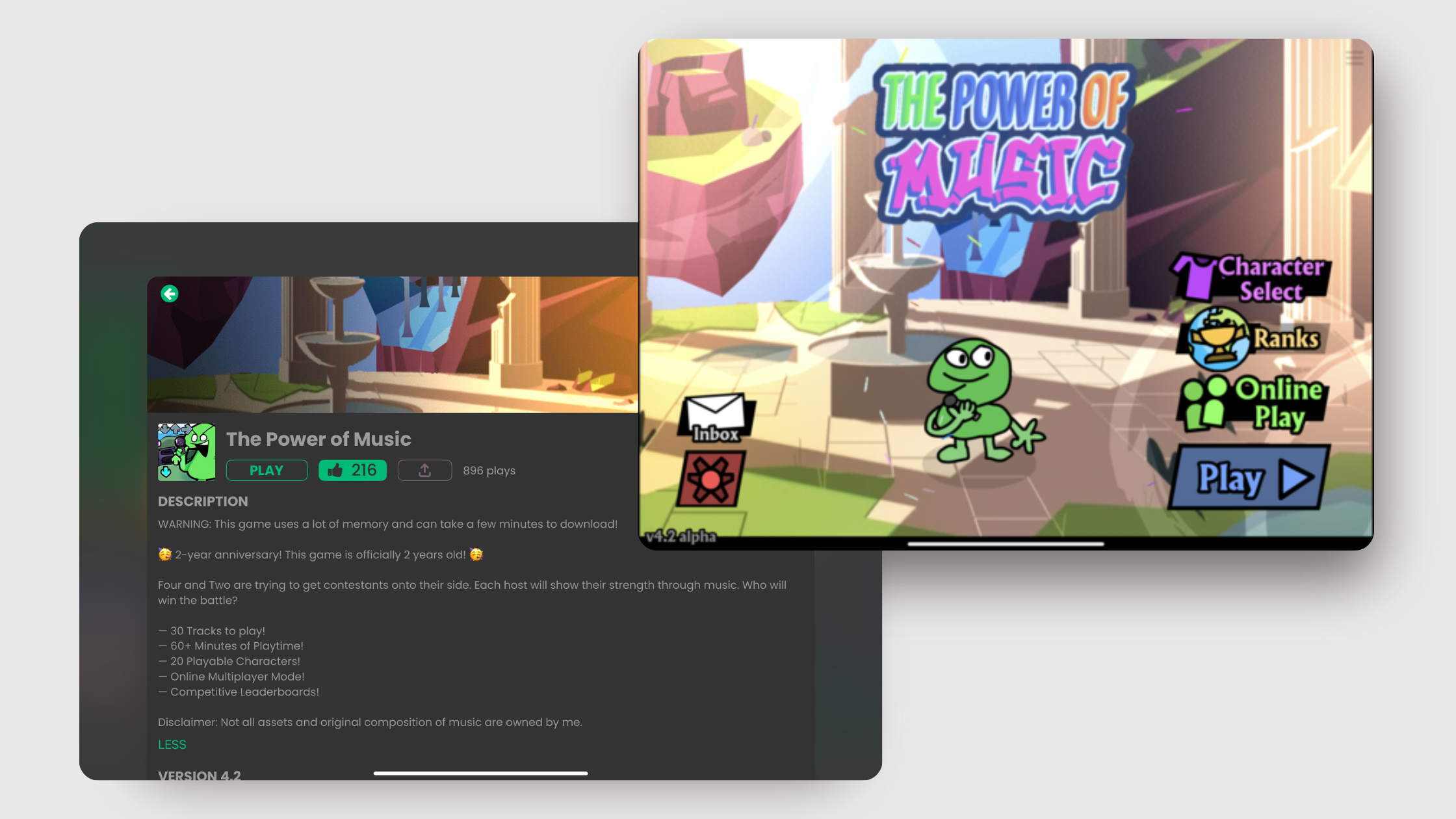
- Publish to the hyperPad Hub to show your work to the community.
- Export to the App Store with hyperPad (the paid app) if you want to reach a larger audience.
- Monetize with in-app purchases or ads to earn revenue from your game.
Create your game now
Designing an app game on iPad takes creativity and a lot of trying things out. With hyperPad, Procreate, and other iPad tools, you can bring your ideas to life and build something that's yours. Start designing today and turn your idea into a game people can play!
Keep the first version focused on one mechanic. Test the input, result, and restart flow before adding another Scene or system.