The Affordable Choice for Solo Game Developers on iPad

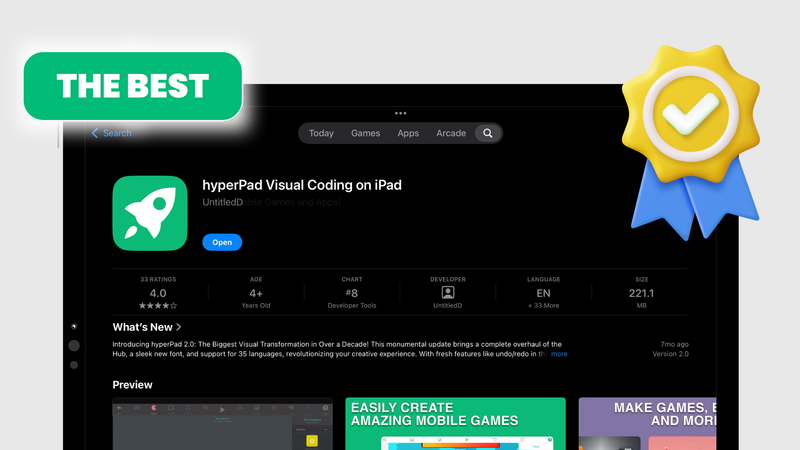
Are you a solo game developer looking for an easy, affordable tool to bring your game ideas to life? hyperPad might be what you need.
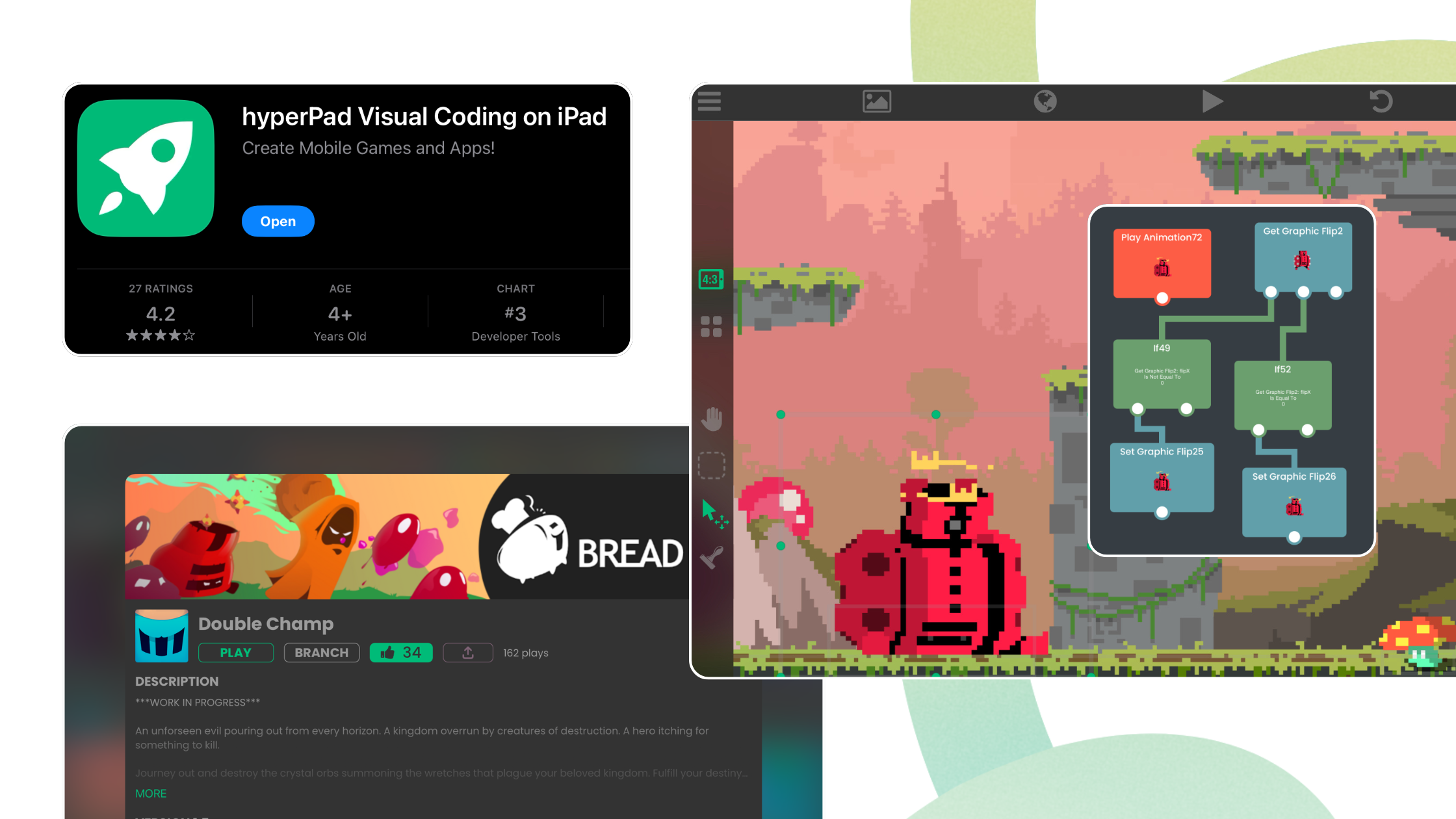
hyperPad is a no-code game development app for iPad. Indie developers use it to make mobile games without writing a single line of code. Whether you're new to game dev or already experienced, you get a drag-and-drop editor, a deep feature set, and a price that works for a solo budget.
Here's why hyperPad fits solo game developers so well.
1. No Coding Required: Made for Beginners and Non-Programmers
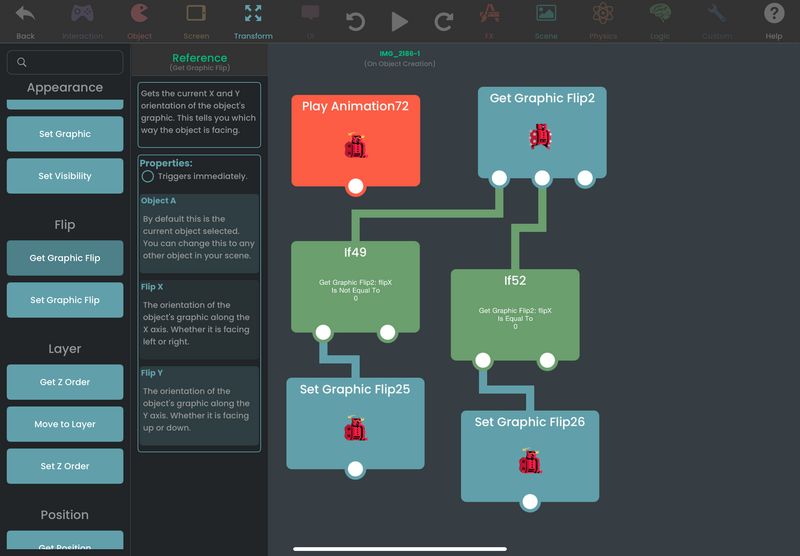
One of the biggest hurdles for solo developers is learning a programming language. With hyperPad, you can:
- Design games visually with a drag-and-drop interface.
- Build your logic with Behaviors (no JavaScript or C# required).
- Prototype quickly and test ideas without getting bogged down by syntax errors.
That makes hyperPad a good fit for artists, designers, and storytellers who want to focus on their game instead of on code.
2. Capable Yet Simple Game Development
hyperPad is simple to start with and has room to grow. You get:
- A physics engine for realistic movement and collisions.
- Custom animations built from your own Graphics.
- Sound effects and music.
- Multi-touch controls for mobile-friendly games.
- Export to the App Store (you finish the upload in Xcode on a Mac).
hyperPad gives you fine control over game mechanics, so you can build anything from platformers to RPGs.
3. Affordable Compared to Other Engines
Solo developers often struggle with the cost of engines like Unity or Unreal, which charge royalties or require expensive subscriptions. With hyperPad, you get:
- A one-time purchase, with no subscriptions or hidden fees.
- hyperPad Starter, which is free and limited to one project, so you can try it before you buy.
- No revenue cut. You keep 100% of your revenue, and hyperPad takes 0%.
For indie creators on a budget, that's a lot of game engine for the price.
4. Active Community & Learning Resources
Stuck on a game mechanic? hyperPad has:
- Tutorials and documentation to guide you.
- A supportive community of fellow creators.
- YouTube guides and templates to speed things up.
You won't be building alone.
5. Built for Mobile Game Development
hyperPad is designed for touchscreens, which makes it a natural fit for mobile games. You can:
- Test instantly on your iPad.
- Export your game to the App Store.
- Tune performance for smooth gameplay.
Mobile gaming is a multi-billion dollar industry, and hyperPad gives you a way into it.
A Tool Built for Solo Devs
If you're a solo developer who wants to:
- Make games without coding
- Save money on expensive engines
- Publish professional-quality mobile games
then hyperPad is a strong choice. It's easy to learn, and you pay for it once.
Try hyperPad Starter free. When you want more projects and App Store export, upgrade to hyperPad for a one-time USD $14.99. You keep 100% of your revenue.
What do you think?
Have you tried hyperPad for game development? Tag us on social media and tell us how it went:
- Instagram: instagram.com/hyper_pad
- X (Twitter): x.com/hyperPadApp
- TikTok: tiktok.com/@hyperpad
- YouTube: youtube.com/@hyperPad