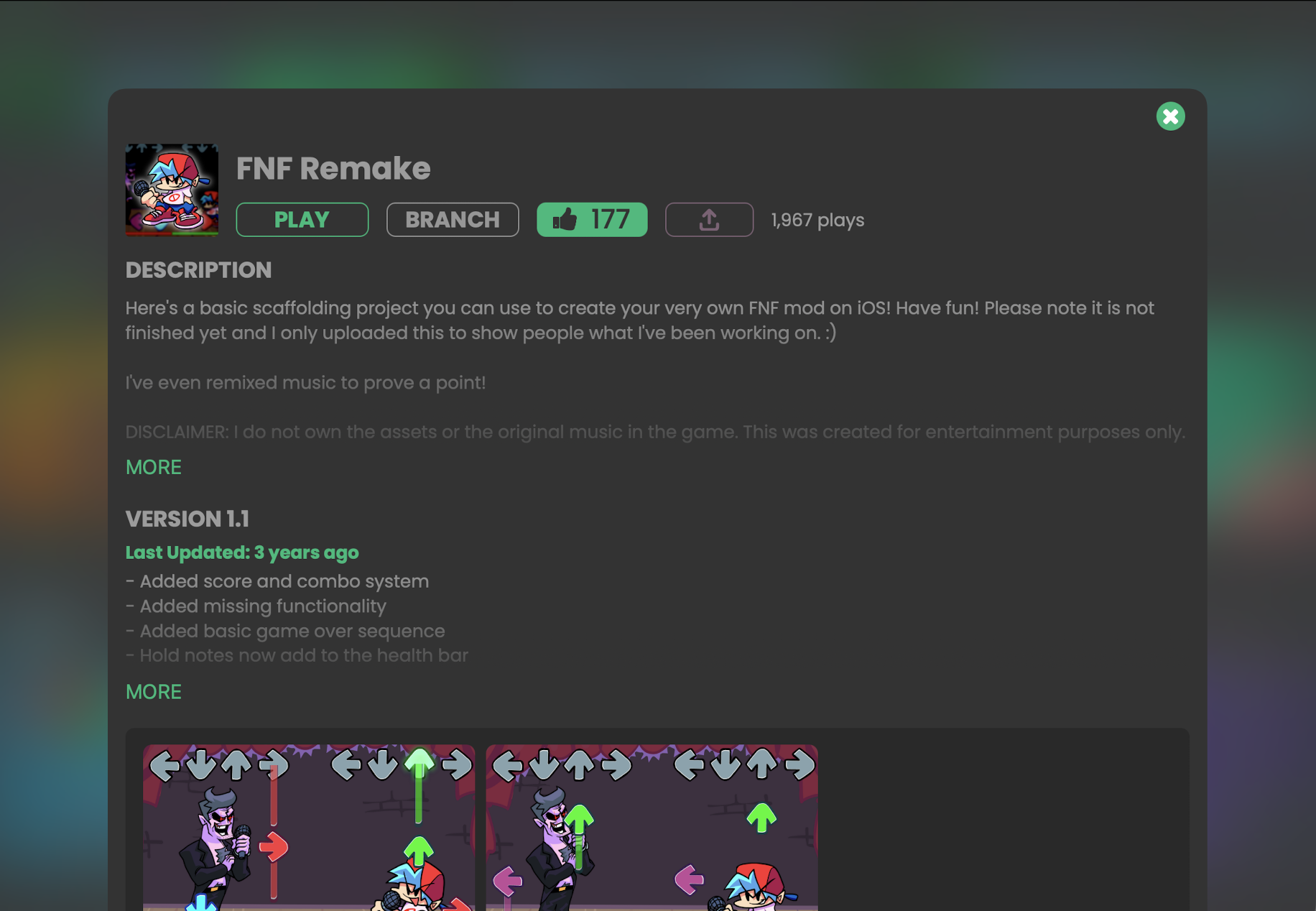
How to Make an FNF-Style Game on Mobile (iPad, No Code)

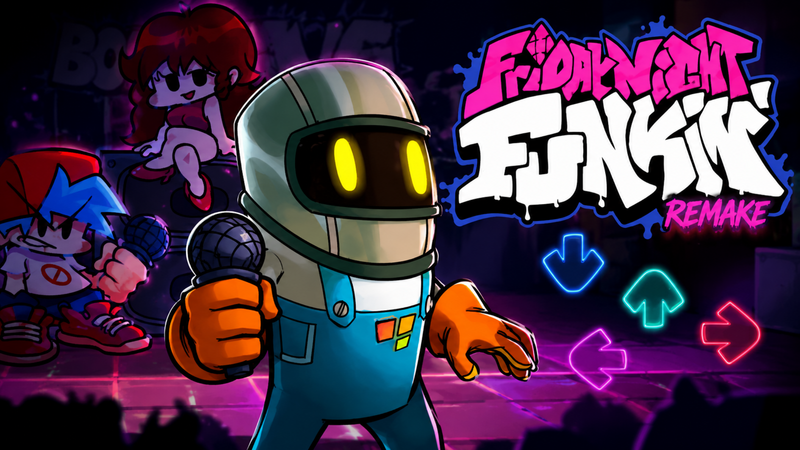
Want to make a rhythm battle game on mobile without a PC? You can build an original FNF-style game right on your iPad with hyperPad.
hyperPad is a visual game engine made for iPad. You create game logic by connecting Behaviors instead of typing code. You can import your own art and audio, animate characters, build scoring and combo systems, test as you go, and share your project with the hyperPad community.
This guide walks through the complete workflow.
Important: hyperPad helps you create an original rhythm game inspired by the genre. It does not modify the official Friday Night Funkin' game files. Use art, music and characters you created or have permission to use.
What you will build
By the end of this guide, your prototype will have:
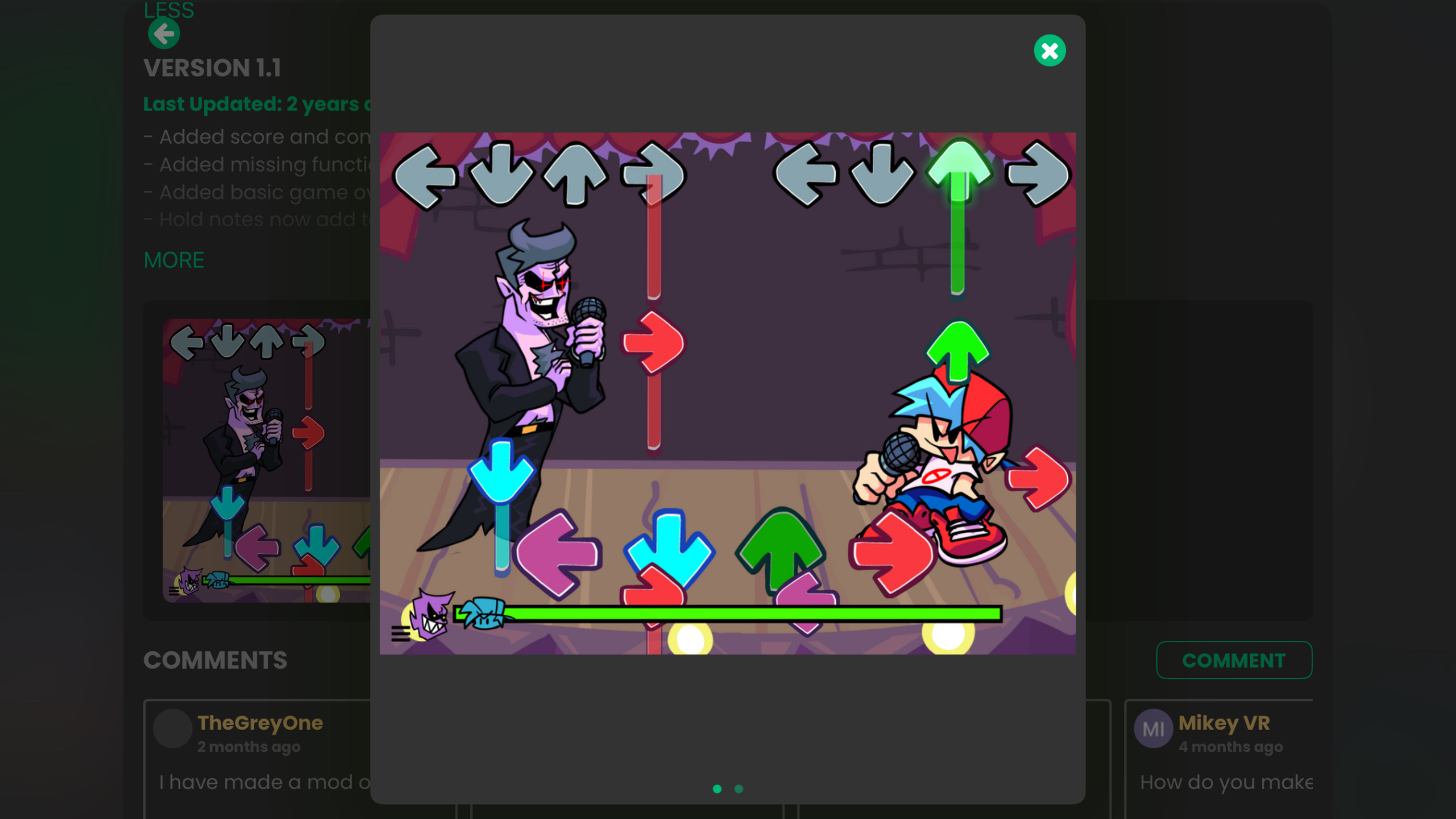
- Four note lanes
- Notes that move toward hit targets
- Touch controls
- Perfect, Good and Miss ratings
- A score and combo counter
- Character animations
- Original music and artwork
- A playable project you can test and share
What you need
- An iPad
- hyperPad Starter (free, one project) or hyperPad
- Original or properly licensed character art
- Original or properly licensed music and sound effects
- A simple plan for one song and one stage
Start small. One song, four lanes and one character are enough for a useful first prototype. If you need artwork, review these free 2D game-asset sources and check each asset's license before you use it.
Step 1: Plan one short rhythm battle
Write down the basic idea before you open the editor:
- What is the theme?
- Who is the player character?
- What makes the stage different?
- How long is the first song?
- What happens when the player wins or loses?
Use original characters and a short song while testing. A smaller first version is easier to finish and improve.
Step 2: Create a landscape project in hyperPad
Open hyperPad on your iPad and create a new landscape project. Add a background, a character area and space for the note lanes.
Keep gameplay Objects on separate layers where you can. This makes the stage easier to edit and keeps the background from covering notes or controls.
Step 3: Import your art and audio
Import your character art, background, note arrows, music and sound effects. hyperPad supports custom Graphics and audio, so artists can create assets in their favorite iPad apps and bring them into the same project.
Use clear file names such as:
player_idle_01.pngplayer_left_01.pngnote_left.pngsong_stage_01.mp3
Check the license for every downloaded asset. Keep attribution notes when a license requires credit.
Step 4: Build four note lanes
Create four lanes for left, down, up and right notes. Place one hit target at the bottom of each lane.
Keep the lane width and spacing consistent. Lock background Objects once they're placed so they don't move while you build the gameplay.
Step 5: Make notes move with Behaviors
Create one note Object, then use hyperPad's Behaviors to:
- Place or spawn the note above its lane.
- Move it toward the matching hit target.
- Detect when it reaches the scoring area.
- Remove it after a hit or miss.
Duplicate the Object for the other directions. Use Attributes or tags to identify each lane instead of rebuilding the full system four times.
In the Behavior Editor, you can see the events and actions that control the note without writing code.
Step 6: Add touch controls and timing windows
Create one touch button for each lane. When the player taps a button, check whether the matching note is inside a timing window.
Start with three results:
- Perfect: closest to the target
- Good: near the target
- Miss: outside the accepted window
Use wider timing windows during early testing. Tighten them once the game feels fair.
Step 7: Add score, combo and feedback
Store the score and combo in game Attributes. Increase both after a successful hit. Reset the combo after a miss.
Give immediate feedback with text, sound or particles. The player should understand the result of every tap without looking away from the lanes.
Step 8: Animate the characters
Add idle, direction and miss animations. Trigger the correct animation when the player hits a note, then return to idle.
Small reactions make the prototype feel more responsive. Start with a few clear poses before you add complex animation.
Step 9: Sync the chart to your music
Play the song and record the time for each note. Store those times in a list or structured set of values, then spawn each note early enough to reach the target on the beat.
Test short sections again and again. If notes drift, check the song start time, note speed and spawn timing before you add more notes.
Step 10: Test, share and improve
Test the game right on your iPad. Check:
- Are the notes readable?
- Do taps register consistently?
- Does the chart stay in sync?
- Are the timing windows fair?
- Does the game explain a win, loss or restart?
Publish an early version to the hyperPad Hub and ask for focused feedback in the hyperPad Forum. Improve one issue at a time.
When the project is ready, upgrade to hyperPad to export your original game to the Apple App Store. Read more about making and publishing games directly on iPad.
Why use hyperPad for a mobile rhythm game?
hyperPad pairs an approachable visual workflow with tools for more advanced projects:
- Visual Behaviors for game logic
- Real-time testing on iPad
- Custom art, animation and audio import
- Physics, particles, interface and sound tools
- Community sharing through the Hub
- Feedback through the Forum
- An ad-free creation experience
- No subscription
Beginners can learn one Behavior at a time. Experienced creators can combine Behaviors into deeper systems and build a more polished prototype.
Common questions
Can I make an FNF mod on an iPhone?
This hyperPad workflow is built for iPad. It lets you create an original FNF-style rhythm game. It does not edit the official FNF files.
Do I need to code?
No typed code is required. You build the game with hyperPad's Behaviors.
Can I use FNF characters and songs?
Only use content you created or have permission to use. Original characters and music also make it easier to turn the prototype into your own publishable game.
Can I share my project?
Yes. Publish your project to the hyperPad Hub to share it and collect feedback. Use the Forum when you need help or want more detailed input.
Start your first rhythm-game prototype
Build one song, four lanes and one character. Test it on your iPad, share it, and improve it with feedback.
Build one short timing loop, then test whether the notes, audio, and feedback stay in sync. Fix the point where the rhythm becomes unclear before adding another song or lane.