10 Games Made on iPad with hyperPad

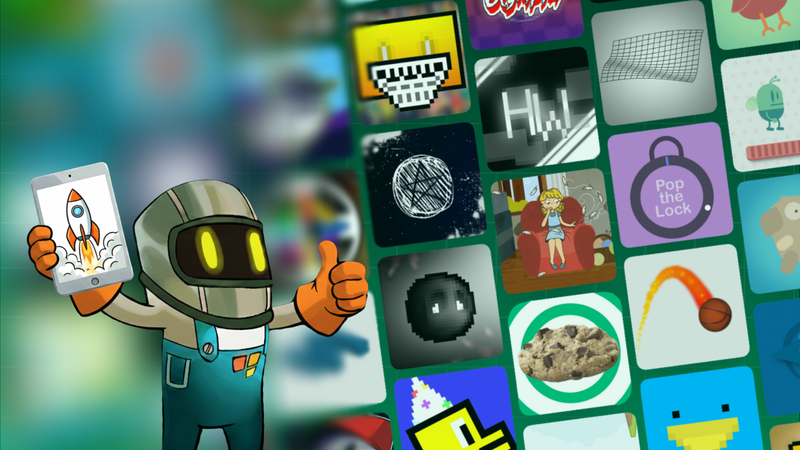
For many people, the idea of making a real game still feels out of reach.
They imagine complicated code, expensive computers, or years of technical training. But a growing number of creators are proving that game development can start somewhere much simpler: on an iPad, with visual code, without writing a single line of programming.
Students, artists, teachers, and indie developers around the world have used hyperPad to make real games and export them to the Apple App Store. In this article, we look at ten games made with hyperPad and what they show about iPad game development, visual coding, and creative education.
What Makes hyperPad Games Special?
hyperPad is a visual, no-code game development engine built for iPad. Instead of typing code, creators build logic with Behaviors that control how Objects act and interact.
That makes game creation approachable while still teaching real game development concepts such as:
-
Game states and conditions
-
Player input and feedback
-
Physics and collisions
-
Animation systems
-
User interface design
Here's what creators have built with it.
1. Super Trucker: Full-Scale Arcade Gameplay on iPad
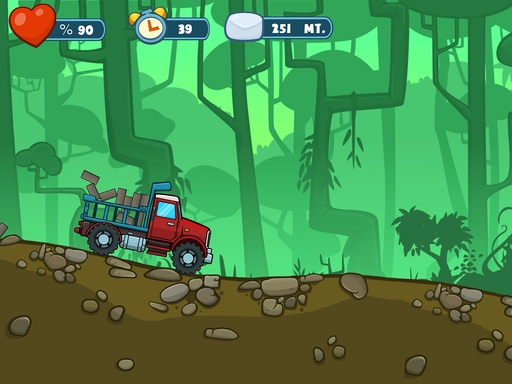
Super Trucker is a fast-paced arcade game built entirely on iPad with hyperPad. It has responsive controls, obstacles to manage, scoring, and difficulty that ramps up as you play.
The lesson for new developers: you don't need a desktop engine to build a polished arcade game. With Behaviors and careful design, you can make a complete, replayable game on iPad that feels right at home on the App Store.
2. Double Champion: Competitive Design Without Code
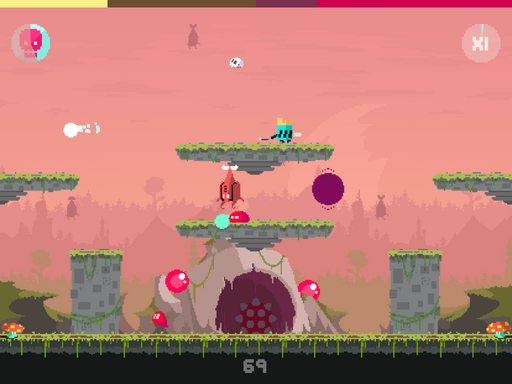
Double Champion shows how you can design competitive gameplay systems in hyperPad. Timing, precision, and player feedback are central to the experience.
Visual coding gets creators thinking in terms of systems and balance rather than syntax. Traditional computer science and game design programs teach the same skills. Here you learn them by building instead of memorizing.
3. Star Glide: Physics-Based Gameplay Made Visually
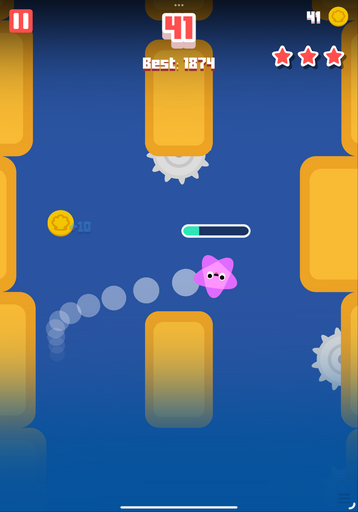
Star Glide shows how physics, motion, and player control can be built visually on iPad. The smooth movement, momentum, and interaction all come from hyperPad Behaviors.
If you're a beginner, take note: complex mechanics don't require complex code. Understanding how Objects behave matters more than knowing a programming language.
4. The Music Rainbow: Attack of the Gulls (Rhythm and Chaos on iPad)
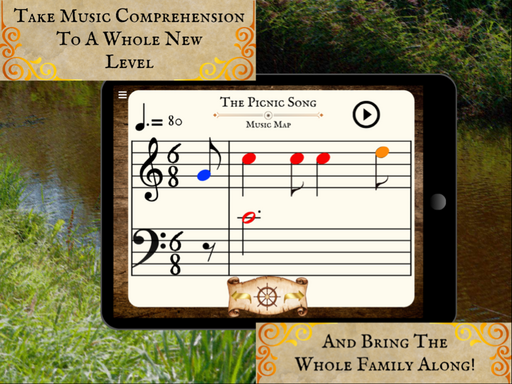
The Music Rainbow: Attack of the Gulls is a colorful, fast-paced game that blends rhythm, timing, and playful chaos. It was built entirely on iPad with hyperPad. It's proof that you can create music-driven gameplay and reactive visuals with Behaviors alone.
Sound, animation, and player input all stay in sync. The creator used Behaviors instead of traditional code to trigger events, manage timing, and create satisfying audiovisual feedback.
The takeaway for new developers: visual coding suits experimental and rhythm-based games, where iteration and feel matter more than technical complexity. You get to focus on pacing and the player's experience instead of syntax.
If you're a musician, artist, or designer, this is a good example of iPad game development as a space for expressive, music-driven interaction.
5. Ornament Smasher: Simple Ideas Executed Well
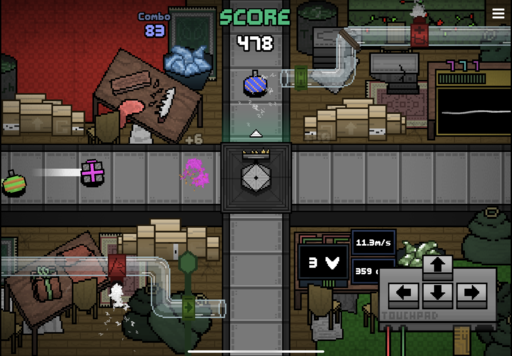
Ornament Smasher proves you don't need a massive scope to make a satisfying game. Clear goals, responsive input, and fun feedback loops are enough.
This project teaches an essential lesson for new developers. Start small. Polish what you build. hyperPad makes it easy to iterate quickly on iPad, so you can experiment and refine as you go.
6. Norbert: The Immortal Crown (Character-Driven Design)
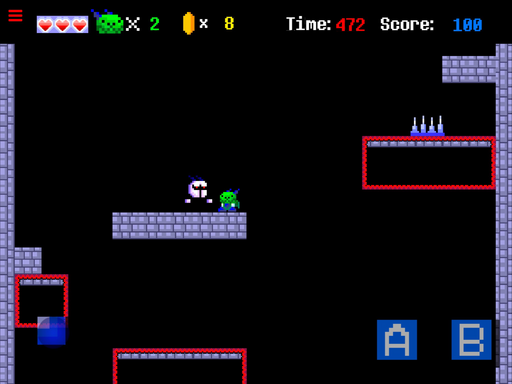
Norbert: The Immortal Crown focuses on character, personality, and progression. From animations to interactions, the game shows how hyperPad supports narrative-driven games.
Artists and storytellers can use iPad game development as an extension of their creative work, turning characters and worlds into something players can interact with.
7. Friday Night Funkin’ Remake Demo: Fan Games and Prototypes
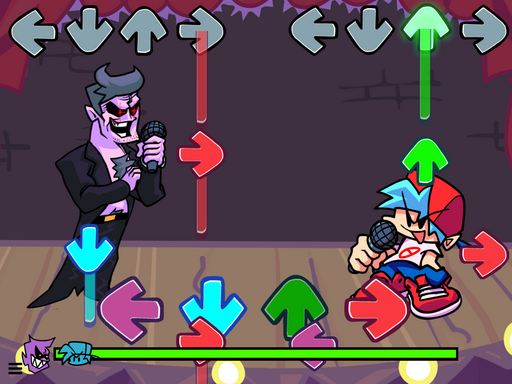
The Friday Night Funkin’ Remake Demo shows how creators often use hyperPad for prototypes and fan projects. Games like these are a great way to learn.
By recreating familiar mechanics, creators learn timing systems, animations, rhythm-based input, and feedback loops. Visual coding makes reverse engineering gameplay approachable for beginners.
8. Three Bears: Interactive Storytelling on iPad
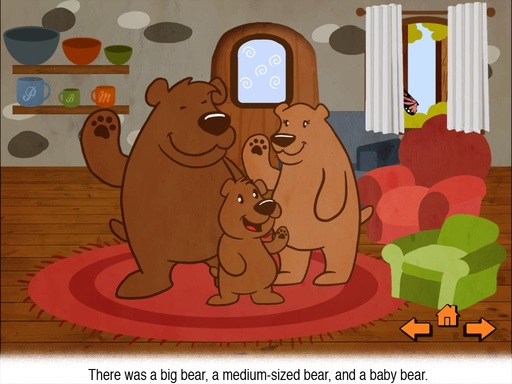
Three Bears is an interactive story, the kind of narrative-focused game you can make in hyperPad. The focus is on choice, pacing, and visual presentation instead of scoring or competition.
Games don't all need to fit traditional genres. hyperPad supports experimental, story-first projects that explore emotion and interaction.
9. Tap Tap Ghost: Touch-First Game Design
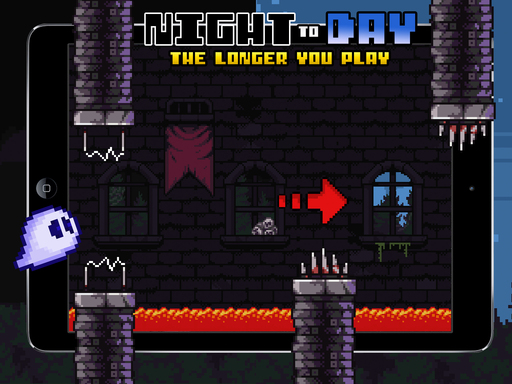
Tap Tap Ghost is designed around touch, making full use of the iPad. Tapping, timing, and visual feedback work closely together.
This project is a reminder that the iPad is a creative platform in its own right. hyperPad is built to take advantage of it.
10. Bob’s Speedy Adventures: Games That Launch Creative Confidence
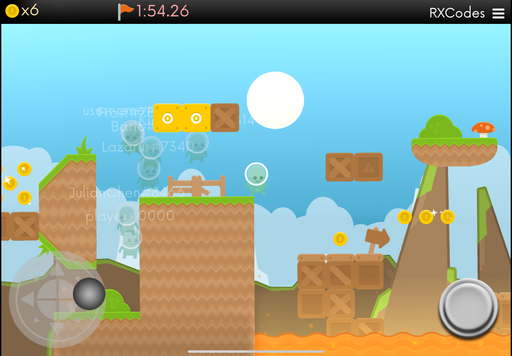
Bob’s Speedy Adventures is a familiar story in the hyperPad community. A creator starts small, builds confidence, and ends up with a complete, playable game.
Across the hyperPad community, projects like this have led creators to publish games, pursue computer science degrees, teach students, or grow their creative careers.
What You Can Learn From These Games
These ten examples teach a few lasting lessons about iPad game development and visual coding:
-
You can build real games without coding
-
Visual logic teaches transferable skills
-
iPad is a legitimate game development platform
-
Creativity grows when tools remove fear
-
Education and professional creation can coexist
hyperPad speeds up learning, because you learn by building.
Start Building Your Own Game on iPad
You don't need permission to begin. You don't need to wait until you learn to code.
If you have an iPad and an idea, you can start making games today.
Maybe your goal is to export a game to the App Store, teach students, grow your art portfolio, or explore technology creatively. hyperPad has helped many creators take that first step.
As these games show, that first step can lead much further than you expect.