The alternative to Visual Studio for Mac


Do you love coding on macOS? Then you've probably heard of Visual Studio for Mac. Visual Studio is Microsoft's product, and it's mainly used on Windows. Microsoft did make a Mac version, but it has since been retired. Most Apple developers never used it, especially for making iOS apps.
Let's look at what Visual Studio on macOS was and explore the alternatives together.
macOS Visual Studio
macOS, short for "Macintosh Operating System," is the software that runs Apple's Mac computers. Just like Windows on PCs or Android on smartphones, macOS handles all the essential functions of a Mac. Think of it as the conductor of an orchestra, keeping every component of your Mac working together. It manages files and folders, launches and runs applications, connects to the internet, handles security, and much more.
One of macOS's defining features is its user-friendly interface, known for its clean design and ease of use. For instance, the Dock (a bar of icons at the bottom or side of the screen) gives you quick access to frequently used apps, so you can launch them with one click.
macOS also comes with built-in apps for everyday needs. Safari is the default web browser. Finder is the file management tool, where you organize, search, and open your files and folders. And Spotlight is a fast search tool that finds anything on your Mac, from files to apps to information on the web.
macOS also works closely with other Apple devices and services, such as iCloud, iMessage, and AirDrop. You can access your photos, documents, and messages across all your Apple devices, which makes everyday work more convenient.
Overall, macOS is a stable, reliable computing environment for casual users and professionals alike. Whether you're browsing the web, writing documents, editing photos, or developing apps, macOS gives you a solid platform to get things done.
Visual Studio for Mac was like a big toolbox for making apps on Apple computers. But let's be honest, it was a bit complicated to use. You had to set up lots of things and work through confusing messages and documentation. It could feel like solving a puzzle without all the pieces.
Xcode
But don't worry, there's another option that's a bit easier, especially if you're on a Mac. It's called Xcode. Xcode is Apple's integrated development environment (IDE) for macOS, used mainly to develop software for Apple devices such as Macs, iPhones, iPads, Apple Watches, and Apple TVs.
It gives you a complete set of tools for the whole app development process, from writing code to testing and deploying applications. Think of it as Apple's own app-making tool, made for creating apps for iPhones, iPads, and other Apple devices. If you're tired of feeling lost in other tools, Xcode might be a breath of fresh air.
Here are some key components and features of Xcode:
1. Code Editor
Xcode includes a code editor with syntax highlighting, code completion, and code suggestions to help developers write clean, efficient code. It supports multiple programming languages, including Swift, Objective-C, and C++.
2. Interface Builder
This graphical interface design tool lets developers visually create user interfaces for their apps with drag-and-drop components. Interface Builder is a quick way to design UI elements, set up auto-layout constraints, and preview the layout across different device sizes.
3. Simulator
Xcode includes an iOS Simulator and a watchOS Simulator, so developers can test their apps on virtual devices without physical hardware. Developers can simulate different device configurations, screen sizes, and operating system versions to make sure their apps behave correctly under different conditions.
4. Debugger
The integrated debugger in Xcode helps developers find and fix bugs in their code. It provides breakpoints, step-by-step execution, variable inspection, and real-time debugging, so developers can pinpoint and resolve issues quickly.
5. Performance Analysis Tools
Xcode offers a suite of performance analysis tools to optimize app performance and find areas to improve. These include Instruments, which lets developers profile CPU, memory, and network usage, and Energy Diagnostics, which helps find energy-intensive tasks that may drain the battery.
6. Version Control Integration
Xcode integrates with version control systems such as Git, so developers can manage code repositories, track changes, and work with team members. Popular iOS apps like Instagram, Snapchat, and Uber were developed with Xcode, along with macOS apps like Pages, Keynote, and Xcode itself. Developers use Xcode to build everything from simple utilities to complex games and productivity tools that use the full capabilities of Apple's platforms and devices.
With Xcode, you can tweak your projects or send them to the App Store when you're ready. And here's a cool thing: if you've been using hyperPad and want to try something more traditional, you can bring your projects into Xcode!
A modern alternative
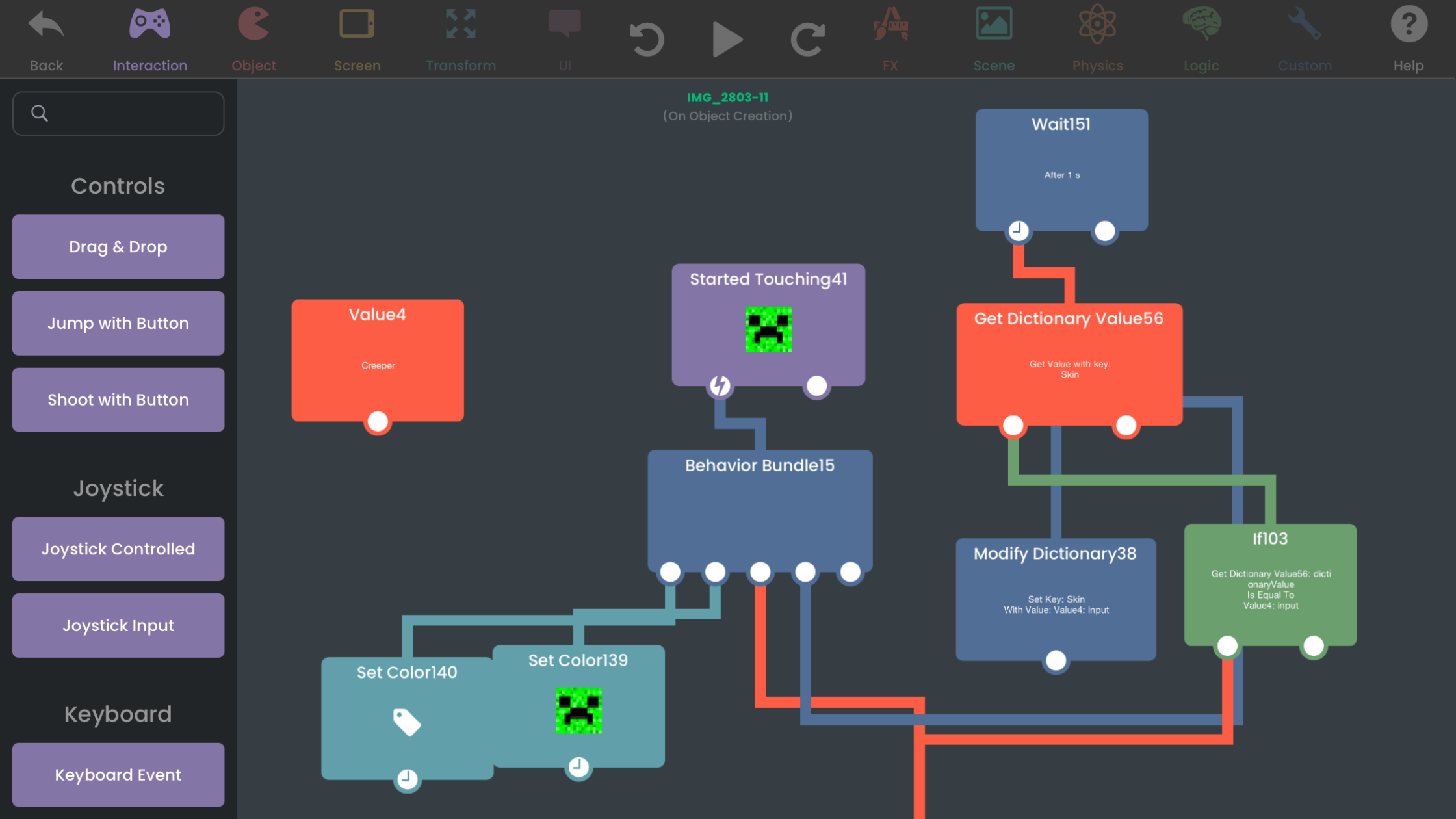
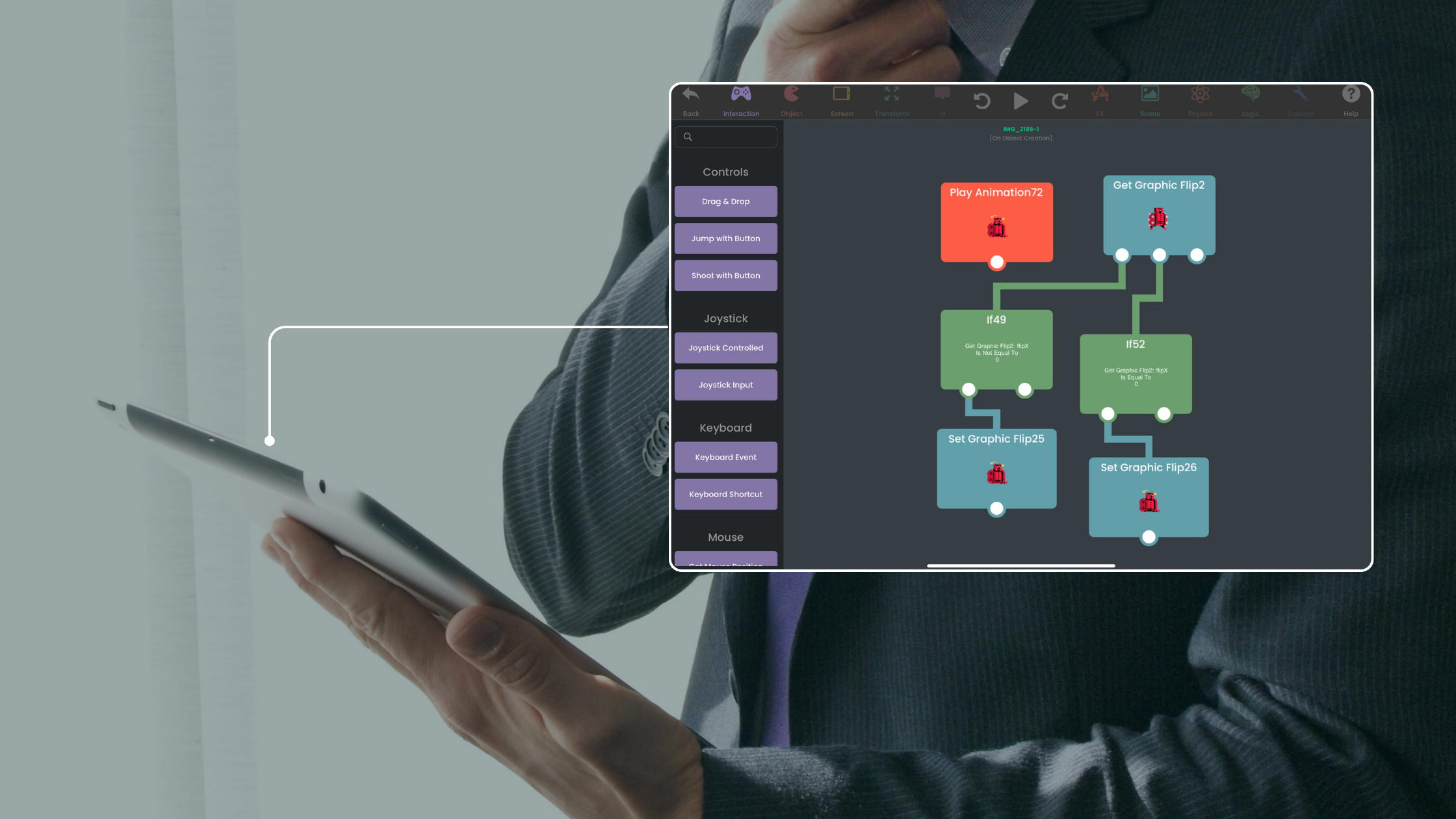
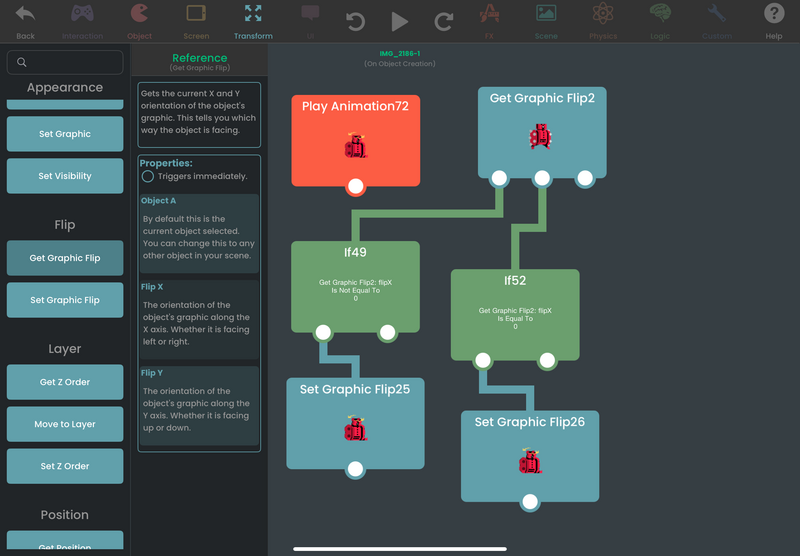
hyperPad offers a simpler, more intuitive interface than Xcode, which makes it approachable for beginners with no coding experience. It's a great starting point for making apps and games. hyperPad also includes a built-in asset library and Behaviors, so you can build games without writing complex code.
You don't need a degree or a steep learning curve to start. Drag and drop Behaviors make hyperPad approachable for anyone, whatever their coding background. You learn the fundamentals of app development by building something fun you can play.
For years, hyperPad has made app development accessible to people of every background and age. Join the hyperPad community: share your projects, ask for advice, and work with other creators! Download hyperPad today and start building.
Start building today with hyperPad Starter. It's free and includes one project.
When you’re ready for more, upgrade to hyperPad for a one-time USD $14.99. There's no subscription. It lifts the one-project limit and adds App Store export, so you can build and publish as many games as you want.
And the best part? You keep 100% of your revenue. hyperPad takes 0%.