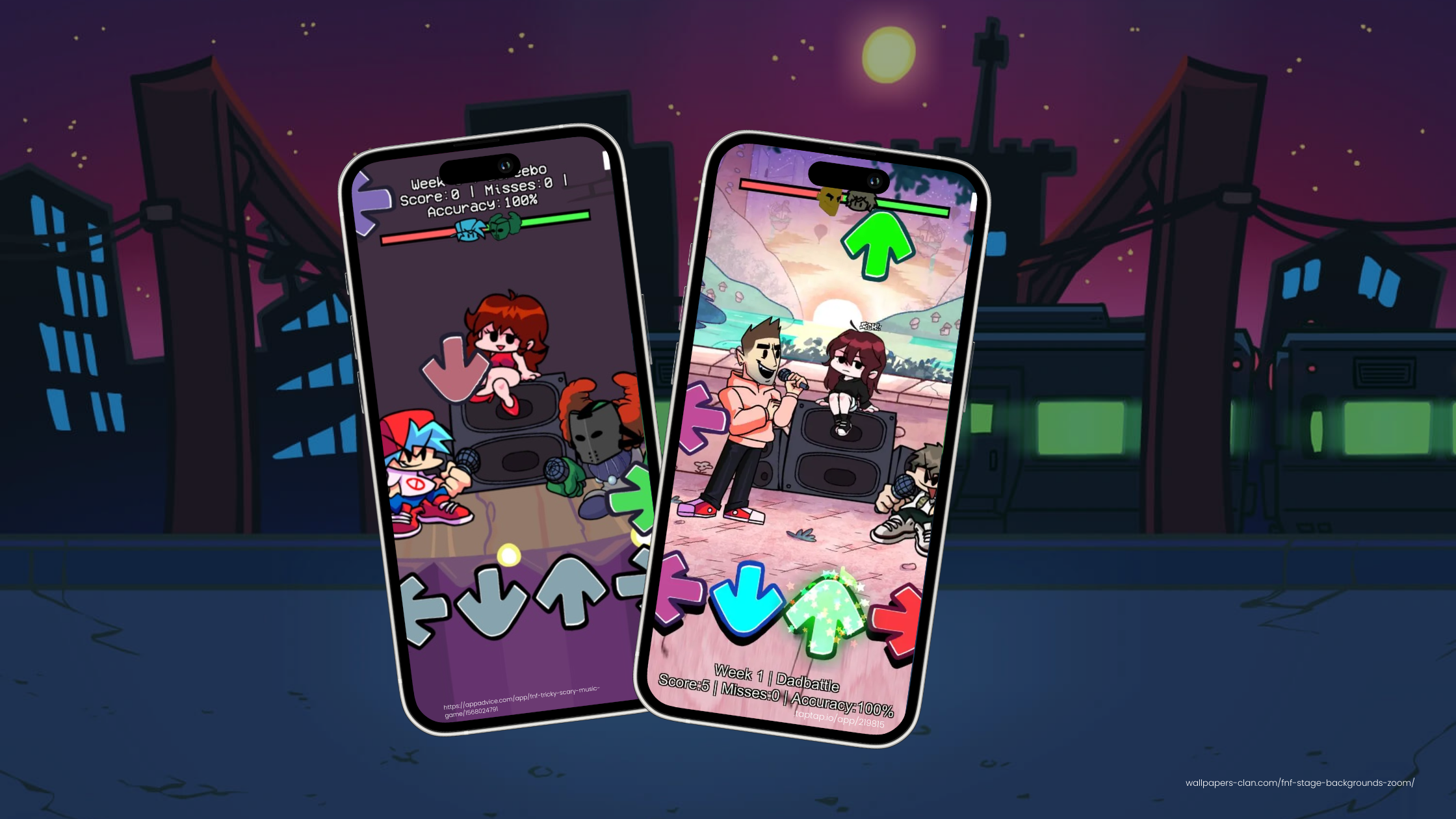
Making FNF Hyper Sonic For Beginner Game Developers

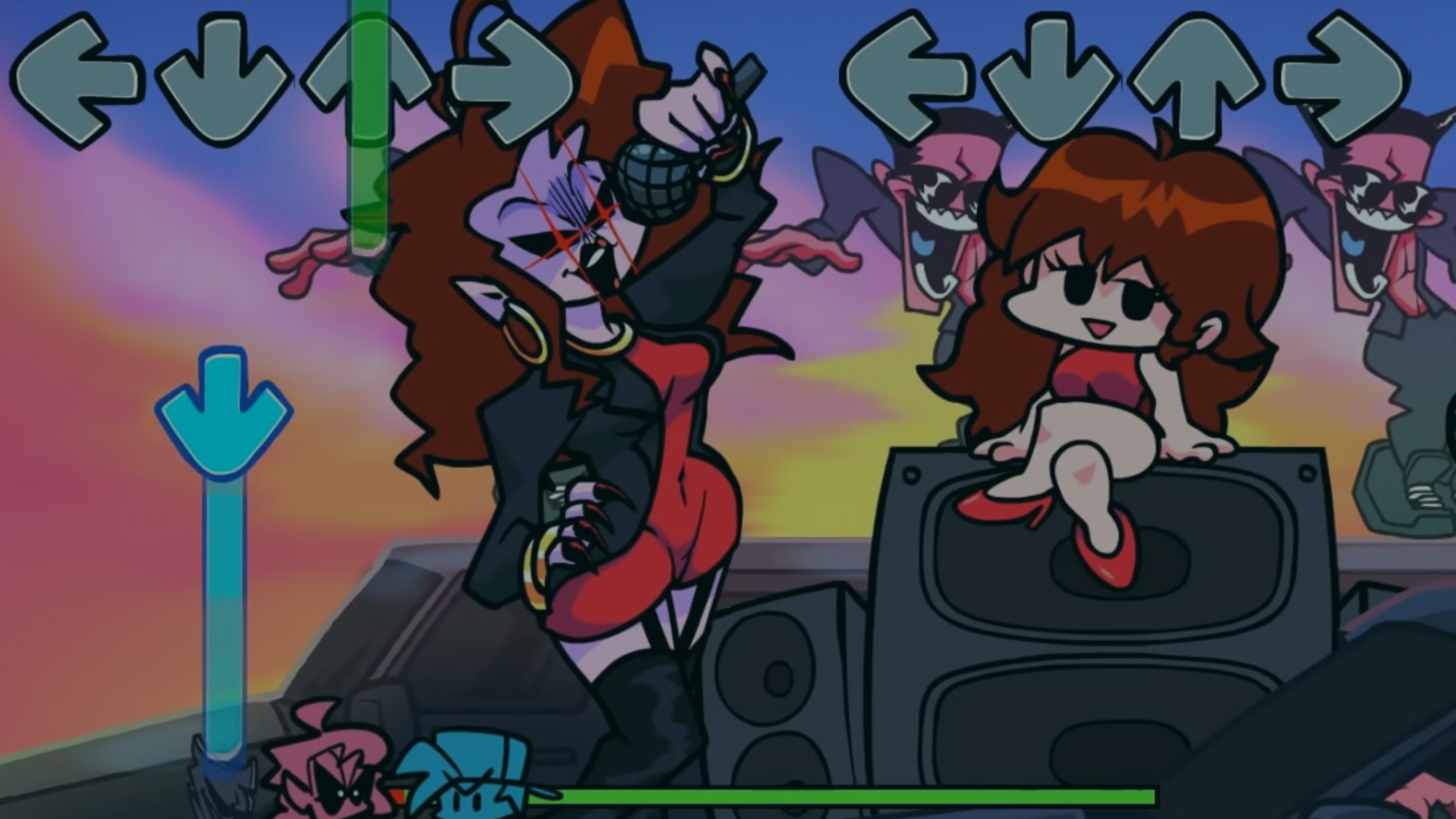
Are you a beginner game developer looking for a first project? If you're into rhythm games and iconic characters, an FNF mod like "FNF Hyper Sonic" could be a good fit. This guide walks you through the basics of making a fun rhythm game featuring Hyper Sonic from the Sonic the Hedgehog series, built on the format of Friday Night Funkin' (FNF).
What is FNF Hyper Sonic?
FNF Hyper Sonic is a fan-made FNF mod that combines the addictive mechanics of Friday Night Funkin' with the fast-paced world of Sonic the Hedgehog. In this mod, players face off against Hyper Sonic in musical battles, a fresh twist on the original game. It suits Sonic fans and anyone who wants to start their game dev journey with a familiar character.
Why Start with FNF Hyper Sonic?
- Familiar Characters: Recognizable characters like Hyper Sonic attract an audience that's already a fan of the Sonic franchise.
- Simple Gameplay: FNF's straightforward mechanics make it a great starting point for beginner game developers who want to modify and create their own content.
- Creative Freedom: Modding FNF lets you explore character design, music composition, and level creation while you learn core game development skills.
Getting Started: Tools and Resources
Before you start on your FNF Hyper Sonic mod, here are a few tools you'll need:
- Friday Night Funkin' Graphics: These are your starting point for the mod.
- Art Software: Tools like Procreate are great for creating and editing character art and backgrounds.
- Music Software: Programs like FL Studio, GarageBand, or Audacity help you create custom music tracks for your mod.
- Use hyperPad for Easy Game Dev: If you want an easier way to create your mod without coding, use hyperPad. It's an iPad game dev app where you build games with drag-and-drop Behaviors, and it's a friendly place to start beginner game dev on iPad.
Step-by-Step Guide to Creating FNF Hyper Sonic
1. Set Up Your Development Environment
- Download hyperPad on Your iPad: Skip the complicated coding setup. With hyperPad, you don't need to download the FNF source code or install complex tools. Download hyperPad from the App Store, and you're ready to build your mod with drag-and-drop Behaviors.
- Explore the Interface: Get to know hyperPad's editor. With Behaviors, you create interactions and game logic by dragging in actions and events and connecting them. There's no programming language to learn.
2. Create Hyper Sonic Character Graphics
- Design the Art: Use Procreate or any drawing app you like on your iPad to design Hyper Sonic. When your art is ready, import it into hyperPad.
- Use hyperPad's Animation Features: Once your custom Graphics are in hyperPad, assign animations for different states (idle, singing, losing) with Behaviors.
3. Develop Custom Music Tracks
- Compose the Tracks: Use music apps like GarageBand or FL Studio Mobile to create high-energy tracks that fit the Sonic style.
- Import to hyperPad: When your tracks are ready, import them into hyperPad. Use hyperPad's tools to sync the music with the game's rhythm, so the beats match the gameplay.
4. Build Your Game with hyperPad's Drag-and-Drop System
- Character Implementation: With hyperPad's drag-and-drop Behaviors, you can add your Hyper Sonic character and other game Objects. Use Behaviors to set up interactions, such as what happens when the player hits the right notes or misses a beat.
- Level Design: Create levels by dragging platforms, obstacles, and interactive Objects onto the screen. Use Behaviors to control the game's difficulty, rhythm, and patterns.
- Example: Want Hyper Sonic to speed up as the song gets faster? Drag in a Behavior that adjusts his speed based on the song's beat.
5. Testing and Debugging
- Playtest on Your iPad: hyperPad lets you playtest your game in real time on your iPad. You can see right away how your mod works and spot bugs or issues without complicated debugging tools.
- Iterate and Improve: Make quick adjustments to your Behaviors and test again until your game feels right.
6. Release and Share
- Share with the Community: Publish your FNF Hyper Sonic mod to the hyperPad Hub. Gather feedback, connect with creators around the world, and keep improving your game!
- Export Your Own Games: When you build an original game with characters you own, hyperPad (the paid app) can export it to the Apple App Store. Export creates an Xcode project that you submit from a Mac. Fan mods built on characters you don't own, like Sonic, are best shared on the Hub.
Tips for Success
- Start Small: Begin with one song and one level so you don't get overwhelmed.
- Join Communities: Connect with other FNF modders through forums and Discord groups for support and inspiration.
- Keep Learning: Game development is an ongoing process, so keep learning from tutorials, guides, and fellow developers.
Build Your Game Dev Skills with hyperPad
Continue with a playable rhythm mechanic
Use the FNF-style rhythm game guide to turn the idea into a short timing loop. The Play Music Behavior explains how music starts in a Scene, while the official Friday Night Funkin’ page is the best reference for the original game.
Build one short timing loop, then test whether the notes, audio, and feedback stay in sync. Fix the point where the rhythm becomes unclear before adding another song or lane.