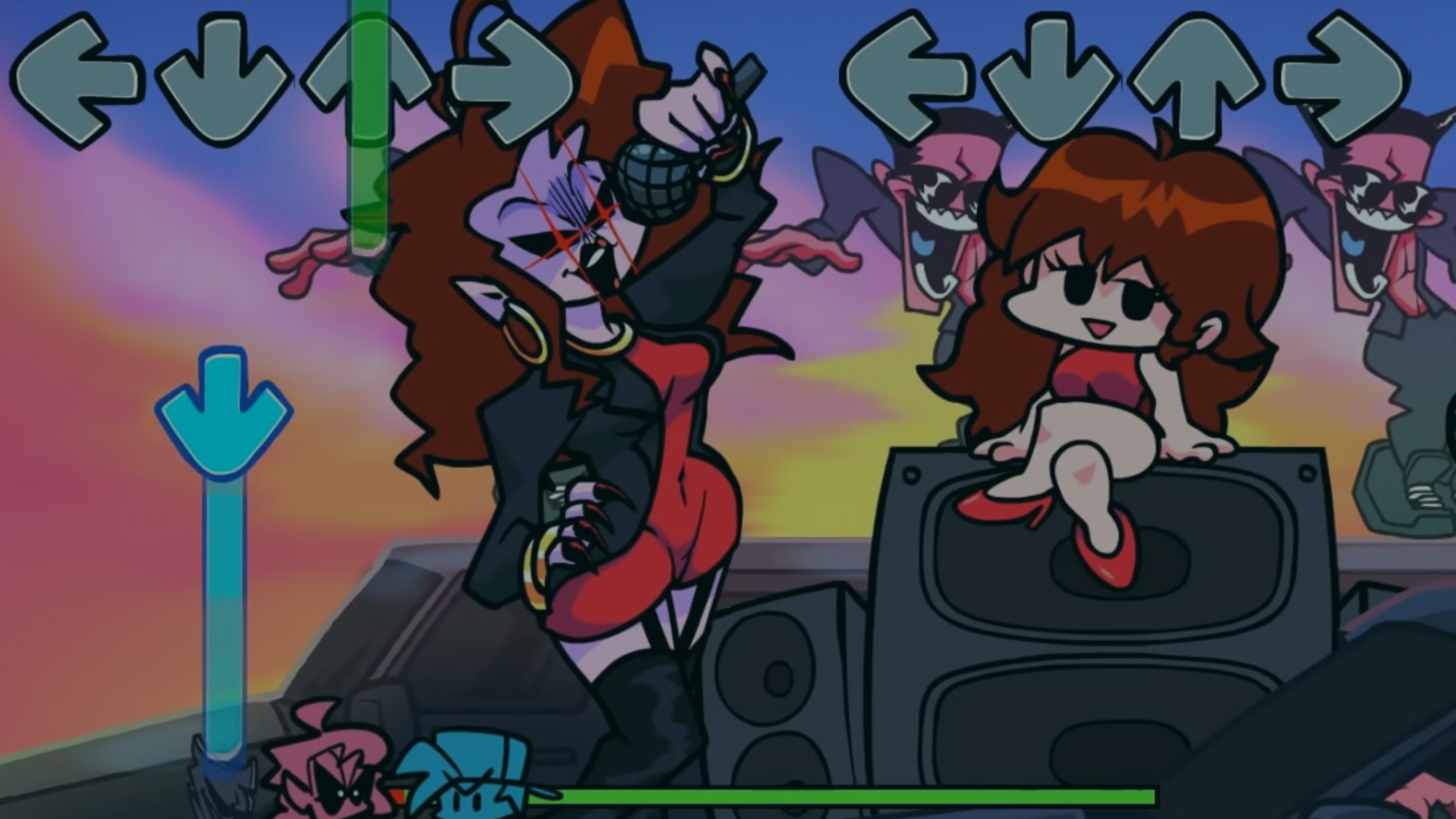
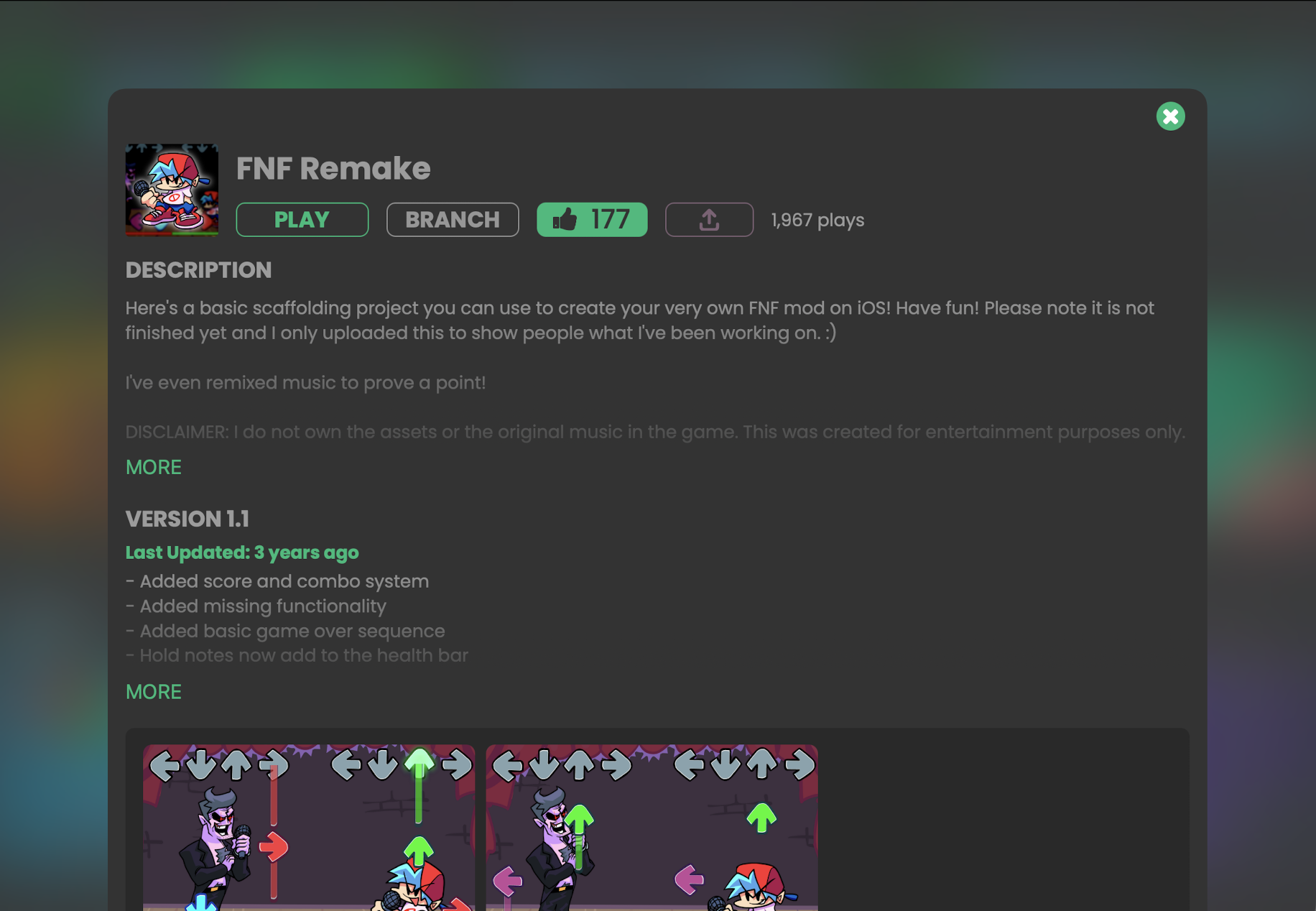
Turn Your iPad into an FNF Game Studio with hyperPad

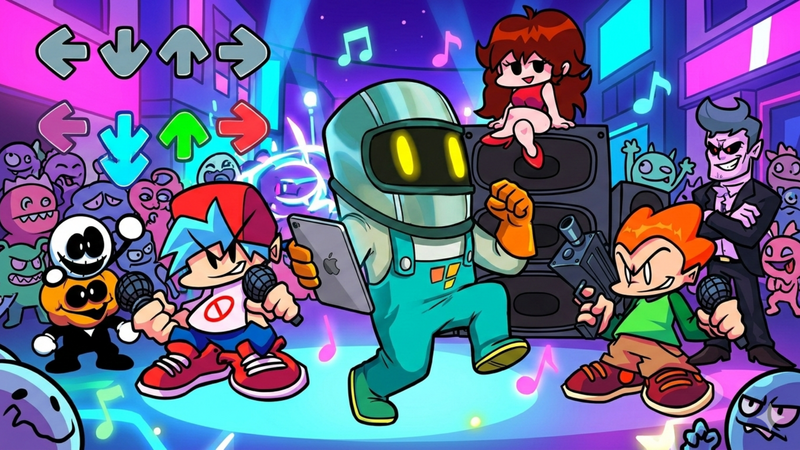
Are you a fan of Friday Night Funkin’ (FNF) and dream of making your own rhythm game? What if you could turn your iPad into a full FNF game studio without writing a single line of code? With hyperPad , you can!
hyperPad is a no-code game development app for iPad that lets anyone, from beginners to indie developers, create interactive games, including rhythm-based FNF-style projects. In this guide, we’ll show you how to get started and why hyperPad is perfect for FNF game creation.
🎮 Why hyperPad is Perfect for FNF Game Creation
-
No Coding Required – Build gameplay with drag-and-drop behaviors and visual logic.
-
Touch-Optimized Interface – Everything works on iPad, so you can design, test, and play directly on the device.
-
Customizable Assets – Import your own characters, backgrounds, music, and sound effects.
-
Real-Time Testing – Test beats, animations, and interactions instantly without long compile times.
-
Export & Share – Publish your game to the App Store or share on the hyperPad Hub.
These features make hyperPad ideal for creating FNF-inspired rhythm games , remixes, or original music-based projects.
📝 Step-by-Step: Make Your First FNF Game on iPad
https://www.youtube.com/embed/M0Y6EeTR-Kk
1. Plan Your Game
-
Decide your song, characters, and difficulty levels.
-
Sketch out a storyboard for your beat patterns.
2. Set Up Your Scenes
-
Use hyperPad’s canvas to create main gameplay scenes , menus, and score displays.
-
Import your backgrounds and character sprites.
3. Add Rhythm Mechanics
-
Use touch or key behaviors to detect taps or swipes on the correct beat.
-
Sync animations to music using timers and visual logic blocks.
4. Animate Characters
-
Animate your FNF characters using hyperPad’s frame-by-frame animation or movement behaviors.
-
Add special effects for hits, misses, and combo streaks.
5. Test & Iterate
-
Playtest each song and level, tweaking timing, input zones, and visuals.
-
Ask friends or family to test for fun and difficulty balance.
6. Share Your Game
-
Export to the App Store or share via the hyperPad Hub.
-
Showcase your FNF remix or original music game to the world!
💡 Tips for Success
-
Start Simple – Focus on one song or level before expanding.
-
Use Your Own Music – Original tracks make your game unique.
-
Leverage Community Assets – hyperPad’s Hub has free assets to speed up development.
-
Learn Visual Logic Gradually – Start with simple triggers, then add combos, timers, and score systems.
🔥 Why Beginners Love hyperPad for FNF Games
-
Ideal for teens and indie developers.
-
Perfect for school projects or portfolio pieces.
-
Lets you experiment creatively without programming knowledge.
-
Instant results help maintain motivation and learning momentum.
Including these keywords naturally in your headings, meta description, and alt text for images will help your blog rank in search results for anyone looking to make FNF-style games on iPad.
🚀 Start Your FNF Game Studio Today
Your iPad isn’t just for playing games and shows, it’s a full creative studio with hyperPad. If you want to remix FNF songs, design original rhythm games, or share your creation with friends, hyperPad gives you the tools, freedom, and publishing power to bring your ideas to life.
🎮 Turn your FNF passion into real mods! Start free with hyperPad Starter and design your own songs, characters, and battles. When you’re ready to build something truly your own, unlock the hyperPad complete for unlimited creation and publishing. Keep 100% of your royalties, all with a one-time payment of USD $14.99.