Creative iPad Apps for Kids Ages 7–10

The best iPad apps for children ages 7–10 give them something to make: a song, drawing, animation, story, or playable game. A creative app can turn screen time into a project with a visible result, especially when an adult helps choose a small goal and reviews the app’s current privacy, account, and purchase settings.
This guide focuses on creation rather than passive play. Availability and product details were reviewed on October 27, 2026. Check each official product page and App Store listing before installing because age ratings, pricing, and features can change.
Creative iPad apps for kids ages 7–10
| App | What a child can make | Good starting project | Adult check |
|---|---|---|---|
| hyperPad Starter | A playable 2D game or interactive story using visual Behaviors | A character that collects three objects and reaches an ending | Set up the first Project and keep community sharing adult-supervised. |
| GarageBand | Music, sound effects, and recorded audio | A short theme for a game character | Review microphone access and listening volume. |
| Procreate | Digital drawings, characters, and animation | A character with an idle and action pose | Confirm device support and current purchase terms. |
| iMovie | Edited videos, trailers, and project explainers | A 30-second walkthrough of something the child made | Review photos, voice recordings, and sharing destinations. |
| ScratchJr | Interactive stories and simple animations with icon-based blocks | Two characters that speak and move | It is designed for younger learners, so older children may outgrow it quickly. |
| Book Creator | Illustrated and narrated digital books | A short branching story with drawings and recorded narration | Choose the iPad or online version deliberately and review sharing settings. |
| Swift Playground | Interactive Swift exercises and, for ready learners, small apps | Complete one guided coding challenge | Apple positions this as a path into written Swift; some children will need close support. |
No single app is the right choice for every child. Match the tool to what they already enjoy making and how independently they can read instructions.
For a child who wants to make a game
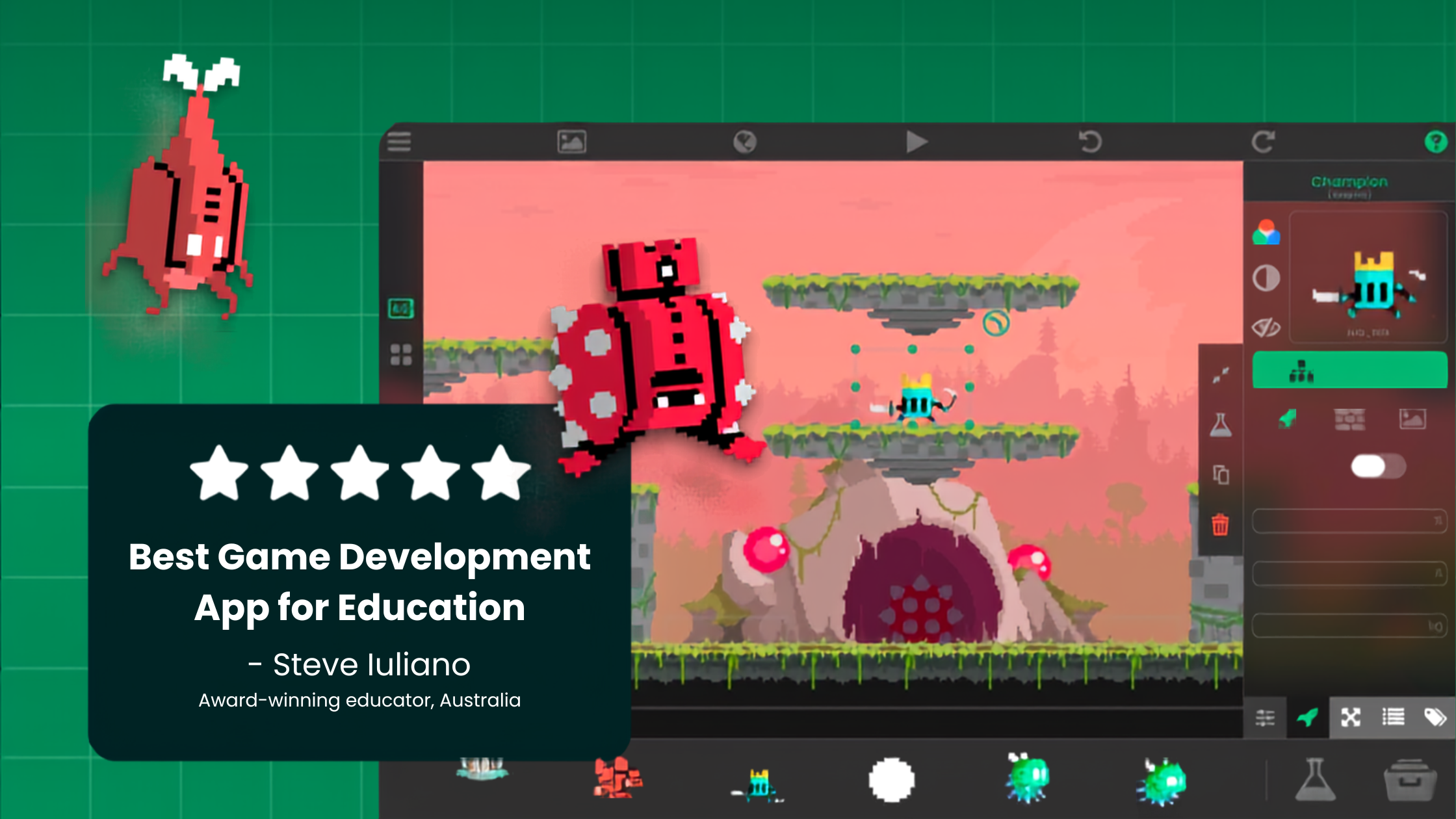
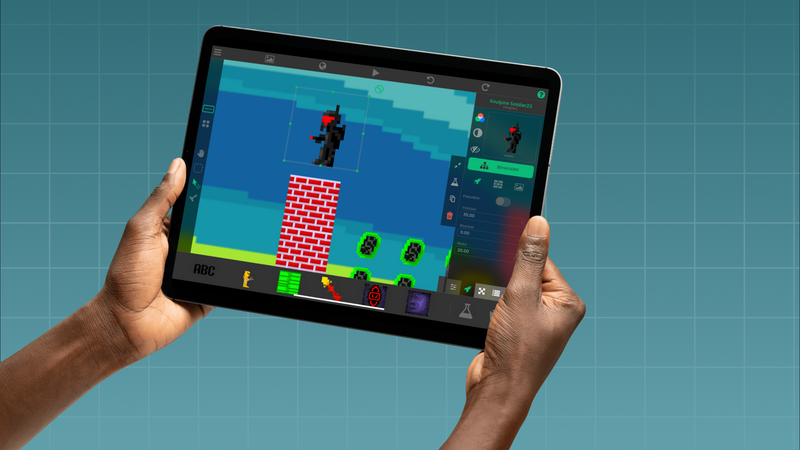
hyperPad Starter is the most direct option in this list for building a playable 2D game on iPad. Instead of writing source code, the child connects Behaviors that represent events, actions, values, and game state. This is visual programming, and the child makes every design decision.
A manageable first Project uses one Scene and one mechanic:
- Add a player Object and three collectible Objects.
- Use a touch or control Behavior to move the player.
- Detect contact with each collectible.
- Store the score in an Attribute.
- Update a UI label.
- Show a clear ending after the third collectible.
The Behavior Interface Overview explains how Behaviors connect. Scenes and the Asset Library help organize the Project.
Starter is free to download, ad-free, and includes one editable Project. The paid hyperPad app adds more Projects, publishing to the hyperPad Hub, and App Store Export. hyperPad does not currently use a subscription model.
For children ages 7–10, an adult should manage downloads, accounts, external links, and anything shared publicly. At this age, aim for a safe making session at home or school, and leave community publishing to an adult.
For a child who likes drawing
Start with a character rather than an open-ended blank canvas. Ask the child to draw:
- a neutral pose
- one action pose
- one object the character wants
- one place where the story happens
Those four pieces can become a short animation, a digital book, or assets for a hyperPad Scene. Procreate offers a focused drawing and animation workflow on supported iPads. Simpler drawing tools may be a better first step when a child is still learning layers, brushes, and file management.
If the art will enter a game, export a transparent PNG and test it at the size it will appear during play. The Importing Assets guide covers the hyperPad side of that workflow.
For a child who likes music and sound
GarageBand can turn a beat, melody, voice recording, or homemade sound effect into part of a larger project. A useful constraint is to make a sound for one moment: collecting an item, opening a door, or finishing a level.
This teaches a practical creative lesson: a good sound tells the player what just happened. Keep recordings free of personal information and let an adult review anything that may be shared.
For a child who likes stories
Book Creator, ScratchJr, and iMovie each support a different kind of storytelling. Book Creator suits illustrated or narrated books. ScratchJr uses icon-based blocks to control characters. iMovie helps turn drawings, recordings, and photos into a short sequence.
Give the project a beginning, one change, and an ending. A child can always add more after the first version works.
How to choose the right app
Use the smallest tool that can support the child’s current idea.
| If the child says… | Start with… | Measure success by… |
|---|---|---|
| “I want people to play my idea.” | hyperPad Starter | One mechanic works from start to finish. |
| “I want to draw my character.” | Procreate or another age-appropriate drawing app | The character is readable in two poses. |
| “I want to make the music.” | GarageBand | A short sound supports one moment. |
| “I want to tell a story.” | Book Creator, ScratchJr, or iMovie | The project has a clear beginning and ending. |
| “I want to learn typed code.” | Swift Playground with adult support | The child can explain one guided challenge in their own words. |
A twenty-minute finished experiment is more useful than a large project that never becomes playable or shareable. Save the result, ask the child what they would change, and make the next session about that one improvement.
A practical first session
Choose one app, one outcome, and one stopping point. For example: build a collectible mechanic in hyperPad, draw one character in Procreate, or record one sound in GarageBand. End by letting the child demonstrate what they made.
That short review shows whether the tool fits. It also turns the next session into a real design decision instead of more unstructured screen time.
After two or three sessions, notice which app your child keeps asking to open again. That pattern tells you more about their interests than any app list can, and it shows you where to spend the next session.