FNF on iOS

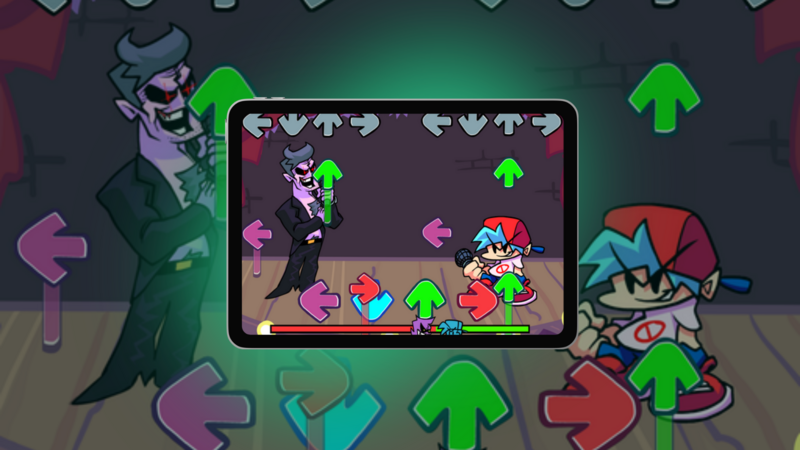
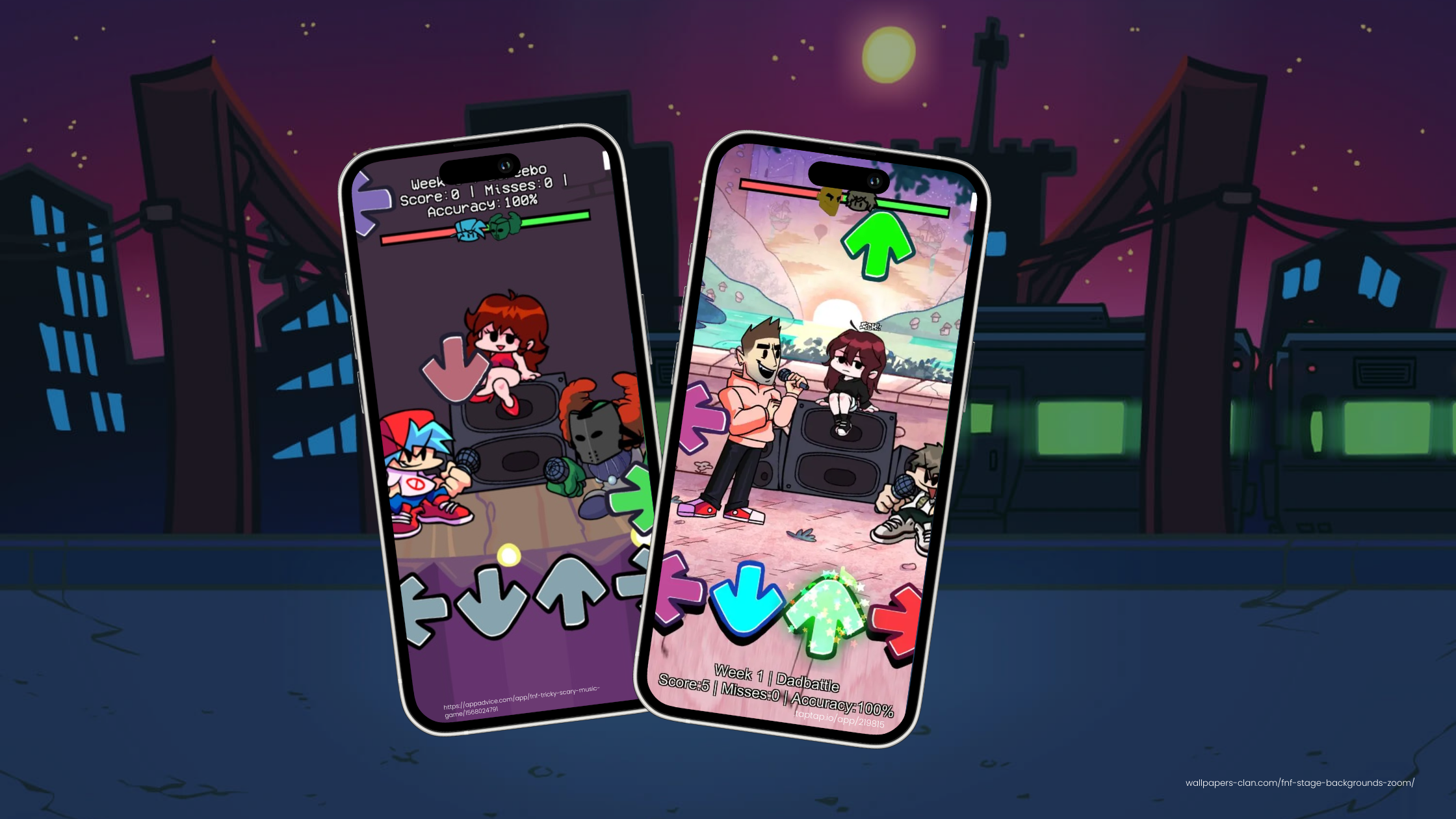
If you’ve ever dreamed of creating your first iOS game, starting with inspiration from Friday Night Funkin' (FNF) is a smart choice. Its rhythm-based gameplay, vibrant visuals, and community-driven modding culture make it an approachable and motivating first project. In this guide, we’ll explain why iOS is perfect for beginner game developers, how FNF can inspire your project, and how hyperPad makes it easy to turn your ideas into playable games without coding.
Why iOS is a Strong Platform for Game Development
Massive Audience Potential
iOS has millions of active users worldwide. The App Store provides a platform where your game can reach a global audience, from casual players to rhythm game enthusiasts. Publishing on iOS allows your first project to gain visibility and traction quickly.
No-Code Development Made Simple
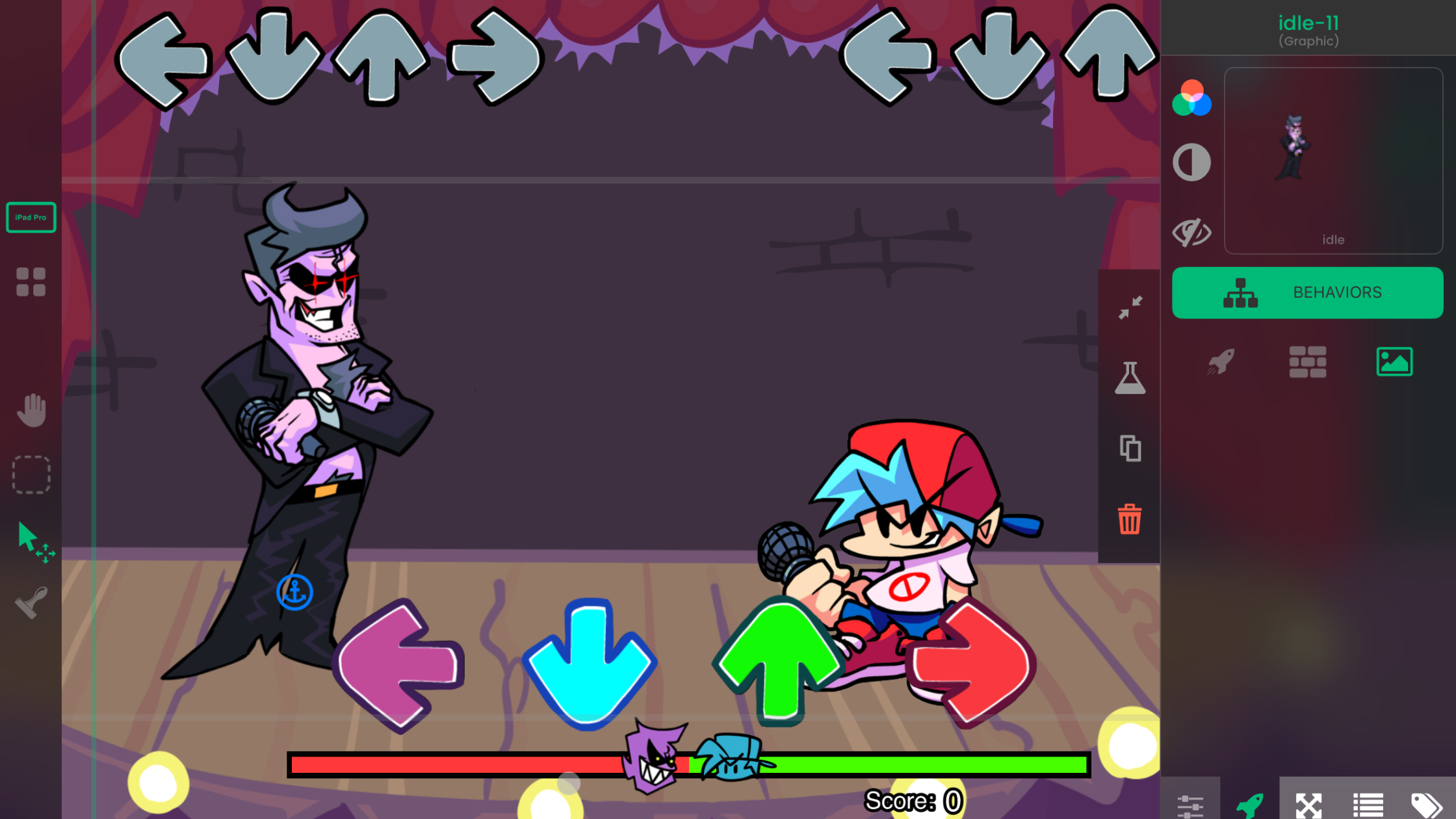
Traditional development with Xcode and Swift can be challenging for beginners. hyperPad removes this barrier. Using its no-code, iPad-based interface, you can focus entirely on gameplay, art, and design.
Documentation reference:
- “Getting Started” section (hyperPad Docs: Getting Started) – Walks through project creation, interface overview, and importing your first assets.
Flexible Monetization Options
iOS supports paid downloads, in-app purchases, and ads. As you learn game development, you can experiment with different monetization methods to fund future projects.
Why FNF Inspires Beginner Game Developers
Simple Yet Addictive Gameplay
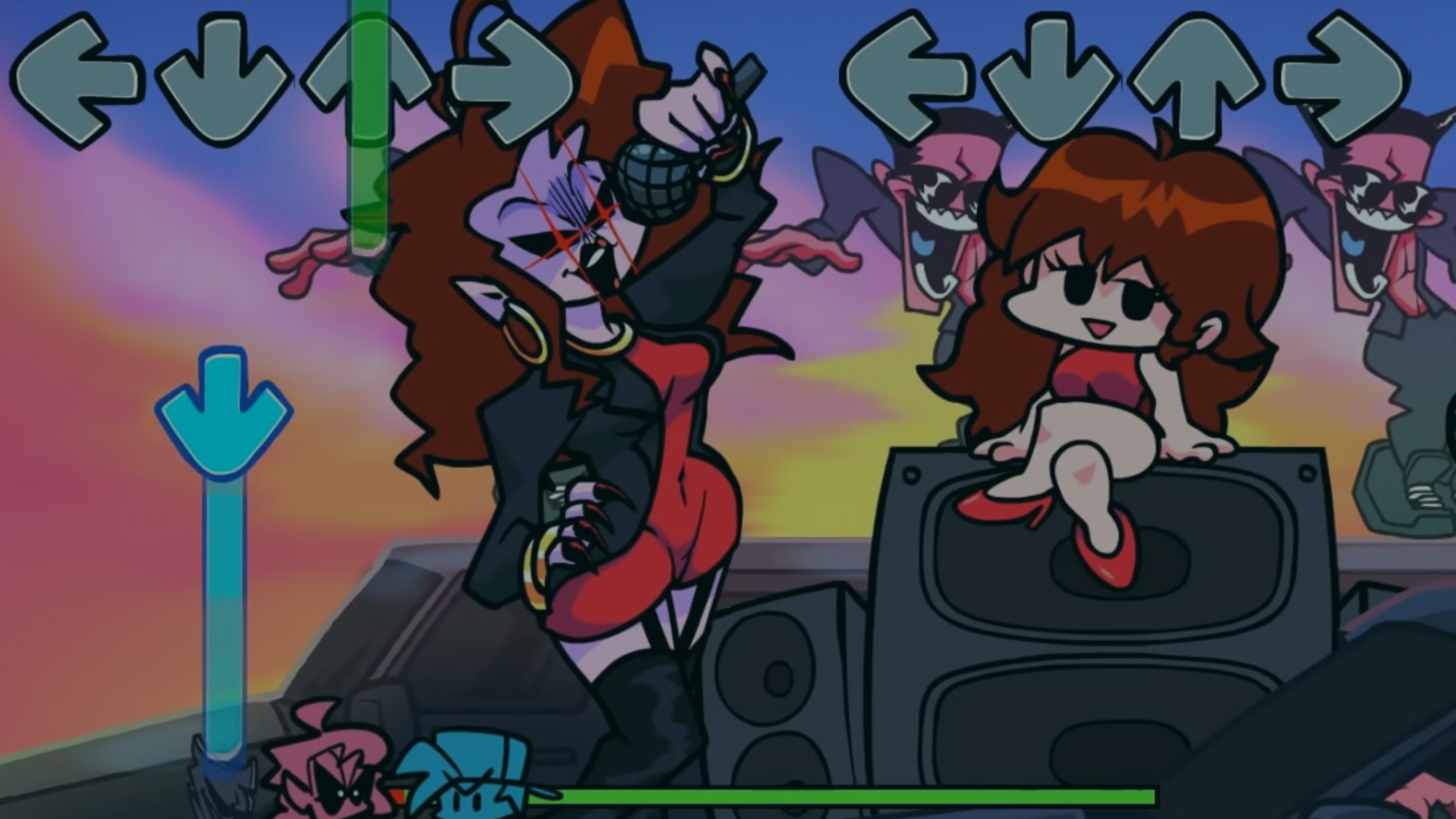
FNF’s core rhythm mechanics are simple to understand but hard to master. This makes it an excellent template for learning about timing, feedback loops, and player engagement.
Documentation reference:
- “Event System” (hyperPad Docs: Event System) – Learn how to trigger events based on player input, such as hitting a note correctly or missing a beat.
Vibrant Visuals and Soundtrack
FNF’s colorful art and catchy music draw players in. You can replicate this using hyperPad’s animation tools and audio integration.
Documentation reference:
- “Animations and Sprites” (hyperPad Docs: Animations) – Guides importing Procreate layers as sprites and animating characters.
- “Audio Integration” (hyperPad Docs: Audio) – Explains adding background music, sound effects, and syncing audio with gameplay.
Thriving Community and Modding Scene
FNF’s modding culture emphasizes audience feedback. Engaging with communities early can provide valuable insights and help refine your game design.
Documentation reference:
- “Sharing and Testing” (hyperPad Docs: Testing & Sharing) – Shows how to share your game with friends for feedback and iterate efficiently.
Room for Customization
From new characters to music tracks and unique gameplay mechanics, FNF’s flexibility allows you to add your own creative spin.
Step-by-Step Guide to Your First iPad Game
https://www.youtube.com/embed/M0Y6EeTR-Kk
1. Use hyperPad for No-Code Game Development
hyperPad lets you prototype quickly and visually. Drag-and-drop characters, design stages, and set up gameplay without writing code.
Documentation reference:
- “User Interface Overview” (hyperPad Docs: UI Overview) – Understand the editor layout, scene management, and asset libraries.
2. Analyze FNF Mechanics
Study how FNF handles rhythm, scoring, and player feedback. Plan your game’s mechanics accordingly.
Documentation reference:
- “Variables and Conditions” (hyperPad Docs: Variables) – Track player score, combo streaks, or rhythm accuracy.
- “Logic and Triggers” (hyperPad Docs: Logic & Triggers) – Create conditional gameplay events, like power-ups or character reactions.
3. Build and Iterate
Start small with a basic rhythm prototype. Add one character, a few notes, and basic scoring. Test and refine before expanding.
Documentation reference:
- “Testing Your Game” (hyperPad Docs: Playtesting) – Learn to test scenes, debug events, and iterate efficiently.
4. Add Audio and AI Voice Features
Include music tracks, sound effects, and AI-driven character responses like the FNF BF AI Voice.
Documentation reference:
- “Audio and Voice Integration” (hyperPad Docs: Audio) – How to add music cues and voice clips.
- “AI and Interactive Dialogue” (hyperPad Docs: AI Features) – Step-by-step on creating responsive dialogue for characters.
5. Share, Get Feedback, and Publish
Share your game with friends or online communities, gather feedback, and improve your design. When ready, publish to the App Store directly from your iPad.
Documentation reference:
- “Publishing Your Game” (hyperPad Docs: Publishing) – Complete guide for preparing, testing, and submitting your game to the App Store.
Why hyperPad is Perfect for Beginners
hyperPad provides:
- Drag-and-drop no-code development
- Easy Procreate integration for importing and animating characters
- Tools for rhythm, scoring, and interactive events
- Step-by-step guides in documentation for every feature, from AI voice to publishing
With lifetime access through a one-time payment, hyperPad gives you freedom to experiment, iterate, and publish without subscription fees.
Start Your Game Dev Journey
Take inspiration from Friday Night Funkin', import your designs from Procreate, and craft your own interactive rhythm game on iPad. Follow the hyperPad documentation for guidance on animations, audio, AI, logic, and publishing.
Your first iOS game is within reach. Start creating today, refine your ideas, and share your unique vision with players worldwide.