Scratch vs hyperPad: How to Build Real Games Without Code


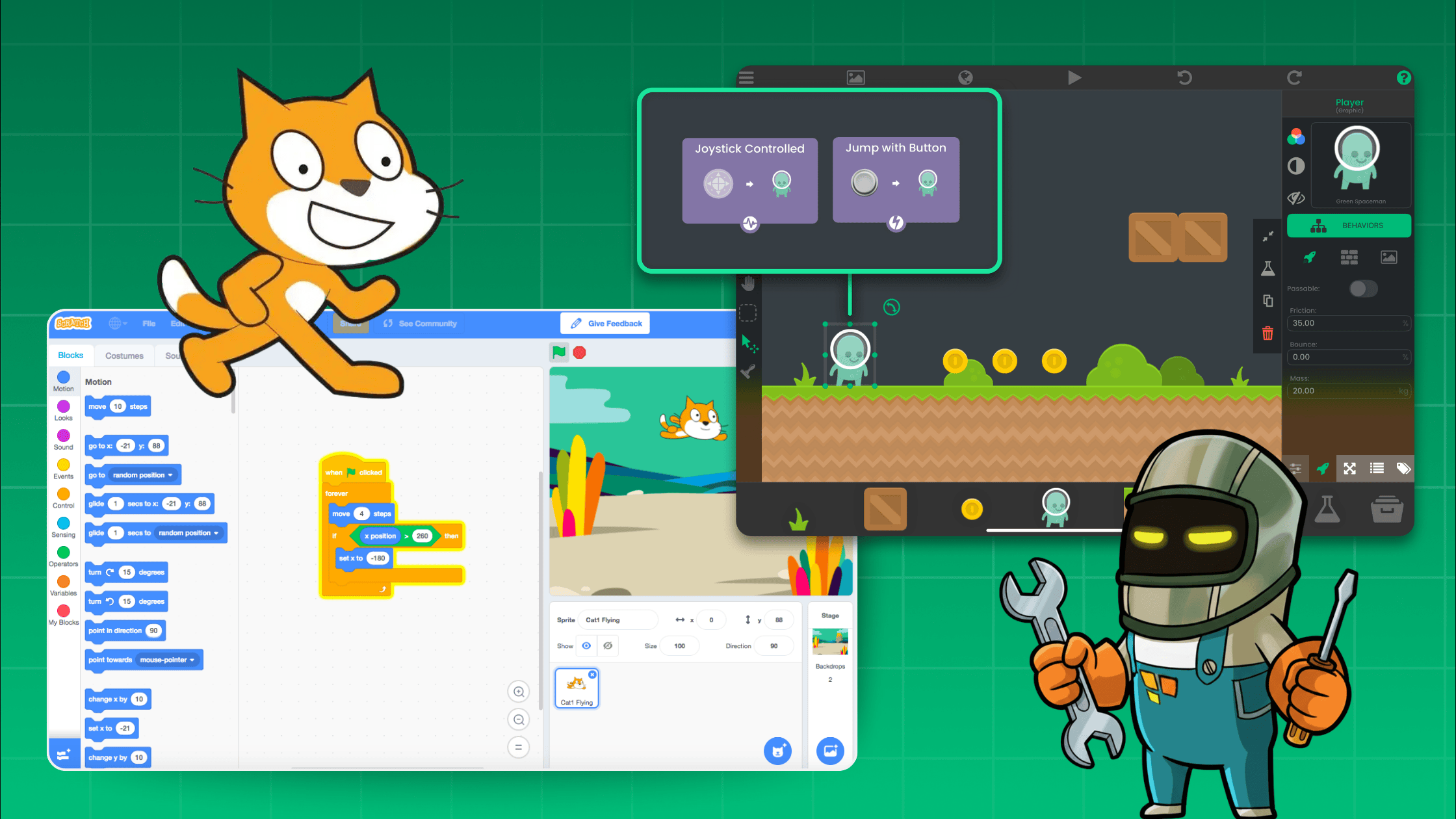
Once you’ve mastered the basics in Scratch , you start to wonder how to make real games. That’s where many creators realize the limits of Scratch and discover the power of hyperPad.
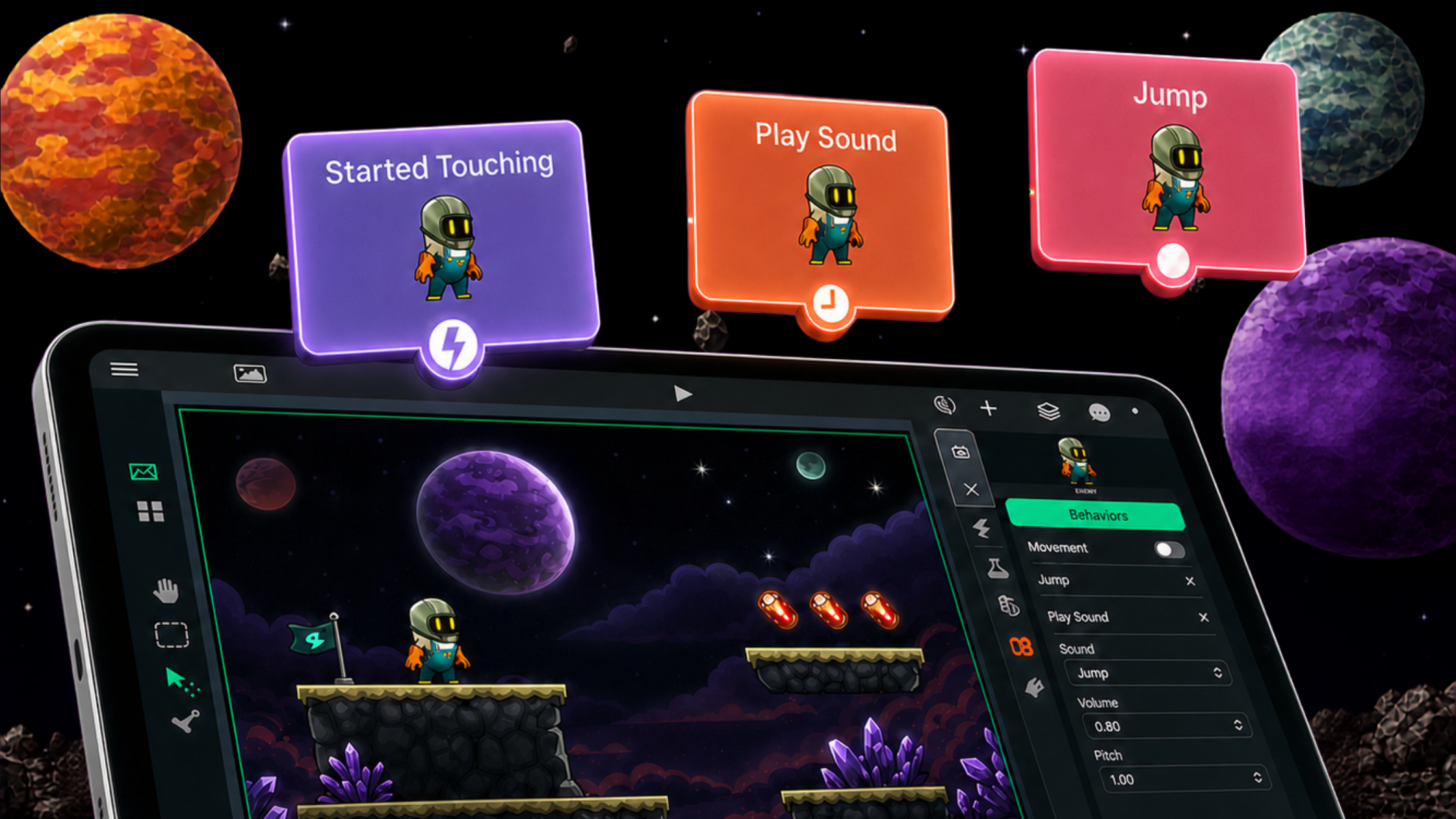
hyperPad is a no-code visual game creator for iPad that gives you everything you need to make full-featured games. From platformers and puzzles to action games and RPGs. Its visual coding behaviour system makes advanced game mechanics simple, even if you’ve never written a line of code.
Here’s how hyperPad handles some of the most common intermediate questions Scratch users ask, and why it’s the next step for creators who want to make real games.
🎯 “How do I make a score or timer?”
In Scratch, you create variables for score or time and update them with blocks. In hyperPad , it’s even easier. Just drag in a Set Label Text or Add to Variable Behaviour, and connect it to the events that change your score.
You can show your score or timer directly on-screen with a custom font and position. You can even animate score updates, add sound effects, or create multiple score types (like coins, lives, or combos), all without writing any code.
Want a countdown timer? Just drop a Timer Behaviour and update a text label every second, it’s all visual and instant.
🦘 “How can I make my character jump or detect the ground?”
Scratch often struggles with gravity and precise jumping logic. hyperPad makes it easy with built-in physics.
Just enable physics on your character and ground objects, then use Behaviours like Apply Force , Set Velocity , or When Collides to create natural jumping and landing.
You can control jump height, friction, and gravity, or even build advanced mechanics like double jumps and wall slides. Everything runs smoothly thanks to hyperPad’s physics engine, which works like the ones used in real game studios.
👾 “How do I make enemies that move on their own?”
In hyperPad, you can make enemies move, patrol, and react. All with Behaviours.
Use Move to Point , Rotate , or Loop Timer Behaviours to make enemies move automatically. Then add Collision Behaviours to detect when they hit walls, change direction, or chase the player.
You can even create AI-like logic with Compare Behaviours , making enemies that follow, shoot, or flee from your character. All visually, no scripting required.
🗺️ “How do I make different levels or screens?”
Scratch has limited ways to switch between stages. In hyperPad, you can create multiple scenes. Each one is a level, menu, or game-over screen.
Use Load Scene Behaviours to move between them, or build transitions with animations and music.
You can even pass data between levels (like score, items, or health) using Global Variables. That means you can make full adventure games, story-based projects, or multi-level challenges, all within one project file.
🖱️ “How can I make a sprite follow the mouse?”
hyperPad takes interactivity beyond the mouse, it’s built for touch and motion controls on iPad. You can make characters follow your finger, respond to taps, or even move when you tilt the device.
Use When Object Touched or Set Position to Touch Behaviours for tap-based games!
Want a desktop version? hyperPad supports mouse input too, so your projects work seamlessly on Mac or PC testing.
💥 “How do I make collisions work (e.g. touching color, sprite, or edge)?”
In Scratch, collisions rely on color or sprite touching blocks, which can get messy fast. hyperPad’s physics and collision Behaviours are far more advanced, and much easier to use. You can detect:
-
When an object touches another object
-
When it hits a wall or ground
-
When it overlaps a specific shape or area
Behaviours like When Collides , When Overlaps , and When Hits Edge let you trigger any event you want from taking damage to bouncing off obstacles.
Everything runs smoothly using real physics, just like professional game engines.
🎵 “How do I play sounds or background music?”
Adding audio in hyperPad is effortless. Import your own sound effects and music files, or use the built-in library. Then use Play Sound or Play Music Behaviours to trigger them at any point when collecting coins, starting a level, or opening a menu.
You can loop background music, adjust volume, and fade in/out for smooth transitions. And because hyperPad runs on iPad, you can test it instantly with full audio feedback.
🚀 Build Real Games, Not Just Demos
Scratch is great for learning coding logic, but hyperPad is where you build real games that feel professional and ready for the App Store. With built-in physics, animations, UI tools, and visual logic, hyperPad gives you complete creative freedom. All without writing code. If you’ve ever wished Scratch could make console-style games or full mobile experiences, hyperPad turns that dream into reality.
🎮 Create Games and Apps on iPad. No Coding Required
Start building your own games today with hyperPad , the most powerful visual coding app for iPad.
👉 Download hyperPad on the App Store