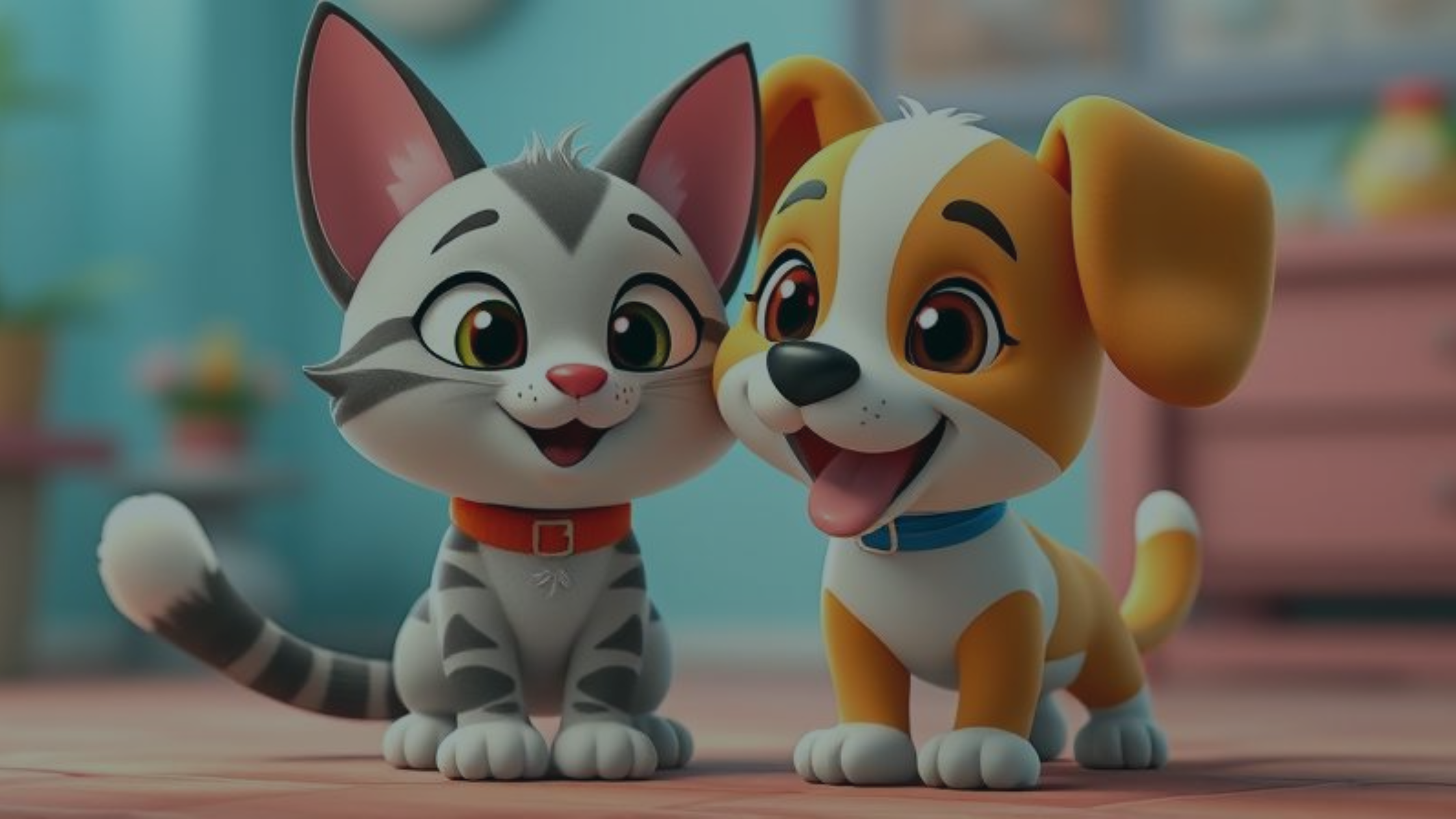
How to Make Your Own Pet Sim Game


A Simple Way to Get Started on iPad
If you're a fan of pet simulation games and have ever wondered how to make one yourself, you're in the right place! Maybe your players adopt, care for, or train virtual pets. Either way, making a pet sim game is a rewarding project. You don't need advanced coding skills to bring your idea to life. This guide shows you how to make your own pet sim game with hyperPad, a no-code tool for iPad game development.
Why Pet Sim Games Are So Popular
Pet simulation games, often called "pet sims," let players raise and care for virtual animals. The genre has won over players of all ages with its interactive, nurturing gameplay. Games like Nintendogs, Pet Rescue Saga, and Animal Crossing set the standard for the category, and players fall in love with their digital companions.
Why You Should Make a Pet Sim Game
Pet sims are fun to play, and they're just as fun to build. Here's why a pet sim is a great first project:
- Engaging and Replayable: Players keep coming back to take care of their pets.
- Wide Audience Appeal: Kids and adults both love them.
- Room for Creativity: You can design your own pets, environments, and storylines.
- Monetization Potential: Offer in-game purchases like special pets, food, or outfits.
Now that you know why pet sims make a great game idea, here's how to build your own.
Why Choose hyperPad for Your Pet Sim Game?
If you want to make a game on iPad, hyperPad is built for it. It's an intuitive, no-code game development app that lets you build fully functional games without any programming knowledge. Here's what it gives you:
No Coding Required
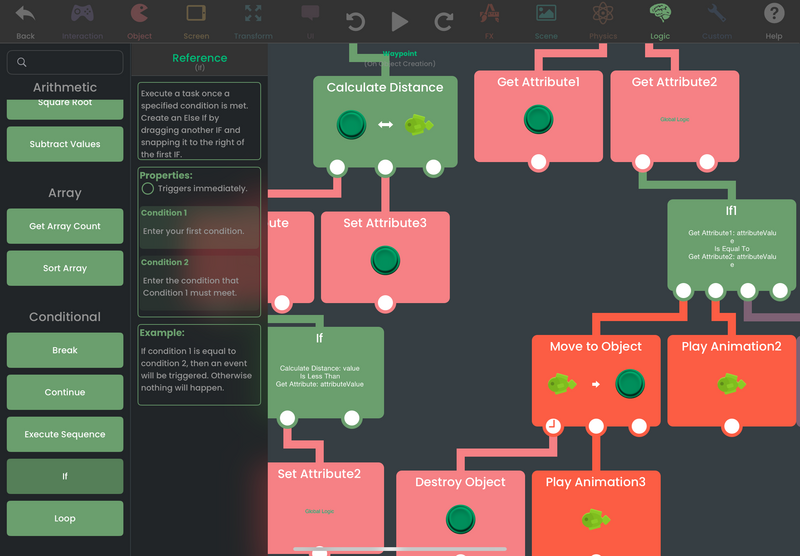
Visual Behaviors, with built-in references to help you learn and use them.
With hyperPad, you don't need to be a coding expert to make your own game. You build your game's logic with visual Behaviors that are easy to learn. Drag and drop actions to bring your pet sim game to life.
Optimized for iPad Game Dev
hyperPad is designed for iPad, so it's a natural fit for making iPad games. You use the whole iPad screen to build games that look and feel professional.
Ready-to-Use Assets and Templates
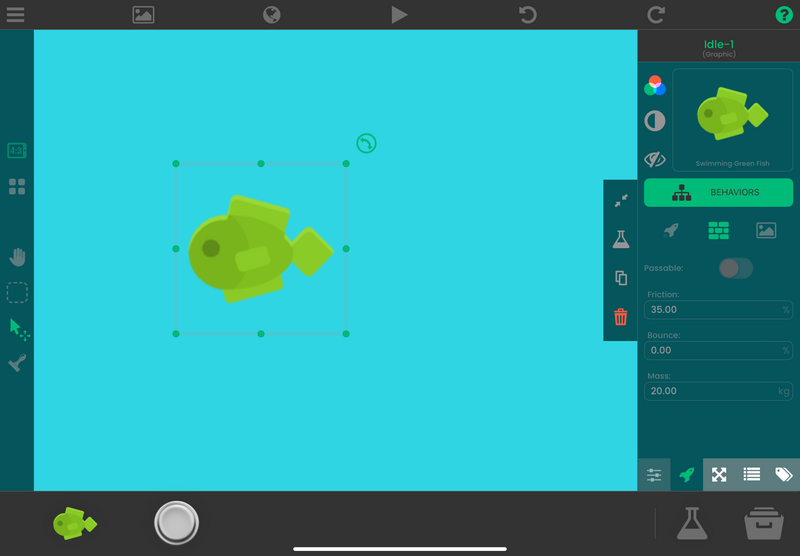
Import any asset you want to use in your game.
hyperPad offers a range of pre-made assets and templates to jumpstart your game. You'll find ready-to-use Graphics for pets, backgrounds, and animations, which make building a pet sim quicker. You can also get assets from online sources, or Branch an Open Source project on the Hub to get the whole project file.
Integration with Procreate
Love making digital art? hyperPad works well with Procreate. Design custom Graphics for your pets and environments in Procreate, then import them into hyperPad. Cute puppies, mystical creatures, or exotic animals are all up to you.
Exporting Your Game
Once your game is complete, you can export it to the App Store or share it with friends. hyperPad exports your project to Xcode for iOS, so you can distribute your game beyond the iPad. You can even create with hyperPad on your Mac. Try it out and let us know what you think.
How to Create a Pet Sim Game with hyperPad: Step-by-Step Guide
Step 1: Download and Set Up hyperPad
First, download hyperPad from the App Store and create an account. Start a new project and choose a template that fits the style of your pet sim game.
Step 2: Design Your Pets
Use the built-in asset library, or design your own pets in Procreate. Think about which pets you want in your game: dogs, cats, dragons, or even fantasy creatures.
Step 3: Build Your Game World
Create environments for your pets to explore, such as parks, homes, and training grounds. hyperPad's drag-and-drop interface makes it easy to build interactive Scenes and set up triggers for different actions.
Step 4: Add Interactivity with Behaviors
Use hyperPad's visual Behaviors to add actions like feeding, playing, and training your pets. You can set up rewards for players, such as earning in-game coins for taking good care of their pets.
Step 5: Test and Optimize
Before you publish your game, test it thoroughly. hyperPad lets you test your game right on your iPad, so you can quickly find and fix any issues.
Step 6: Publish Your Game
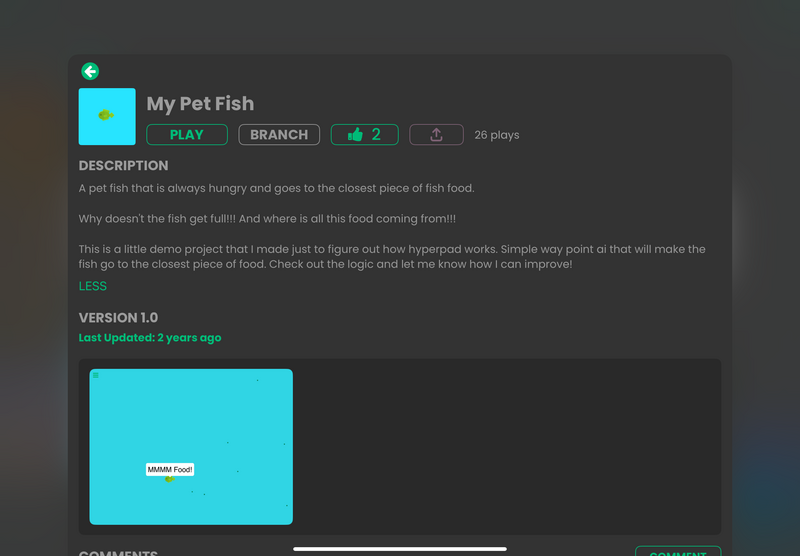
Publish your game to the Hub so other creators can play it and give feedback.
Once your game is polished, export it to the App Store. You can also publish it to the Hub to get feedback from other creators.
Frequently Asked Questions (FAQs)
Q1: What is the best platform for making pet sim games?
If you're new to game development, hyperPad is a great place to start. Its no-code interface is built for iPad, so you can build polished games without programming.
Q2: Can I make a pet sim game without coding?
Yes. With hyperPad, you can make a complete pet sim game with visual Behaviors. That makes it a good fit for beginners who want to get into game development.
Q3: Can I sell my pet sim game after making it on hyperPad?
Yes. With hyperPad, you can export your game to the Apple App Store and earn money through ads or in-app purchases. You keep 100% of your revenue.
Q4: What types of pet sim games can I create?
You can create many kinds of pet sim games, such as:
- Pet Adoption Games: Players adopt and care for pets.
- Training Games: Train pets to perform tricks and tasks.
- Fantasy Creature Games: Create mythical pets like dragons or unicorns.
Q5: How much does hyperPad cost?
hyperPad Starter is free and includes one project. hyperPad is a one-time purchase of USD $14.99. It lifts the one-project limit and adds App Store export through Xcode.
Tips for Making Your Pet Sim Game Stand Out
Making a pet sim game is exciting, and a little creativity helps yours stand out. Here are some tips:
- Unique Pets: Think beyond typical cats and dogs. Try exotic or fantasy animals.
- Customization Options: Let players customize their pets' appearance, homes, and accessories.
- Mini-Games: Add mini-games like fetch or obstacle courses to keep players engaged.
- Seasonal Events: Run limited-time events or challenges to keep players coming back.
Start Your Game Dev Journey on iPad Now
Building a pet sim game is a fun way to get creative and start game development. hyperPad's design makes it approachable, and its features are built for iPad game dev. Whether you're a seasoned developer or a complete beginner, you can bring your pet sim game to life with hyperPad.
Download hyperPad Starter today for free and see if it's a fit. When you want more projects and App Store export, upgrade to hyperPad for a one-time USD $14.99, with no subscription. You keep 100% of your revenue.
Then start making your own pet sim game to share with everyone. Your digital pets are waiting!