How Indie Developers Prototype Mobile Games Faster With hyperPad


For indie developers, speed is everything. Every minute you spend wrestling with code or setting up an engine is a minute you don't spend testing mechanics, iterating on levels, or trying out art styles. hyperPad lets you prototype full mobile game concepts directly on your iPad, without complex toolchains or coding setups.
The Indie Bottleneck: From Idea to Playable Prototype
Traditional mobile game development often involves:
-
Installing and configuring a game engine
-
Writing code for basic mechanics
-
Integrating assets
-
Compiling and testing on devices
Even small changes mean a slow cycle: code, compile, deploy, test. For indie teams and solo developers, that cycle slows down the creative iteration loop. hyperPad replaces it with a visual, touch-based workflow. You can:
-
Place characters, Objects, and UI directly on-screen
-
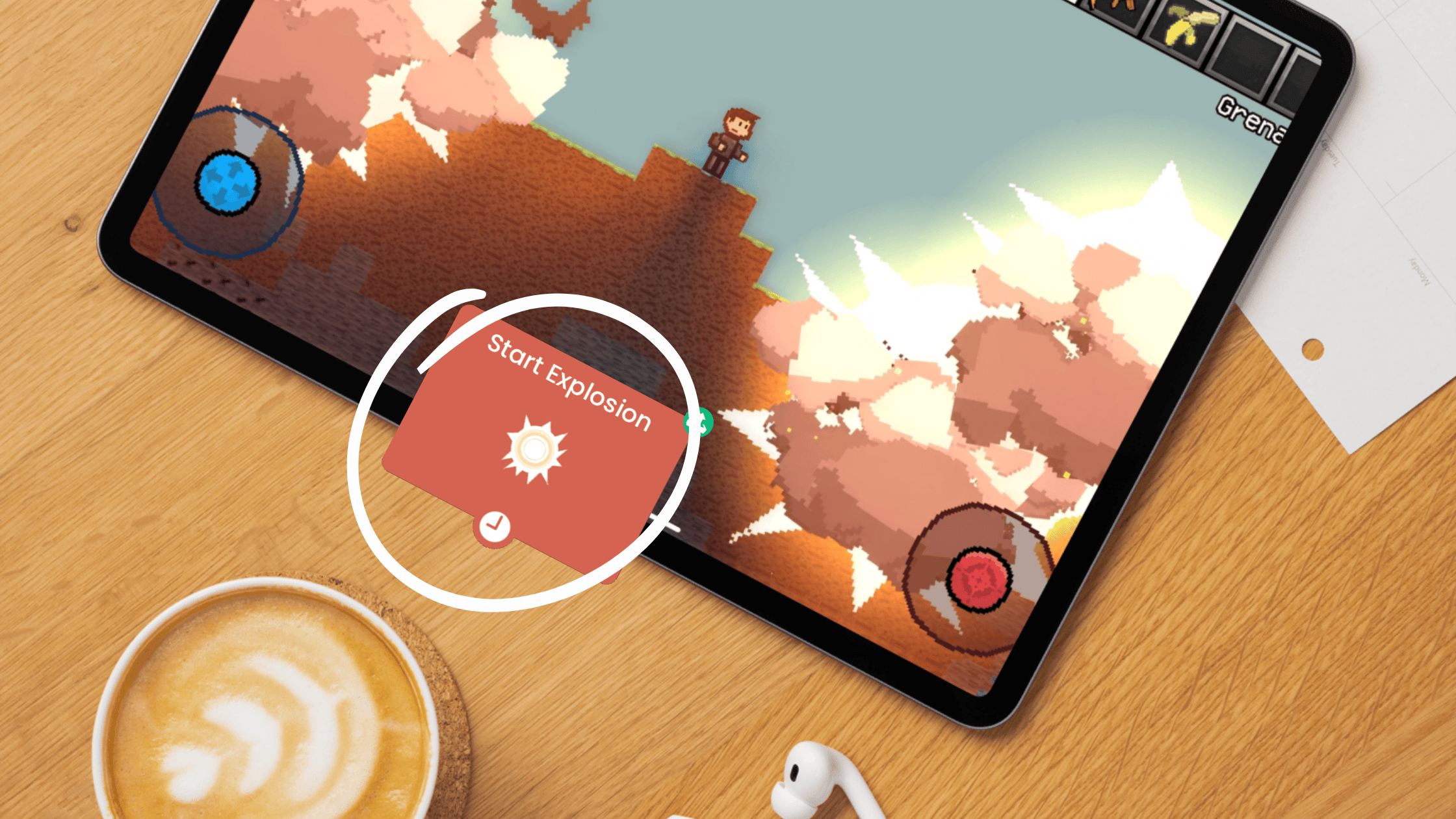
Add Behaviors in the visual Behavior Editor
-
Test immediately on the same device
Prototyping goes from a multi-hour task to minutes of experimentation.
Rapid Iteration Without Sacrificing Complexity
Some no-code tools force simplicity. hyperPad doesn't. You can:
-
Build physics-based gameplay (platformers, puzzles, runners)
-
Add interactive UI and menus
-
Create timed events, triggers, and logic sequences
-
Animate characters and environments
You do all of it in one visual editor. Instead of spending days on boilerplate code, you can focus on game feel, level design, and player experience.
Example: Iterating a Mobile Platformer
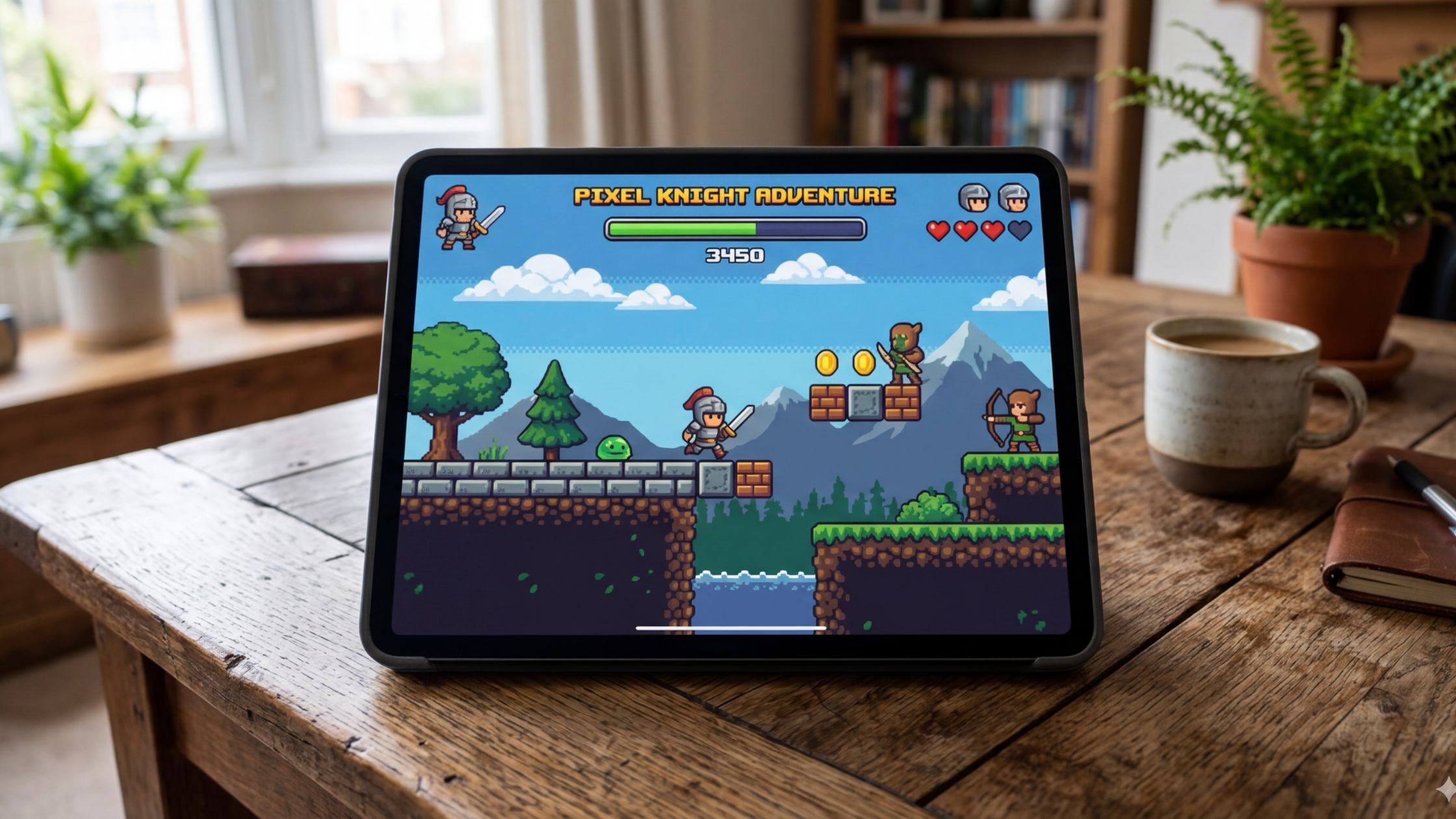
Here's how a three-day platformer prototype might go:
-
Day 1: Place your character and platforms, then add jump and gravity Behaviors. Test movement.
-
Day 2: Add hazards, collectibles, and scoring logic. Test interactions.
-
Day 3: Refine the level flow, tweak timing, and add polish (animations, particle effects).
After three days, you have a playable prototype. The same work can take weeks in a traditional engine.
Why Prototyping Faster Matters
Fast prototyping lets you:
-
Validate mechanics early
-
Experiment with visual and audio style
-
Spot player experience issues before you commit to full production
For indie developers, every hour saved is more room for creative iteration. That room often decides whether a game fizzles or succeeds.
Your Next Steps
Think of hyperPad as a speed engine. You can test, iterate on, and validate mobile game ideas on the same device your players will use. The faster you prototype, the more time you have to experiment and polish. That's the edge an indie developer needs.
Build a small version in hyperPad
Turn the article’s idea into one testable mechanic before expanding the Project. Put the necessary Objects in a Scene, then open the Behavior Editor. The Behavior Interface Overview explains how an event starts a chain and how connected actions run.
A basic interaction can use this sequence:
- Add Started Touching to a button or playable Object.
- Connect it to an action such as Apply Force, Set Attribute, or Play Sound.
- Press Play and check the result.
- Change one value, then test again.
- Add a reset or end state before adding another mechanic.
Keep a short test note: what you changed, what you expected, and what actually happened. That habit makes debugging easier because it separates a logic problem from a value that simply needs adjustment.
For a complete beginner workflow, continue with the iPad game development guide. It covers scope, Scenes, Behaviors, assets, playtesting, Hub feedback, and the later App Store workflow.
Build the smallest useful version of the idea first. Test the core interaction, note what feels unclear, and make the next change from what the player experiences.