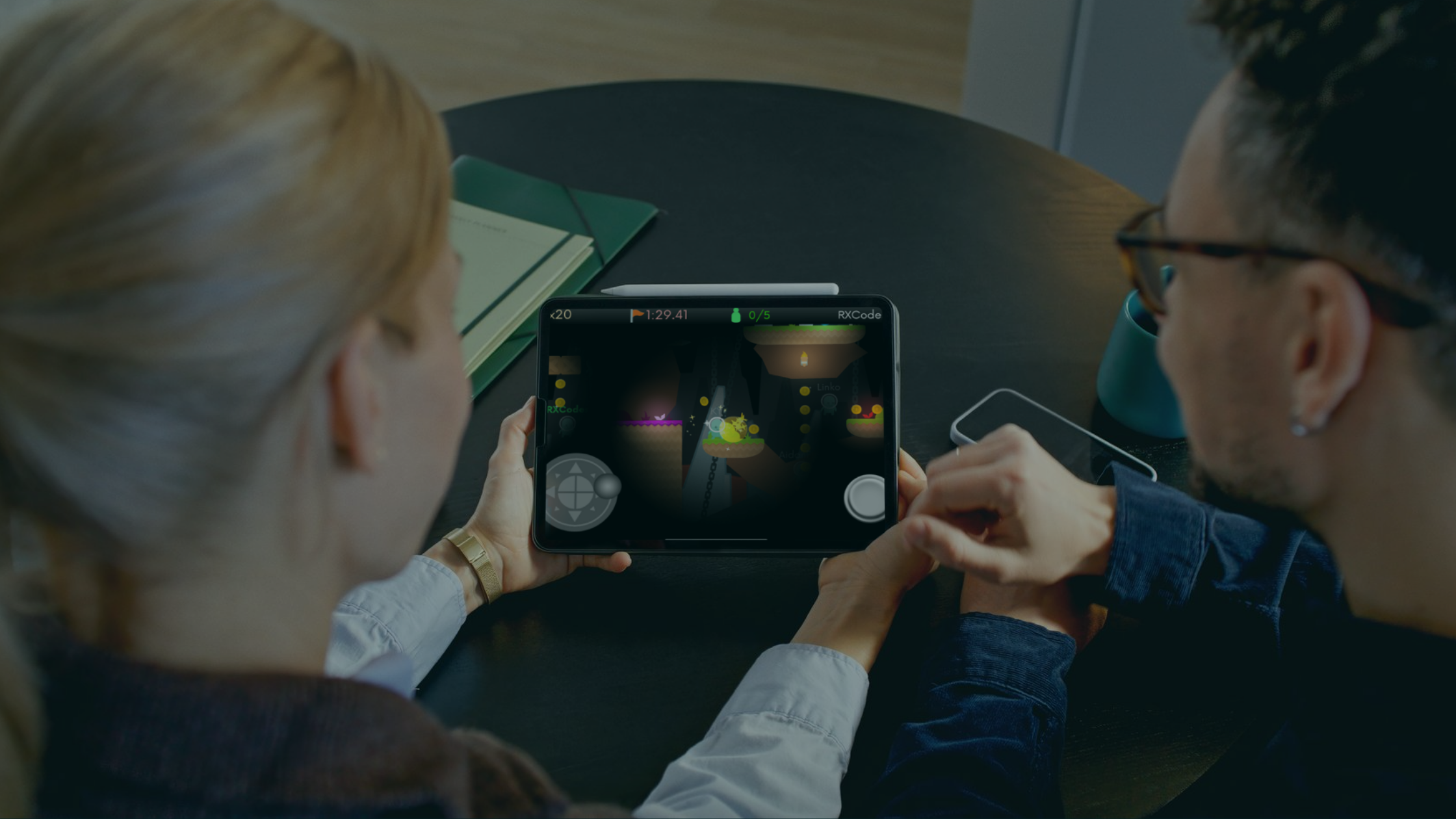
Fun and Easy Game Maker for Kids: How to Start Coding on iPad

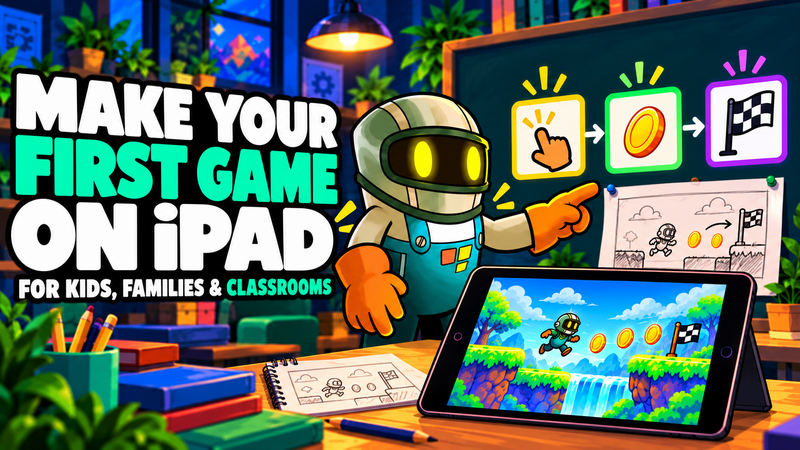
Coding is a useful skill for your child's future career. It also sparks creativity, sharpens problem-solving, and builds confidence. One of the easiest and most exciting ways for kids to learn coding is game development on an iPad. With a kid-friendly tool like hyperPad, children can start making their own games while having fun and learning essential skills.
Here's how to get your child started with game development, and why it’s a great activity for kids and parents alike.
Why Choose Game Development for Kids?
Coding through game development helps children:
- Boost Creativity: Kids turn their ideas into interactive games and learn to think outside the box.
- Develop Problem-Solving Skills: Debugging and refining games teaches logical thinking and perseverance.
- Build Confidence: Seeing their own creations come to life gives them a sense of accomplishment.
- Encourage Collaboration: Sharing their games with family and friends builds communication and teamwork.
Easy Game Maker for Kids on iPad
The iPad is a great platform for young game developers because it's portable and touch-based. With an app like hyperPad, kids don’t need any prior coding experience. They drag and drop to create games, animations, and interactive apps.
What Makes hyperPad Great for Kids?
- No Coding Required: In hyperPad, you build with visual Behaviors, which makes it beginner-friendly.
- Interactive Tutorials: Kids can follow step-by-step guides to create their first game.
- Kid-Friendly Interface: The app is easy to pick up, even for young creators.
- Creative Freedom: Kids can design games exactly how they imagine them, from characters to challenges.
- Shareable Creations: Kids can publish finished games to the hyperPad Hub for friends to play, or even export them to the App Store with hyperPad (the paid app).
Beginner-Friendly Game Ideas
Here are some simple game ideas to get started:
1. Catch the Falling Object
- Concept: Players control a character to catch objects falling from the sky while avoiding obstacles.
- Skills Learned: Basic movement and collision detection.
2. Maze Runner
- Concept: Create a maze where the player must find the exit while avoiding traps.
- Skills Learned: Pathfinding and interactive storytelling.
3. Quiz Game
- Concept: A fun trivia game with multiple-choice questions on any topic your child loves.
- Skills Learned: Conditional logic and user input.
4. Platform Jumper
- Concept: A side-scrolling game where players jump between platforms while collecting coins.
- Skills Learned: Gravity simulation and player controls.
How Coding Benefits Kids’ Learning
Learning to code through game development also builds important life skills:
- Cognitive Skills: Coding challenges children to think critically and find solutions.
- Creative Thinking: Designing characters and worlds taps into their artistic side.
- Patience and Resilience: Troubleshooting teaches perseverance when things don’t work.
- 21st-Century Skills: Coding prepares kids for a future where technology is part of every industry.
Getting Started in Game Development with hyperPad
Here’s how to begin coding for kids on iPad with hyperPad:
- Download hyperPad: Start with hyperPad Starter, which is free and includes one project. Upgrade to hyperPad for more projects and App Store export.
- Explore Tutorials: hyperPad has built-in tutorials for beginners.
- Start Small: Choose a simple project idea, like a bouncing ball game.
- Experiment and Learn: Let your child explore different tools and features at their own pace.
- Celebrate Success: Play their creations together and encourage them to share with friends!
Turn Your Kid’s iPad into a Learning Tool
Making games is a fun way for kids to learn coding and practice problem-solving. hyperPad makes it easy to start.
So why wait? Get started with coding for kids on iPad and watch your child create their own games while discovering a passion for technology and storytelling.
Continue with an in-game asset test
Use the free 2D game assets guide to compare sources and licences. Then follow Importing Assets and test the file inside a running Scene. Keep each asset’s license with your Project notes, then use the hyperPad Asset Library to organize imported Graphics, animations, audio, and fonts.
Keep the first activity focused on one learning goal and one playable interaction. Watch where learners pause or experiment, then revise that moment before adding more content.