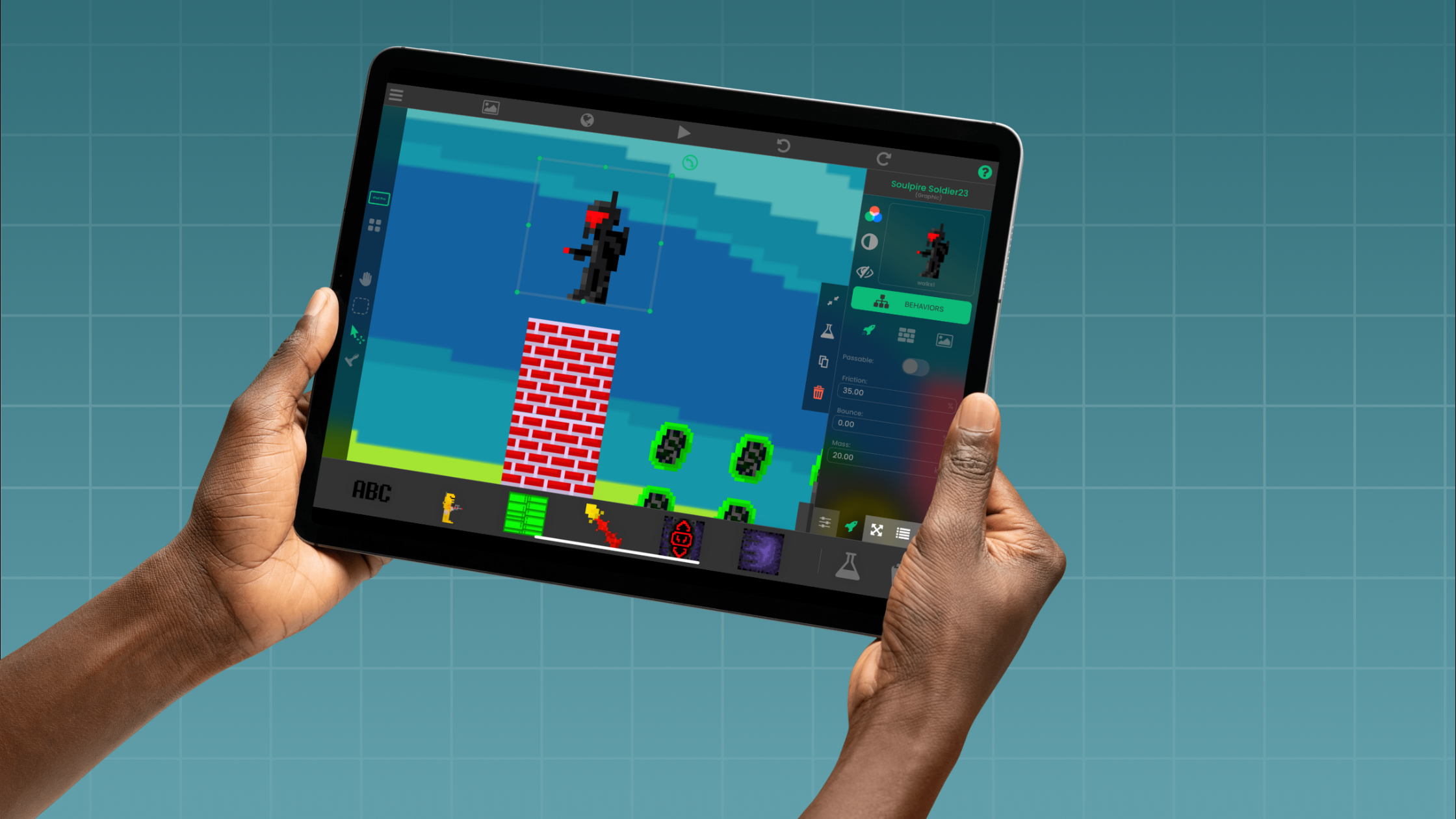
Coding for Kids on iPad


Tools and Tips for Young Game Developers
Coding is a valuable skill. Starting early can build creativity and problem-solving skills that last a lifetime. hyperPad makes coding on iPad easy for kids to start and fun to keep doing. With no-code tools and hands-on game projects, young game developers can explore game design and build STEM skills along the way.
Here's how to get kids started with coding on iPad: the tools to use, fun coding activities for students, and tips to keep them creating.
Why Coding for Kids on iPad?
The iPad is a great fit for young learners:
- Touchscreen-Friendly: Kids can tap, drag and experiment directly on the screen.
- Portable and Versatile: Take learning anywhere, whether it's at home, at school or on the go.
- App Ecosystem: It offers a range of tools made for young creators, like hyperPad, ScratchJr and Tynker.
hyperPad: The No-Code Game Creation Tool for Kids
One tool built for coding on iPad is hyperPad. It's designed for all ages and uses a drag-and-drop visual coding system, so kids can focus on their ideas without worrying about complicated syntax.
Why Choose hyperPad?
- No-Code Visual Coding: Kids make games by dragging and connecting Behaviors, which makes it easy for beginners.
- Age-Appropriate Projects: Kids can start simple, like a character that moves, and work up to fully interactive games.
- Custom Media: Kids can import their own graphics, animations and sounds to personalize every project.
- Publishing Opportunities: Kids can publish finished games to the hyperPad Hub to share with friends. With the paid hyperPad app, they can even export them to the App Store!
Fun Coding Activities for Students
Here are some beginner-friendly activities to get kids interested in game development:
1. Create a Simple Maze Game
- Objective: Design a game where a character finds its way through a maze.
- Steps:
- Draw a maze in a graphics app or use ready-made assets in hyperPad.
- Use Behaviors to make the character move with touch controls.
- Add a win condition (for example, reaching the end of the maze).
2. Build a Catch-the-Fruit Game
- Objective: Make a game where players catch falling fruit in a basket.
- Steps:
- Use hyperPad to create falling Objects with random movements.
- Add a scoring system that gives points for every fruit caught.
- Add obstacles to make it more challenging.
3. Design a Virtual Pet
- Objective: Create a game where players take care of a digital pet.
- Steps:
- Animate a pet that reacts to being “fed” or “played with.”
- Add a timer to track when the pet needs attention.
- Include rewards for good care, like unlocking accessories.
Tips for Teaching Kids Game Development
- Start Small: Begin with simple projects to build confidence before moving to complex games.
- Encourage Creativity: Let kids personalize their projects with their own characters, colors and sounds.
- Make It a Team Activity: Pair kids up to brainstorm and build together.
- Provide Resources: Use tutorials, like hyperPad's step-by-step guides, so they can learn at their own pace.
- Celebrate Successes: Share their creations with family and friends to build their confidence and pride in their work.
Boost Creativity and Skills with iPad Coding
When kids learn to code by building games, they also practice problem-solving, critical thinking and creativity. With hyperPad, they turn their ideas into playable games and have fun doing it.
So grab an iPad, download hyperPad, and start making games together.
Ready to help the next generation of game developers get started? Try hyperPad Starter free. When you want more projects and App Store export, upgrade to hyperPad for a one-time USD $14.99. You keep 100% of your revenue.