Make a Friday Night Funkin’ Mod on iPad (No PC): A hyperPad Guide


Friday Night Funkin' (FNF) has become one of the most popular rhythm games in the world and a huge inspiration for young game developers, students, and educators. The good news: you do not need a computer, coding experience, or complex software to make your own FNF-style game.
With hyperPad, you can make a rhythm game inspired by FNF entirely on iPad, using visual logic and drag-and-drop tools. That makes it a good fit for beginners, classrooms, and anyone learning game development through play.
In this guide, you'll learn how to make an FNF-style game on iPad with hyperPad, step by step.
What Is an FNF Game?
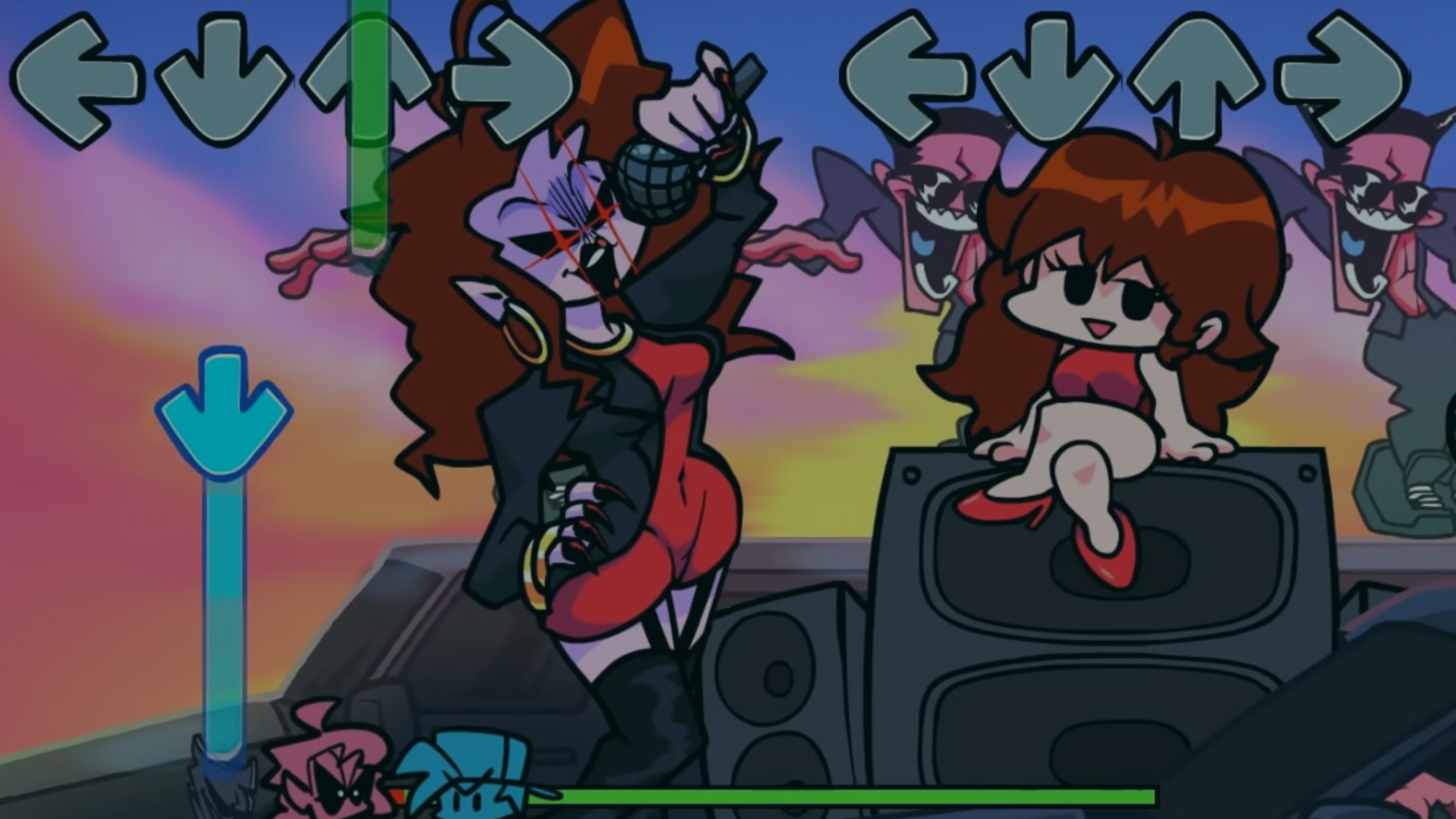
Friday Night Funkin' is a rhythm game where players press buttons in time with music while arrows scroll across the screen. The core gameplay elements include:
- Music synced to visual notes
- Timed input and scoring
- Animated characters
- Increasing difficulty and rhythm patterns
These mechanics are ideal for teaching game logic, timing, animation, and audio interaction. That's why FNF-style games are a popular choice in edtech and game-based learning.
Why Use iPad for Game Development?
Game development on iPad is growing fast, especially in education. With touch controls, instant testing, and a portable workflow, iPad suits students and beginners.
Benefits of making games on iPad include:
- No expensive computer required
- Touch-friendly design tools
- Easy classroom use
- Faster experimentation and iteration
hyperPad is built specifically for iPad, which makes it one of the most accessible no-code game development tools you can use.
What Is hyperPad?
hyperPad is a no-code visual game development app for iPad. Instead of writing code, you build games by connecting visual Behaviors.
With hyperPad, you can:
- Build full iOS games without coding
- Create rhythm and music-based gameplay
- Animate characters and UI
- Teach game development concepts visually
- Export games to the App Store (with hyperPad, the paid app)
hyperPad works well for edtech programs, STEAM classrooms, kids learning game dev, and beginner indie developers.
Step 1: Create a New hyperPad Project
Open hyperPad on your iPad and create a new project.
Choose a screen size that matches your target device and orientation. Most FNF-style games work best in landscape. Portrait works too if you design for it.
Once your Scene is ready, you can start building gameplay.
Step 2: Design the FNF Game Layout
Create the basic rhythm game layout:
- Four arrow lanes at the top or bottom of the screen
- A target zone where notes should be hit
- Score and combo text
- Character or background art
You can import your own pixel art or use placeholders while testing. hyperPad supports custom images, fonts, and animations, which leaves plenty of room for creative expression in the classroom.
Step 3: Add Music and Timing Logic
Music is the heart of an FNF-style game.
Import your song into hyperPad and use the built-in audio Behaviors to play it when the game starts. You can sync gameplay by:
- Spawning notes at timed intervals
- Moving notes downward or upward toward the hit zone
- Matching note timing to the beat of the music
This step teaches core game dev concepts like timing, sequencing, and event-based logic, all without writing code.
Step 4: Create Note Objects and Movement
Each note in an FNF game is an Object that moves and checks for player input.
In hyperPad, you can:
- Duplicate note Objects for each arrow lane
- Use movement Behaviors to scroll notes
- Trigger hit detection when notes reach the target zone
- Remove notes after they pass or are hit
Seeing the logic laid out visually makes these mechanics easier to understand, especially for students learning game logic for the first time.
Step 5: Handle Player Input and Scoring
Add input Behaviors so players can tap buttons or areas of the screen to hit notes.
When a note is hit correctly:
- Increase the score
- Trigger animations or effects
- Play sound feedback
If a note is missed, you can reduce health or the combo count. These systems introduce cause-and-effect logic, a key learning outcome in educational game development.
Step 6: Animate Characters and Feedback
FNF games are known for expressive characters and visual feedback.
With hyperPad, you can:
- Animate characters when notes are hit
- Trigger reactions based on player performance
- Add screen effects for combos or misses
Animations make the game more engaging. They also help students understand state changes and event-driven design.
Step 7: Test and Improve Your Rhythm Game
Instant testing is one of the biggest advantages of making games on iPad.
Tap Play in hyperPad and test your rhythm timing, difficulty, and visuals. Adjust note speed, spacing, and scoring until the game feels right.
This loop of testing and adjusting is how you build real game development skills.
Step 8: Share or Publish Your Game
Once your FNF-style game is complete, you can:
- Publish it to the hyperPad Hub
- Get feedback from other creators
- Export your game to the App Store (with hyperPad, the paid app)
- Use it as a classroom project or portfolio piece
So hyperPad works for learning, and it also gets your work in front of real players.
Why FNF-Style Games Are Great for EdTech
Rhythm games make excellent educational projects because they combine:
- Music and creativity
- Logic and timing
- Visual design
- Interactive feedback
For teachers and students, making FNF-style games on iPad reinforces STEAM learning, problem solving, and digital creativity without overwhelming beginners with code.
Start Making an FNF Game on iPad Today
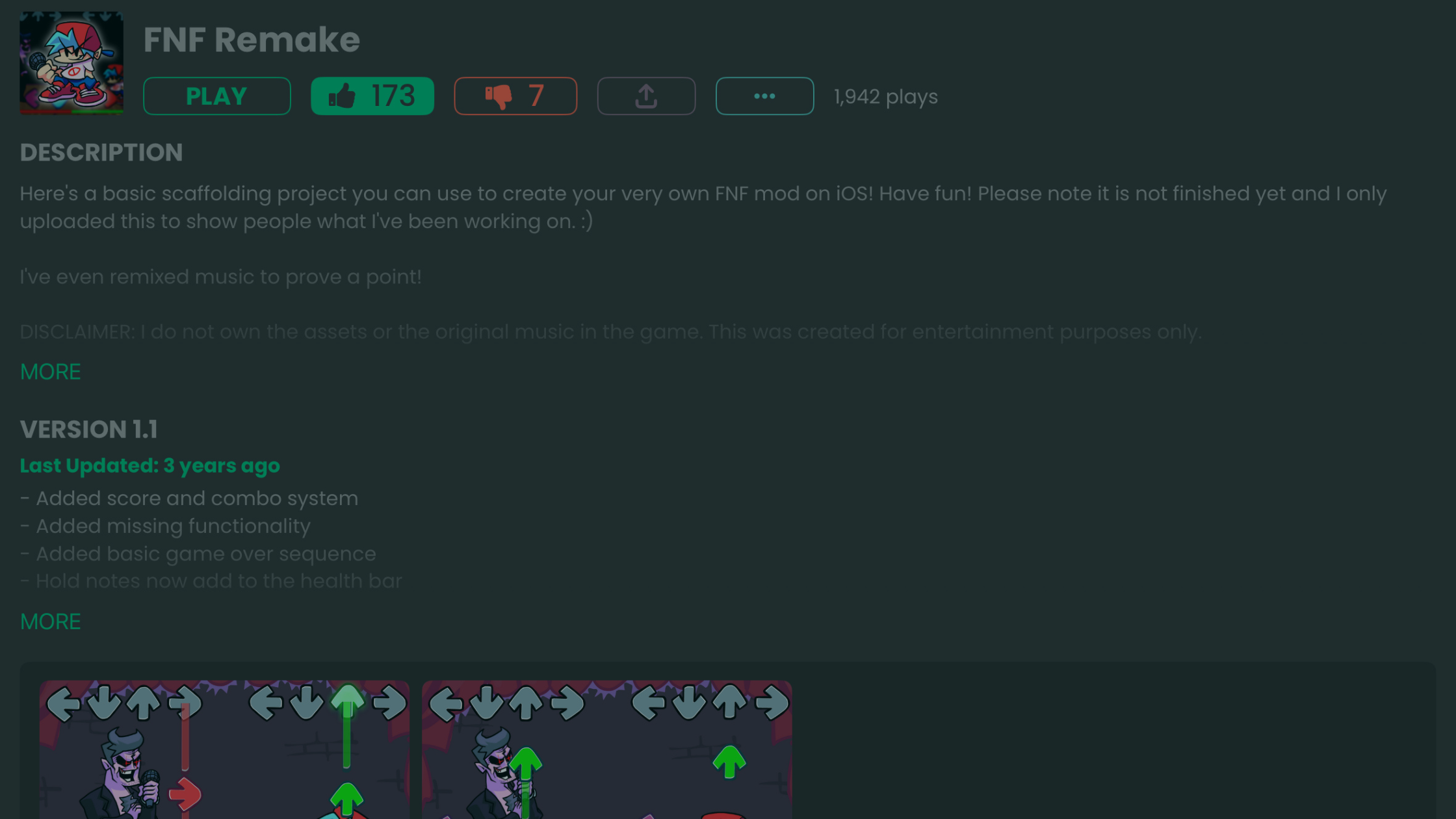
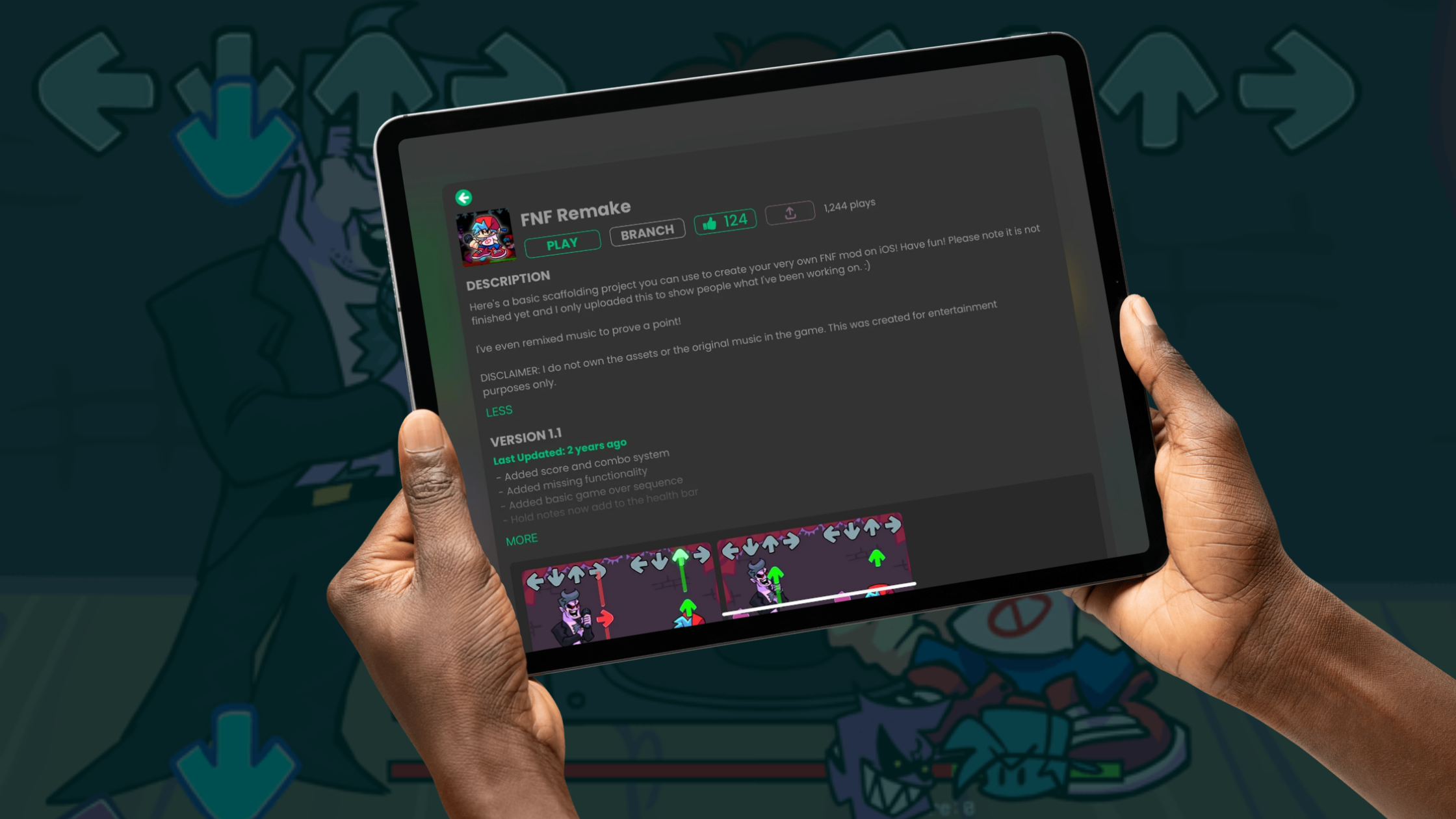
Your FNF ideas deserve to be played. Branch a playable example on the Hub first (recommended).
Try hyperPad Starter free and start modding. It includes one project and needs no coding. When you want more projects and App Store export, upgrade to hyperPad for a one-time USD $14.99.
You don't need coding experience to start making games. With hyperPad, your iPad becomes a complete game development studio. If you're a student, educator, or aspiring indie developer, building an FNF-style rhythm game is a fun way to learn game development skills.