UI
Set Health Bar
Published June 27, 2017
Description
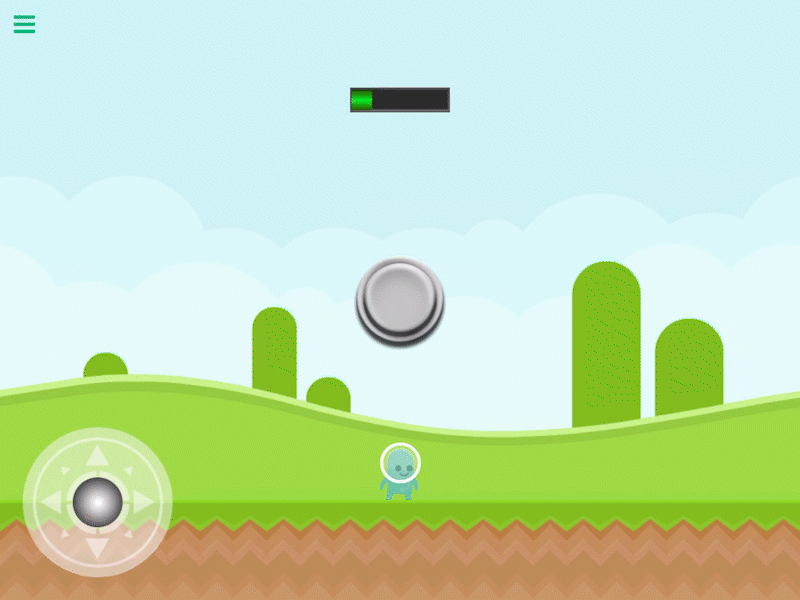
The Set Health Bar behavior will set, add or subtract progress on the health bar by a specified value.
This behavior will trigger an event immediately when executed.
Properties
Triggers Immediately
| Object A |
This is the health bar that will be overwritten with the new percentage. If there is a health bar in your UI layers it will automatically be selected. If you do not have a health bar make sure to add one and then select it here. |
| Operation |
|
Outputs
| Object ID |
This outputs the Object ID. |
Examples
Use this behavior to override the current health bar percentage with a new value. For example, if you pick up a health back that will fully restore your health you can set it to 100%. No matter what the current health percentage is, after this behaviour is executed it will be overwritten to 100.