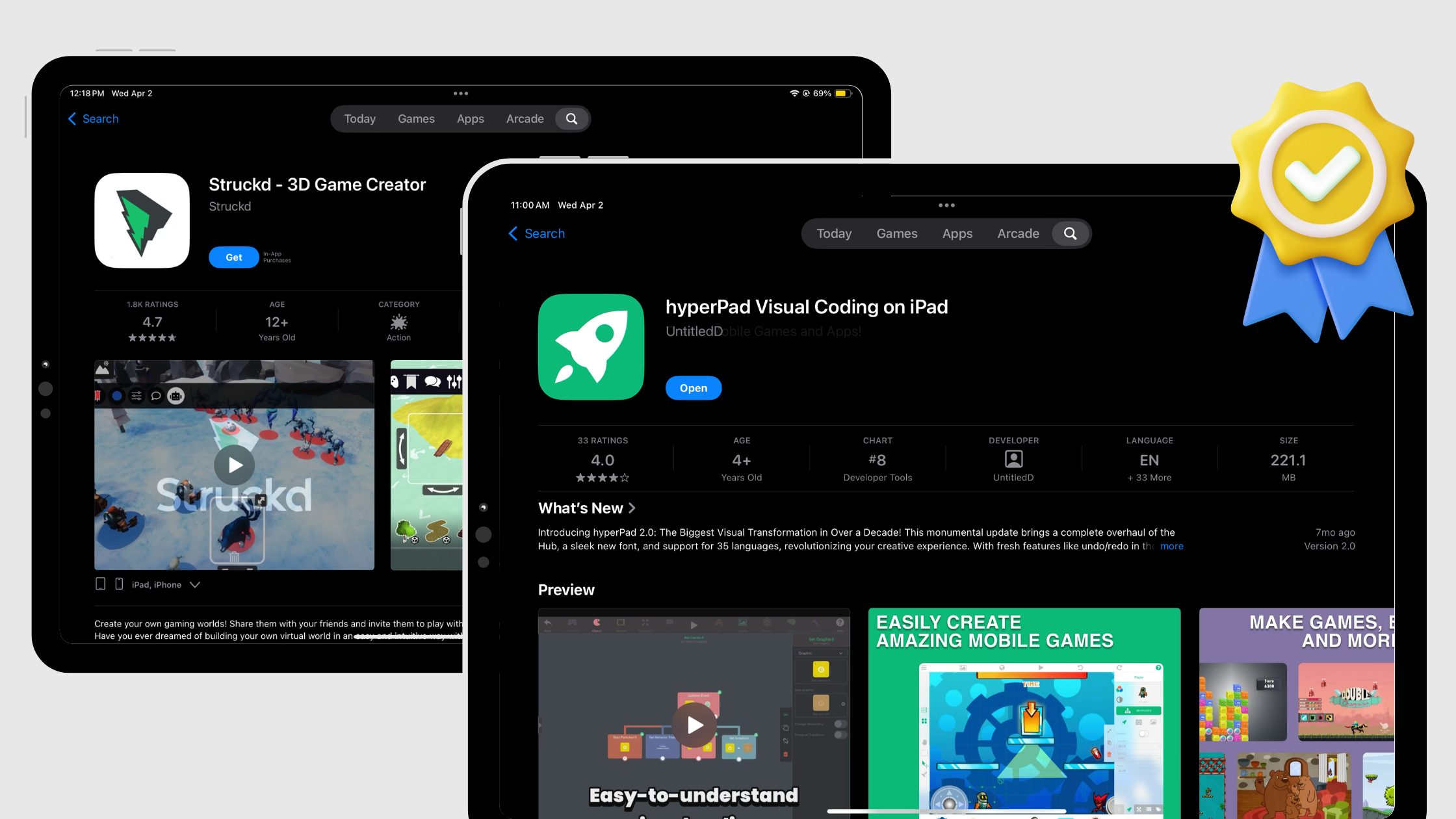
Codea vs hyperPad: Which One Is Right for You?

Codea and hyperPad both let you make games on your iPad, so which one is right for you comes down to how you want to write game logic. In Codea, you write code in the Lua programming language. In hyperPad, you connect Behaviors, so you can build a complete game without chasing typos or syntax errors. If you want to learn to type code, Codea fits. If you want to finish a playable 2D game first, hyperPad fits.
At a glance
| hyperPad | Codea | |
|---|---|---|
| How logic works | Behaviors you connect on each Object | Lua code you type |
| Physics, Scenes, and UI | Built in and ready to use | Set up in code |
| Where you build | iPad, or a Mac with an M1 chip or later | iPad and iPhone |
| Cost to start | Free with hyperPad Starter | See the App Store for current pricing |
| Where games go | hyperPad Hub, and the App Store through Xcode Export | Codea's own community and tools |
Which one is right for you?
Choose Codea if you want to learn a text programming language on iPad, you enjoy writing and debugging code line by line, and you're happy to set up physics, Scenes and UI yourself.
Choose hyperPad if you want to spend your time on the game itself. Physics, Scenes, animation and UI are ready to use, you can Publish to the hyperPad Hub for players, and paid hyperPad can Export to the App Store.
Many creators use both kinds of tools over time. The concepts you learn in one carry over to the other.
See your logic instead of typing it
In Codea, a moving character is lines of Lua that you write, run, and debug.
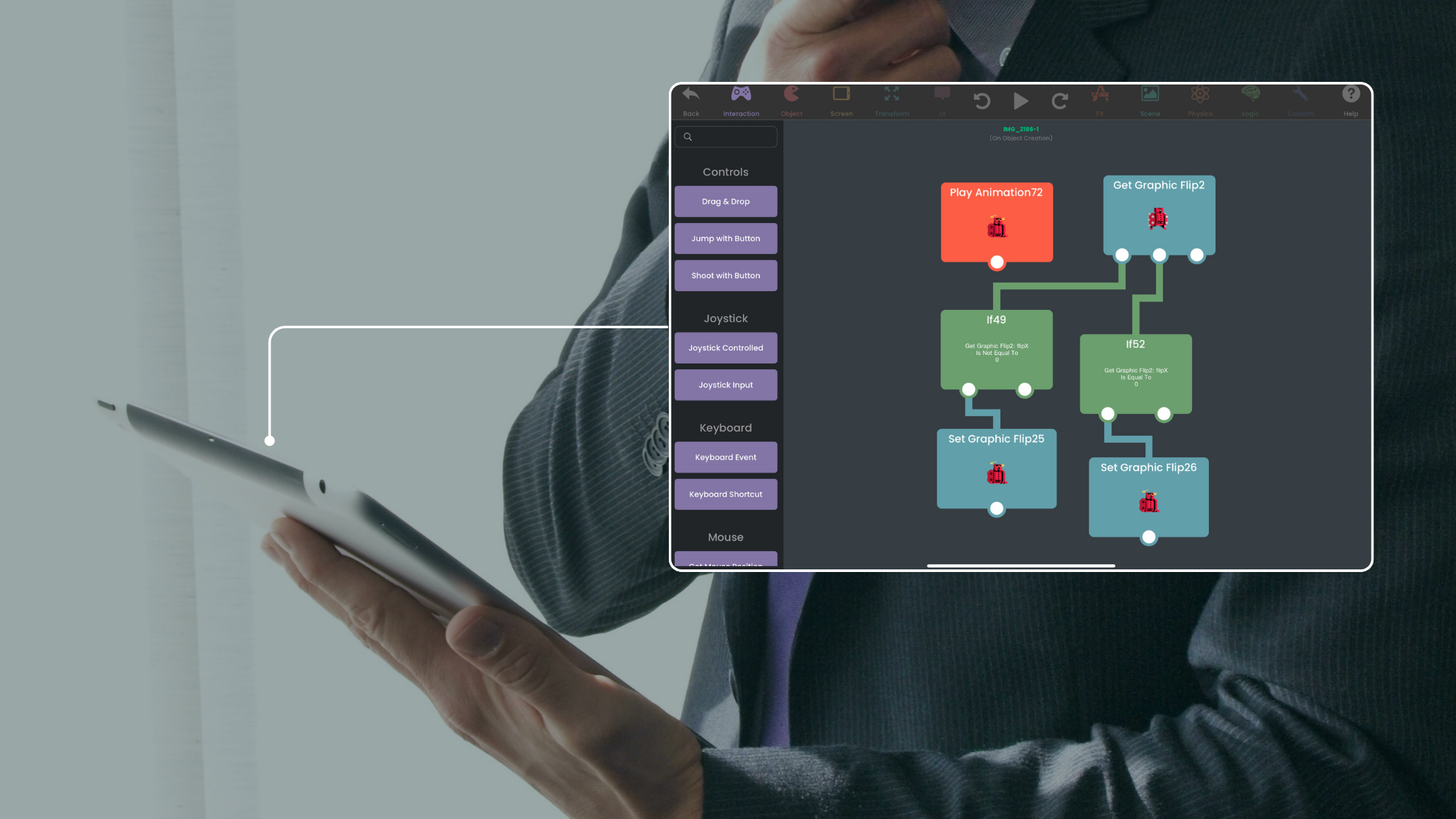
In hyperPad, the same character gets a movement Behavior connected to a touch event. You see the logic as a flow you can follow, press Play, and watch it work. You still learn real programming ideas like events, conditions, and variables, and you spend your time on the game instead of the syntax.
Why creators pick hyperPad
- Finish a playable game sooner. Physics, Scenes, animation, particles, and UI tools come ready to use.
- Logic you can read at a glance. Behaviors show what happens and when.
- Room to grow. Under the visual editor are capable tools like shaders, sockets, HTTP requests, and authentication.
- Your revenue stays yours. The paid hyperPad app exports an Xcode project for the App Store, and you keep 100% of your revenue.
Make a bouncing ball in hyperPad
- A ball falls with gravity.
- It bounces off the floor and walls.
- Tapping the screen pushes it up.
- A counter shows how many bounces you've made.
Physics is built in, and the counter is an Attribute. You can have it running in one sitting.
Common questions
Is hyperPad real programming?
Yes. You use the same concepts as typed code: events, actions, conditions, loops, and Attributes. Behaviors let you work with them visually.
Can I move to typed code later?
Yes. The logic you learn with Behaviors carries over to languages like Lua, Swift, or C#.
Can players try my game on iPhone?
Yes. Players can play Hub games on iPhone, iPad, and Mac with the hyperPad Hub app.
If you already write code
Your programming habits carry straight into hyperPad. A few translations help:
- A function becomes a chain of Behaviors that starts from one event.
- A variable becomes an Attribute on an Object, or a global value the whole Project can read.
- A game loop is handled for you. You react to events like touches, collisions, and timers instead.
- Debugging happens by pressing Play and watching which part of the chain runs.
To see how other creators structure bigger Projects, Branch an Open Source Project from the hyperPad Hub and open it in the Behavior Editor. The Behavior Interface Overview explains what you'll see.
Codea details come from the official Codea site, checked November 10, 2026.