

Start Trail
Description
The Start Trail behavior will emit a trail effect from an object. When you want this effect to stop, you can disable it via SetBehavior State or use the Stop Visual Effects behavior.
This behavior will trigger an event immediately.
⚠️ EXPERIMENTAL: Currently, there are some issues with the trail effect where it can visually warp at weird angles when its parent object is making sharp turns. This behavior may change in the future to fix all visual bugs from this effect.
Properties
Triggers Immediately
| Object A |
This is the object you want to apply the trail effect to. |
| Anchor X |
The X-axis position where on a specific object the particle emitter will be placed. This is automatically populated when you select Object A. |
| Anchor Y |
The Y-axis position where on a specific object the particle emitter will be placed. This is automatically populated when you select Object A. |
| Fade Time |
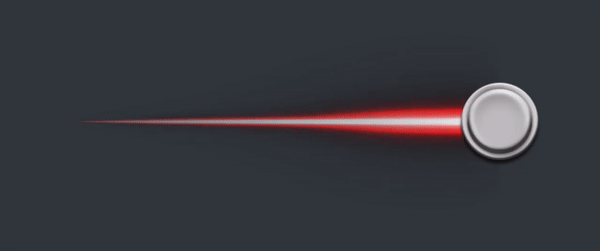
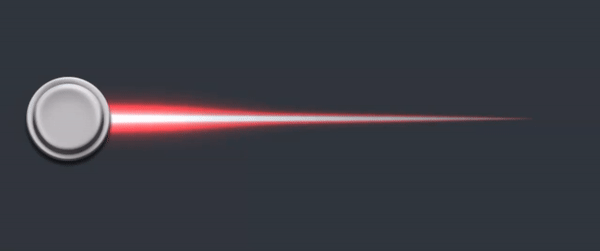
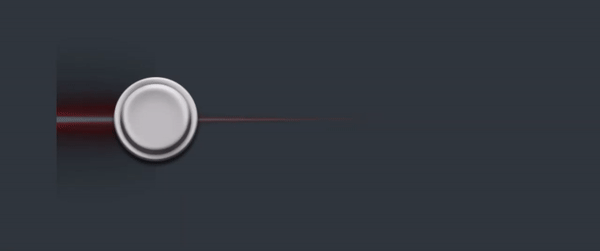
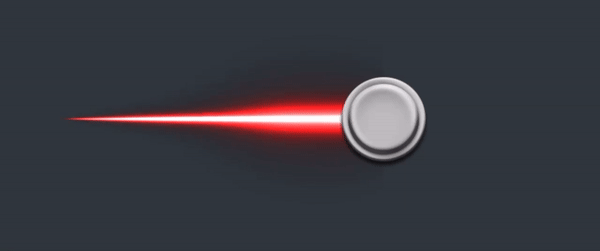
How long a segment in the trail should last for in seconds before it completely fades away.
1s Fade Time:
2s Fade Time: |
| Minimum Segments |
The minimum amount of segments the trail should contain. |
| Stroke |
The thickness of the trail. |
| Color |
The color of the trail to use. |
| Graphic |
The graphic to use for the trail. |
| Blending Mode |
The blending mode you want to apply to the trail. Note that blending can appear different on trails compared to objects.
Blending Mode: Normal
Blending Mode: Dodge
Blending Mode: Burn
Blending Mode: Screen
Blending Mode: Disable Blending |
| Fast Mode |
When enabled, the trail runs faster with the cost of being less precise. |
| On Top |
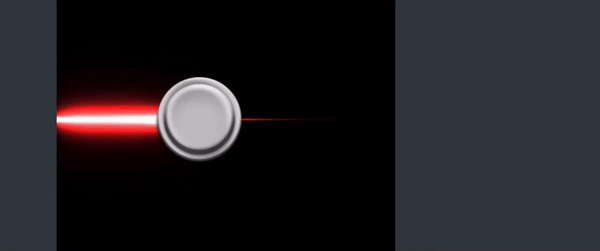
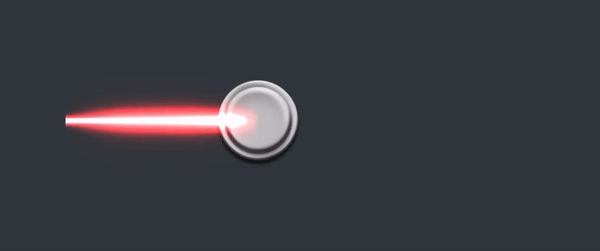
By default, the trail is displayed under the object. When this is toggled on, the trail will be displayed on top of the object.
On Top: Enabled
On Top: Disabled |
| Fade to Transparent |
By default, the trail's opacity will fade to transparent. When this is toggled off, the trail's opacity will not fade to transparent. |
| Always Add Segments |
By default, the trail temporarily stops adding new segments when the trail is not moving. When this is toggled on, the trail will always add new segments, making the trail consistently update its path. |


Outputs
| Object A |
The object ID used in this behavior. |
Examples
You can use this behavior to have a rainbow trail emitting from the player object.