Count Down
Description
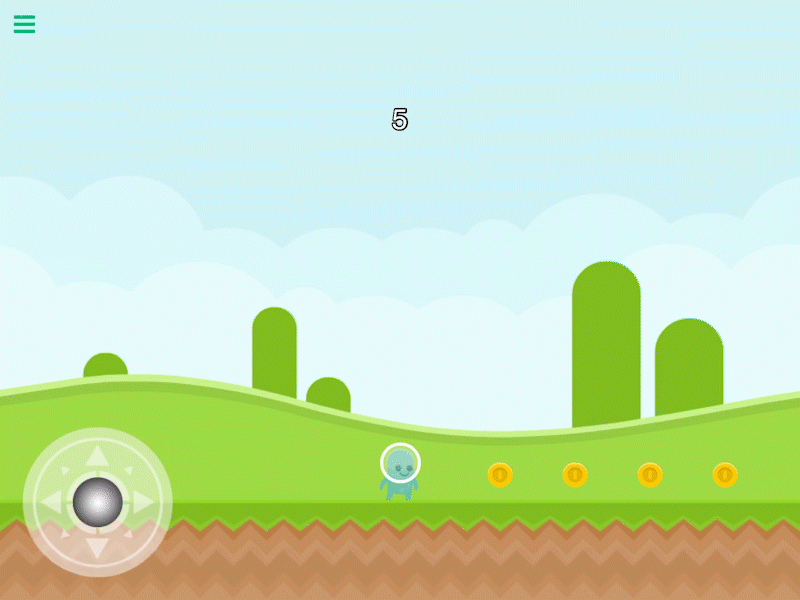
The Count Down behavior will turn a label into a count down timer. It will count down every second starting from a specified amount then trigger an event.
This behavior will trigger an event after a timed delay.
Properties
Triggers after a Delay
| Object A |
This is the label will be be used as the count down timer. If there is a label on your UI layers it will automatically be selected. If you do not have a label object make sure to add one and then select it here. |
| Seconds |
This will be the duration of the count down. An event will be triggered when the count down reaches 0. |
| Whole Numbers |
By default, the countdown will count down from whole numbers. If toggled off, the countdown will include digits after the decimal place. |
| Number of Decimal Places |
Whole Numbers disabled only - the amount of digits to display after the decimal place. |
Outputs
| Object ID |
This outputs the Object ID. |
Example
You can create a count down timer that will automatically end your game when it reaches 0.