Object
Get Pixel
Published November 14, 2023
Description
The Get Pixel behavior gets the HEX color of a specific pixel of the canvas from a Render Texturebehavior. Attempting to read a pixel out of bounds will return transparent color (#00000000).
Properties
Triggers Immediately
| Property |
Description |
|
Render Texture |
Select a render texture to get a pixel's color from. |
|
Position Units |
You can set the units to be in meters (m), pixels (px) or percentage (%). Percentage is based on the render texture's dimensions. For example, the position (50%, 50%) will be at the center of the texture. |
| Position |
The x and y position of the pixel you wish to get the color of. 0, 0 will be the bottom leftmost pixel. |
| Output Field |
Description |
|
RGBA |
The HEX color of the pixel. |
Example
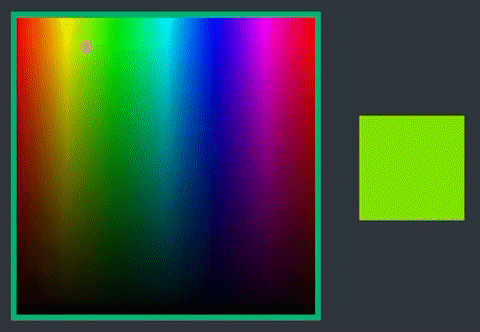
You can create a color picker tool using this behavior.