Edit Text Field
The Edit Text Field behavior opens the keyboard to edit a label on the scene. This behavior triggers when the keyboard has been closed. You can dismiss the keyboard at any point by disabling the behavior or destroying the label that's being edited.
| Properties | Description |
| Object A |
Select a label object to edit. Note that you can only edit one label object at a time. |
| Keyboard Type |
The type of keyboard to display when editing labels.
|
| Dismiss on Return |
If enabled, the keyboard will close when the user presses enter. Only turn this off if the user is editing a text label that should be multiple lines long. |
| Limits Characters | You can limit the amount of characters that can be typed into the label. If the maximum character limit is reached, no more characters can be entered. |
| Autocapitalization Type |
Determines how to autocapitalize text as the user is typing.
|
|
Smart Quotes Type (iOS 13.0+) | Whether smart quotes should be enabled or not. If enabled, all quotation marks will be curly. If set to system settings, the smart quotes will be enabled if it is toggled on in system settings. |
|
Smart Dashes Type (iOS 13.0+) | Whether smart dashes should be enabled or not. If enabled, double hyphens (--) will be converted to a dash (—). If set to system settings, the smart dashes will be enabled if it is toggled on in system settings. |
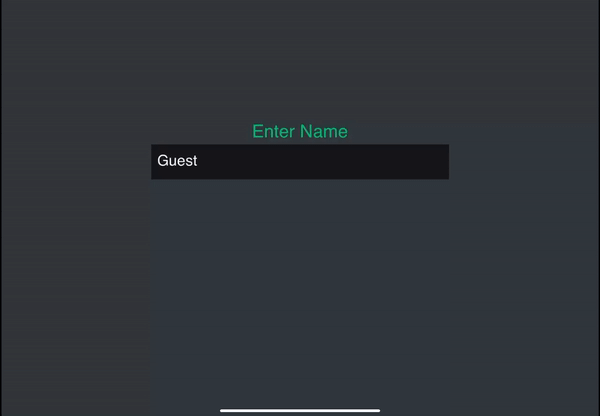
Example
You can create a name input field for your game.