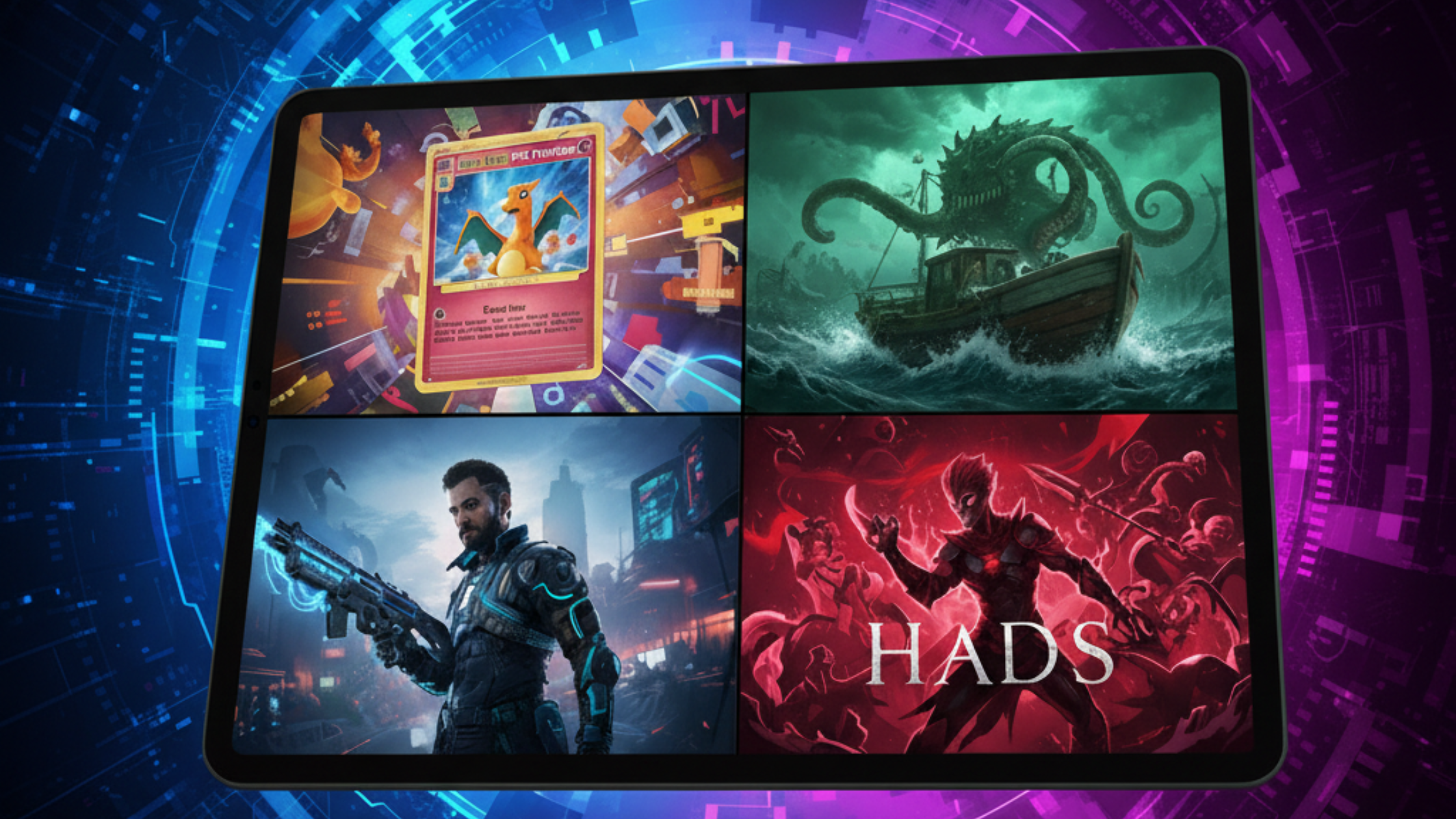
Top 3 2D Games Beginners Can Make on iPad


Starting your first game can feel overwhelming. Many beginners think they need coding experience, expensive software, or months of design work. You don’t. With the right approach, you can build a playable 2D game on iPad in a few days.
This guide covers three beginner-friendly 2D games you can realistically build on iPad, even with no coding experience. You’ll see which skills each one teaches, plus a simple 7-day game jam framework to get you started.
1. Endless Runner
What is it? An endless runner is a game where the player automatically moves forward, avoiding obstacles and collecting points. Think Geometry Dash or a simplified version of Subway Surfers.
Why beginners love it:
-
Simple mechanics to implement
-
Easy to test and iterate
-
Can be expanded with skins, power-ups, or backgrounds
Skills you’ll learn:
-
Player movement
-
Collision detection
-
Spawning obstacles
-
Scoring system
-
Increasing difficulty
Tips to finish fast:
-
Start with one character and one obstacle
-
Add scoring after the movement works
-
Keep levels short for quick testing
2. Top-Down Shooter
What is it? In a top-down shooter, players control a character from a bird’s-eye view and defeat enemies. Think zombie survival games or alien arena shooters.
Why beginners love it:
-
Looks impressive with simple mechanics
-
Introduces enemies, health systems, and shooting
-
Fun to test with friends
Skills you’ll learn:
-
Player movement (4 directions or joystick)
-
Enemy behavior
-
Health systems and game over logic
-
Wave spawning
Tips to finish fast:
-
Start with one enemy type and one weapon
-
Add sound and visual feedback for hits
-
Test each mechanic individually
3. Simple Platformer
What is it? A platformer is a game where the player jumps between platforms, collects coins, and avoids hazards. Think of a short Mario-style level.
Why beginners love it:
-
Great for learning core game mechanics
-
Offers room for creative level design
-
Easy to polish for small projects
Skills you’ll learn:
-
Gravity and jump physics
-
Level layout and design
-
Checkpoints and basic enemy AI
Tips to finish fast:
-
Focus on one polished level
-
Use simple graphics
-
Add a clear start and end
Bonus: Honorable Mentions
-
Flappy Bird clone
-
Pong remake
-
Tap-to-avoid games
-
Memory matching games
-
Rhythm mini-games (FNF-style)
Each one is beginner-friendly and small enough to finish quickly.
Beginner Game Jam: “Build Your First Game in 7 Days”
If you want to take action, try a 7-day game jam. Here’s how:
Theme: Simple but addictive Game types allowed: Endless runner, top-down shooter, platformer Rules:
-
Playable from start to finish
-
At least one scoring or win condition
-
Include a start screen and game over screen
-
Optional: custom art, sound effects, or music
Schedule Example:
-
Day 1: Idea & planning
-
Day 2: Core movement
-
Day 3: Add obstacles/enemies
-
Day 4: Add scoring
-
Day 5: Add UI screens
-
Day 6: Polish & sound
-
Day 7: Test & submit
Judging criteria:
-
Playability
-
Creativity
-
Polish
-
Simplicity
Why it works:
-
Encourages finishing first projects
-
Builds confidence and skills
-
Gives you something to share
-
Creates community momentum
Pick one and finish it
The best beginner games are the ones you finish. Endless runners, top-down shooters, and simple platformers are all good starting points for iPad creators. When you complete a small project, you learn real game design and logic skills, and you end up with something playable to show people.
Choose the game type you'd most like to play yourself, then follow the 7-day plan above. If you fall behind, cut a feature instead of moving the deadline. On Day 7, ask two people to play it without help and write down the first place each of them gets stuck.