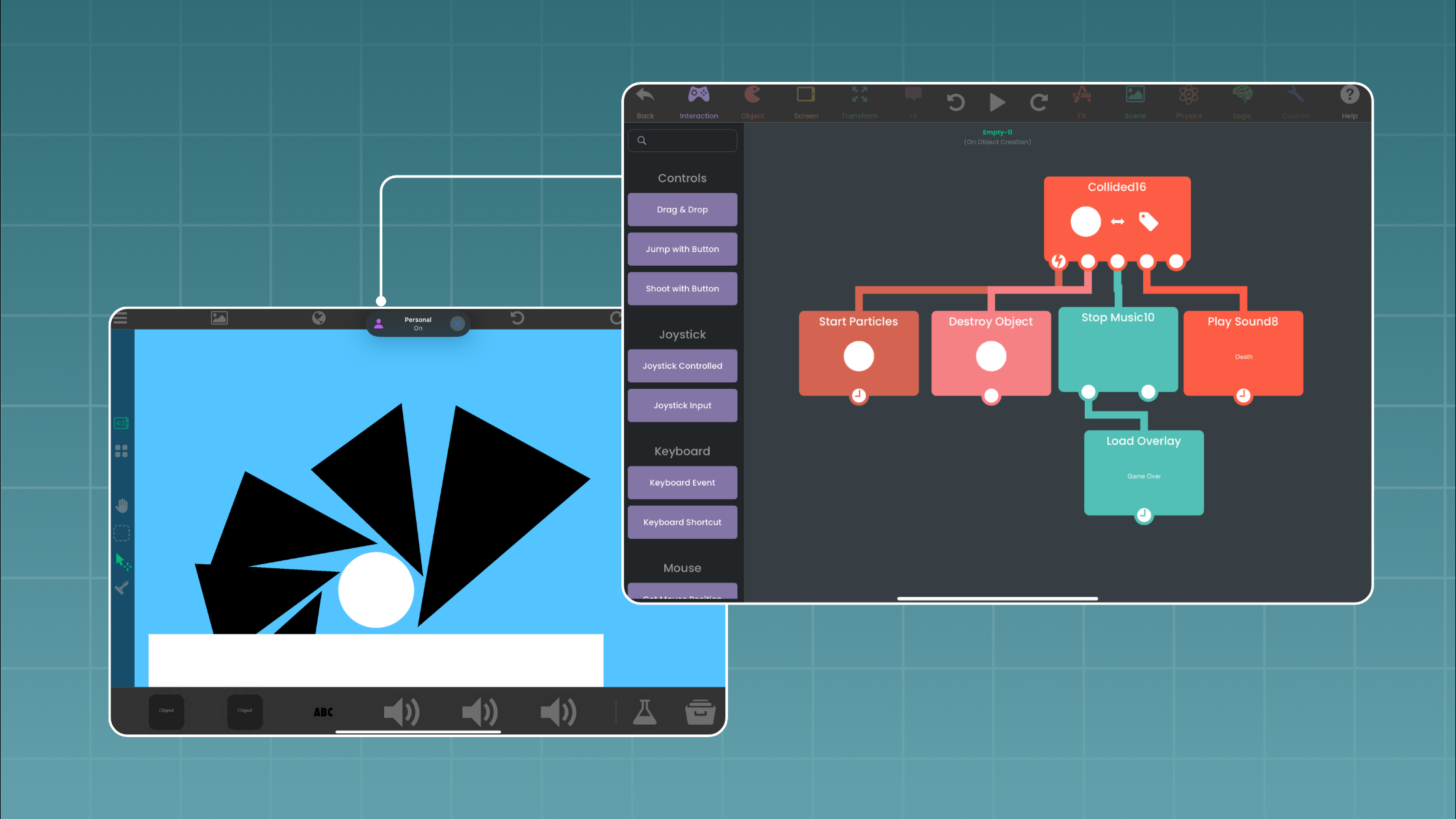
hyperPad: A Creative Learning Tool on iPad


Designing the Future of Learning with hyperPad on iPad
In the classroom, technology can reshape how students learn, create, and engage. hyperPad on iPad lets students move from passive consumers of content to active creators of interactive learning experiences.
Research on iPad use in classrooms helps explain why tools like hyperPad work well in education. For example, Tai and Wei (2021) studied English‑medium instruction secondary classrooms in Hong Kong and found that iPads helped teachers create technology‑mediated spaces. Teachers in these spaces went beyond displaying content. They used iPads to extend the semiotic resources available for learning: text, visuals, gestures, and interactive tools. This helped students, especially those navigating multiple languages, engage more meaningfully with the material.
Scholarship on mobile learning also finds that iPads can support flexible, engaging, and personalized learning environments when they're integrated thoughtfully (Bennett & Lin, 2017/2018). These studies point to the same idea. The iPad's value comes from how educators and learners use it to create, communicate, and collaborate.
Where hyperPad Fits In
hyperPad builds on these ideas by putting creation directly in the hands of students. Instead of only interacting with pre-made content, students design games, simulations, interactive stories, and other projects. They build all of it on iPad. This matches what the research describes: iPads as tools for extending learning spaces, amplifying student voices, and supporting multimodal thinking.
Here’s why hyperPad fits Apple Schools:
- Creativity Meets Curriculum: Students can turn concepts from math, science, language arts, or art into interactive experiences, making abstract ideas tangible.
- Accessible Learning: Students build with drag-and-drop Behaviors, so they don't need to write code. Students of different skill levels can take part and show what they understand in their own ways.
- Student Agency: Like Tai and Wei’s (2021) technology-mediated spaces, hyperPad encourages students to co-construct knowledge. Instead of following instructions, they design their own solutions.
- Real-World Outcomes: Students can share projects with classmates, publish them to the hyperPad Hub, or even export them to the App Store. That gives them a sense of audience and purpose.
Why This Matters for Educators
The classroom research makes one point clear: technology helps most when it expands what students can do. hyperPad follows that principle by turning iPads into creation engines, where students are designers, problem-solvers, and storytellers. For educators, this means lessons can move beyond worksheets or slides into interactive, multimodal experiences that reflect how students think and learn today.
In other words, hyperPad amplifies what the iPad can already do. It opens room for engagement, differentiation, and deeper learning, which research shows are critical in modern classrooms.
References
Bennett, J., & Lin, F.‑Y. (2017/2018). iPad usage and appropriate applications. In N. Ostashewski & M. Cleveland‑Innes (Eds.), Optimizing K‑12 education through online and blended learning (pp. 185–212). IGI Global. https://doi.org/10.4018/978‑1‑5225‑0507‑5.ch010
Tai, K. W. H., & Wei, L. (2021). The affordances of iPad for constructing a technology‑mediated space in Hong Kong English medium instruction secondary classrooms: A translanguaging view. Language Teaching Research, 28(4), 1501–1551. https://doi.org/10.1177/13621688211027851