Get Position
Description
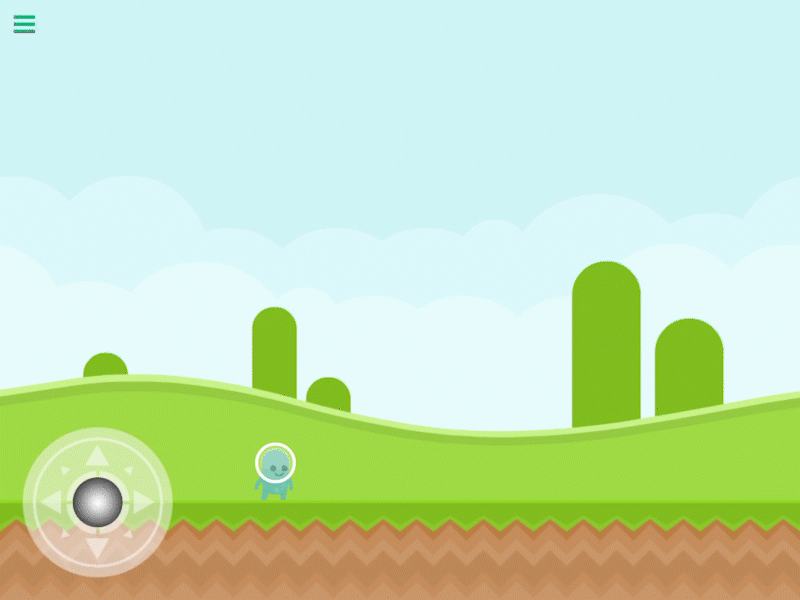
The Get Position behavior returns the current position for the selected object. This will return X and Y coordinates of where your object is in your scene, or where it is placed on the screen.
This behavior will trigger an event immediately.
Properties
Triggers Immediately
| Object A |
This is the object that will return its position. By default the current object is selected, but you can tap the graphic and choose any other object in your scene. |
| Screen Coordinates |
If this toggle is on, the position that is returned will be relative to the screen rather than the world (scene). You can learn more about screen coordinates in the Canvas documentation |
Outputs
| Position X |
The current position of the selected object along the X axis |
| Position Y |
The current position of the selected object along the Y axis. |
| Object ID |
This outputs the Object ID. |
Examples
If you want to know exactly where an object is in your scene, or where it appears on screen you can use this behavior to get the position.