
Teaching in the Classroom on iPad


A Success Story by Aaron Ayres
By hyperPad creator Aaron Ayres, a teacher in the United States.
When I joined a new school in August 2014, I was excited to discover its 1:1 device program for students. It was the perfect opportunity to move my classroom incentive program from paper to digital. hyperPad gave me the tools to make that switch, and it lets me improve and adjust the program each year for new students.
The Immediate Benefits I Found
- Increased Instructional Time By moving my classroom incentive program into hyperPad, I saved a lot of instructional time. Automating calculations and storing students’ reward inventories freed up time for more focused teaching in the classroom.
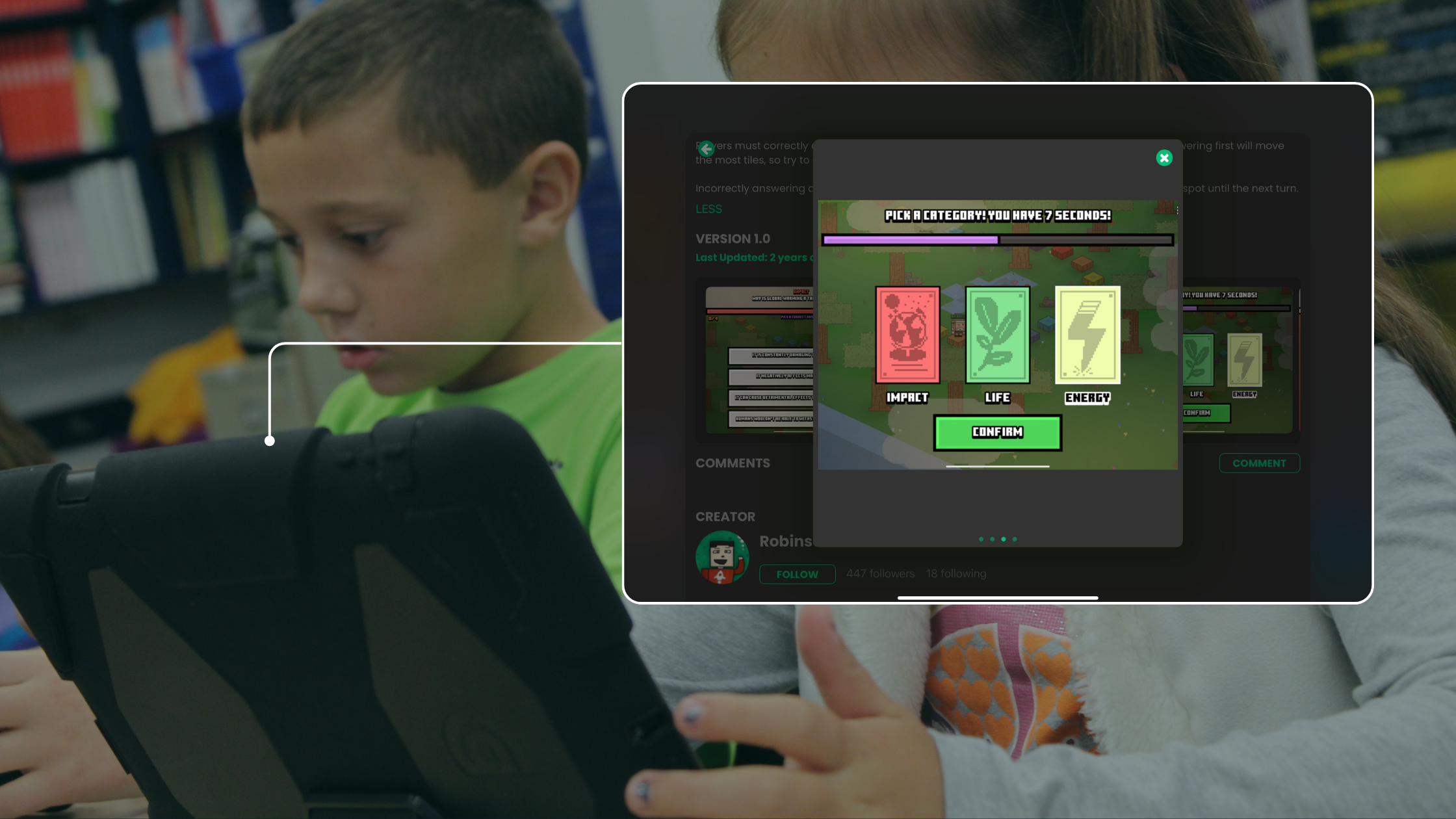
- Enhanced Student Engagement Students enjoyed the interactive features of the app, especially in 8th grade, and it helped me build stronger relationships with them. hyperPad became an invaluable part of my iPad teaching toolkit.
- Creative and Technical Growth I loved developing new ideas for the app and bringing them to life. Creating interactive dice for my classroom took months of planning and testing. With hyperPad's iPad tools, the process was manageable and rewarding.
Recommendations for Educators
As a classroom teacher using hyperPad, I highly recommend it to other educators. Here are some tips if you're new to app creation and iPad teaching tools:
- Start Small: Start with the basics. My app, Ayresopoly, started simple but effective, and it has grown with more features and animations over time. This step-by-step approach works best for teachers new to iPad game dev.
- Test and Save Frequently: Test your creations regularly and save often. Small errors can turn into big issues, and hyperPad makes it easy to debug as you go.
- Optimize Your Workflow: Set up an efficient working environment. It matters when you retrace your steps during debugging. Trial and error is a big part of indie game dev.
- Understand the Time Commitment: Game dev and app creation take time, but they're rewarding. Expect challenges with logic, problem-solving, and long hours. It's worth it when you see your ideas come to life.
Discovering hyperPad for the Classroom
I found hyperPad (originally called GamePress) while searching for a way to make a game without learning a coding language. Its user-friendly interface and wide range of capabilities made it a good choice for classroom projects. hyperPad is now a cornerstone of my teaching. I used it to create custom apps like Ayresopoly, a classroom incentive program with mini-games and interactive features.
Supporting Teaching and Learning with hyperPad to Create Ayresopoly
The support from the hyperPad team, particularly Murtaza, Hamed, and Robinson, has been invaluable in my app development journey. Their expertise made the learning curve smoother, and I encourage other educators to ask for help when they need it. Sometimes a little help is all it takes to get past a development challenge.
This is how I created Ayresopoly, an iPad game I made in hyperPad to boost classroom engagement!
For example, one of my early challenges was getting the token to move correctly based on dice rolls. With help from the hyperPad team, I solved it, and the rest of my development went much more smoothly.
https://www.youtube.com/embed/L6gUcERbSP4
Real-World Impact in the Classroom
Using hyperPad has transformed my classroom management. By moving key parts of my teaching strategy onto iPad, I’ve made them more efficient and more engaging. hyperPad is a great edtech tool for bringing interactive apps into your teaching.
If you’re a teacher looking to improve engagement and simplify classroom management, or you're interested in indie game dev with your students, hyperPad is a valuable resource. It's easy to use, and it can handle ambitious projects.

Login Screen for Ayresopoly game on iPad.

Screenshot of Ayresopoly, game made on iPad for classroom use.
Start Your Game Dev Journey with hyperPad
hyperPad gives educators and students the tools to start their own iPad game dev projects. Whether you’re creating classroom incentive apps or designing full games, hyperPad has what you need to build them.
Join hyperPad Today
Keep the first activity focused on one learning goal and one playable interaction. Watch where learners pause or experiment, then revise that moment before adding more content.