An Educational Technology Tool for Teaching Computer Science

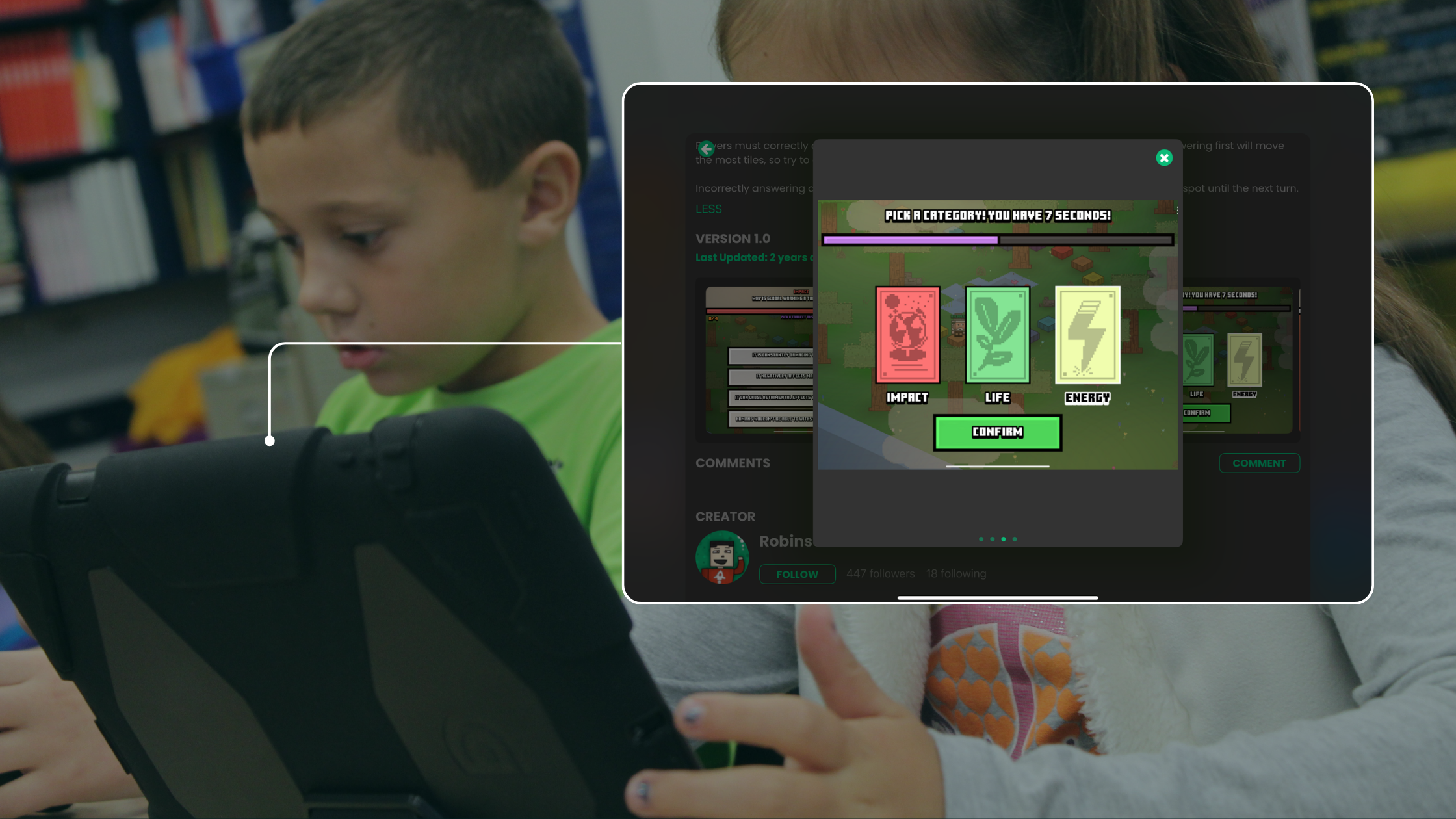
Classroom technology works best when students use it to make something. Game creation is one of the most direct ways to introduce students to computer science. With hyperPad, students learn programming concepts by building interactive games and apps on the iPad.
Why hyperPad Works for Teaching Computer Science
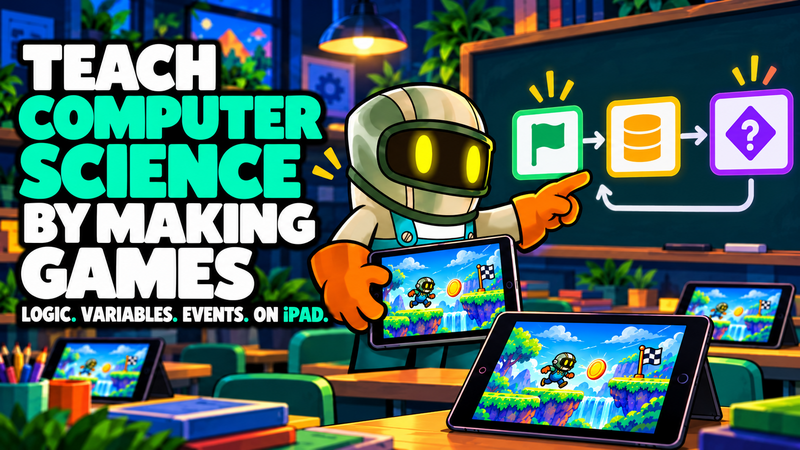
Traditional coding classes often start with text-based programming, which can overwhelm beginners. hyperPad takes a different approach. Students build with visual code instead of text. They drag, drop, and connect Behaviors into a flowchart of their game's logic, so programming concepts are easy to see.
When students design a character, set rules for scoring, or program a timer, they're learning core computer science foundations:
-
Logic. Using if/then conditions to control actions.
-
Variables. Storing and updating values like health, score, or time.
-
Functions. Reusing a set of instructions instead of rebuilding it.
-
Event-based programming. Responding to taps, collisions, and triggers in real time.
In hyperPad, students watch these concepts work in their own games.
hyperPad as an Educational Technology Tool
hyperPad is built for creators of all ages. Teachers use it with students from grade 4 through post-secondary. It also fits after-school programs and independent learners. Because there's no code syntax to learn first, students can focus on creativity, logic, and problem-solving.
For educators, hyperPad is a teaching tool that:
-
Boosts engagement. Most students would rather build their own game than complete a worksheet.
-
Supports collaboration. Learners can work together on game design, just like professional developers.
-
Encourages creativity. Students can bring in their own art, music, and stories to make projects unique.
-
Teaches critical thinking. Debugging and improving a game builds resilience and logical reasoning.
Building Real Skills Through Game Creation
The skills students learn in hyperPad carry over to future careers in technology. They develop transferable skills like:
-
Problem-solving. Figuring out why a game doesn't work builds persistence.
-
Optimization. Making a game run better teaches efficient logic.
-
Design thinking. Planning levels, user interfaces, and player experiences mirrors real-world app development.
Creators can also export their projects to the App Store with the paid hyperPad app, which gives students a taste of real-world digital creation and entrepreneurship.
A Fun and Future-Proof Way to Learn Computer Science
As schools look for effective STEM teaching strategies, game creation with hyperPad is a strong option. Students get hands-on practice with computer science fundamentals, and they build confidence along the way.
Turn the idea into a short learning activity
Choose one learning goal before opening the editor. A useful first Project might ask learners to sort two Objects, change a value, or explain why a rule produced a result. Keep the first Scene small enough that students can test it several times during the lesson.
In hyperPad, place the Objects in a Scene. Add Started Touching to the Object the learner will tap. Connect it to Set Attribute when the activity needs to remember a score, answer, or state. The Behavior Interface Overview explains how events and actions connect.
Use this classroom test:
- Ask one learner to complete the activity without instructions from its creator.
- Watch for the first point where they pause or tap the wrong Object.
- Change one label, visual cue, or Behavior.
- Test the same interaction with another learner.
- Ask the learner to describe the rule in their own words.
That final explanation matters. It shows whether the Project teaches a visible programming idea instead of only producing the correct result. For a broader sequence, use the game development learning path.
If you're looking for an educational technology tool that makes computer science fun and practical, try hyperPad in your classroom. Schools get 50% off through Apple School Manager, with Private Login.