Teach Yourself Something New on the Apple App Store

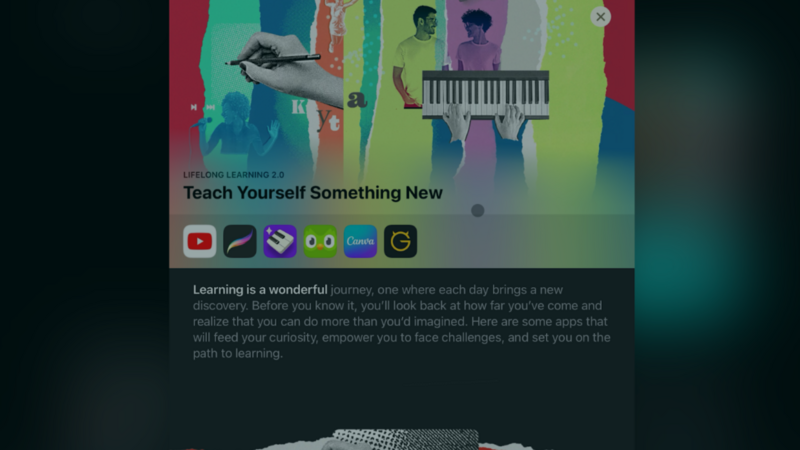
Learning something new has never been easier to start. Thanks to smartphones and the huge range of apps, you don't need a classroom to pick up a new skill.
The Apple App Store has resources for every interest and skill level: photography, programming, languages, music composition, and much more. In this post, we'll look at why self-directed learning matters, and how App Store collections like "Teach Yourself Something New" can lead you to new skills.
Embrace Learning with the Apple App Store
Self-directed learning puts you in charge of your education. You focus on the topics that match your interests and goals. Whether you want to sharpen your professional skills, pursue a hobby, or get into iPad game dev, self-directed learning has real benefits:
- Flexibility Learn at your own pace, on your own schedule. You choose what, when, and how you learn, so you can shape the experience to fit your needs. That goes for learning to code as much as for exploring new game development tools.
- Ownership When you own your learning, you build responsibility and independence. You're in charge of your progress, whether you're making games, trying no-code tools, or exploring app creation.
- Lifelong Learning Learning doesn't end with school. It lasts a lifetime. Self-directed learning keeps you growing, whether you're developing games, designing apps, or trying a new creative outlet.
Discover New Skills on the Apple App Store
The App Store is full of ways to pick up new skills. Here are some standout sections for different learning interests:
Game Dev Tools on iPad
Ready to get into game dev? The App Store has several resources to get you started. If you want to make your own game without learning to code, hyperPad is a good place to start. With hyperPad's no-code Behaviors, you make interactive games and apps on your iPad, then export them to the App Store with hyperPad.
Programming Tools
If you're interested in traditional programming, the App Store also has resources that teach Swift, Python, and more. If you want to start on iPad game dev right away, hyperPad lets you skip the coding and start making games immediately.
Other Creative Learning Categories on the App Store
The Apple App Store has plenty of apps beyond traditional learning tools. You can design visuals, compose music, learn a new language, or produce videos, all at your own pace. Whether you want to design graphics, edit photos, or make music, there's a curated section for it.
Pick Up New Skills
Never stop learning!
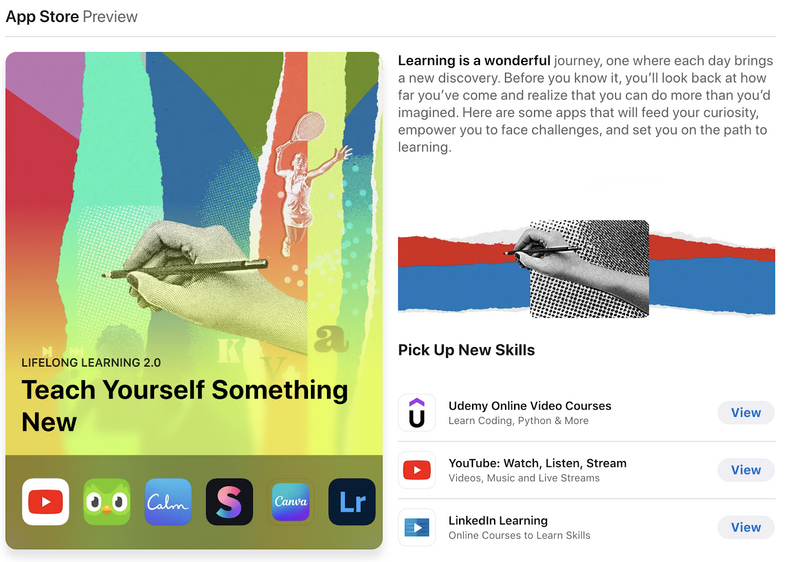
Pick Up New Skills on the Apple App Store
Udemy
Udemy has thousands of online courses on countless topics, from web development to photography to business management, for learners at every level.
YouTube
Beyond cat videos and vlogs, YouTube is full of educational content. You can find tutorials, lectures, and documentaries on almost any subject.
LinkedIn is a professional networking platform. It connects you with peers and mentors, and it also offers learning resources, including courses, articles, and skill assessments.
Produce Awesome Videos and Graphics
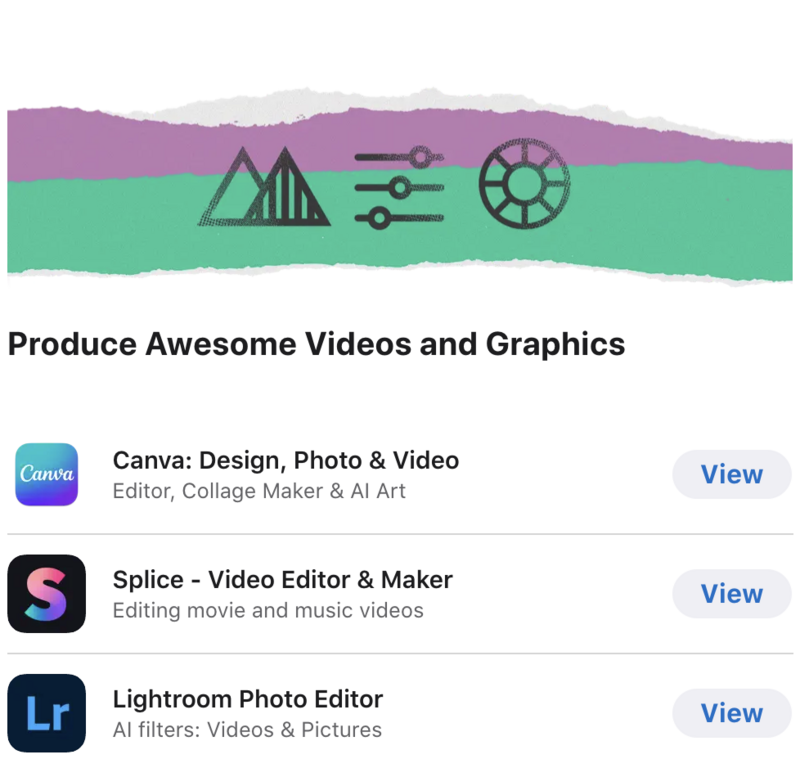
Produce Awesome Videos and Graphics on the Apple App Store
Produce Awesome Videos and Graphics
If game development isn't your only interest, the App Store has tools like Canva for graphics and Splice for music production. They pair well with your game dev work, because they help you improve your game's visuals, audio, and trailers.
Canva
Whether you're a seasoned graphic designer or just starting out, Canva gives you easy-to-use tools for designing graphics, presentations, and more.
Splice
Musicians can refine their compositions with Splice, a music production platform. From basic beat editing to advanced sound design, Splice gives artists a full toolkit for their music.
Lightroom
Photographers can improve their craft with Lightroom, Adobe's photo editing software. It covers everything from basic adjustments to advanced techniques.
Speak a New Language
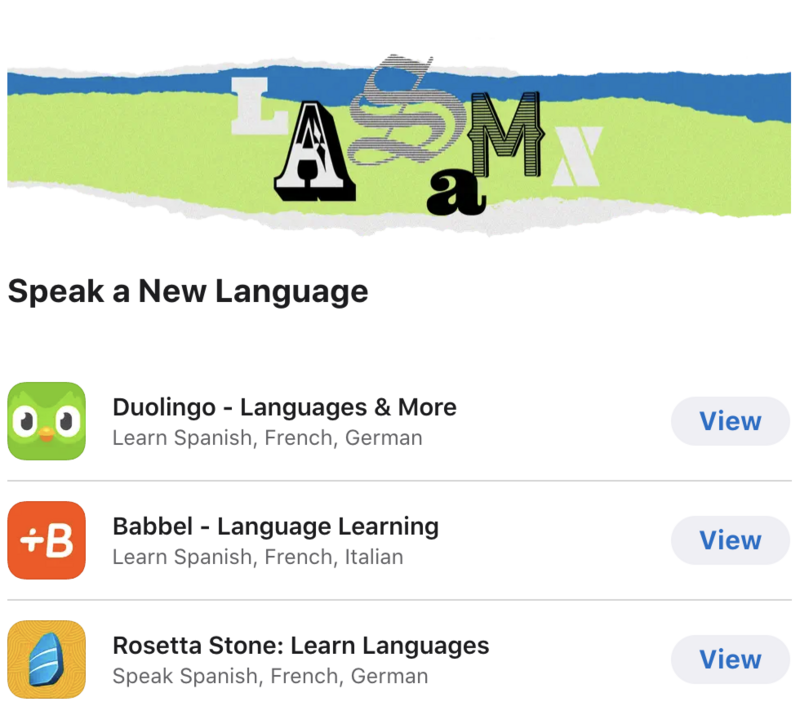
Speak a New Language on the Apple App Store
Duolingo
Whether you're planning a trip abroad or just want to learn a new language, Duolingo makes it fun with game-like, bite-sized lessons.
Babbel
Babbel is an easy-to-use language learning app. It takes you from basic vocabulary to complex grammar with tailored lessons and interactive exercises for every level.
Rosetta
Rosetta Stone is a well-known language learning program. Its immersive approach and adaptive curriculum teach you a new language through exercises and real-life scenarios.
Become a Music Maestro
Apps like Simply Piano and Ultimate Guitar help you build your musical skills. If you want custom music in your game, these tools help you create soundtracks and original audio for your projects.
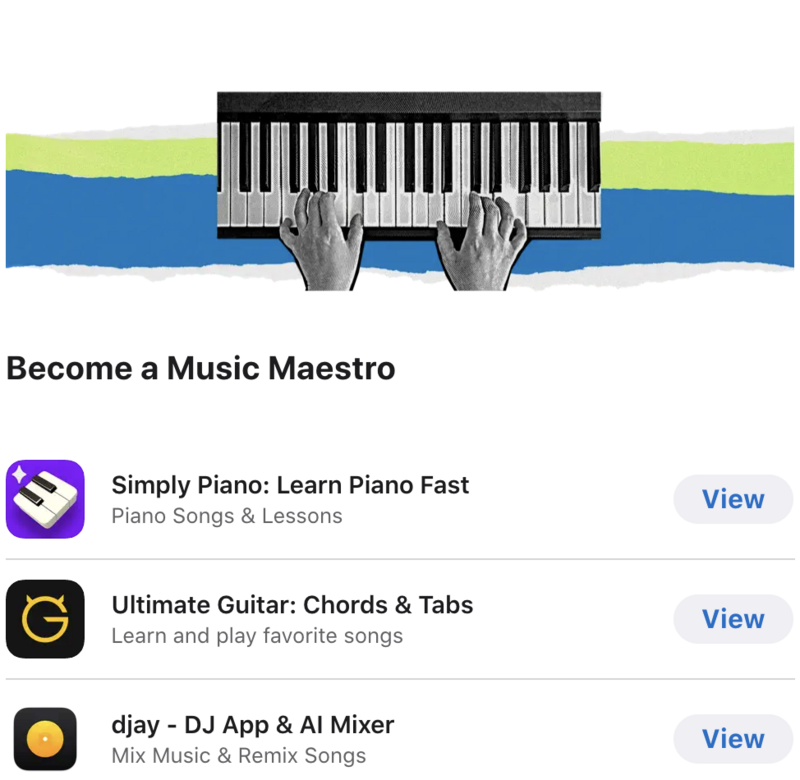
Become a Music Maestro on the Apple App Store
Simply Piano
Always dreamed of playing the piano? There's an app for that! Piano apps like Simply Piano and Flowkey give you interactive lessons and real-time feedback as you learn the keys.
Ultimate Guitar
Guitarists can build their skills with Ultimate Guitar, a platform for players of all levels. It has a large library of songs, tutorials, and tools, from basic chords and tabs to intricate solos.
djay
Budding DJs can practice with djay, a DJ app that turns your device into a turntable. Mix tracks, scratch beats, and build smooth transitions like a pro.
Program Like a Pro
The Apple App Store has plenty of resources if you want to learn to program. Whether you're learning Swift, Java, or Python, you'll find curated apps to help you build your coding skills. If you'd rather start making games right away, hyperPad is an affordable, beginner-friendly option built for iPad.
Build Your Career Skills
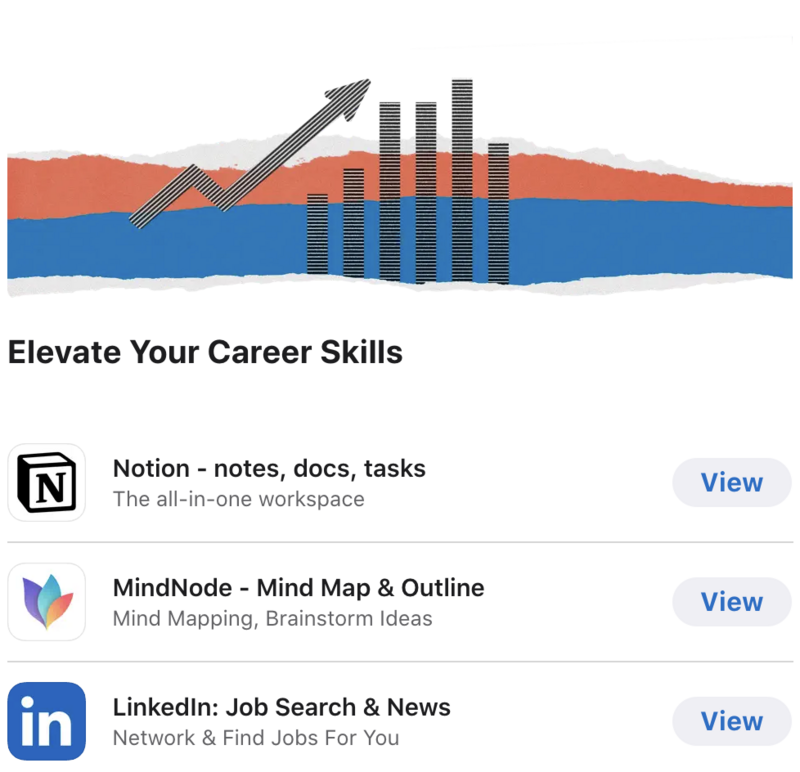
Build Your Career Skills on the Apple App Store
Notion
Stay organized with Notion, a workspace that combines notes, tasks, databases, and more. Whether you're planning a project or taking notes, Notion keeps everything in one place.
MindNode
MindNode is a mind mapping tool for creativity and organization. You can brainstorm ideas, structure complex concepts, outline an essay, or plan a project, all as a visual map of your thoughts.
Take Control of Your Learning Journey
Technology changes fast, so learning never really stops. Self-directed learning lets you follow your interests and grow, whether through game dev, creative arts, or professional skills. The Apple App Store has plenty of resources, and with hyperPad, making your own game becomes part of the learning.
hyperPad Starter is free and includes one project. When you want more projects and App Store export, hyperPad is a one-time USD $14.99. Whether you want to turn your Procreate designs into interactive comics or get straight into no-code game dev, hyperPad lets you make your own game on iPad. Start today and bring your ideas to life!