Create Your Own Friday Night Funkin’ Mod on iPad Using hyperPad

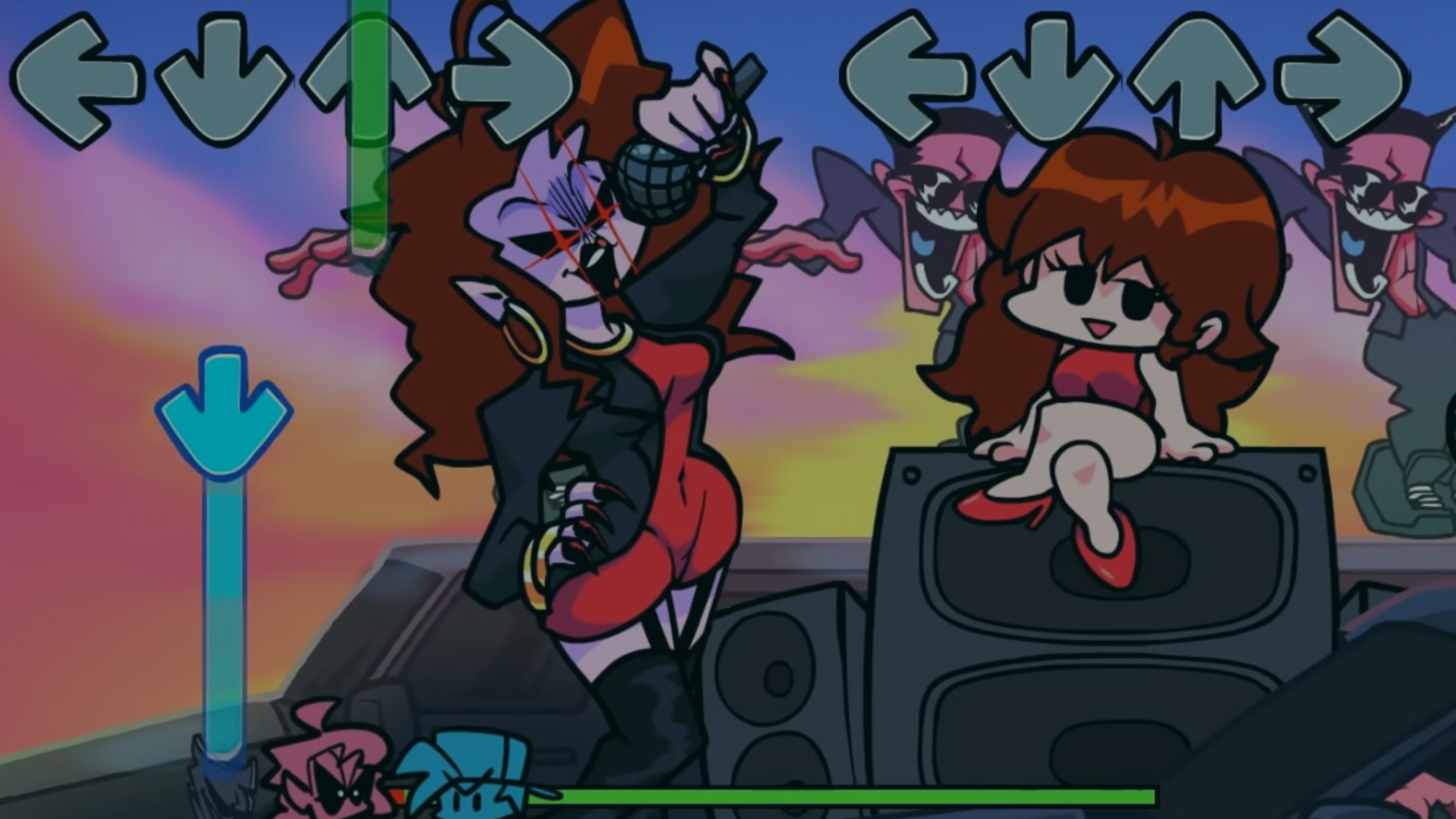
Are you a rhythm game fan who's ever thought I wish I could make my own Friday Night Funkin' mod? You're not alone. FNF's catchy beats, bold art style, and community-driven mods have inspired players to design custom characters, songs, and levels for years.
Here's the good news. You don't need a computer or coding skills to start. With hyperPad's visual Behaviors on iPad, you can build an FNF-inspired mod from scratch, then share it or publish it.
This guide walks you from idea to gameplay, shares stories from real creators, and gives you concrete steps for your first rhythm game on iPad.
Why FNF Mods Are a Great Game Dev Learning Project
FNF mods make good first projects for new game creators because:
-
The gameplay loop is simple but expressive.
-
Art, animation, and music all shape the design.
-
You can experiment with levels, rhythms, and characters.
-
Finishing one teaches you real interactive programming patterns.
Many modding frameworks require code. hyperPad's drag-and-drop Behaviors let you build without coding, so you can focus on your ideas instead of syntax.
What You Need to Start Making Your FNF Mod on iPad
Before you start building your mod, gather:
An iPad and hyperPad hyperPad is a visual game engine for iPad that lets you make games without code. Start with hyperPad Starter, which is free for one project, or get hyperPad as a one-time purchase on the App Store.
Artwork Assets Use art tools like Procreate to design characters, backgrounds, and UI that match your vision. You can import them directly into hyperPad.
Music Tracks or Rhythm Patterns Rhythm games live on sound. Compose original beats, rework melodies, or write new tracks that fit the vibe of your mod.
A Clear Concept Sketch your characters and levels, decide on beat patterns, and picture how your mod will feel to play.
Step-by-Step: Making Your First FNF-Style Game on iPad
1. Explore hyperPad and Start a New Project
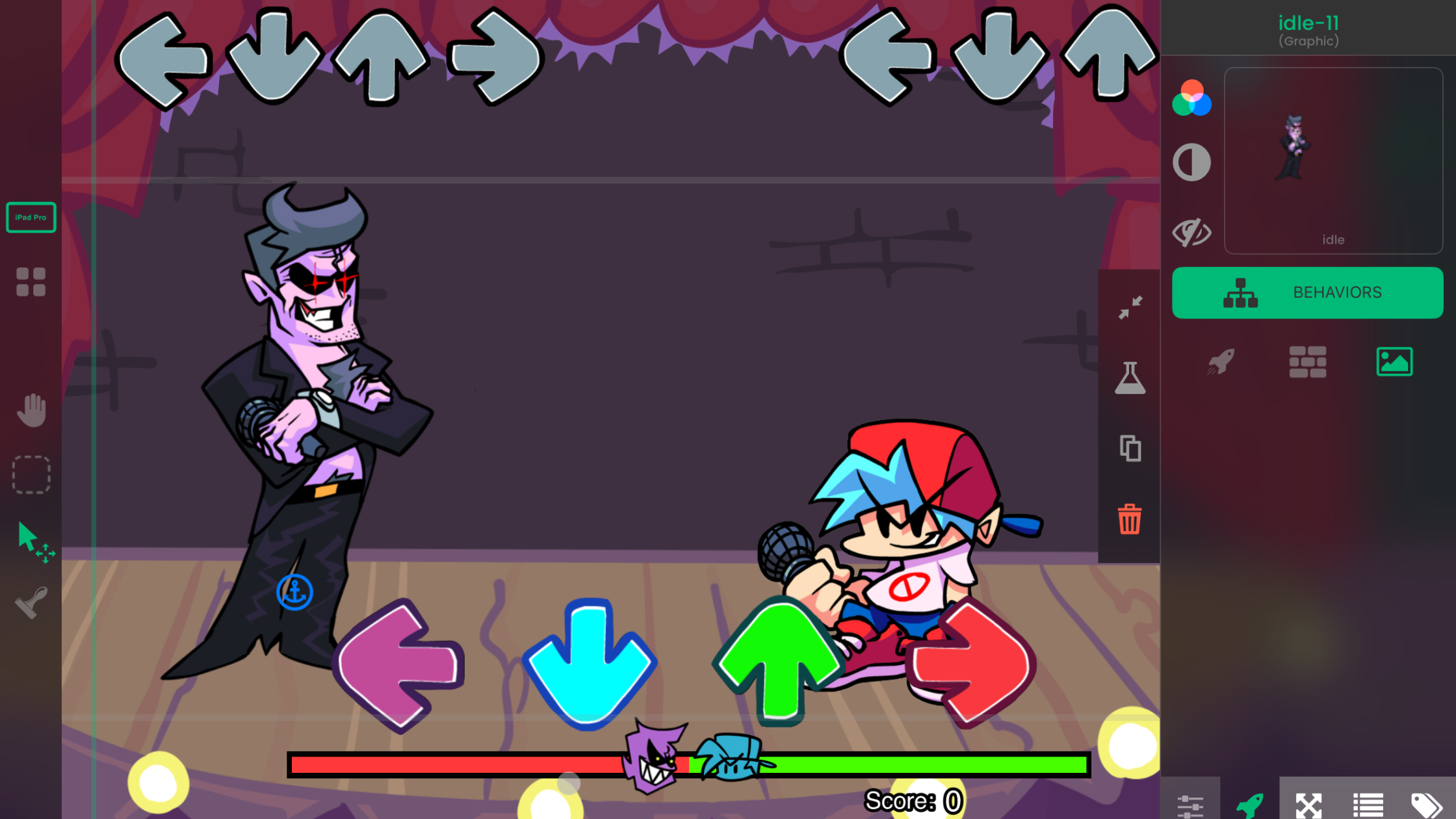
Open hyperPad on your iPad and choose New Project. Select landscape orientation for a classic rhythm game feel. This blank Scene is where your world begins.
2. Set Up Your Game Layout
Use hyperPad's Scene editor to lay out:
-
Four or more hit zones for beats
-
Score and combo displays
-
Character art and background layers
You position and preview each Object by hand, with no code.
3. Import Music and Animate to the Beat
Drag your music files into the project. Then use hyperPad's audio and timing Behaviors to sync beat events. You connect each beat to a gameplay event, so arrows or prompts match your track.
4. Create Note Objects and Behaviors
Each beat becomes an Object that moves toward a hit area. Use movement and trigger Behaviors to animate notes and detect player input. The Behavior Editor shows exactly how everything connects.
5. Add Player Input and Feedback Mechanics
Assign touch areas or buttons that players tap in time with the music. Add feedback animations like perfect, good, or miss, so every hit feels rewarding.
6. Playtest and Iterate on iPad
Tap play to preview your game on your iPad right away. Adjust note timing, visuals, and game feel as you play. Short test loops keep you learning and keep the project moving.
7. Share and Publish Your Mod
Once your mod is ready:
-
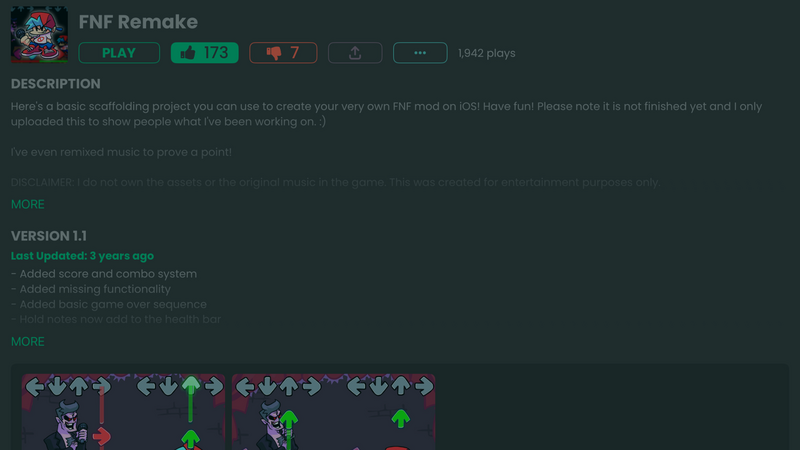
Publish it to the hyperPad Hub so friends and fellow creators can play it
-
Get feedback and polish the mechanics
-
Export your game to the App Store with hyperPad to share it with everyone
Few visual game engines take you from an idea to a published iOS game. With hyperPad, you build the whole game on iPad and use a Mac with Xcode only for the final App Store upload. That path lets you build an audience and even earn revenue. You keep 100% of it.
What You Learn Making an FNF Mod on iPad
Building an FNF-style game in hyperPad teaches you core game dev concepts without code:
- Game logic sequencing
- Trigger-based animation
- Responsive player input
- Music synchronization
- Iterative design and playtesting
These skills carry over to larger projects, original games, and even professional game design.
Real Success Stories
Some creators have taken hyperPad well past a first project:
Hakan Dede built games on iPad with hyperPad and earned revenue on the App Store. Those games show that mobile games made without code can be commercially viable.
Creators like Robinson built complete Friday Night Funkin'-inspired games on iPad. The experience gave Robinson the confidence to study computer science at university.
Visual artists have turned their illustrations into interactive games, adding playable work to their portfolios and resumes.
Teachers in Australia and around the world use hyperPad in their classrooms. Many go on to earn professional certifications, lead STEAM lesson plans, and help students build games directly on iPad.
For these creators, making games on iPad grew from a hobby into a creative outlet and, for some, a career path.
Tips to Level Up Your FNF Mod Creation
Here's how to make your project better:
Use original music Even simple tracks keep players engaged and make your rhythm game feel like yours.
Design custom animations Give characters expressive states tied to gameplay events.
Join creator communities Share your work on the Hub, in forums, and on social platforms to get feedback and iterate faster.
Keep prototypes small Start with one song and one character. Expand once the core rhythm loop works.
Start Your FNF Mod Journey Today
Making a Friday Night Funkin' mod on iPad with hyperPad combines game design, visual logic, music, and your own style, all without learning to program first.
Whether you're a beginner, an aspiring game designer, an artist, a student, or an educator, you can turn your idea into a playable game and share it with players everywhere.
Grab your iPad, open hyperPad, and build something funky. Try hyperPad Starter free for one project. When you're ready for more projects and App Store export, upgrade to hyperPad for a one-time USD $14.99.