Best iPad Games Made with hyperPad

Featuring standout titles from the hyperPad Hub, plus games hyperPad creator Hakan Dede released on the Apple App Store
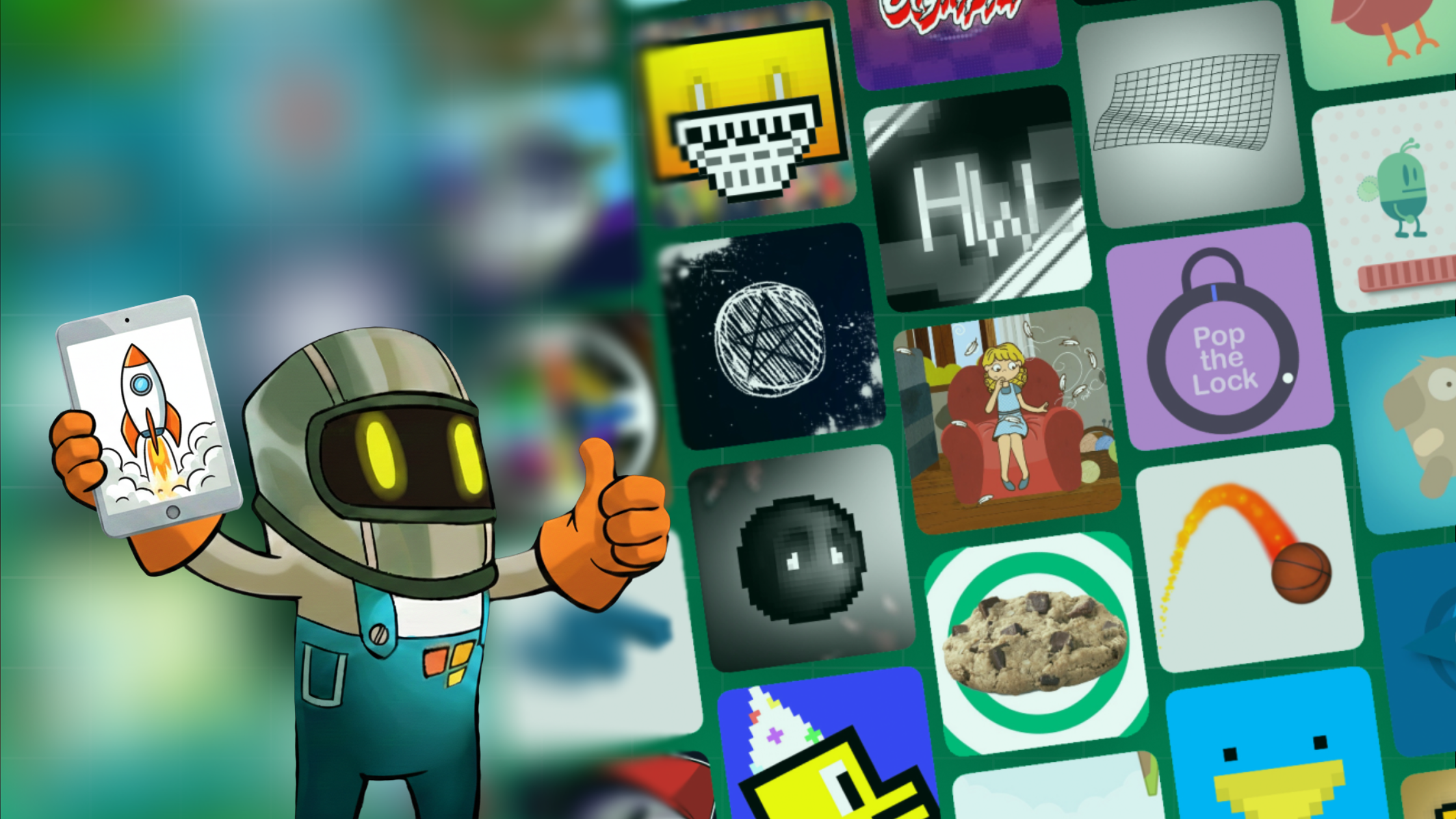
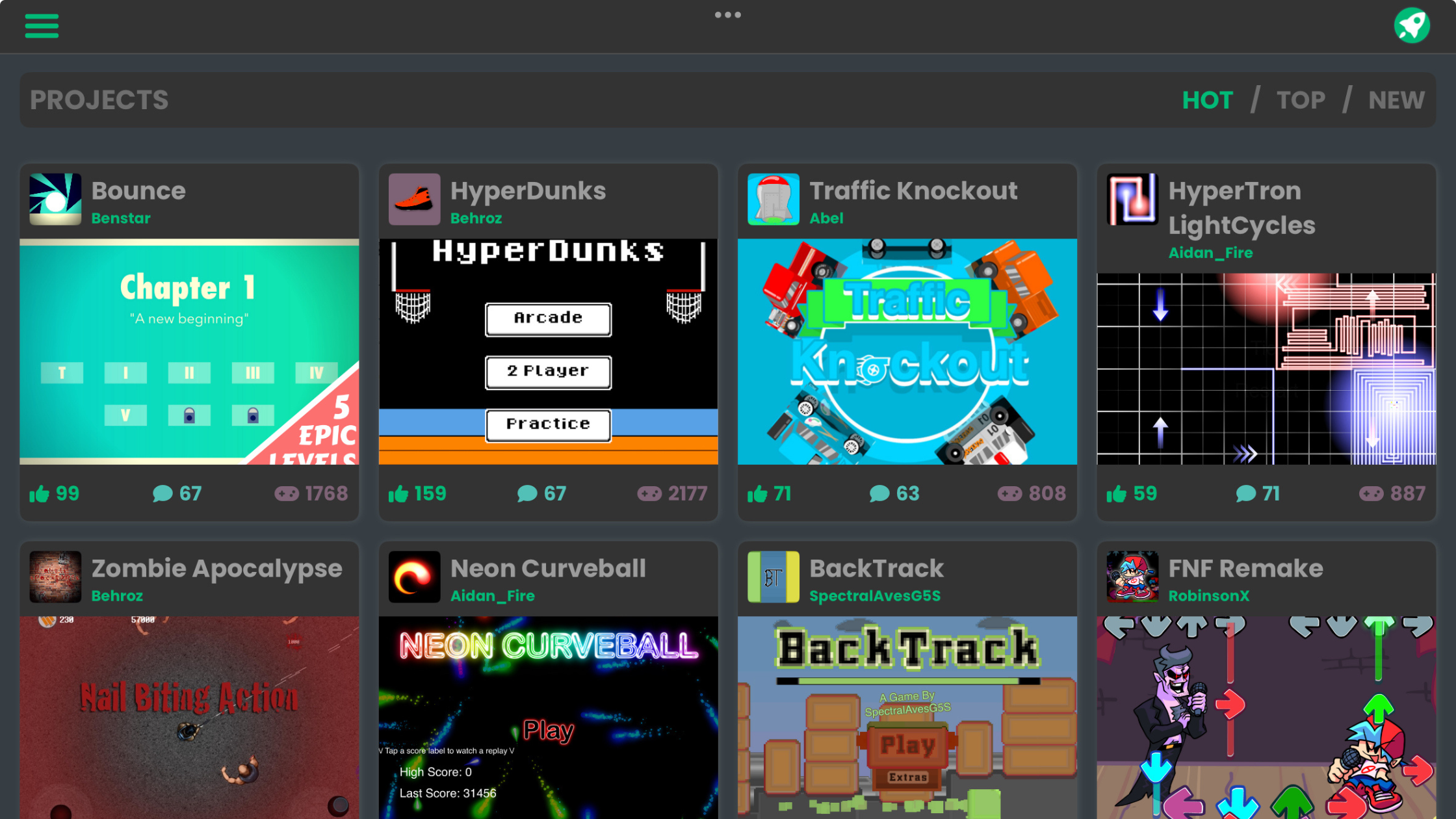
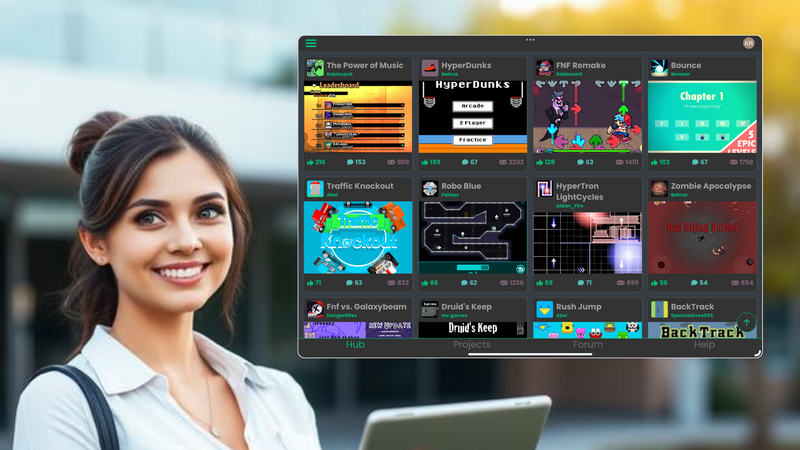
If you’ve ever wanted to make and publish your own iPad game without writing code, these games show what’s possible. Many community games live on the hyperPad Hub, and some creators have gone further, launching polished games on the Apple App Store.
hyperPad Hub Community Favorites
Here are eight Hub games worth playing and taking apart. Each one is an example of what you can make with hyperPad.
1. Tap Tap Ghost
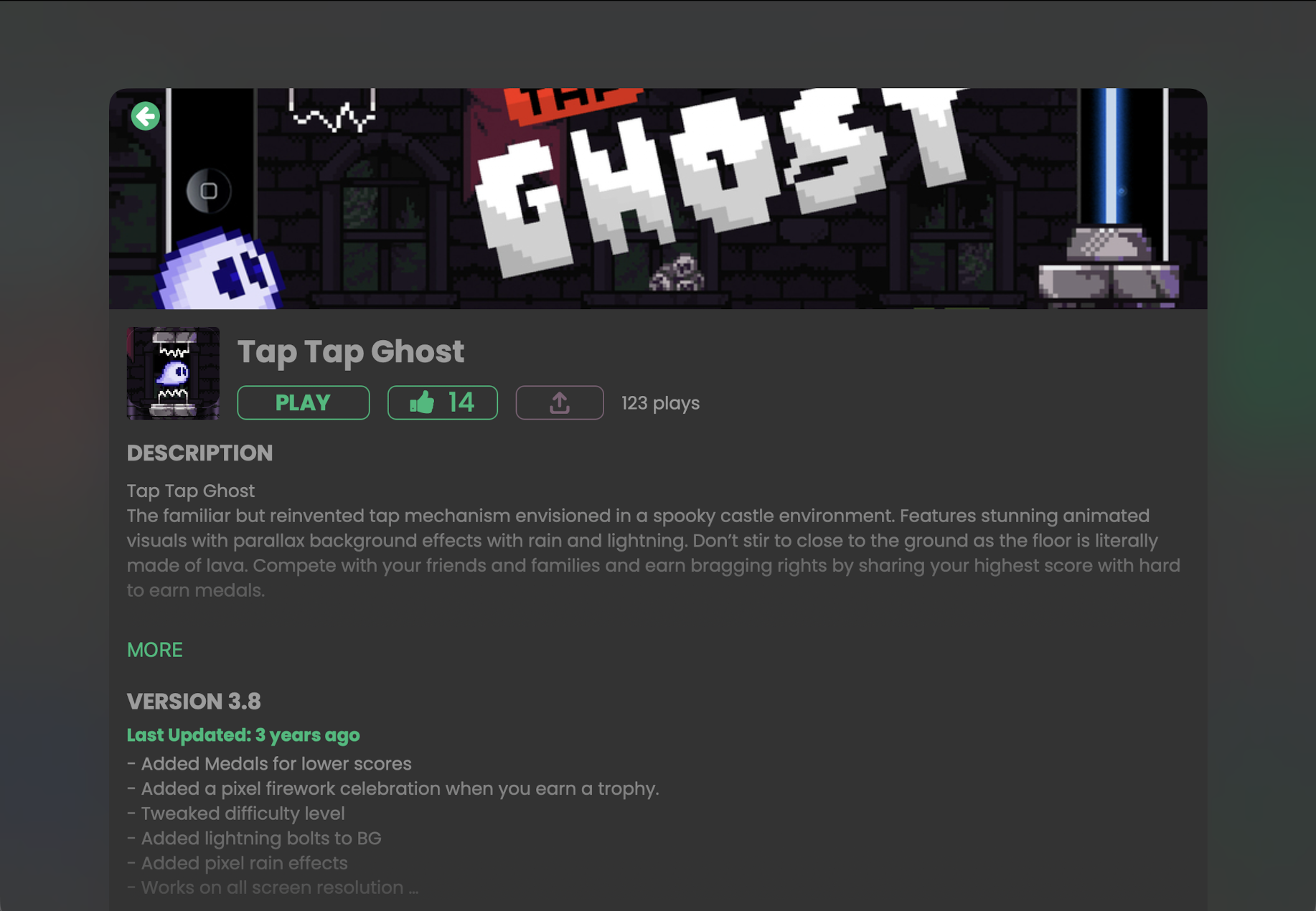
Tap Tap Ghost is one of the Hub’s community favorites. It mixes smooth animation and moving backgrounds (think rain, lightning, and parallax effects) with simple gameplay that’s hard to put down. It shows how much atmosphere and polish add to a mobile game.
Creators: it’s a good one to study for layered animations and environmental effects.
2. Reborn Roots
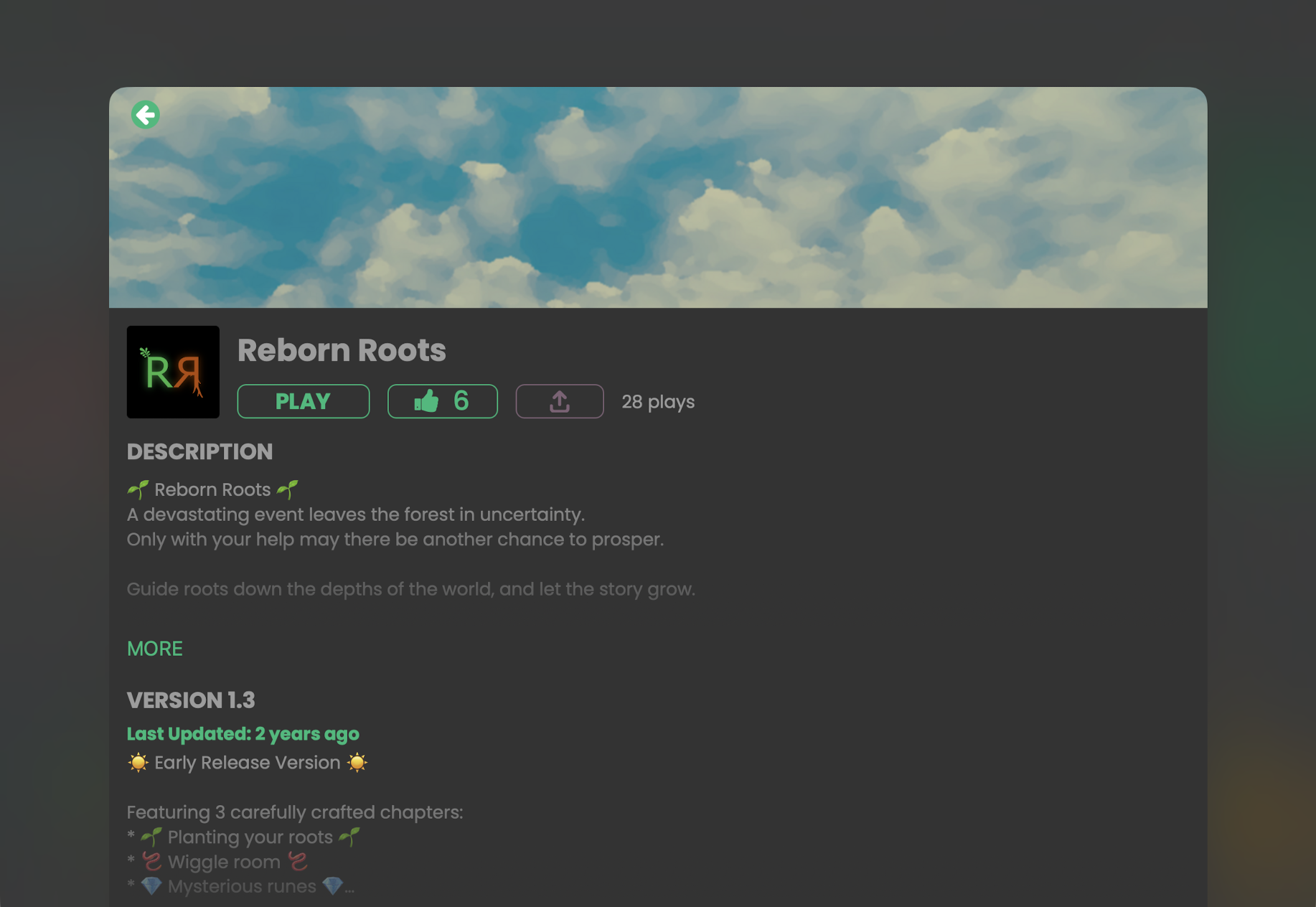
Reborn Roots brings a story to the platforming genre. It has multiple chapters (like planting roots and exploring mysterious runes), and it shows how to use Scenes, story progression, and exploration in a hyperPad Project.
Look here for ideas if you want to build a game with chapters or story beats.
3. Super Fox
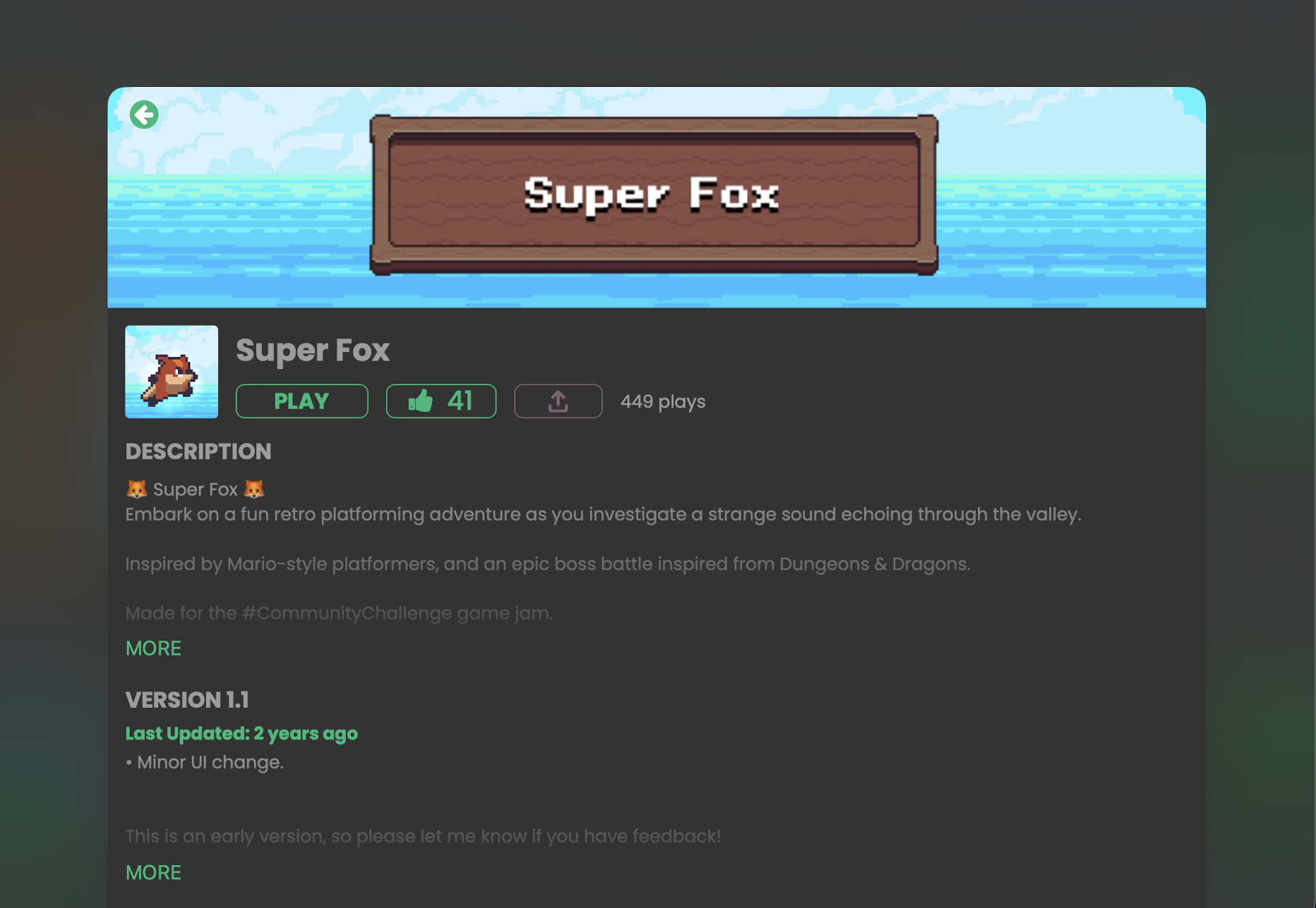
Love retro platformers? Super Fox is a classic jump-and-run game with a retro look. Its level layouts are worth studying closely.
Use it as a starting point for your own adventure game ideas.
4. The Non Place
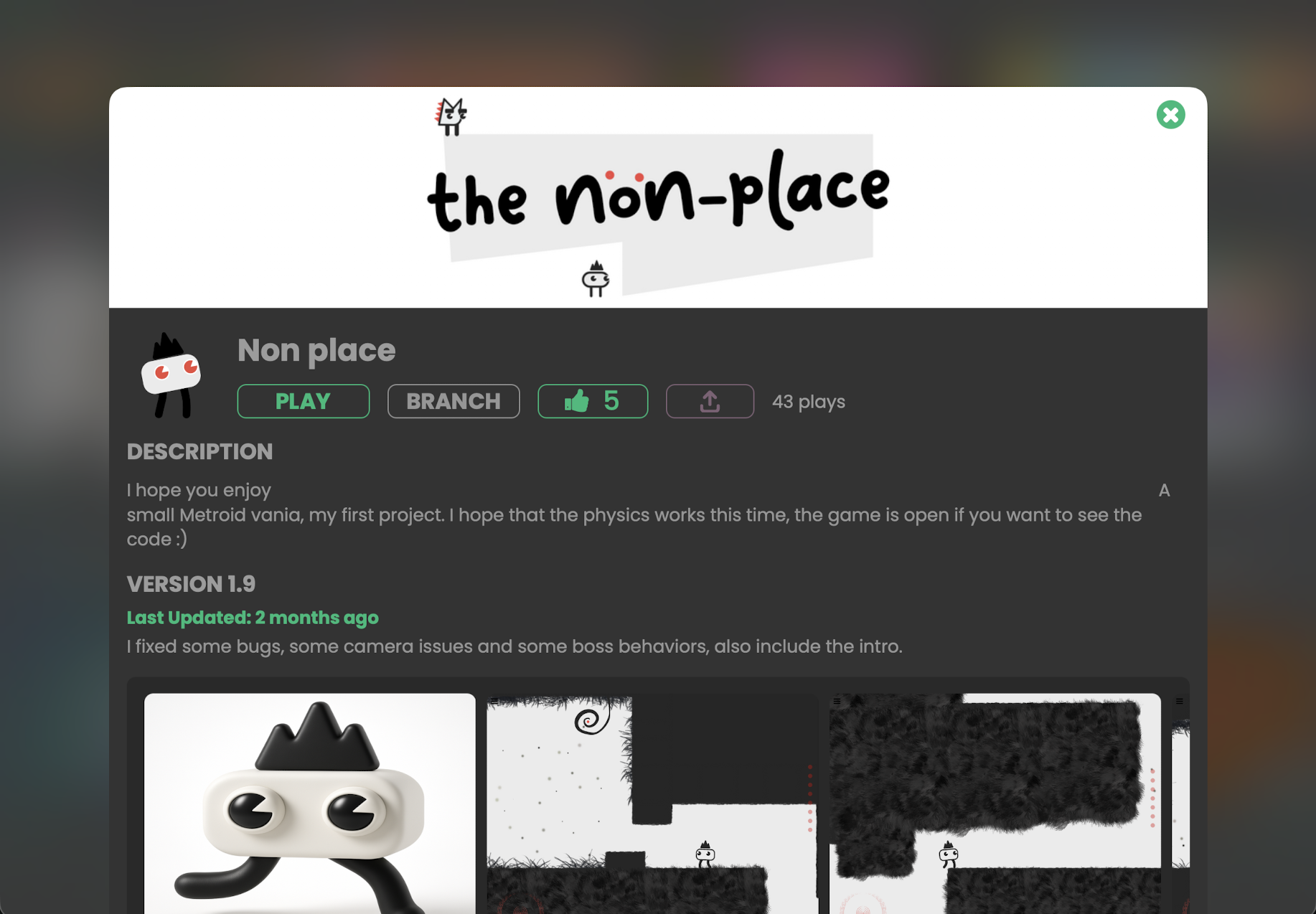
Looking for a community-made adventure on the hyperPad Hub? The Non Place by Robson is a small Metroidvania-style game made on iPad. It mixes platforming with exploration, and it's all built without code using hyperPad’s Behaviors.
5. Ping
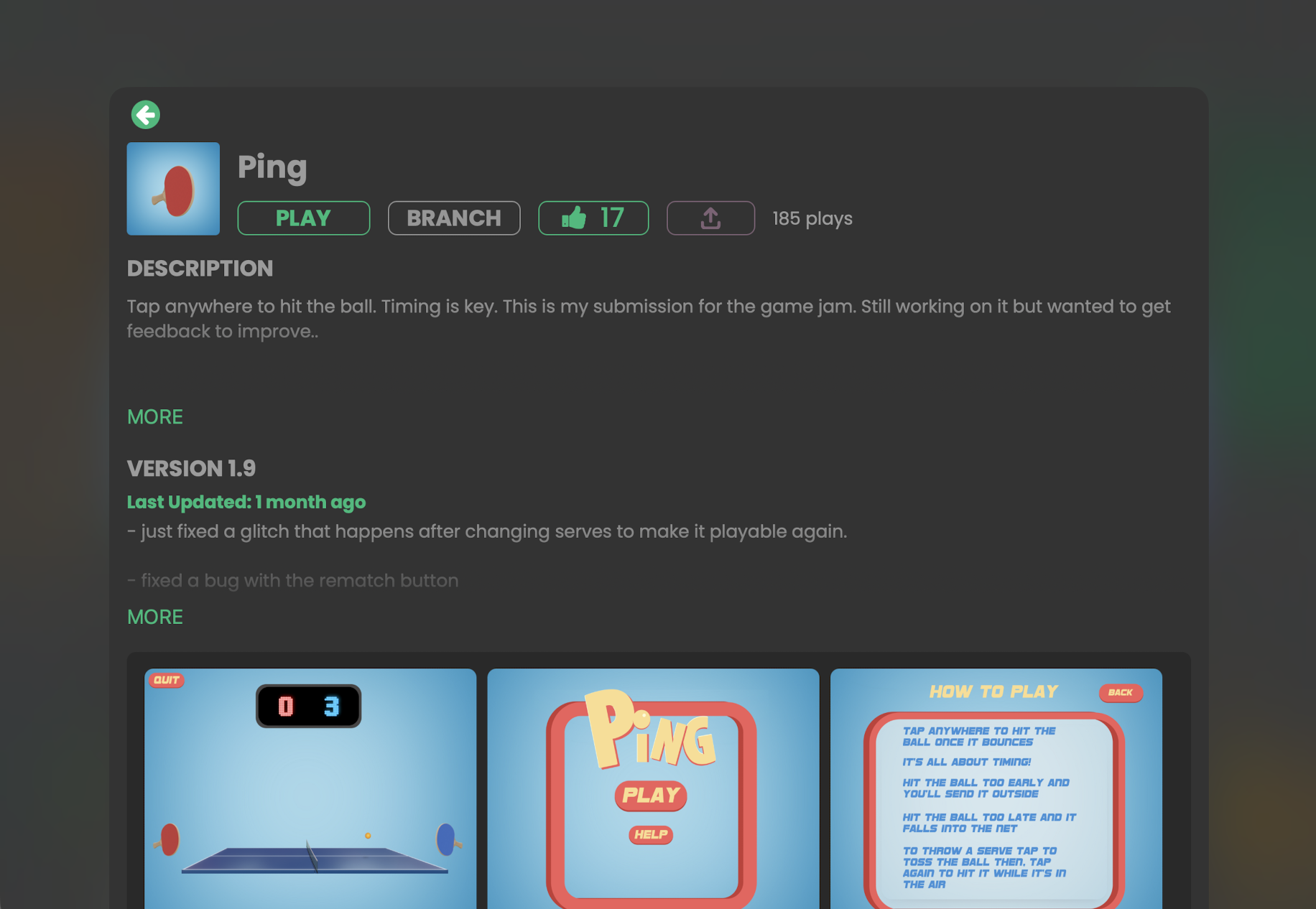
Ping boils gameplay down to timing and precision. Tap to hit the ball and find the rhythm. It makes a good “first game” challenge for new creators, because one tap is the whole control scheme.
6. Car Demo
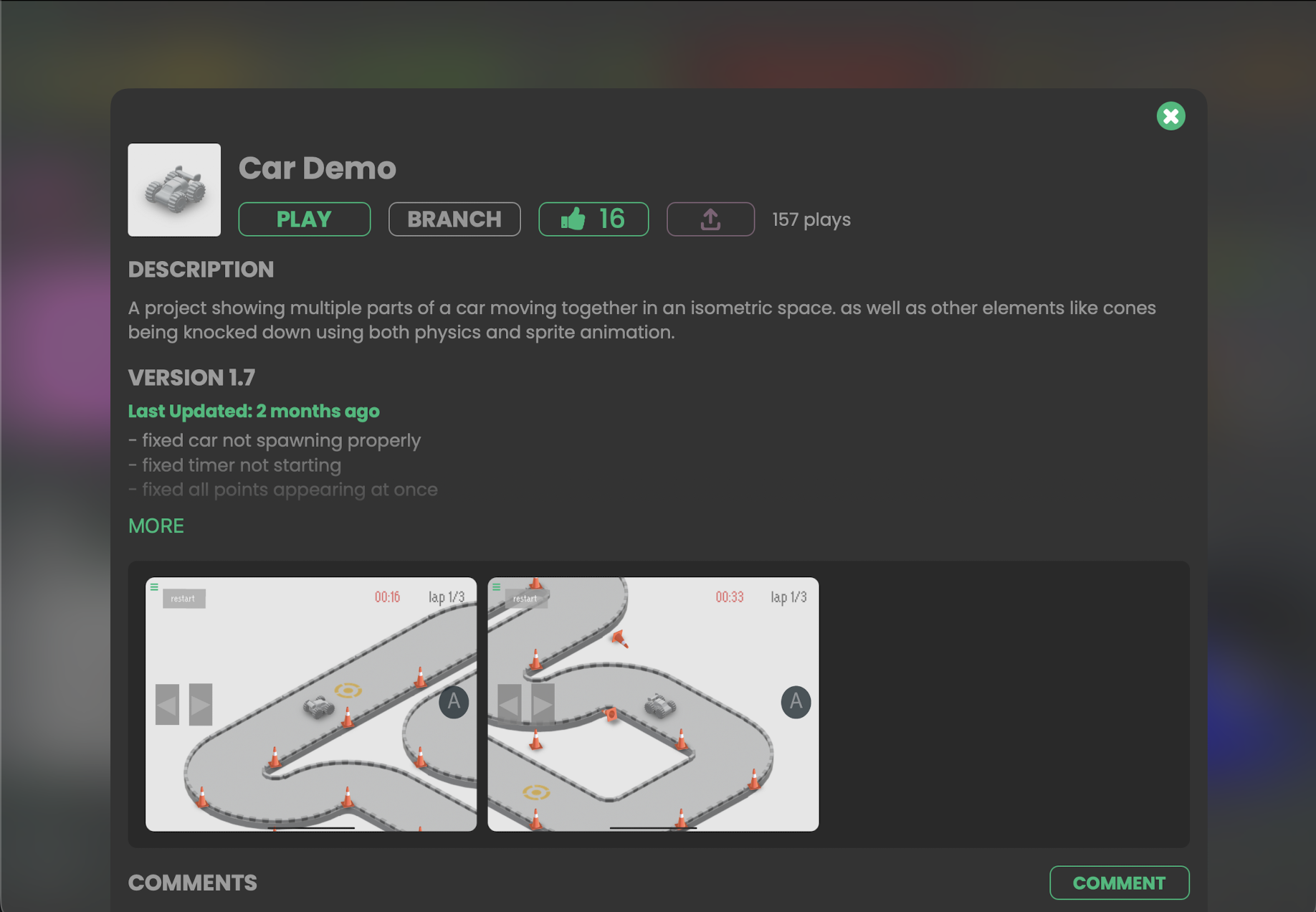
Car Demo by Shady91 shows multiple car parts moving together in an isometric, physics-driven scene. Cones get knocked over and animations drive the action. It’s all made without code, using hyperPad’s visual Behaviors, and it shows physics and animation working together.
Use it to see how far you can take game development on iPad.
7. A Wonderful World
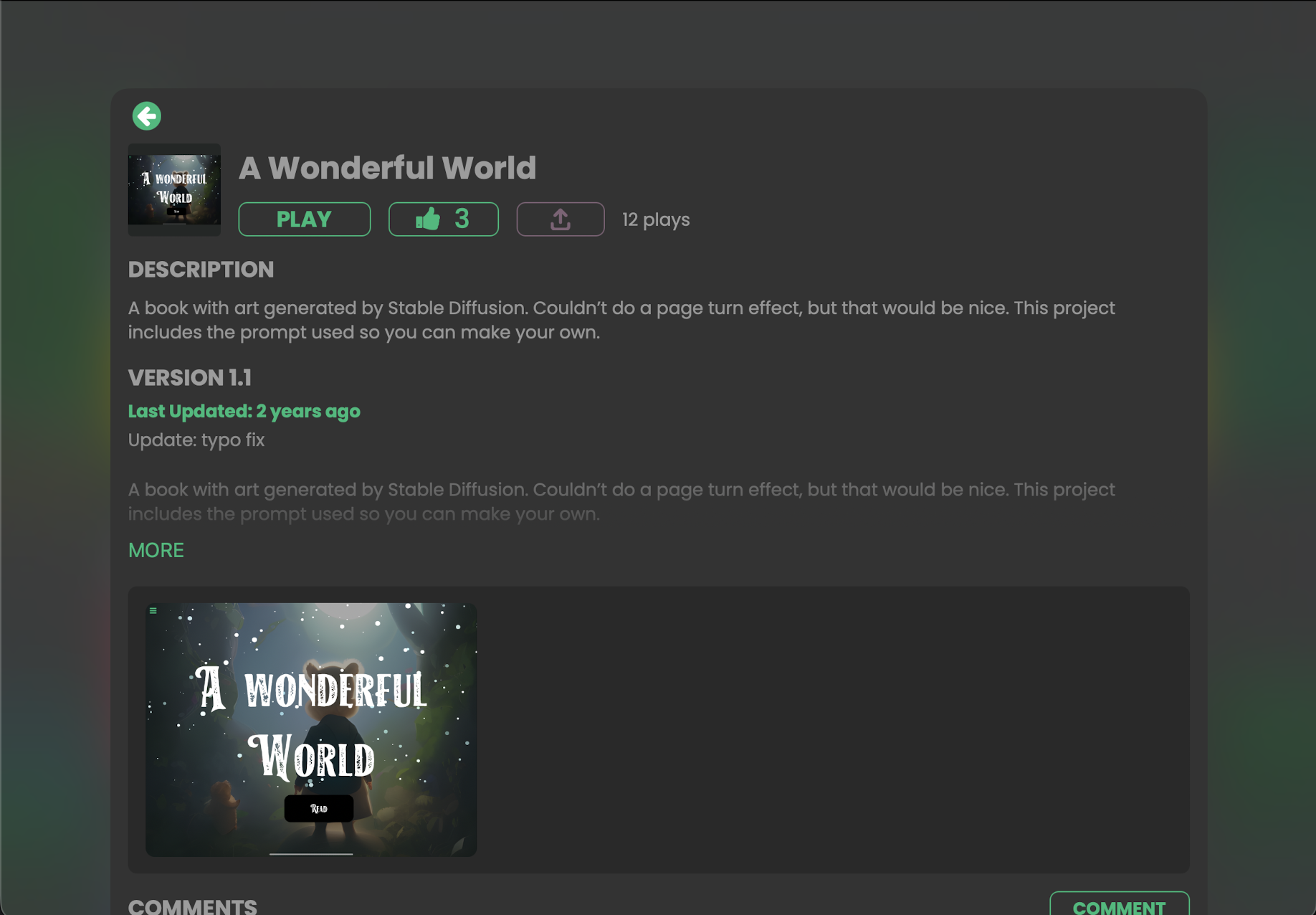
A Wonderful World by TutorialDoctor is an interactive storybook made entirely with hyperPad. It combines visuals, text, and custom art without any code. It even includes the prompt used to generate its artwork, so you can create art in the same style for your own interactive book on iPad.
Use it as a model for your own interactive book.
8. Hallowed
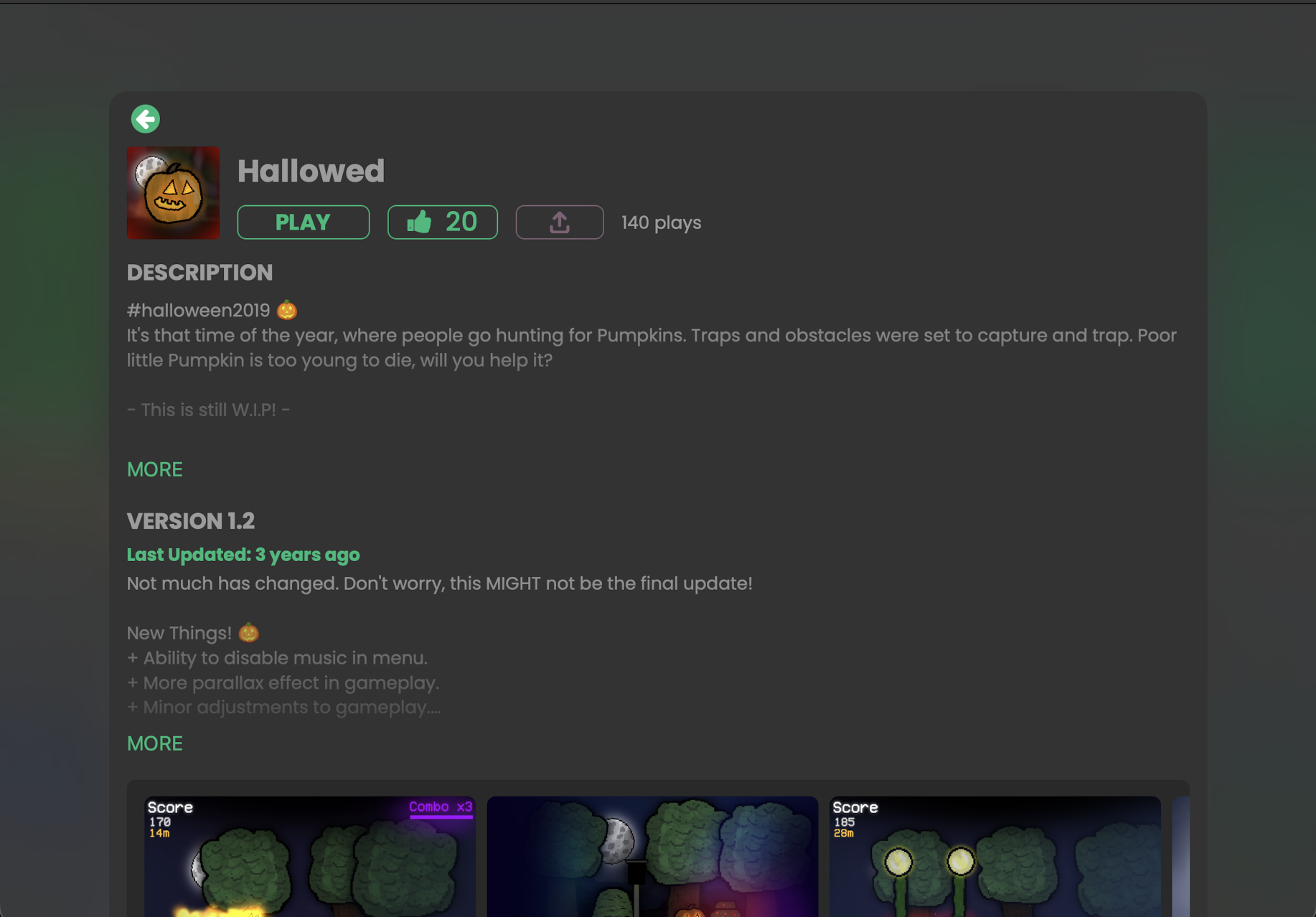
Hallowed by RobinsonX is a Halloween platformer made with hyperPad’s visual Behaviors. You guide a pumpkin through traps and obstacles using swipe controls. Study it for how the controls respond to each swipe.
It’s a good benchmark for jam projects and ambitious builds.
Hakan Dede’s App Store Games
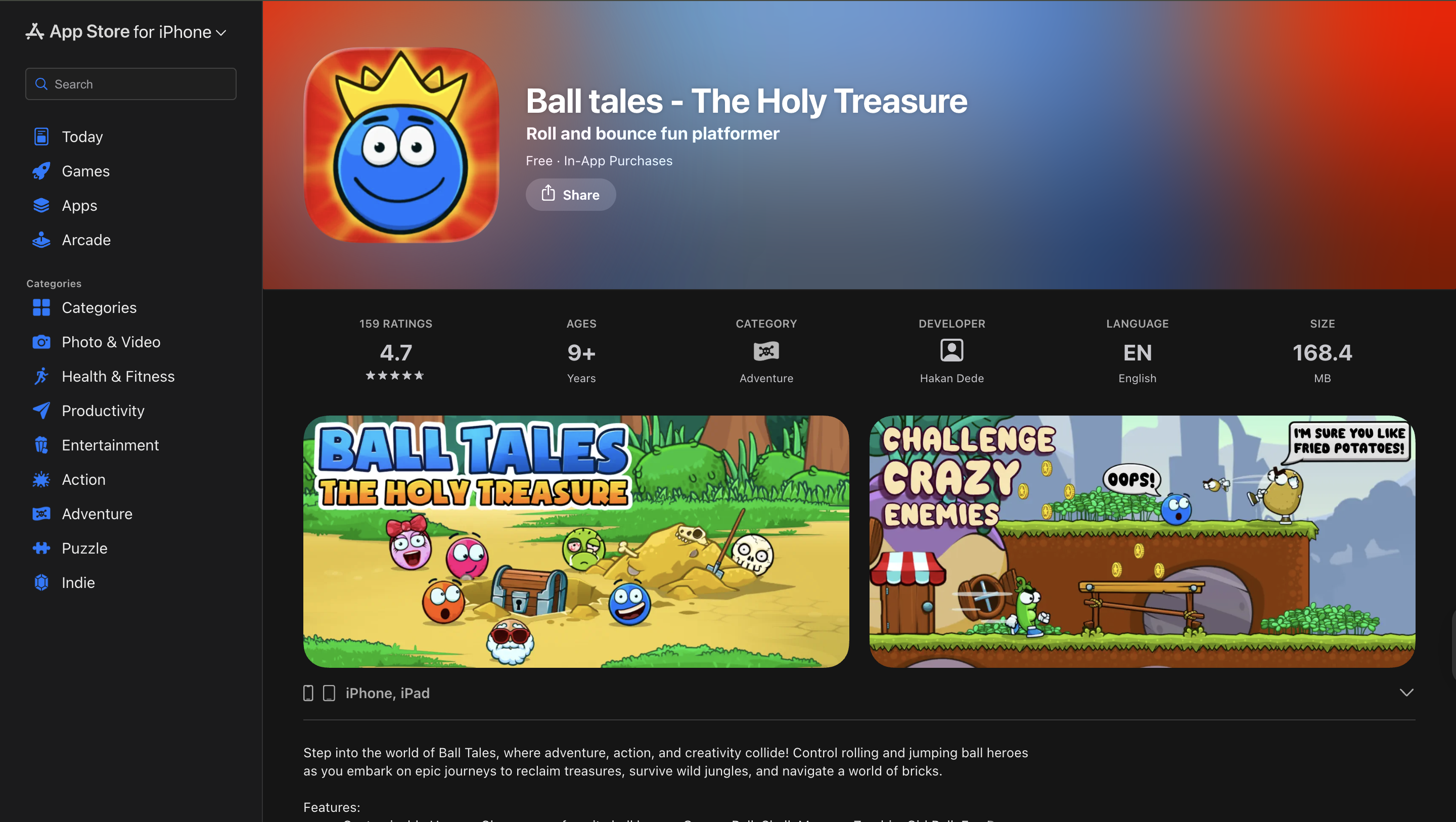
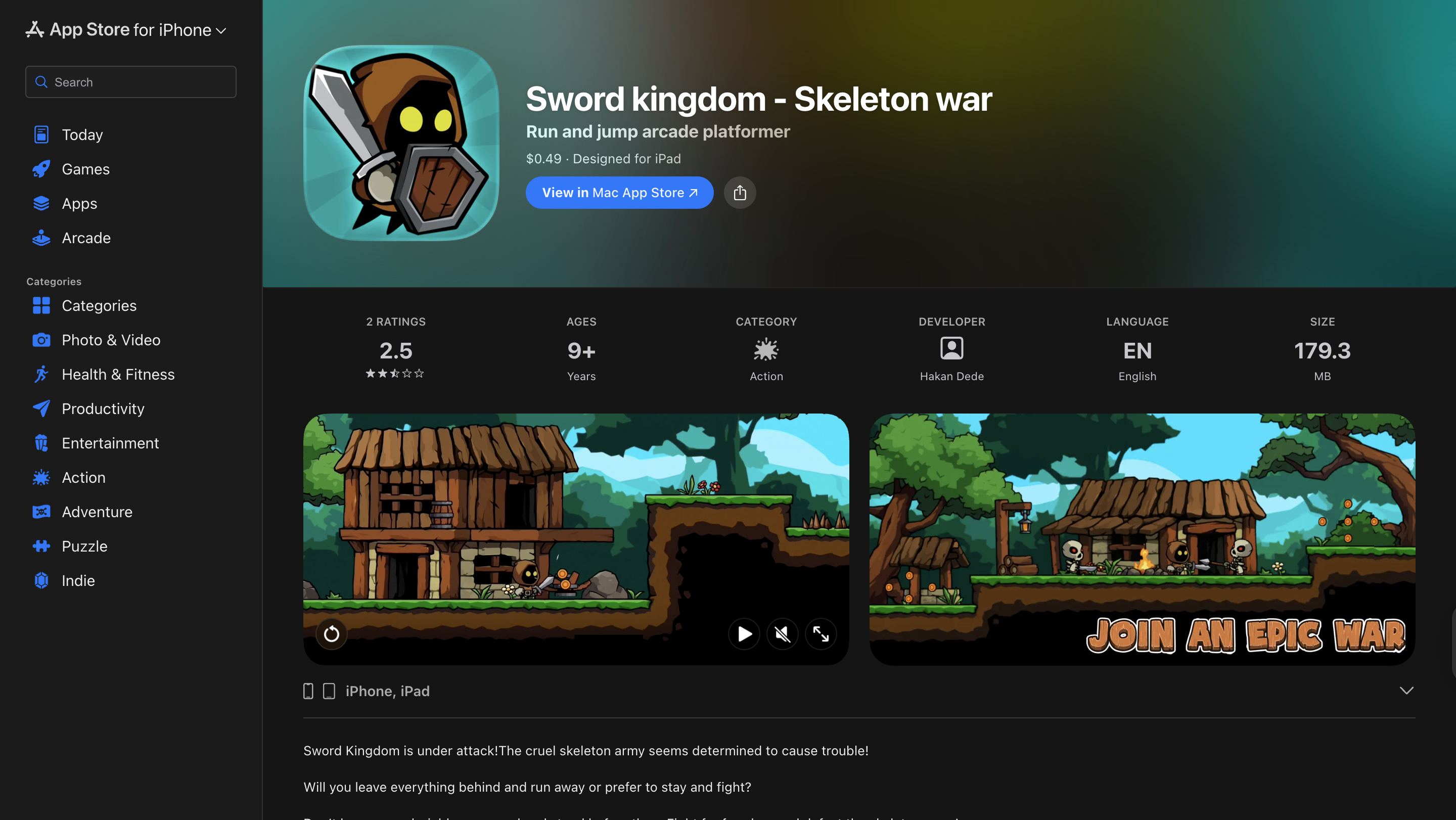
Hakan Dede is a hyperPad creator who took his games beyond the Hub. He made the games below with hyperPad and released several of them on the Apple App Store. Those App Store listings are no longer available, but you can still play Super Cow: The Revolution, Sword Kingdom and Red Ball: The Lost Island on his Hub profile.
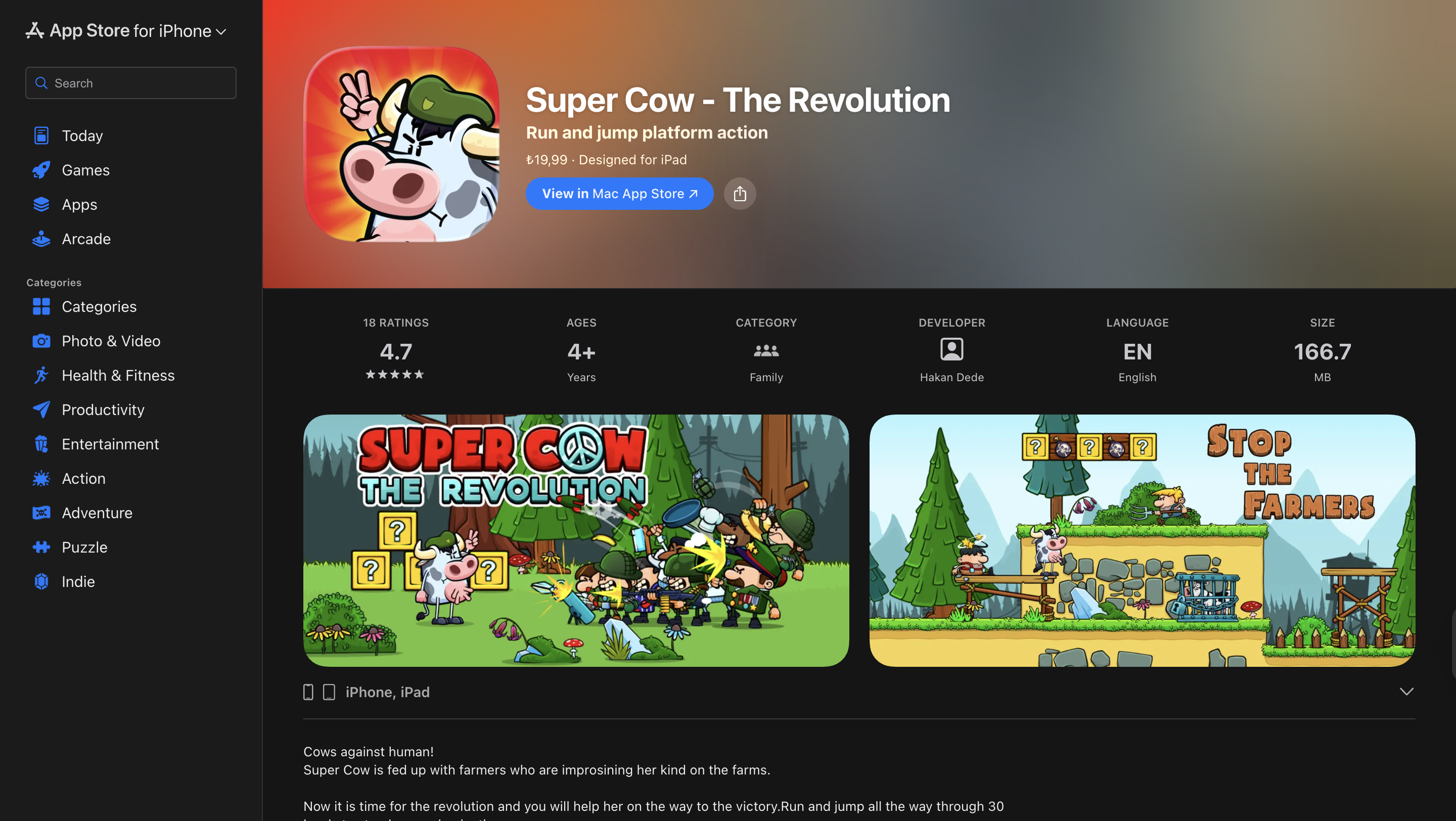
Super Cow: The Revolution
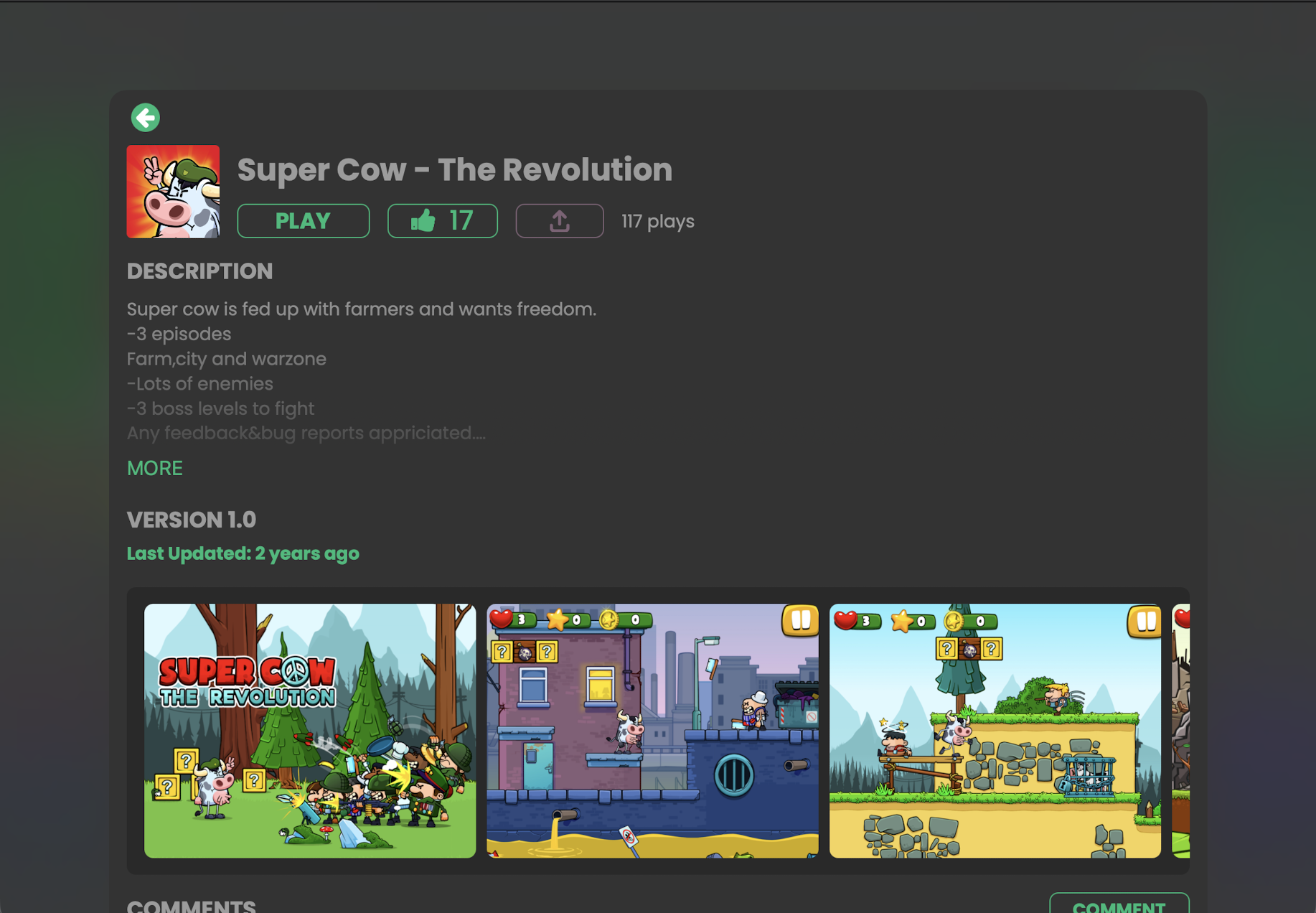
A platformer where the cow battles through 30 levels across themed worlds such as farms, cities, and warzones. It has boss fights and supports multiple languages.
Super Trucker
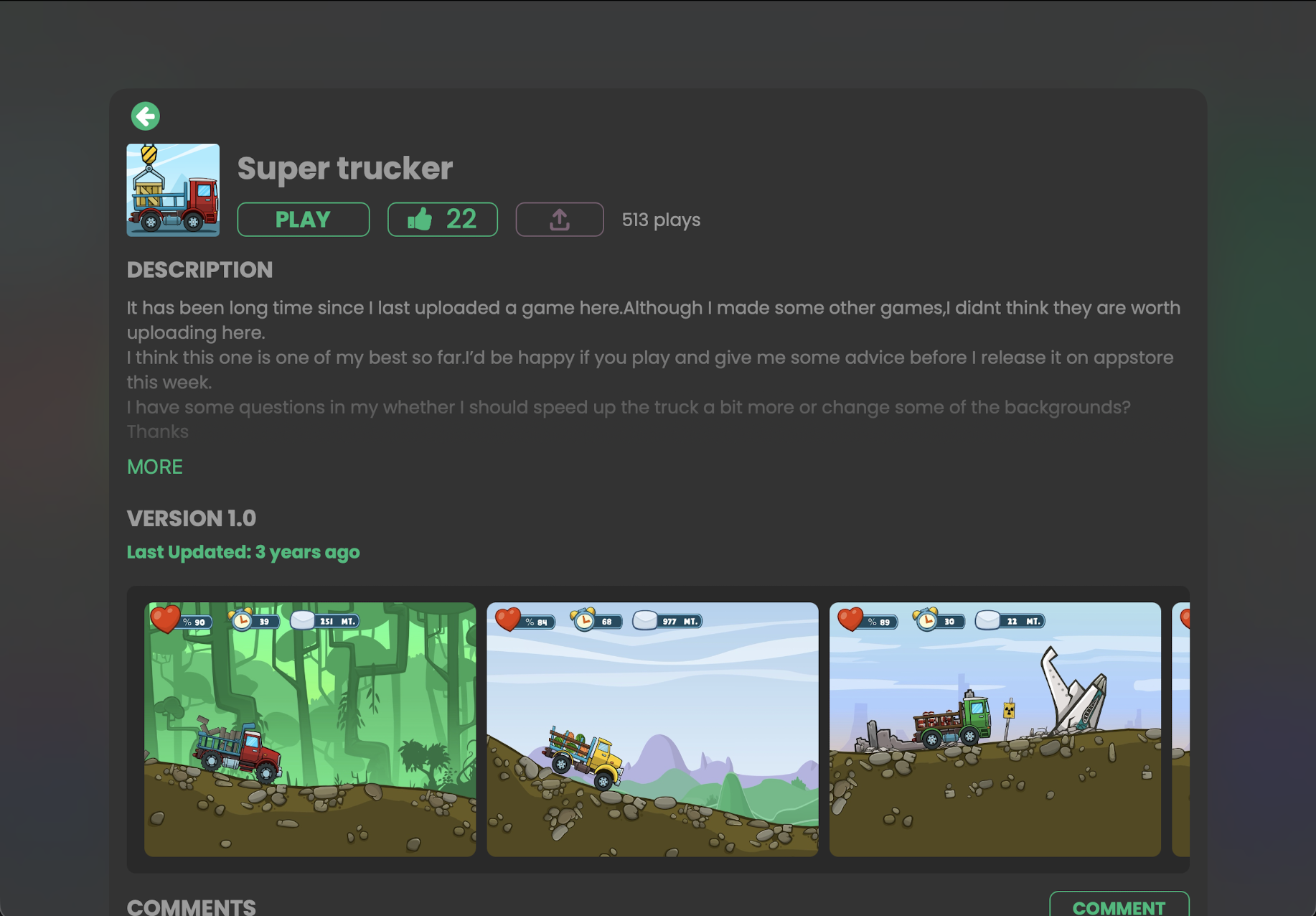
A physics-based driving game that tests your trucking skills over rocky terrain. You carry cargo without dropping it as you tackle hills, obstacles, and shifting terrain, with multiple truck types and environments.
Red Ball: The Lost Island
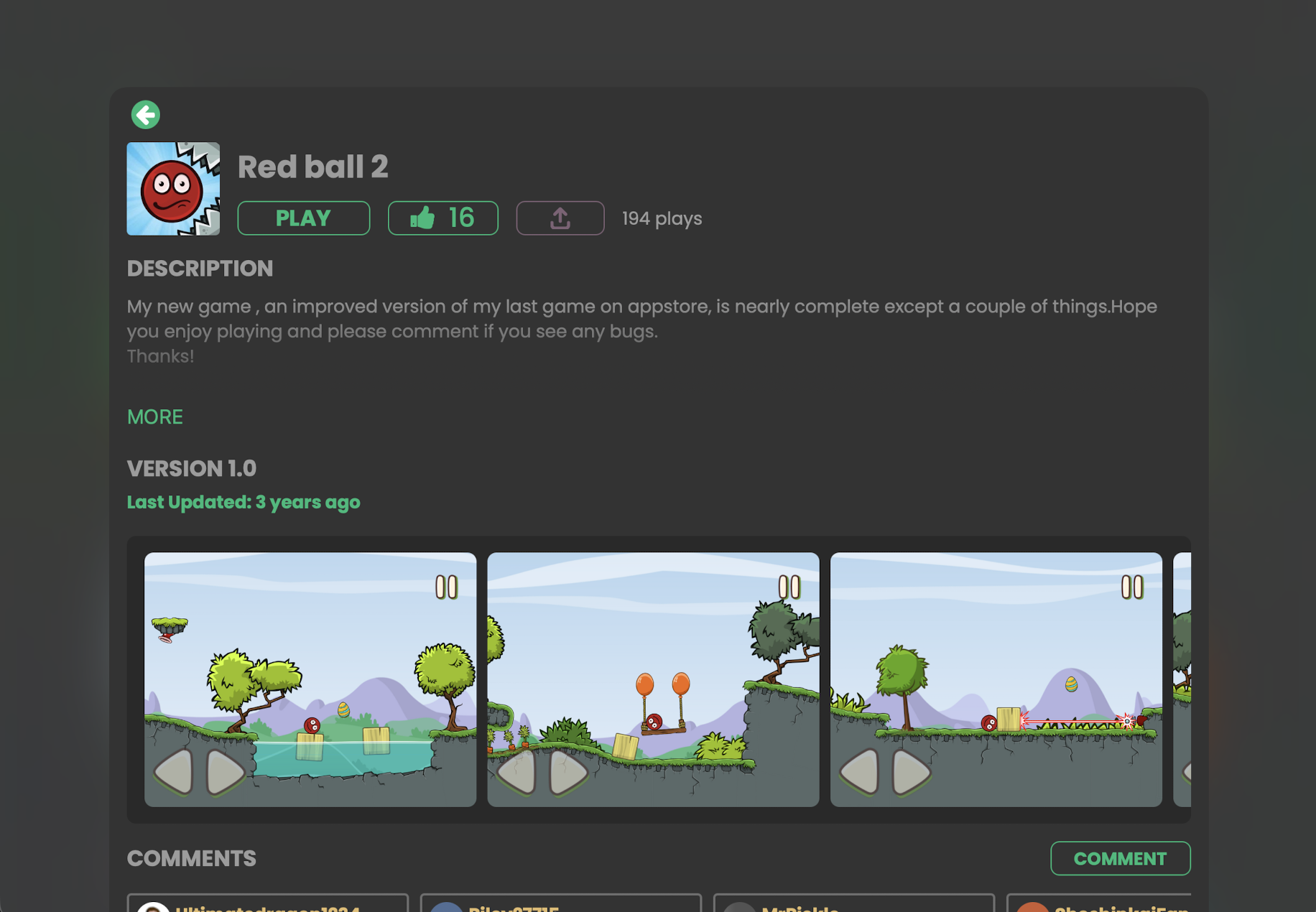
A puzzle-adventure platformer. You explore pirate-infested islands, solve traps, and battle enemies across 45 levels.
Sword Kingdom
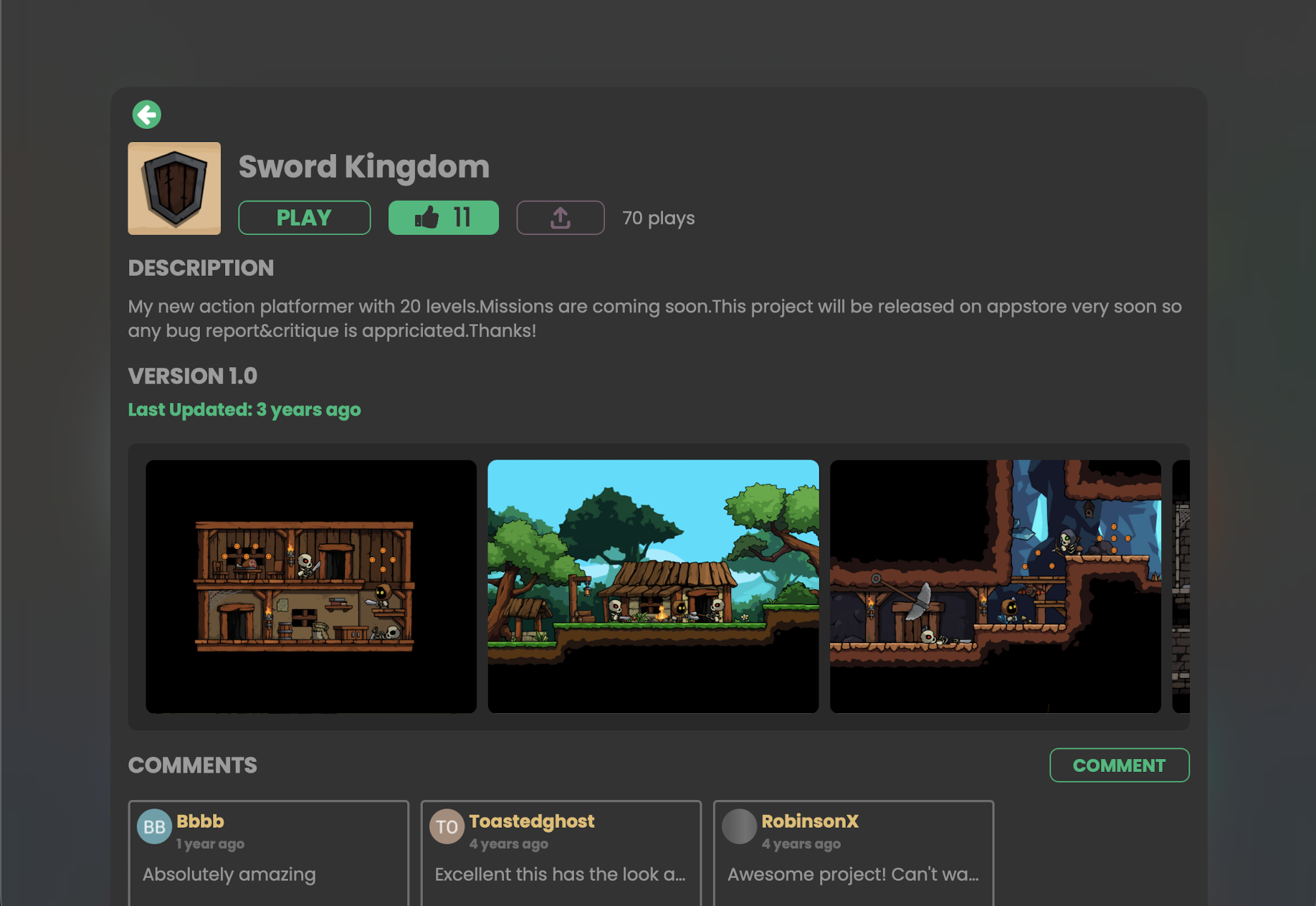
Sword Kingdom by Hakan is a multi-level action platformer project on the hyperPad Hub, with 20 levels and classic side-scrolling gameplay. It shows how Behaviors and good level design let you build a more ambitious game without writing any code.
Why We Love Them
These games cover the whole range of what hyperPad creators make, from quick prototypes shared on the Hub to commercial games on the App Store. With hyperPad’s visual tools, getting your game onto the App Store is a realistic goal for indie developers and hobbyists alike.
Play them before you build
Pick one game from this list and play it on the hyperPad Hub for ten minutes. Write down the one mechanic that keeps you playing, like Sword Kingdom's level layout or a puzzle's single rule. Build that mechanic first, in one Scene, before you add levels, art, or menus.