

Splash Screens
You can access splash screen options inGlobal Properties. The splash screen appears when launching a project before starting a scene, and takes effect on exported projects.
Splash Screen Themes
The splash screen has preset themes that you can use in your project. If you'd like a custom splash screen or want to remove it altogether for your exported project, you must contact us at contact@hyperpad.com and we will manually review your project.
By default, all projects will use the Green Theme, but feel free to use any other theme that you like.
| Theme | Description |
|
Green Theme  |
The splash screen's background is hyperPad green, and the splash logo and text are white. Color Palette:
|
|
Dark Theme  |
The splash screen's background is dark gray. The splash logo is green, and text is white. Color Palette:
|
|
Light Theme  |
The splash screen's background is white. The splash logo is green, and the text is black. Color Palette:
|
|
Device Preference When in Dark mode: When in Light mode: |
The theme is defined by the device's preference settings. If the device's theme is set to dark mode, the dark themed splash screen will be used. Otherwise, the light theme will be used. For devices that don't support the dark theme, the splash screen will fall back to the light theme. |
If you don't see the splash screen appear, it is because Skip in Editor is enabled in global properties (see below). You can disable this option to preview the splash screen in the editor.
Splash Screen Options

Crossfade into Scene: Enabled by default. When enabled, the splash screen will smoothly fade into the starting scene. If disabled, there will be no transition between the splash screen and the starting scene.
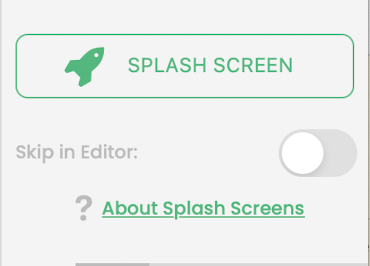
Skip in Editor: Located under the _ Splash Screen _ button, and is disabled by default. When enabled, the splash screen will be skipped when playing the project in the editor. This does not disable the splash screen in exported projects. Enable this for a quicker work flow if you don't want to see the splash screen every time you run the project in the editor.