Patrol
Description
The Patrol behavior will make your specified object move back and forth as if it were patrolling an area.
This behavior will trigger an event once it reaches the destination.
Rigged Objects
This section describes the live-rig update and requires a build with Rigged Objects. A public release date has not been assigned. Existing sprite/object workflows remain supported.
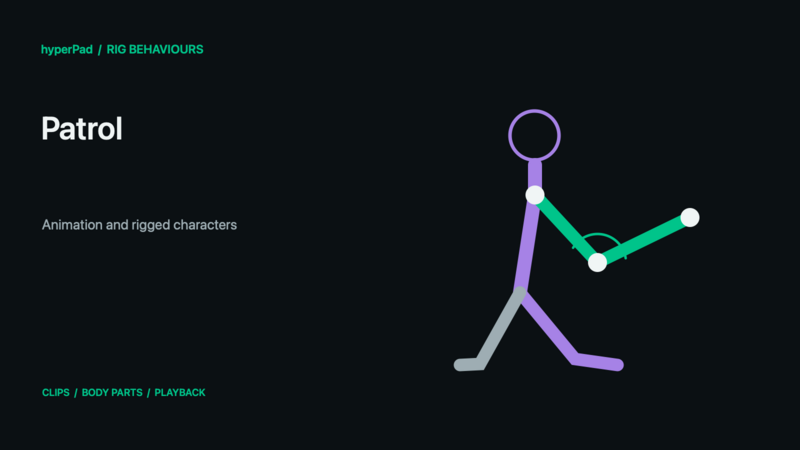
Select the rig as Object A, enable Play Animation, and choose its patrol clip in Custom Animations. Full Animation is a good starting point for Walk. A separate shooting action can use Body Part → Upper Body without replacing that gait. Patrol's movement duration, distance, and repetition controls still govern scene movement; the rig clip's multiplier controls its animation timing.
A compatible Rigged Object opens the rig clip picker; an ordinary animated object keeps the sprite-frame picker. On a wide picker, selecting a clip starts its small looping preview. In a narrow picker, tap the play icon beside a cycle to reveal the preview; close it to make more room for cycles. Then choose Full Animation, Body Part, or Additive. The preview shows that clip on its own; test combined animations in your scene. Speed Multiplier controls rig clip speed; the frame FPS control is for sprite animations. Set Transition Duration for a softer change. On a compact screen, compare clips under Animation, tap Next for Playback settings, then Select Animation to confirm.
Body Part requires a named bone group from the exported rig. Additive can use Whole Rig or a group and adds changes from the clip's first frame. Custom rigs must define their own groups in Art Studio, save, and update the Rigged Object export. The behaviour still targets the complete character.
If the target is supplied dynamically by an Object ID, choose a reference asset in the Asset Library when prompted. That determines which animation picker opens without replacing the dynamic target. At runtime the target must use a compatible rig asset and selected clip/group identities; matching names on an unrelated skeleton is not enough.
See Body Parts and Animation Blending for modes, priority, parent motion, and custom-rig setup, or follow Walk, Crouch, Jump, and Shoot together.
Properties
Triggers after a Delay
| Object A |
This is the object that will be patrolling. By default the current object is selected, but by tapping the graphic you can choose any other object in the scene. |
| Transition |
You can apply a motion tween effect to the movement of your patrolling object. By default, linear is selected. |
| X Movement |
This is how far you want the object to move horizontally from the current location. A negative number implies it will move left. |
| Y Movement |
This is how far you want the object to move vertically from the current position. A negative value means it will move downwards. |
| Duration |
This is how long it will take for the object to move back and forth. A shorter duration means your object will move faster. |
| Flips Graphic |
This toggle determines wheter or not the graphic will face the opposite direction when it moves back and forth. There is a separate toggle for X and Y movements. By default the Flip X toggle is on. |
| Lock Rotation |
This stops your object from being able to rotate |
| Play Animation |
This toggle determines where or not an animation will play as the object moves. |
| Number of Times |
This value is how many times you want the object to go back and forth. A value of 0 means the object will continue to patrol for ever. |
| Custom Animations |
Select an animation cycle to play while the object is moving |
Outputs
| Object ID |
This outputs the Object ID. |
Examples
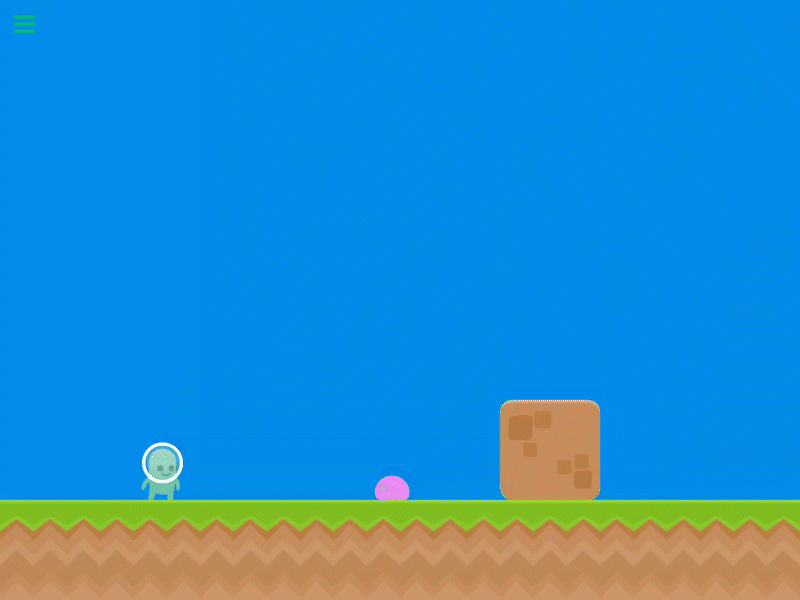
This behavor is perfect for basic platformer enemies that simply move back and forth to protect an area. Using this behavior you can create an enemy like the Goomba in Mario.