Logic
Calculate Distance
Published September 28, 2018
Description
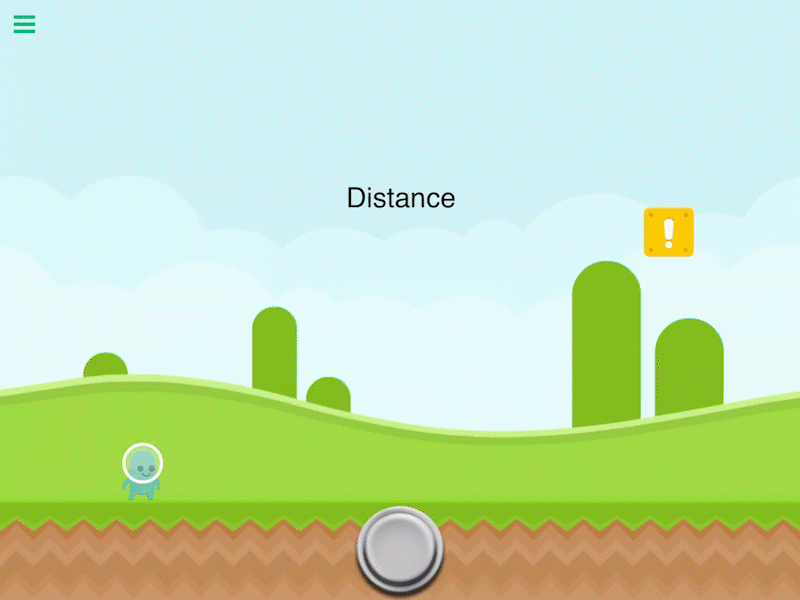
Calculate the distance between 2 objects.
_ Note: The distance between objects will increase as the camera zooms out. This is because they are visually farther apart from each other. To account for this, you can turn on the Compensate for Zoom toggle._
Properties
Triggers Immediately
| Object A | By default this is the current object selected. You can change this to any other object in your scene. |
| Object B | Another object in your scene to calculate the distance between. |
| Anchor | Use the anchor to offset the position. By default the distance is calculated between the center of 2 objects. |
| Compensate for Zoom | The distance between objects will increase as the camera zooms out. This is because they are visually farther apart from each other. This is accounted for by dividing the distance by the zoom. |
Outputs
| Value |
Outputs a numerical value for the distance between Object A and Object B. |