Make an FNF-Inspired Rhythm Game on iPad

No-Code Tutorial
Rhythm games are having a quiet resurgence. Short play sessions, high replay value, and music-driven gameplay make them a great fit for mobile devices, especially the iPad. One of the biggest examples is the indie hit Friday Night Funkin', which exploded online thanks to its simple controls, strong music identity, and modding community.
You can build the core mechanics of a rhythm game like this without traditional programming.
With hyperPad, you build a rhythm game directly on your iPad, using visual logic instead of code. That opens it up to hobbyists, and also to artists, musicians, educators, and content creators who want to experiment with interactive music.
This guide focuses on the design thinking and systems behind a rhythm game, so you can turn your idea into a playable project whatever your background.
Why Rhythm Games Are Perfect for No-Code Development
Rhythm games look complex at first glance. Underneath, they rest on a few clear systems:
- Timed inputs
- Visual cues synced to music
- Score tracking
- Player feedback
Because these mechanics are structured and predictable, they translate well into visual Behaviors like the ones in hyperPad. Rhythm games are also very flexible creatively. They can be:
- Music-driven experiences
- Educational rhythm tools
- Fan games or parody games
- Interactive music videos
This flexibility is why rhythm mechanics show up in both indie games and digital art projects.
Step 1: Start with the Music
Every rhythm game begins with a song. Before you think about gameplay mechanics, ask yourself:
- What genre of music will drive the experience?
- What tempo (BPM) does the track have?
- What kind of visual mood matches the song?
For example:
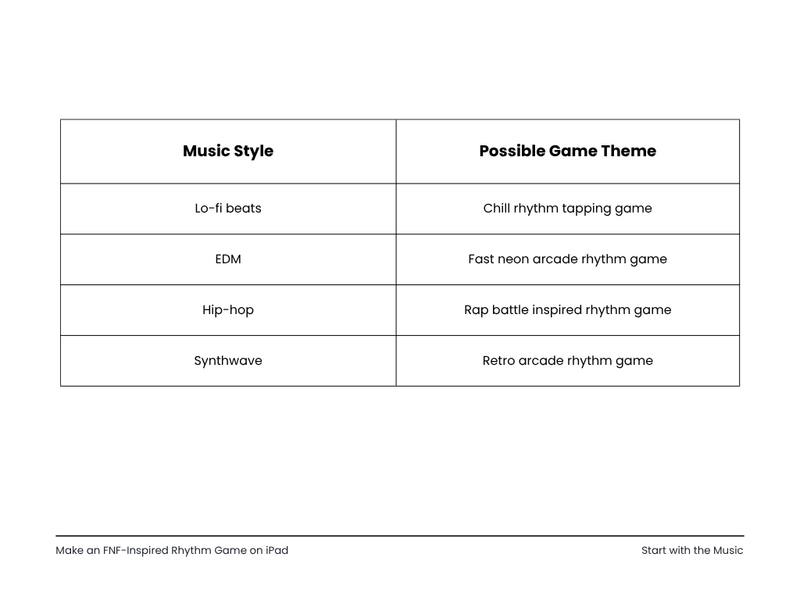
Starting from the music draws in musicians and artists as well as game developers.
Your rhythm game becomes an interactive music project as much as a technical one.
Step 2: Build the Rhythm Lane System
A rhythm game needs a way to show the beats on screen.
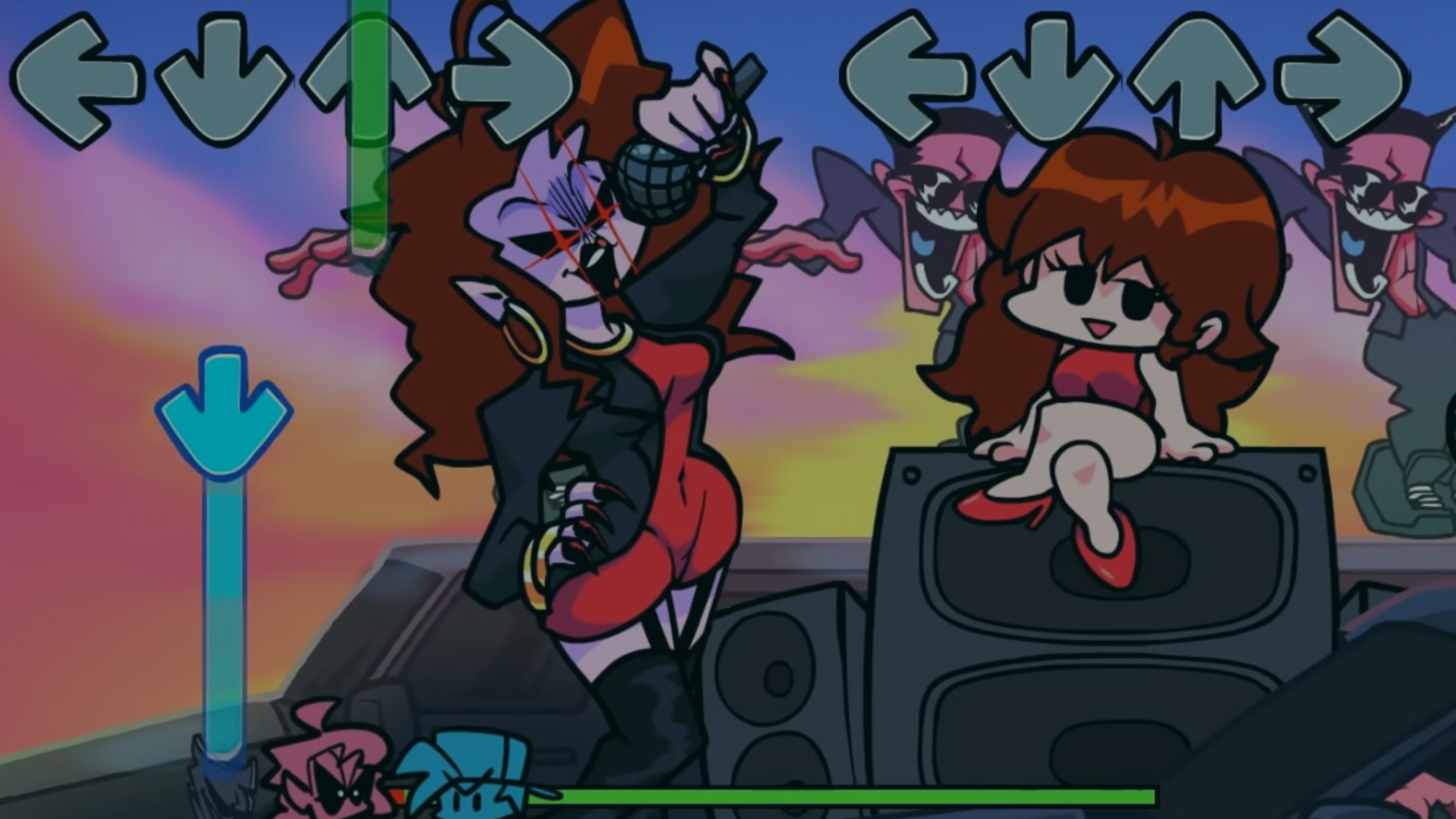
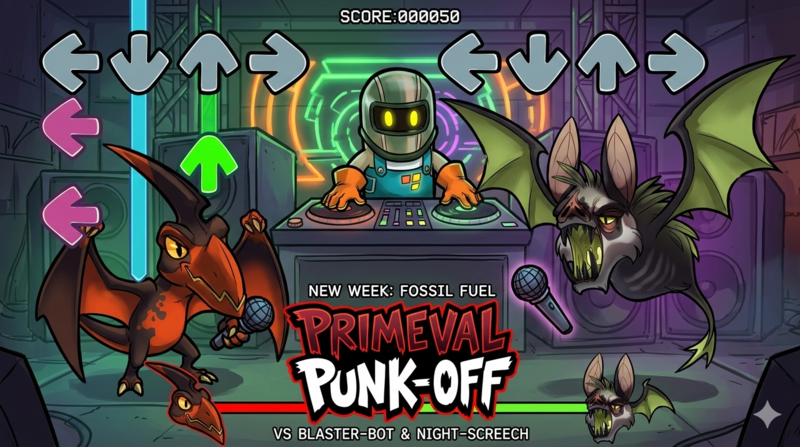
Many rhythm games use the same structure: falling notes that line up with target zones. Here are the core elements to build:
- Note lanes (the paths notes travel)
- Beat markers (the notes themselves)
- Hit zones (where players tap)
- Timing detection
In hyperPad you can build these with:
- Spawning Objects
- Movement Behaviors
- Collision detection
- Touch input events
The key idea is simple:
Notes move toward a target, and the player taps at the right moment.
Once this basic loop works, you have the foundation of a rhythm game.
Step 3: Sync Notes to Music Timing
A rhythm game comes alive when the notes match the music.
Instead of spawning notes at random, you line them up with the beats of the song.
Here's a simple workflow many creators use:
- Play the music track.
- Mark key beats by hand.
- Spawn notes at those moments.
In hyperPad, you can do this with:
- Timers
- Event triggers
- Custom timelines
Beginners can handle this too, because you can tune the timing visually until it feels right.
Step 4: Add Player Feedback
Feedback is what turns a prototype into a satisfying rhythm game. Players need instant confirmation that they hit the beat.
Common feedback systems include:
- Score popups
- Perfect / Good / Miss messages
- Screen flashes
- Sound effects
- Combo counters
These elements reinforce the rhythm and make the game feel responsive. Even simple animations make your game feel far more polished.
Step 5: Create a Strong Visual Identity
Gameplay is only part of why Friday Night Funkin' became so popular. Its distinct visual personality did a lot of the work.
When you build your own rhythm game, think about:
- Character style
- Background animations
- Color palettes
- UI design
Your game could become:
- A music video you can play
- A cartoon rhythm battle
- A minimalist abstract rhythm experience
hyperPad supports animation and layered Scenes, so you can experiment with visual storytelling even in a simple project.
Step 6: Add Progression and Replayability
Once the core rhythm system works, grow the experience.
Ideas include:
Difficulty levels
- Easy (slow notes)
- Medium
- Hard (complex patterns)
Multiple songs
Each track becomes a new challenge.
Score leaderboards
Give players a reason to replay levels and beat their scores.
Visual unlockables
Characters, backgrounds, or themes.
These features turn a small prototype into a complete rhythm game.
Markets and Creators This Approach Opens Up
A no-code rhythm game tool serves traditional indie developers, and it can also bring in entirely different groups of creators:
Musicians
Artists can release interactive versions of their songs.
YouTubers and streamers
Creators can make fan rhythm games based on their content.
Educators
Teachers can design music timing exercises or rhythm training tools.
Artists and animators
Interactive music projects become possible without coding knowledge.
When the technical barrier drops, more people get to make games.
Why the iPad Is Ideal for Rhythm Game Creation
Touchscreens suit rhythm mechanics well.
On iPad, you get:
- A large visual workspace
- Direct touch interaction
- Portable development
- Immediate playtesting
You build and test your rhythm game on the same device, so each round of changes is quick.
That makes hyperPad a good place for music-driven interactive experiments.
Start Small, Then Expand
If you want to try this yourself, start with a minimal prototype:
- One music track
- Two note lanes
- Simple tap input
- Basic scoring
Once that works, expand step by step. Many successful games begin as tiny experiments that grow into much larger ideas.
The Future of Interactive Music Creation
Rhythm games sit where music, art, and gameplay meet. hyperPad opens that space to a much wider group of creators.
You don't need a programming background. You can focus on:
- musical timing
- visual creativity
- interactive design
If you're a musician, artist, educator, or aspiring game designer, a rhythm game is one of the most approachable ways to start building interactive experiences. All you need is an iPad, and you can start today.
Try hyperPad Starter free. It includes one project. When you want more projects and App Store export, upgrade to hyperPad for a one-time USD $14.99. You keep 100% of your revenue.