How to Make Your First Game on iPad, No Code Needed


Creating a game on your iPad has never been easier. With no coding required , anyone can bring their ideas to life using visual game development tools. Here’s how to get started quickly and efficiently.
1. Choose Your Tool
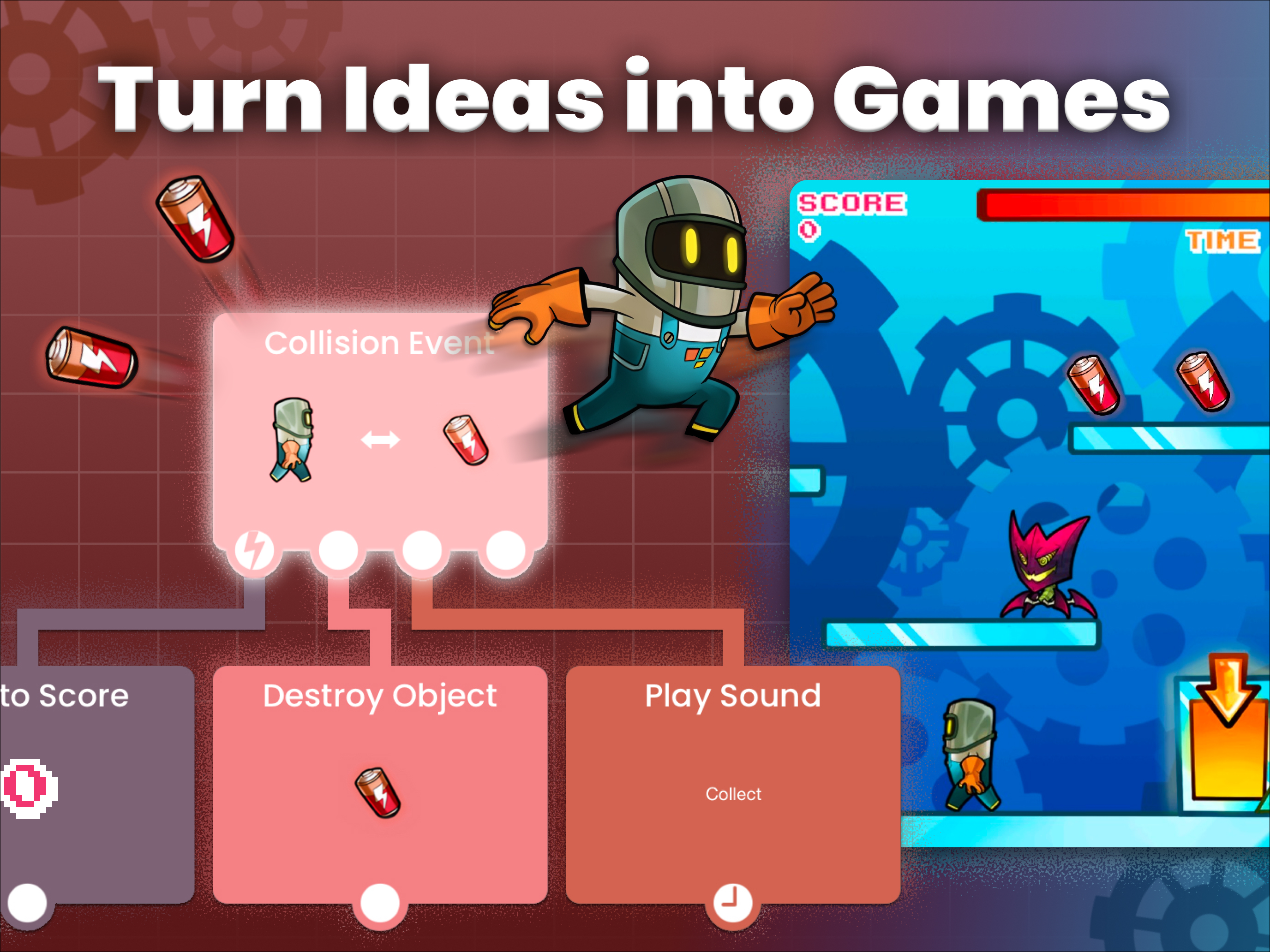
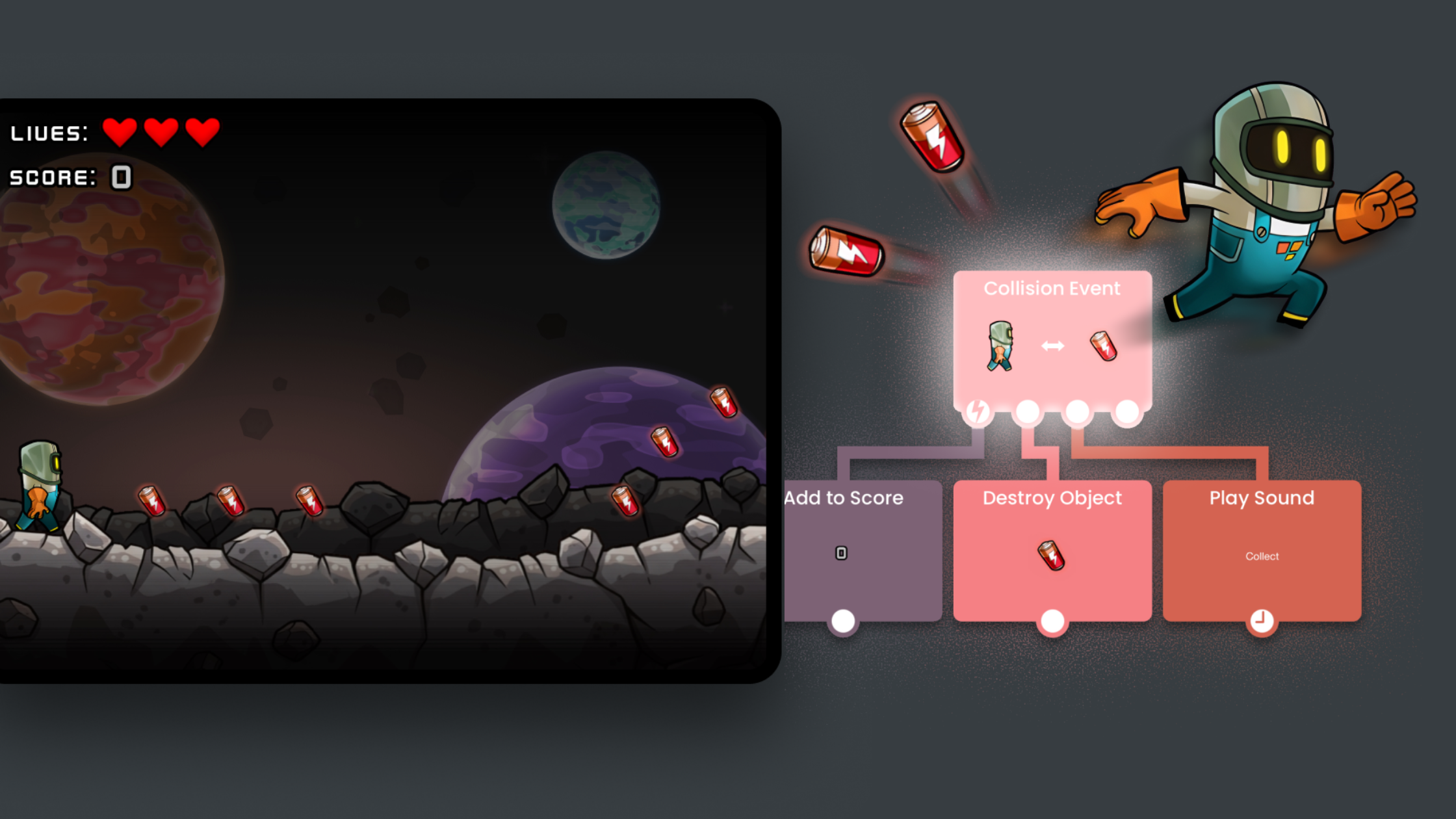
Start with a no-code game app designed for iPad. Tools like hyperPad let you drag, drop, and connect visual logic blocks to create gameplay, physics, and interactions — no programming experience necessary.
2. Pick a Concept
Decide what type of game you want to make: platformer, puzzle, arcade, or adventure. Keep it simple for your first project. Even a single-level game can teach you the core mechanics.
3. Build Your Scene
Use the visual editor to:
-
Add objects like characters, enemies, or obstacles
-
Set behaviors like movement, collisions, or triggers
-
Design levels using backgrounds, platforms, and props
4. Make It Interactive
Add logic and events using visual blocks. Here are some top features:
-
If/Else behaviors to respond to player actions
-
Collision detection behaviors for interactive gameplay
-
Animations and sounds behaviors to make it engaging
5. Test and Refine
Play your game often. Adjust mechanics, timing, and visuals until it feels fun and responsive. HyperPad allows one-tap testing with instant updates, so iteration is fast and easy.
6. Share Your Creation
Once ready, share your game with friends or publish it on the community hub. Some creators even take their iPad projects further by releasing them on the App Store.
Key Takeaway: You don’t need to code to make a fun, playable game. With iPad visual game tools , creativity and experimentation are the only limits. Start small, test often, and watch your first game come to life!