Screen
Screen to Point
Published May 24, 2017
Description
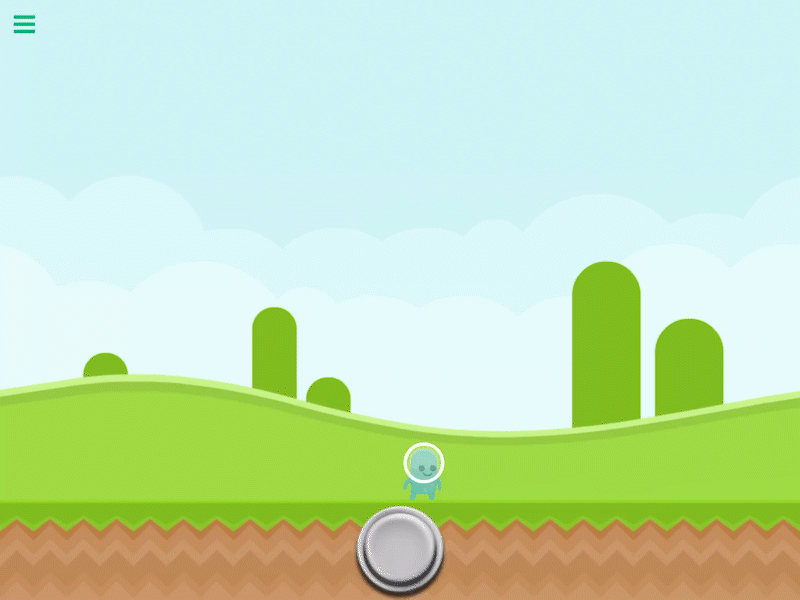
The Screen to Point behavior will cause the screen (visible screen space) to move to the specified point in your scene.
This behavior will trigger an event once the screen has stopped moving.
Properties
Triggers on Completion
| Select Screen Position |
You can visually move the screen anywhere by dragging your finger. This will update the X and Y values. |
| Movement X |
The desired position along the X axis. |
| Movement Y |
The desired position along the Y axis. |
| Duration |
This is how long it will take for the screen to finish moving. |
| Transition |
The tween effect used for the movement animation of the screen. This is only visible if the duration is greater than 0. |
Outputs
This behavior does not have any outputs.
Examples
You can move your screen to a specific location to draw attention to it.