



About This Project
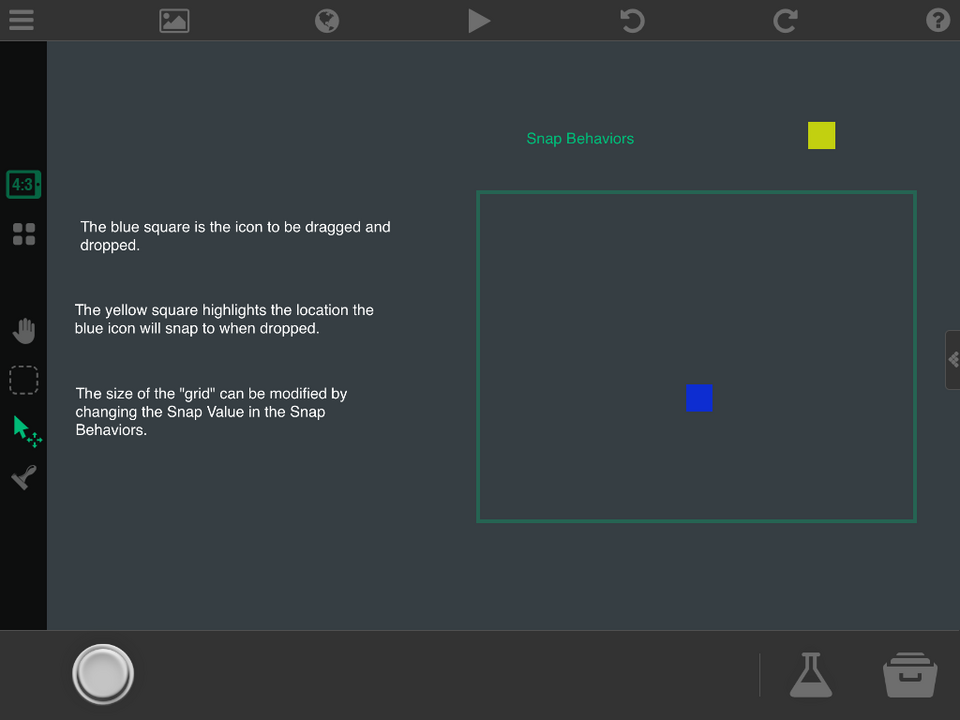
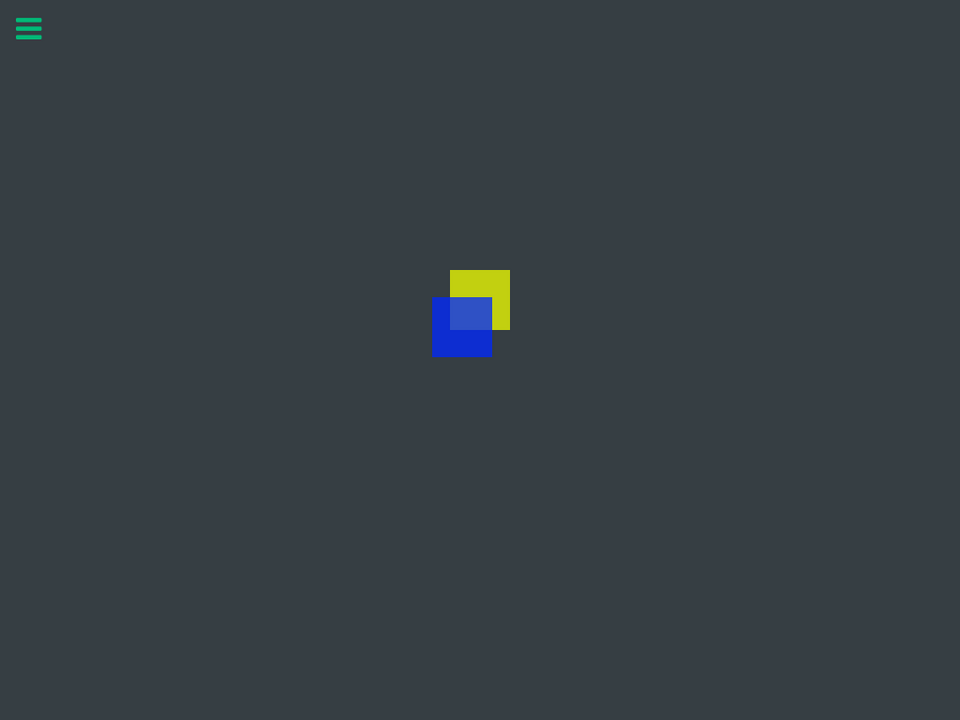
This is a set of behaviors I came up with while looking for a way to add grid snapping to Robo Blue. The blue square is the icon to be dragged around the screen. The yellow square highlights the location the icon will snap to when dropped. The size of the "grid" can easily be modified by changing the value of a variable in the behaviors. Instructions are included in the project.
Screenshots


Awards

Level-Up
You released your first project update! Every improvement makes your game stronger.

First Play
Your project earned its first play! Someone discovered what you made—keep sharing and building.
Comments


Welp! Time to work on an inventory system for Achiel!


yeah probably better than mine


At least you did it completely differently. Aidan used modulus (probably because there was no round number behaviours) and Faileas used round. I have no idea which is more efficient but round number works with negative numbers, while modulus doesn't quite (you have to use an if to check negative and change input fields, adding like 5 behaviours). Faileas' is an alternative to modulus that's probably easier to understand.
ah well 2 cant hurt 😝

So you did, and it's a rather nice one at that. I wish I'd seen it before posting this one!