



About This Project
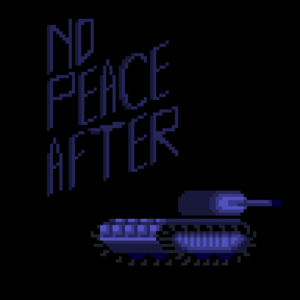
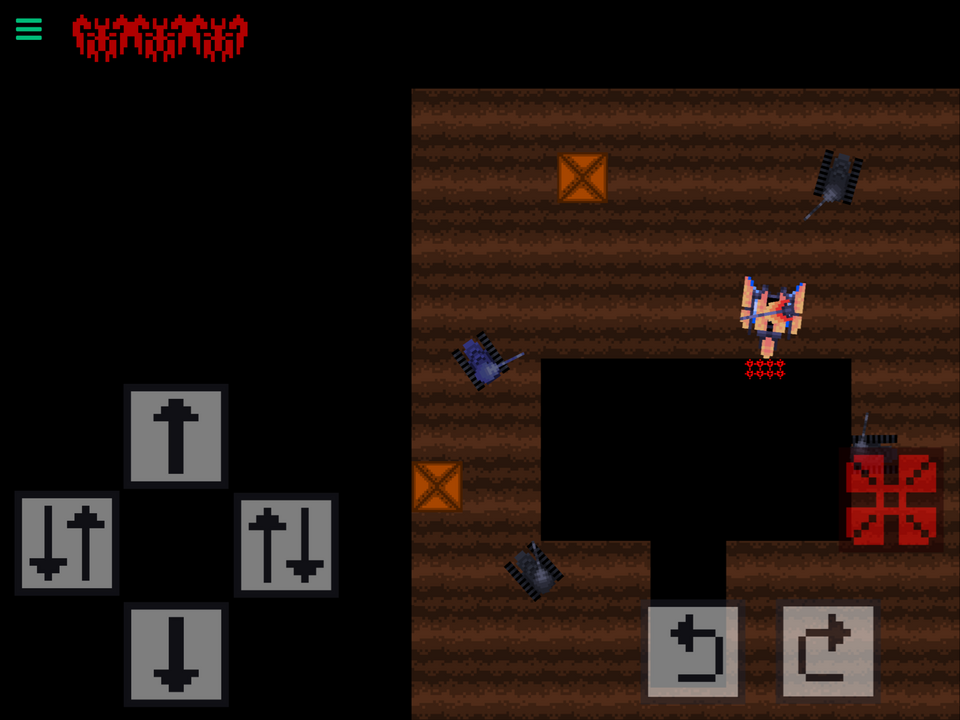
Welcome to "NO PEACE AFTER"! Story Humanity is on the verge of extinction. With little soldiers left to spare, the Landlords send platoons of tanks specially equipped to wipe out the Resistance's outposts- each of them drawing the robotic yet strangely aware armored vehicles closer to the dark, twisted truth. With each comrade dropping like flies, it's become more and more clear that it is up to you to complete the mission, and to truly test your competence to your commanders. If you repost this project, please credit Sparkling Wall Games. Thanks for playing!
What's New
Version 1.4 • Updated 1/21/2025
-Added two new levels -Some minor bug fixes, added keyboard support (if you find an issue with keyboard controls, please leave a comment.)
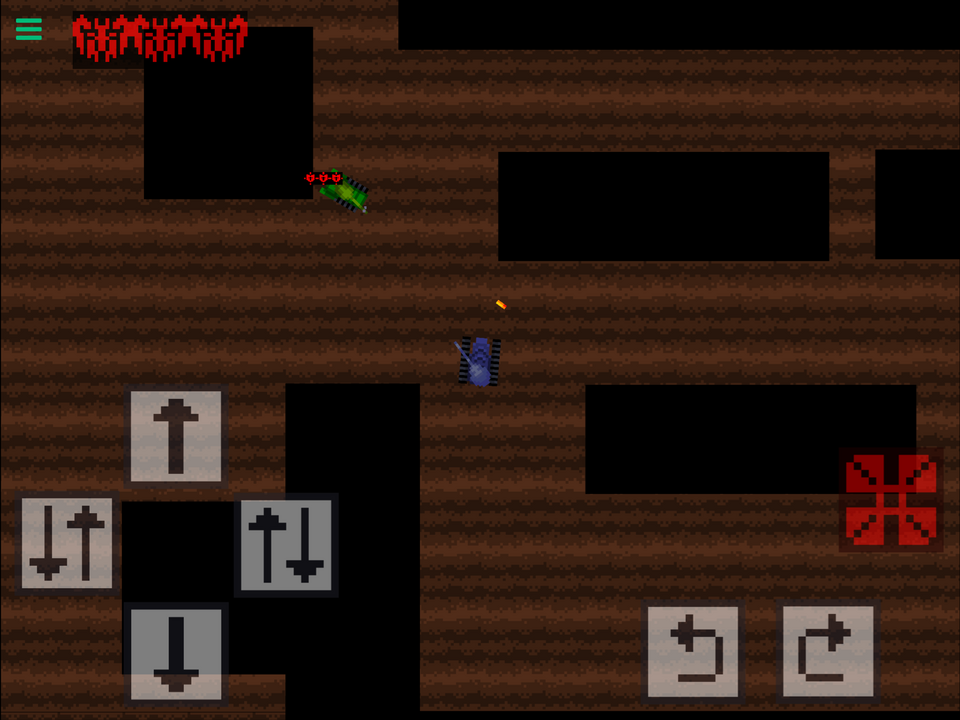
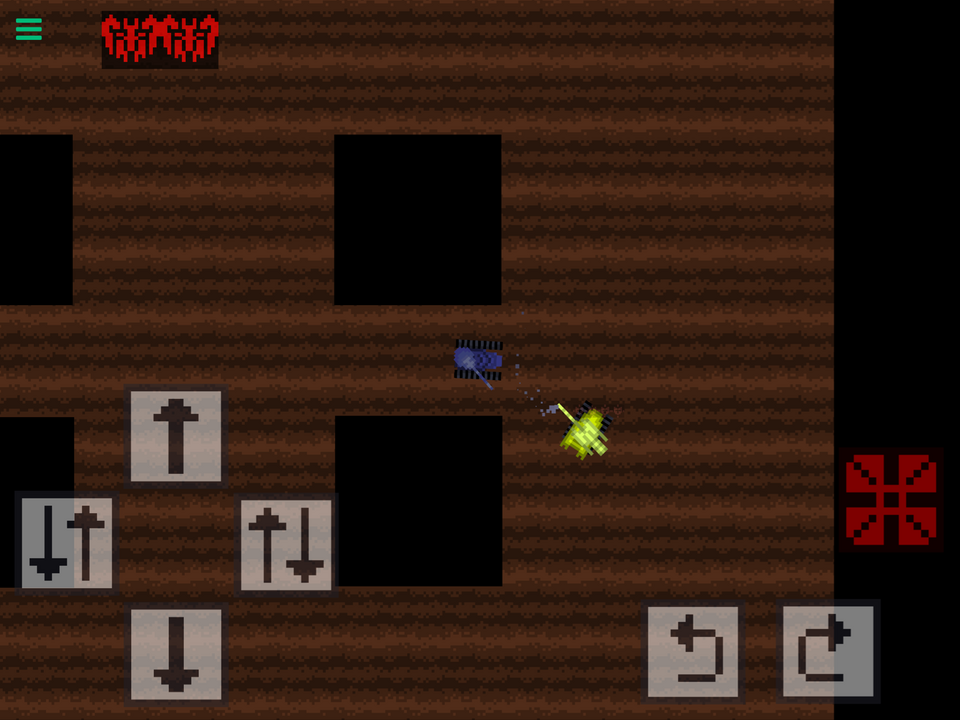
Screenshots



Awards

Level-Up
You released your first project update! Every improvement makes your game stronger.

Hotfix Hero
You released 5 project updates! Your commitment to improving your work has earned you Hero status.

First Play
Your project earned its first play! Someone discovered what you made—keep sharing and building.
Comments


@TurtledoveGames Sorry for the late response. If you could list instructions on how to do that, it would be well appreciated. Thanks!
Well for starters, you place all corner UI on the ‘Scene UI’ layer and make sure its anchor point is set to the closest corner edge of the screen, and not the middle of the UI. Its position should always be relative (%) and not in meters.
Secondly, for the player itself, you would center the screen (Screen to Object) before the Screen Follow behavior is enabled, that way, no matter what device you’re on, the screen is always central to the player.
Text should be anchored similar to the UI. You’ll have to experiment with it to get it working on all devices, but if you’re just doing iPads, you’ll only need two. Phones are a bit more difficult.
And if there’s anything that still doesn’t move properly after fixing the anchor points and the screen, you would use the “Get Screen” behavior to get the aspect ration and then manually move and scale the UI depending on the ratio (Get Screen, If Screen =, etc.) Hopefully some of this makes sense.
If you need more detail I can provide more. But these are the basics. Your UI looks fine but it’s mainly centering the player. If there’s any UI you’d prefer to keep the same across all devices, just use the anchor point method.

@TurtledoveGames Sorry for the late response. If you could list instructions on how to do that, it would be well appreciated. Thanks!
Cool game. It’s very easy, however, to program aspect ratio compatibility. If you need help, just let me know. Most iPads are pros nowadays.