



About This Project
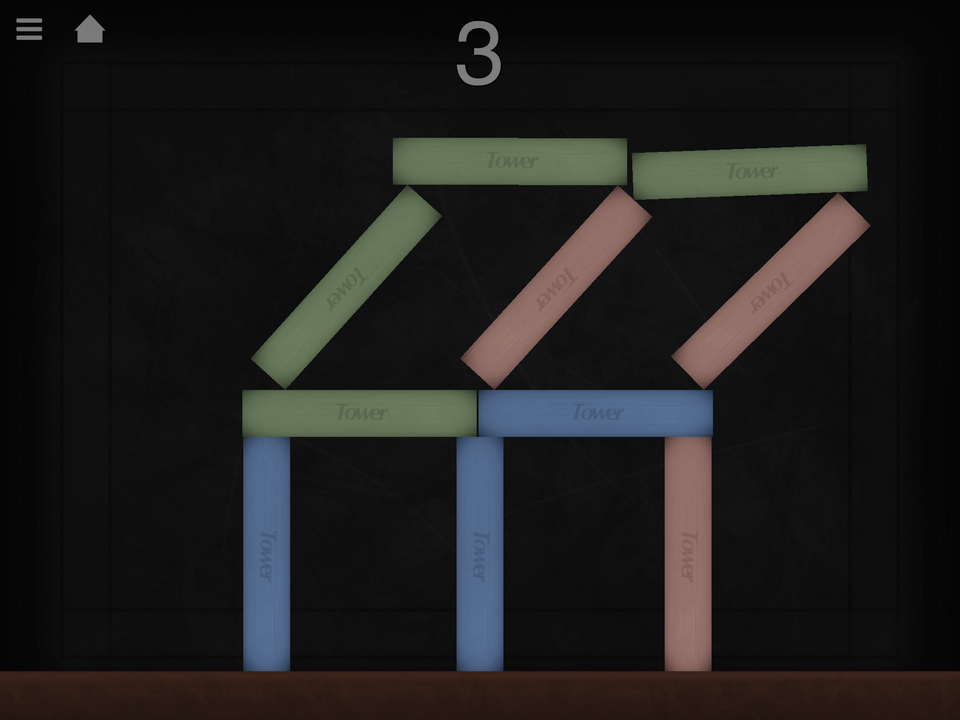
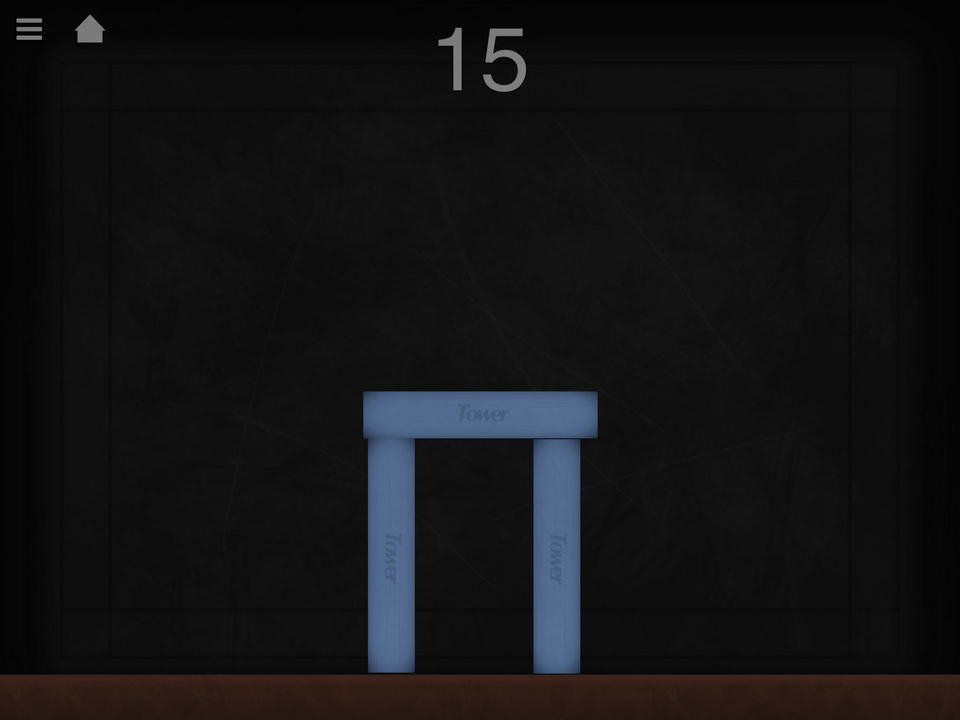
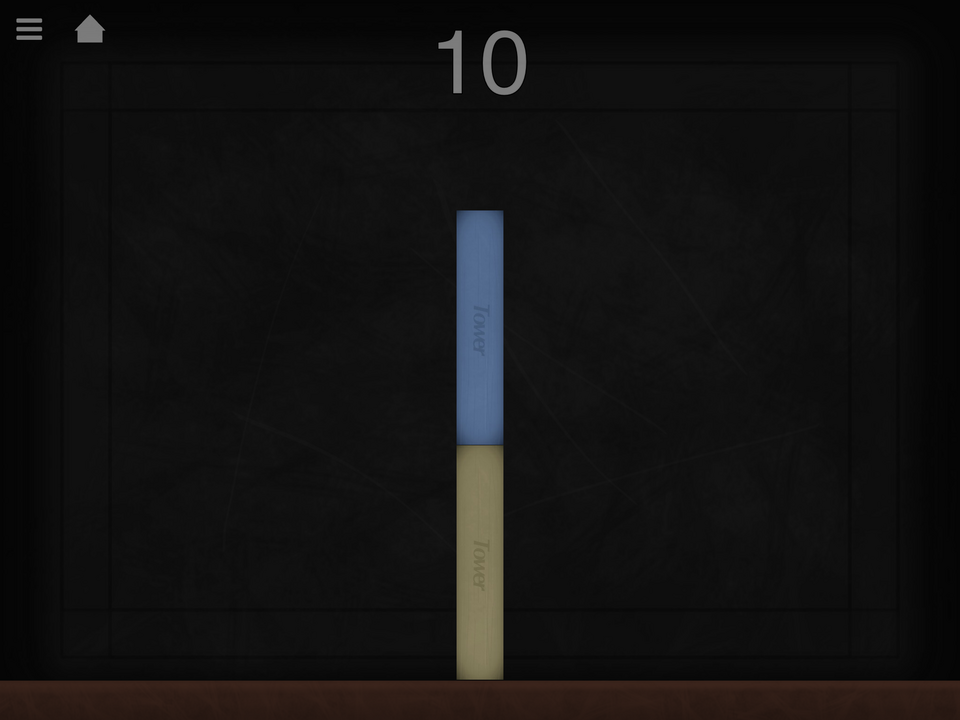
A wobbly tower constructed from what appears to be wooden blocks and an unsturdy table–what could go wrong... Balance the tower by tilting your device. There are currently 15 levels but more will be added (probably in five per update). Select levels in the menu (press the home button next to the pause button at any time to go home).
What's New
Version 1.4 • Updated 9/21/2022
This update was just to fix the Curtain layer not showing in the new update. Nothing new. If you missed the last update, I added up to level 15 as well as added more sound effects. I also added a new logo! It's not being used yet but check it out in the menu (+) and tell me if you like it!
Screenshots




Awards

Fan Favorite
Your project earned 10 likes! The community is showing its appreciation for your work.

Level-Up
You released your first project update! Every improvement makes your game stronger.

Hotfix Hero
You released 5 project updates! Your commitment to improving your work has earned you Hero status.

First Play
Your project earned its first play! Someone discovered what you made—keep sharing and building.
Comments


What a fun game! I like games like this they get harder and harder as they go along. It kinda reminds me of jenga.the game should be on the App Store at some point.


I just branched it to have a look, the flip is inbuilt with tilt controlled behaviours when it's not analog, and there is no option to turn it off.

Fix it. Thanks!
I'm not sure why the blocks flip like they do. Sorry. I will also consider a different music choice. Maybe the menu music for in game?


Cool! But when you tap the plus symbol at the bottom of the level selection page, read what pops up, and tap the minus symbol it moves the screen up a little bit. Just a little thing. Otherwise it's App Store worthy.