



About This Project
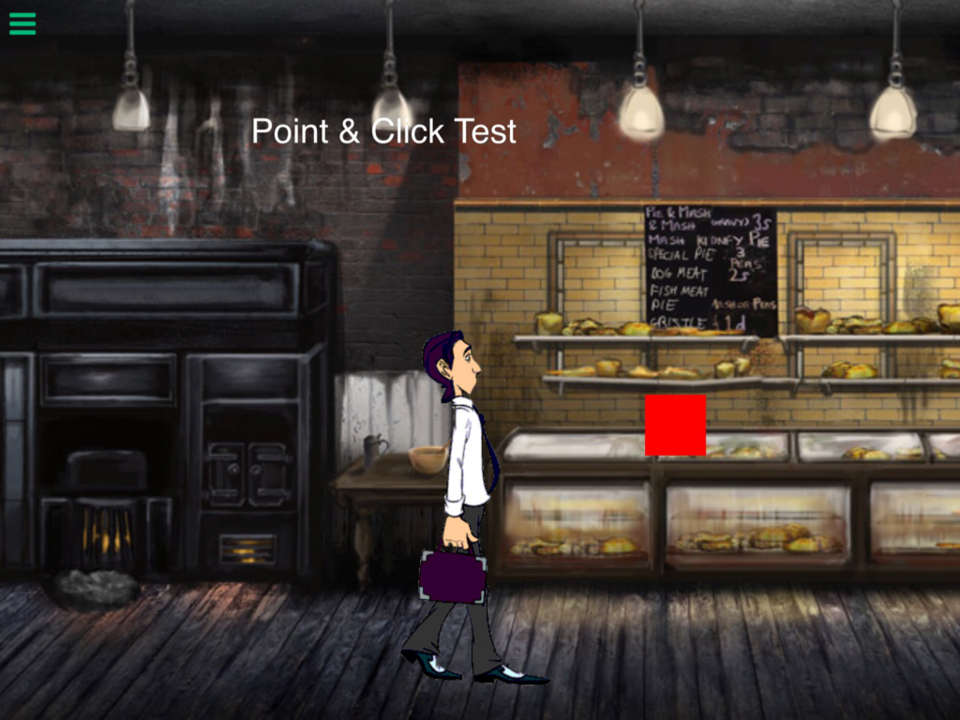
Point and click game TEST. Not my graphic. Just testing to see how possible a point and click game would be in hyperPad. I think a nice point and click game CAN be made with Hyperpad.
What's New
Version 1.3 • Updated 9/21/2022
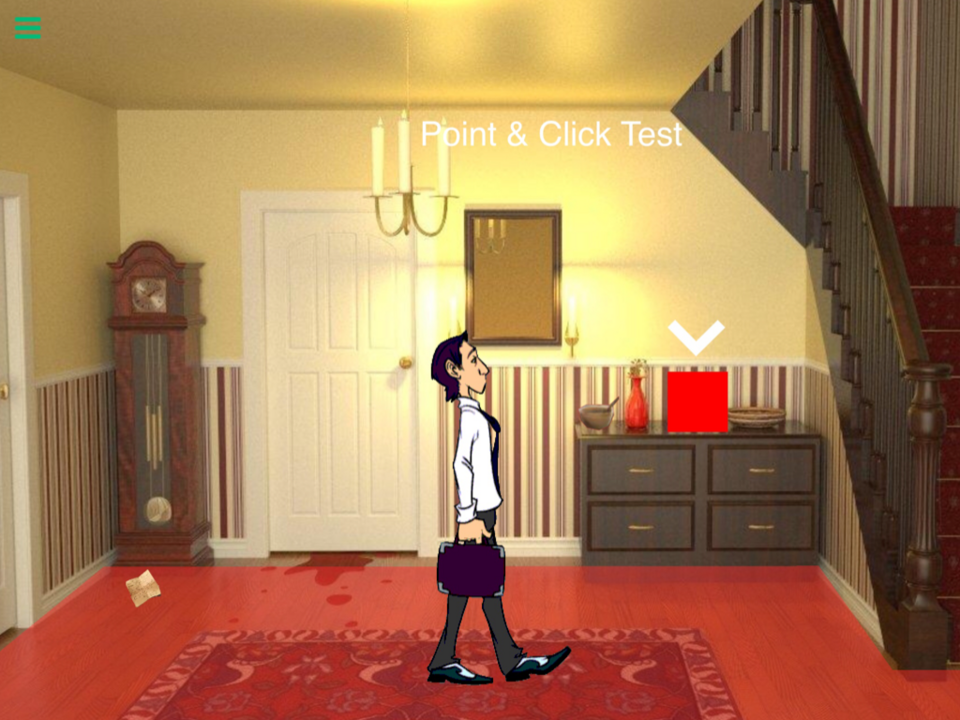
Added a level change and tested using an overlay for a clue menu/ object collection. Next I'll probably see how I can do an inventory and keys
Screenshots


Awards

Level-Up
You released your first project update! Every improvement makes your game stronger.

First Play
Your project earned its first play! Someone discovered what you made—keep sharing and building.
Comments

Thanks! That empty object idea is much better. Got your name wrong in the update. Thanks Andrey!
Oh! I gotcha now. I'm using the entire screen, but I should use a passable empty object so that my taps are restricted within the area of that empty object. Makes sense! Thanks!


Ah, I understand what do you mean now. There is no need to make walls, make an empty object that means the area where your character can go. Thus your character will only walk on area of empty object's collision. Because in started touching behavior there must be selected this empty object. Do you understand? Empty object must be not a wall that blocks the pass, but area of movement. So the true «area» is only graphic therw should not be no behaviors with it.
That's how it was initially, but Move behaviors ignore physics, so the character will still pass through objects. I changed it to left and right movement due to a comment.
Doctor, it's very easy to make point&click movement. Just make empty object, give its collisions shape of the ground where your player will be able to go, then in its behavior add «Started touching», there enable screen coordinates, then make your character move to point, where X is touch_x position, and Y is touch_y position.