



About This Project
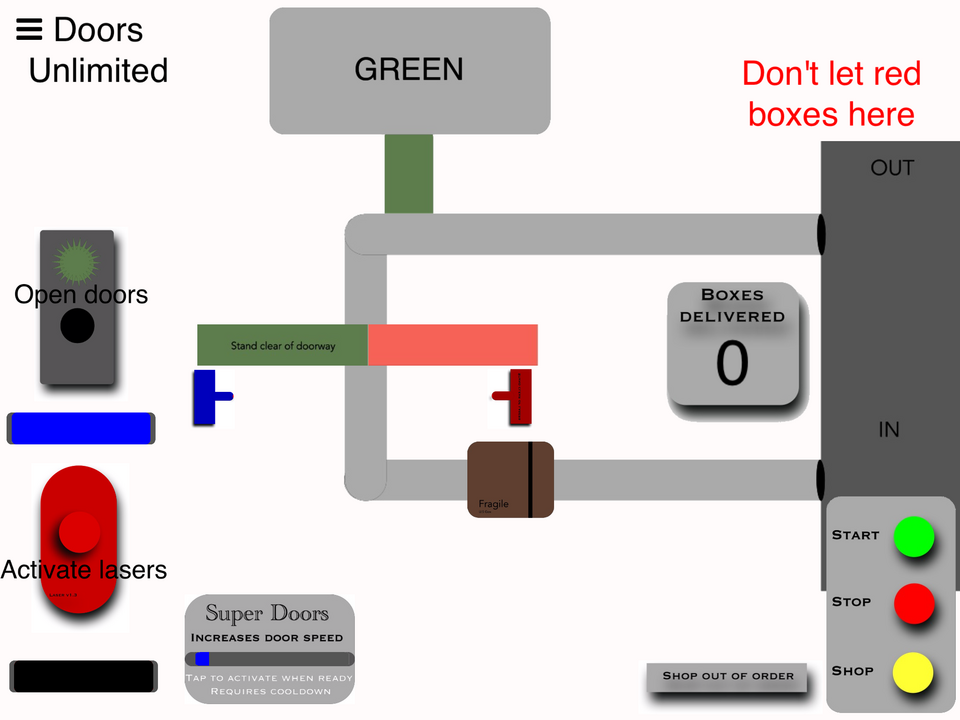
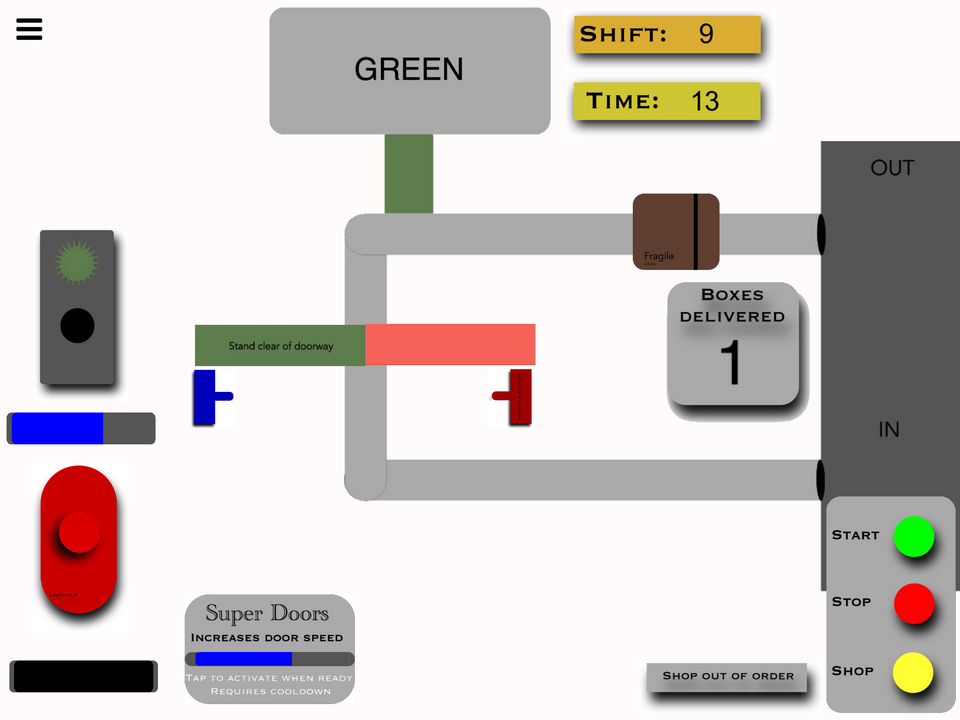
Door Unlimited is an endless game. Hold down the sort of traffic light button to open the doors and let brown and green boxes pass through. Hold down the red button to activate the lasers to destroy the red boxes that may contain illegal products!
What's New
Version 1.4 • Updated 9/21/2022
Complete redesign! New game over/menu screen. If you lose you also return to this screen. New Shifts system! Each shift is a new level, adding on another second each time. New graphics and other changes. Set up the Coins system. Unfortunately, you can't spend them on anything yet.
Screenshots


Awards

Level-Up
You released your first project update! Every improvement makes your game stronger.

Hotfix Hero
You released 5 project updates! Your commitment to improving your work has earned you Hero status.

First Play
Your project earned its first play! Someone discovered what you made—keep sharing and building.
Comments


Just played the new version. Like I said this game has the potential to be really fun! But you just need to get the game easier to play and understand... With out using text.
- Still very confusing. There is UI overload, and wayyyy to much text.
- Your start menu is confusing. Again, there is just too much text. Don't tell me how to play, show me. Get rid of all of those instructions on the left. Your Shift, and Coins look like buttons, and your "Start Next Shift" looks just like text, and not a button at all. Get rid of the box around the other 2, and make a box for start.
Your tutorial is not very helpful By the end of it, the player still has no actual idea on how to play your game. (I handed it to someone who hasn't payed to test).
- First, starting it is silly.. Again, too much text! Get rid of all the text, only have tutorial, and put a box around it to make it look like a button. You don't need the "New? Start the tutorial" part at all.
- When the tutorial starts, you're giving me more text to welcome me.. Why?! This overlay is doing absolutely nothing. Again, I have no idea how to get passed this. the "Tap me to continue" isn't clear at all. The only thing this screen added was a useless delay to actually start learning your game.
- Your instruction isn't too clear with out text. You should try to do everything without text, then add a small amount to hammer the message in their heads. The highlight circle belnds in too much. Make it more visible, and make my eyes go to it. Even still, I don't know what that actually means. For the first instruction, you can actually show boxes going to the exit.
- You're telling me to tap things I wouldn't in the game. Why are you teaching me the wrong things? I don't tap Exit, or entrance at all in the real game. So don't make me do it..
- Shouldn't entrance be before exit? First explain there are boxes (by showing them coming out of the entrance), then after I know about that, tell me the whole point is to go to the exit (again, by showing them going there).
- Don't tell me where the score is. That's not relevant at all to how the game actually plays. What you can do, is show the box going through the exit, and the user will naturally see the counter going up with each box.
- Your showing me the door panel.. But this looks different then the one in the game. Also, I have no idea what these doors look like or how this actually functions.
- Same with laser.
- At the end of the tutorial you say i'm ready for my first shift and to press continue. This goes to the main menu.. Why not make this just go right into the first shift?
- Add a "Quit tutorial" button so I can leave the tutorial.
- Suggest running the tutorial the first time the user plays the game, rather then leaving it for them to discover on their own.


Well they're just both progressing no matter what, and that's basically it.

So it's not working, right?
Lol I'm blind. Yes, they're the same as the shift that I'm on. They're both "malfunctioning" together :)
Wait, wait! It worked, I'm just saying I could've made a mistake. I might've just not noticed the coins. Give me a second, okay?