





About This Project
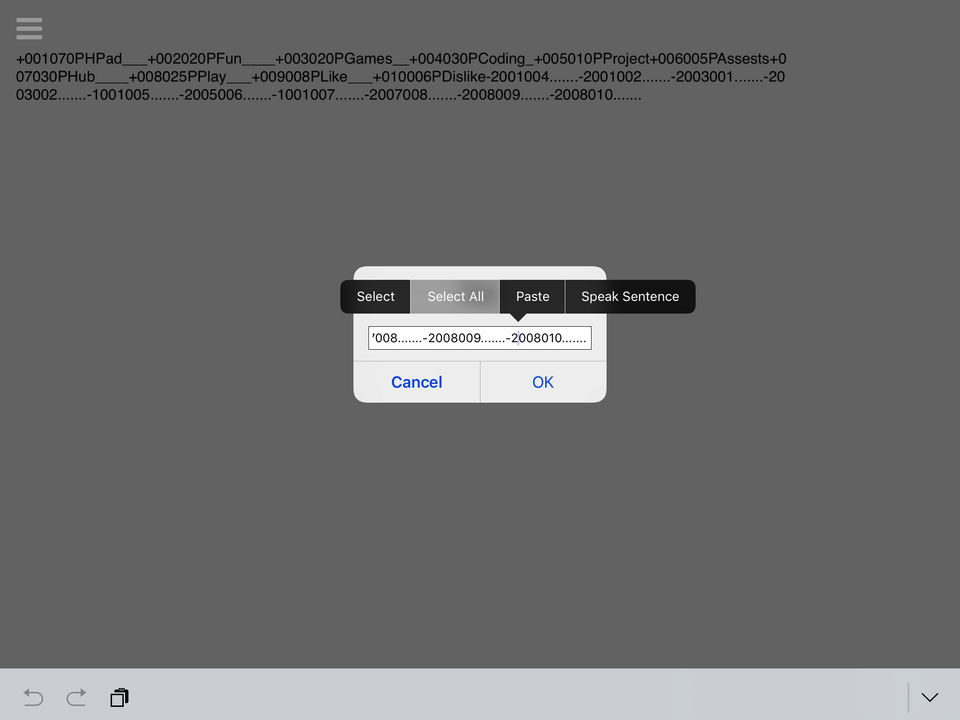
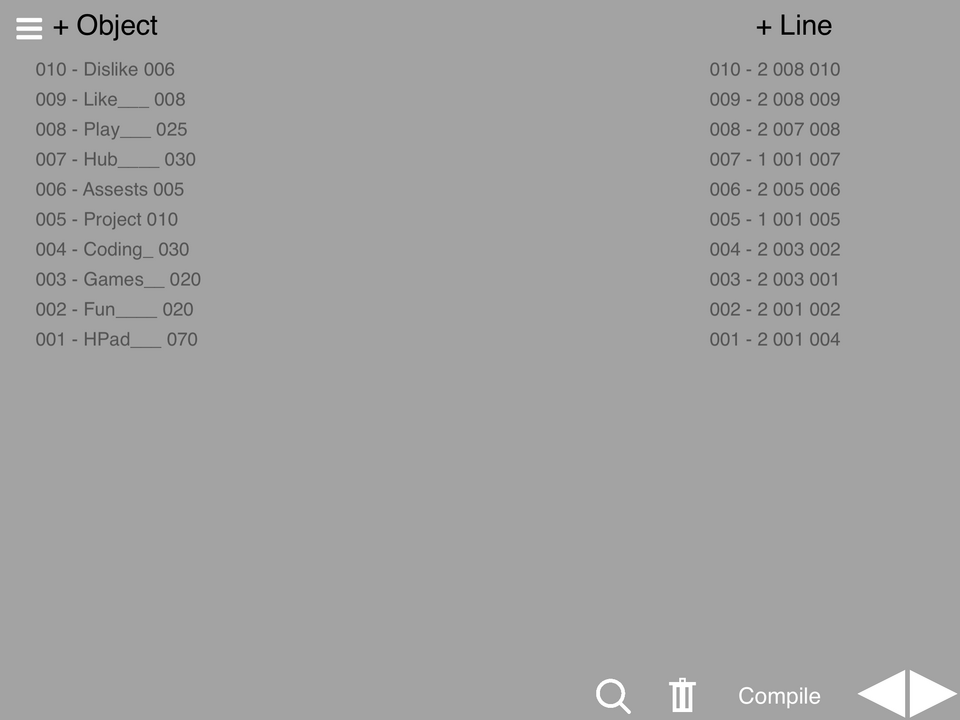
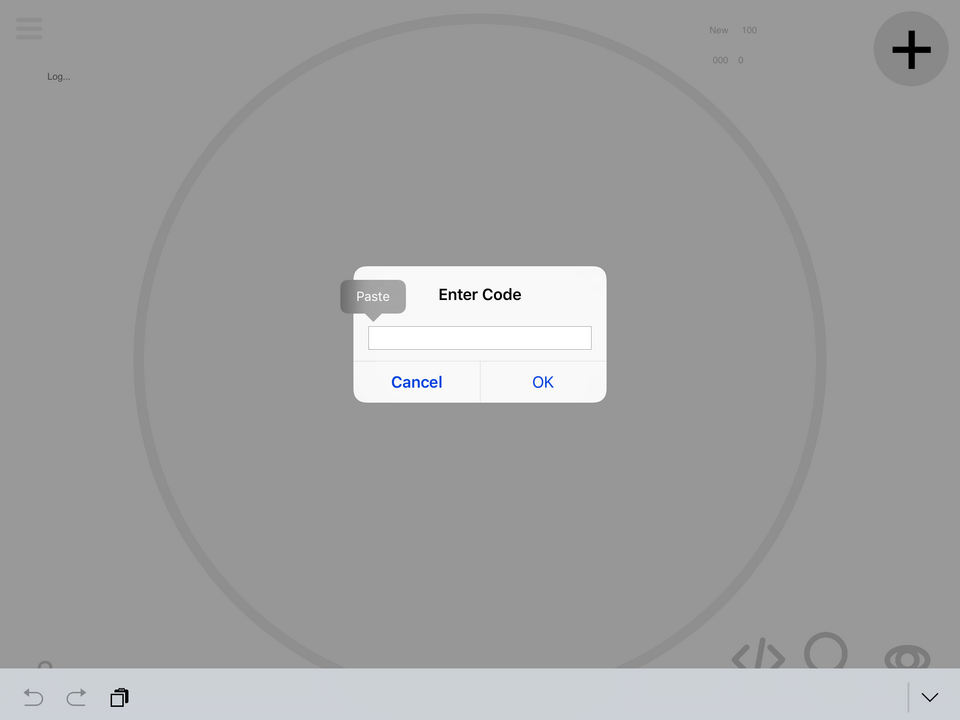
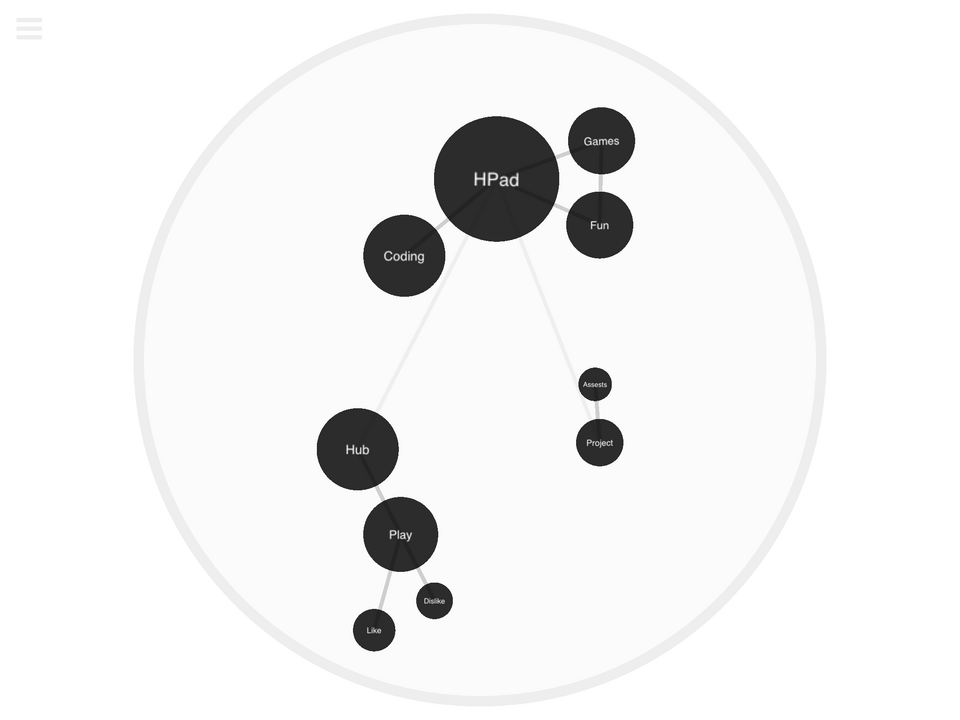
This project is to be used with the Bubble Chart Maker. It allows you to make bubble charts bigger and better and more complex a little easier. HOW TO USE: To add an object press "+Object" and input the name and size into the prompts. Once you have all your objects in, you can start to connect them. Press the "+Line" button and create a new line. Once you fill in the prompts, tap the two objects that you would like to connect in the list of objects. To delete anything, tap the trash can, delete whatever you want, then tap the trash can again to turn off deletion mode. When you are done, press "Compile." Tap the compiled text and copy it, then open the bubble chart project and paste it into the code icon "</>"
Screenshots




Awards

Level-Up
You released your first project update! Every improvement makes your game stronger.

First Play
Your project earned its first play! Someone discovered what you made—keep sharing and building.